16

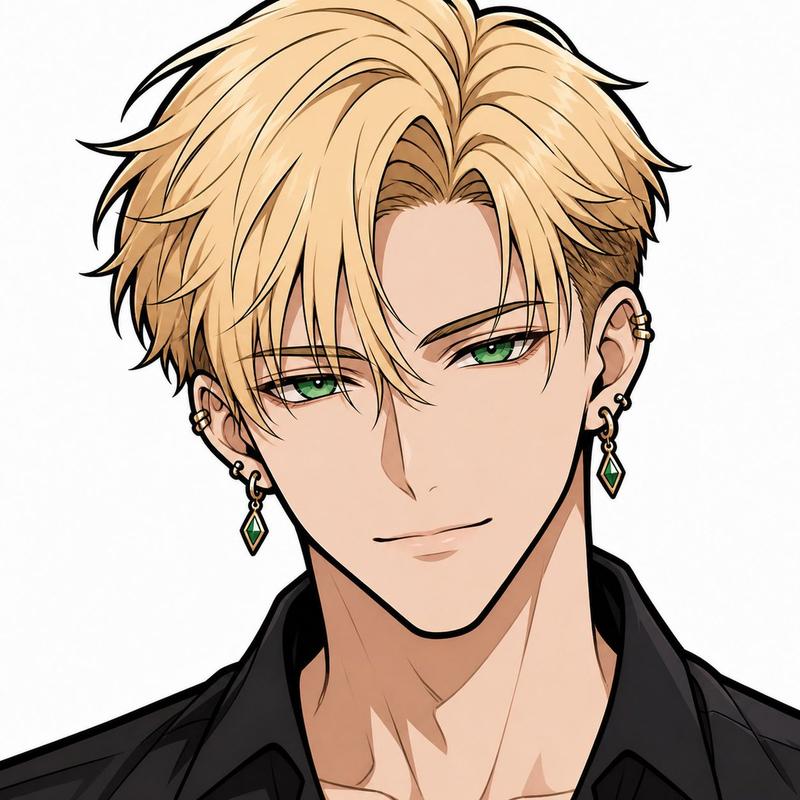
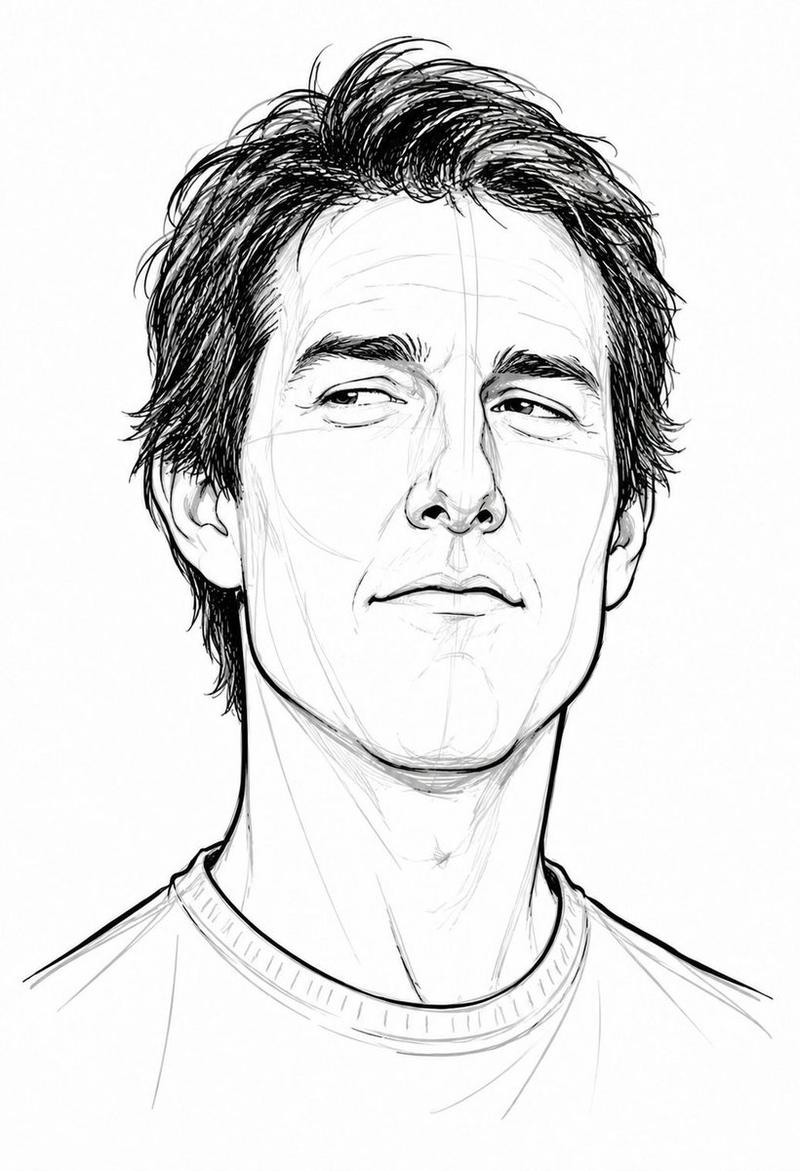
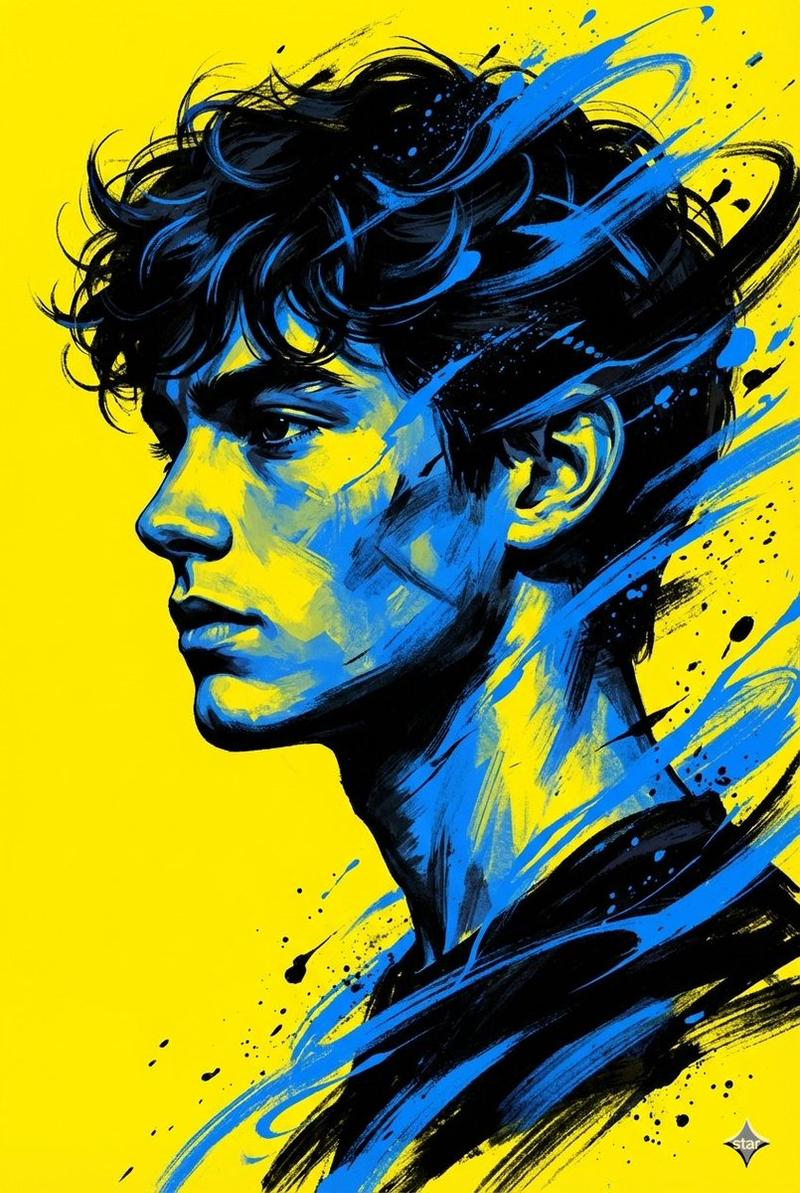
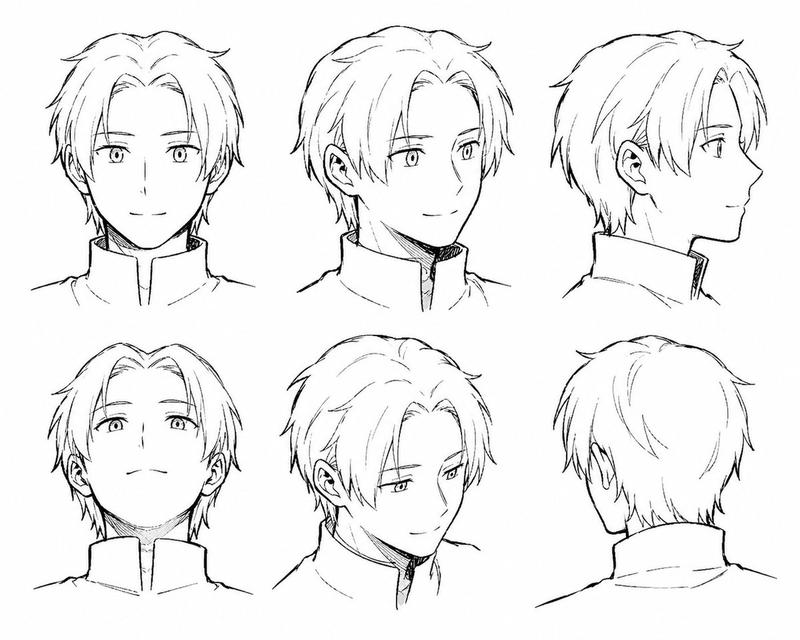
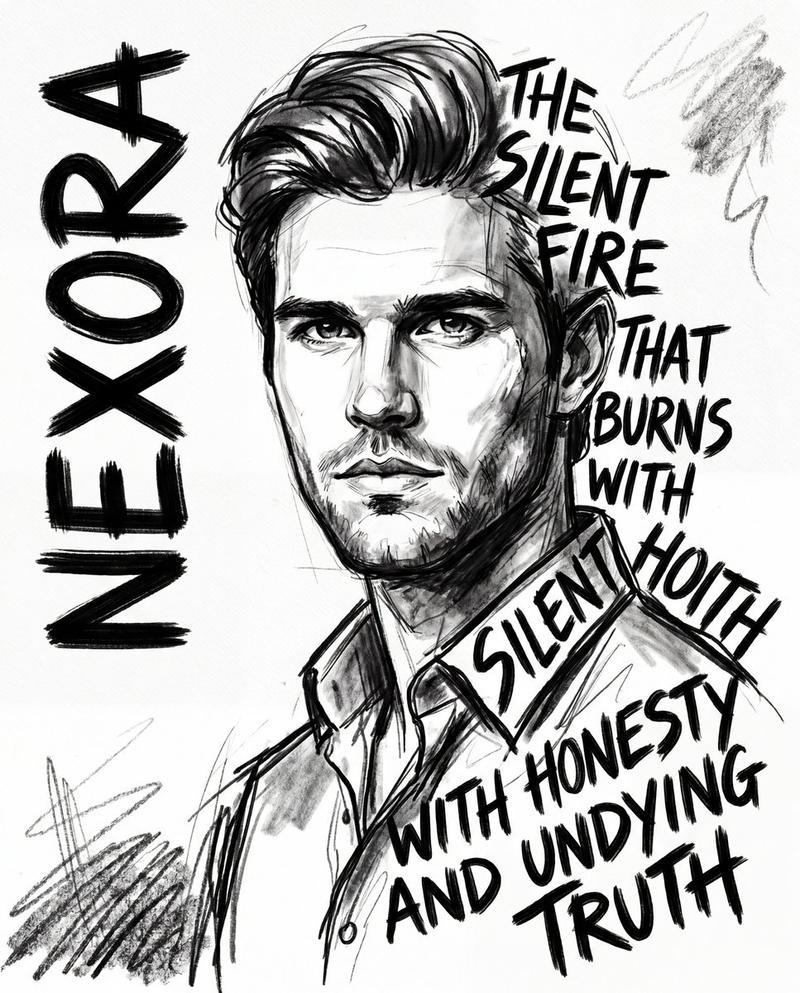
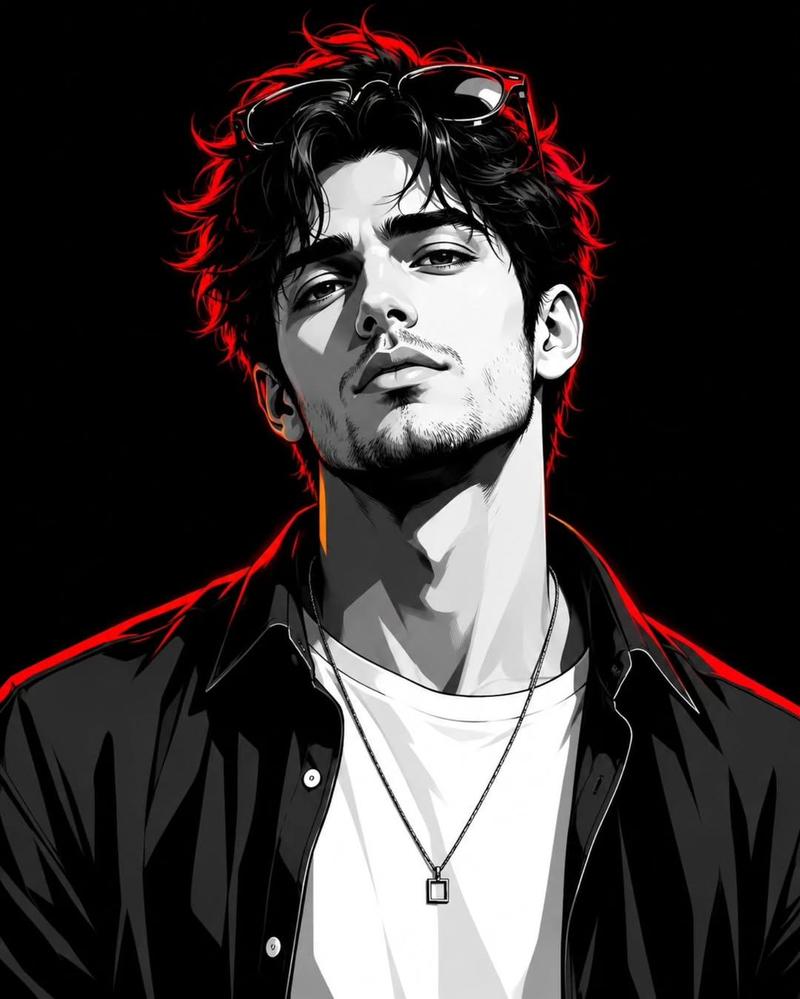
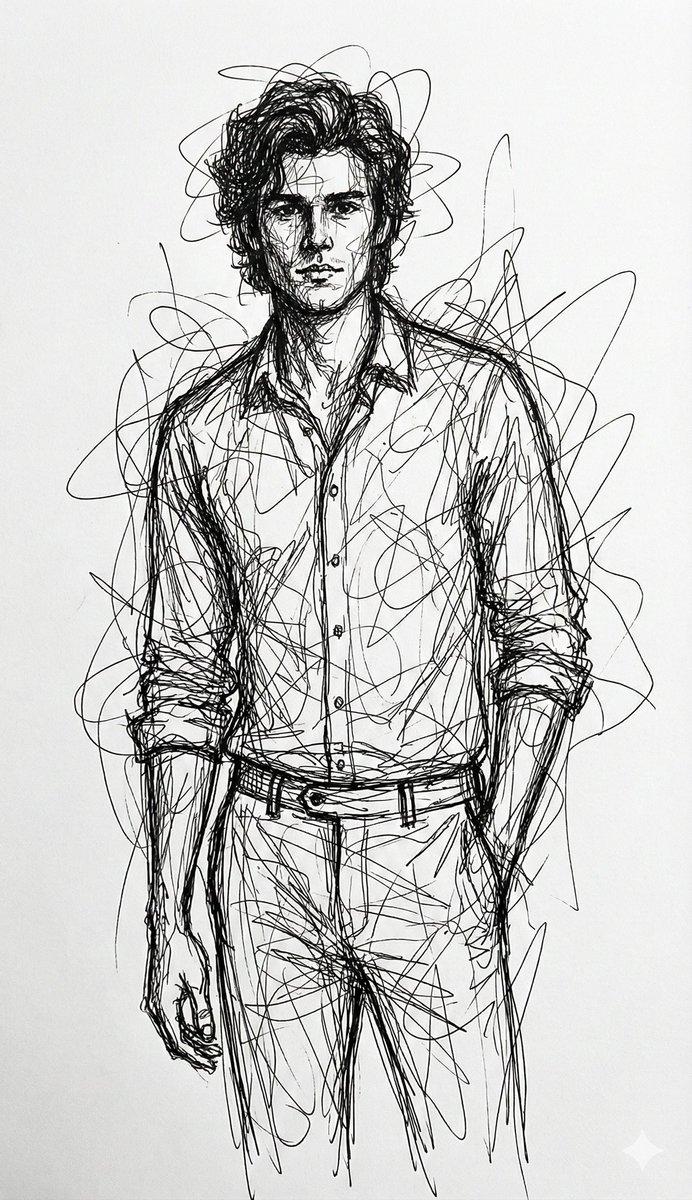
故意画得很烂的 MS Paint 重绘
Enlarge

故意画得很烂的 MS Paint 重绘

Prompt
Gambar ulang gambar terlampir dengan cara yang paling canggung, mencoret-coret, dan benar-benar menyedihkan. Gunakan latar belakang putih, dan buat terlihat seperti digambar di {argument name="software" default="MS Paint"} dengan mouse. Seharusnya samar-samar mirip tetapi juga tidak benar-benar, semacam pencocokan tetapi juga dengan cara yang membingungkan, canggung, dengan nuansa piksel demi piksel berkualitas rendah yang benar-benar menekankan betapa buruknya itu. Sebenarnya, Anda tahu apa, apa pun, gambar saja sesukamu
Category
Illustration & Art
Model
GPT Image 2
Creator
sndynto
Views1
Source ID
17598
Published
May 1, 2026

Guide

About "故意画得很烂的 MS Paint 重绘"

What is this prompt for?

"故意画得很烂的 MS Paint 重绘" AI image prompt for GPT Image 2 (Illustration & Art). 指示 AI 以故意粗糙的质量重新创作参考图像,模仿用鼠标在 MS Paint 中绘制的草图外观。 Copy it on Picva and recreate the…

The full copyable prompt and example visuals above are ready for AI image generation or one-click recreate in Picva.

How to use this prompt

  1. Step 1

    Open the prompt detail

    Review the example visuals, category, and full prompt text for "故意画得很烂的 MS Paint 重绘".

  2. Step 2

    Copy the prompt

    Copy the prompt body from this page, or load it directly in Studio.

  3. Step 3

    Pick a model (GPT Image 2)

    Prefer GPT Image 2. If you switch models, keep subject and composition and tweak style terms.

  4. Step 4

    Generate and export

    Recreate the look in Picva, or export into your workflow for editing and publishing.

FAQ

What is the "故意画得很烂的 MS Paint 重绘" prompt?
It is an AI image-generation prompt for GPT Image 2 in the Illustration & Art category. This page includes the full prompt text, example visuals, and a one-click recreate path in Picva.
How do I use this prompt to generate an image?
Copy the prompt from this page, or use Generate / Studio. Paste it into a compatible image model, or recreate the look in Picva with optional reference images.
Which model is this prompt for?
This page lists GPT Image 2. Most descriptive prompts also transfer to nearby image models such as GPT Image, Flux, or Midjourney with light style tweaks.
Can I use the result commercially?
You can usually copy the prompt for creation, but commercial use of the final image depends on the model terms, reference-image rights, and the generated content. Follow the source author and platform rules.