17

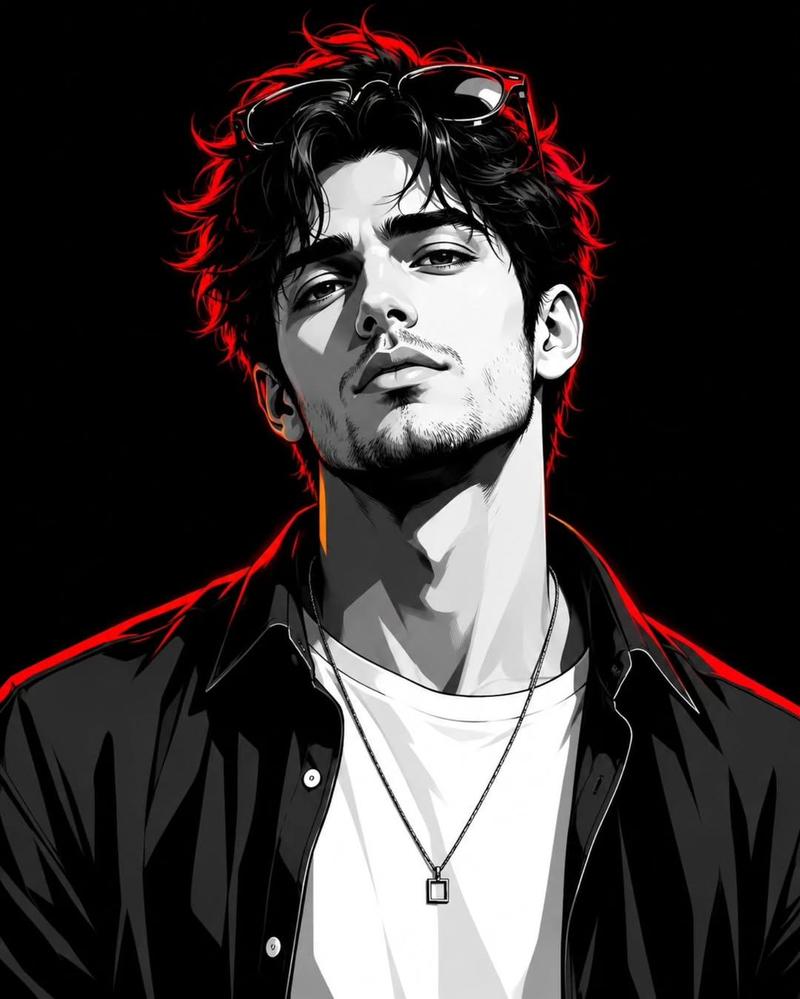
极简黑白男性剪影
Enlarge

极简黑白男性剪影

Prompt
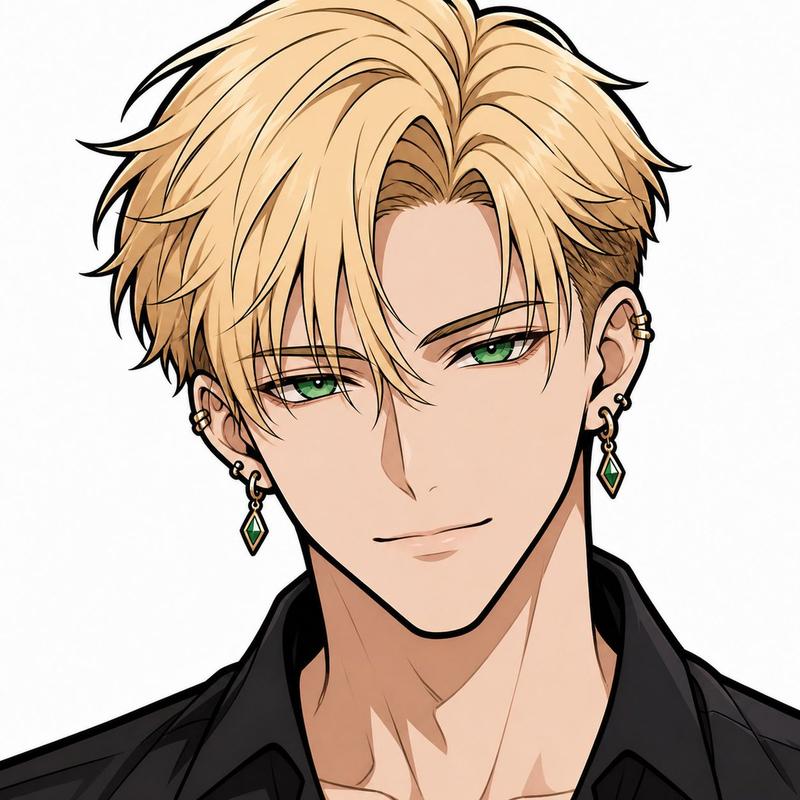
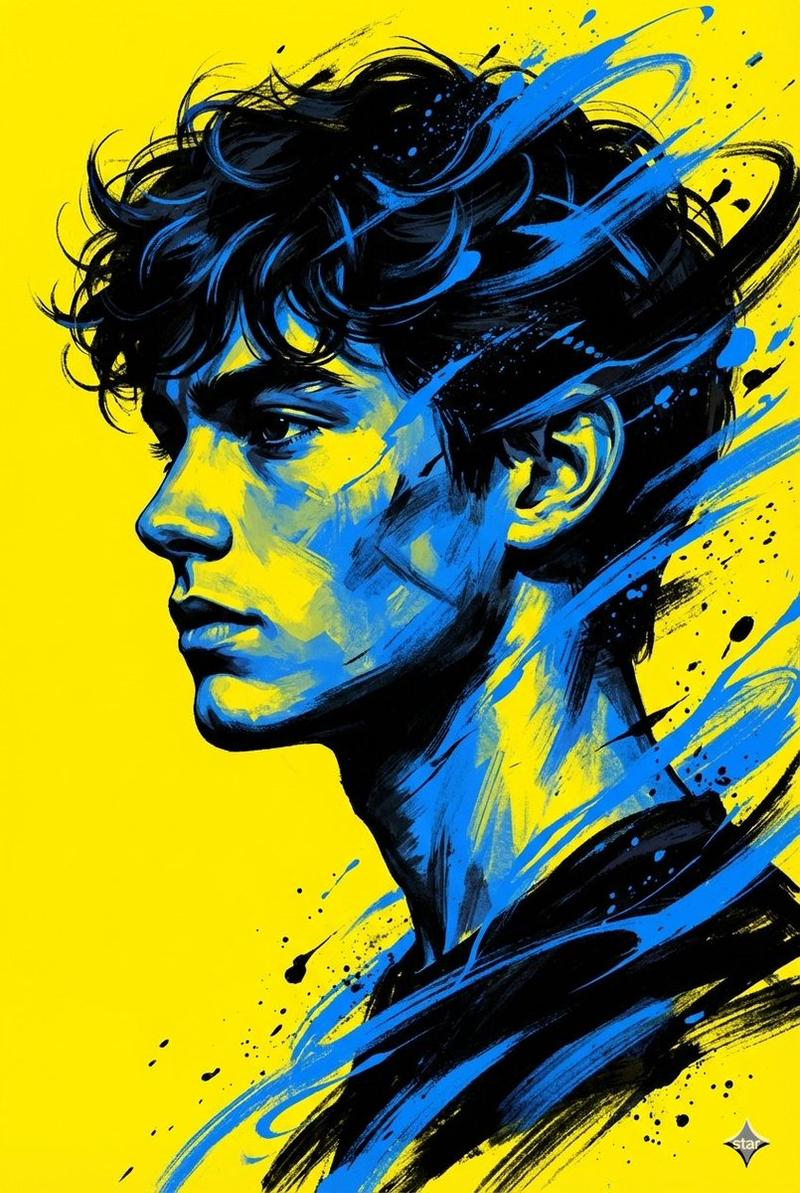
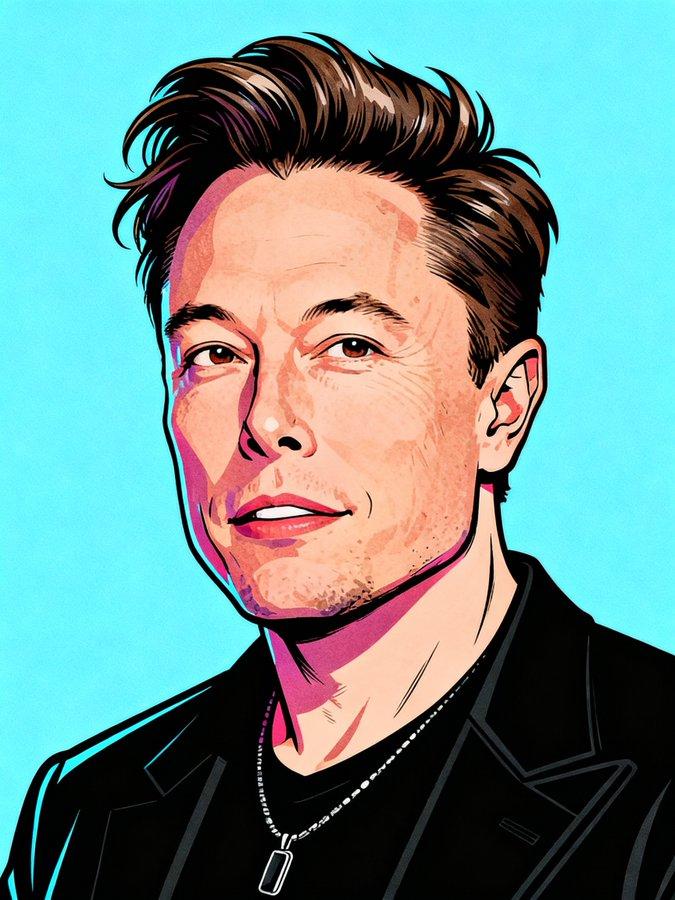
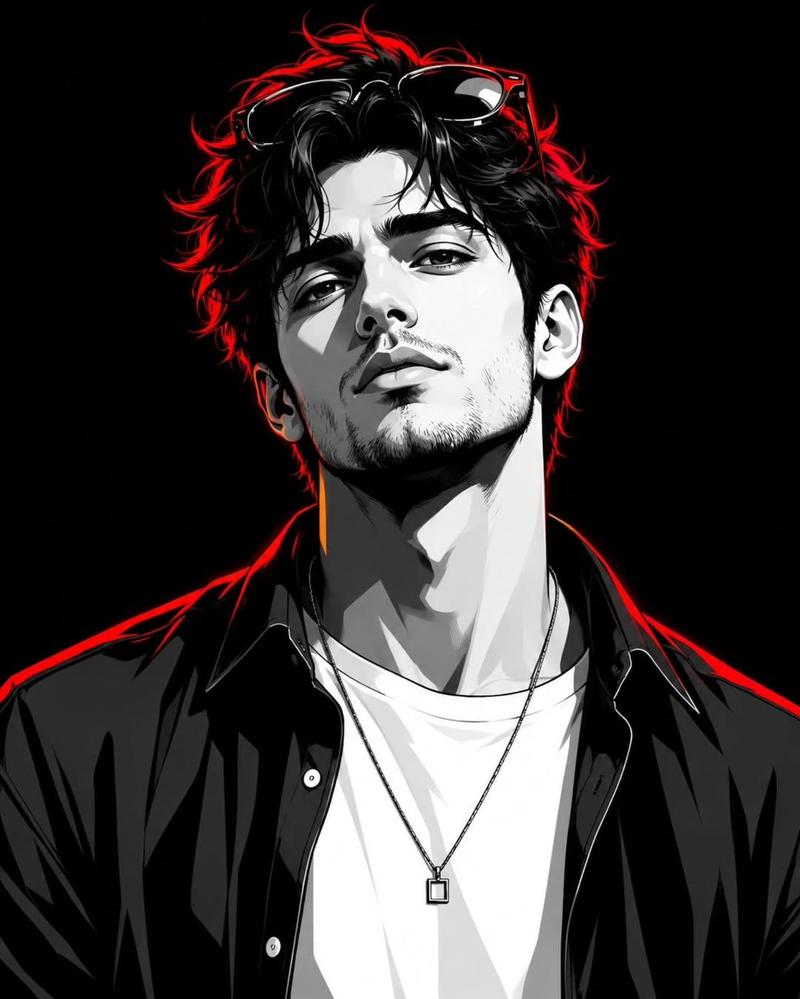
A minimalist high-contrast black-and-white vector portrait of a young man from the shoulders up, shown in a three-quarter side profile facing left, with the face intentionally omitted or left blank as a clean negative space silhouette. He has thick tousled medium-length hair with layered volume, messy side-swept bangs, and sharp white highlight streaks across the black hair; one ear is clearly visible on the right side, and the jawline, neck, and collar are stylized with smooth graphic curves. He wears a dark simple crew-neck top or jacket rendered as a bold black shape with a few crisp white accent lines. The composition is centered and tightly cropped, with a plain light gray to off-white background, no text, no props, no extra objects, and no facial features. Use a sleek modern logo-like anime-meets-editorial silhouette style, clean vector edges, minimal shading, dramatic negative space, poster design aesthetics, and a square format.
Category
Charts & Infographics
Model
GPT Image 2
Creator
潮生
Views39
Source ID
17634
Published
May 1, 2026

Guide

About "极简黑白男性剪影"

What is this prompt for?

"极简黑白男性剪影" AI image prompt for GPT Image 2 (Charts & Infographics). 一款简洁的单色矢量风格年轻男性肖像,非常适合用于 Logo 设计、头像创作或现代海报美学。 Copy it on Picva and recreate the look in one…

The full copyable prompt and example visuals above are ready for AI image generation or one-click recreate in Picva.

How to use this prompt

  1. Step 1

    Open the prompt detail

    Review the example visuals, category, and full prompt text for "极简黑白男性剪影".

  2. Step 2

    Copy the prompt

    Copy the prompt body from this page, or load it directly in Studio.

  3. Step 3

    Pick a model (GPT Image 2)

    Prefer GPT Image 2. If you switch models, keep subject and composition and tweak style terms.

  4. Step 4

    Generate and export

    Recreate the look in Picva, or export into your workflow for editing and publishing.

FAQ

What is the "极简黑白男性剪影" prompt?
It is an AI image-generation prompt for GPT Image 2 in the Charts & Infographics category. This page includes the full prompt text, example visuals, and a one-click recreate path in Picva.
How do I use this prompt to generate an image?
Copy the prompt from this page, or use Generate / Studio. Paste it into a compatible image model, or recreate the look in Picva with optional reference images.
Which model is this prompt for?
This page lists GPT Image 2. Most descriptive prompts also transfer to nearby image models such as GPT Image, Flux, or Midjourney with light style tweaks.
Can I use the result commercially?
You can usually copy the prompt for creation, but commercial use of the final image depends on the model terms, reference-image rights, and the generated content. Follow the source author and platform rules.