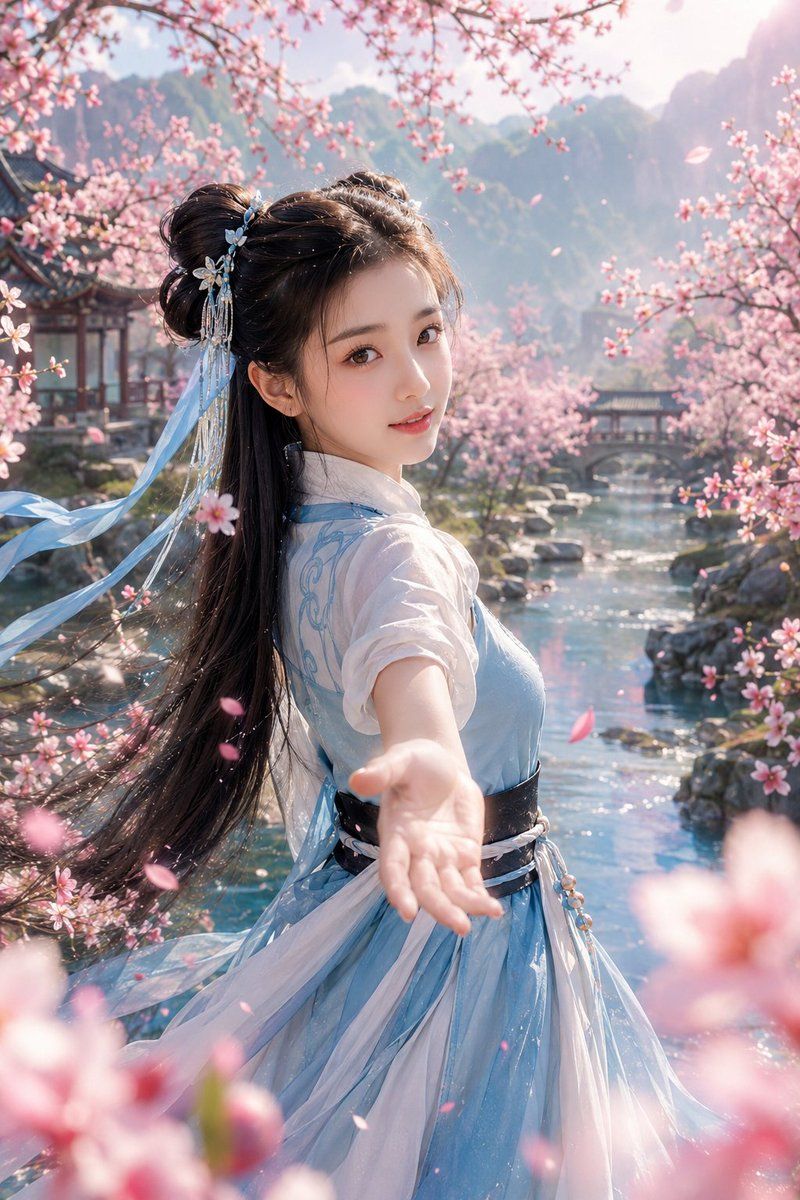
桃花仙侠初遇
Prompt
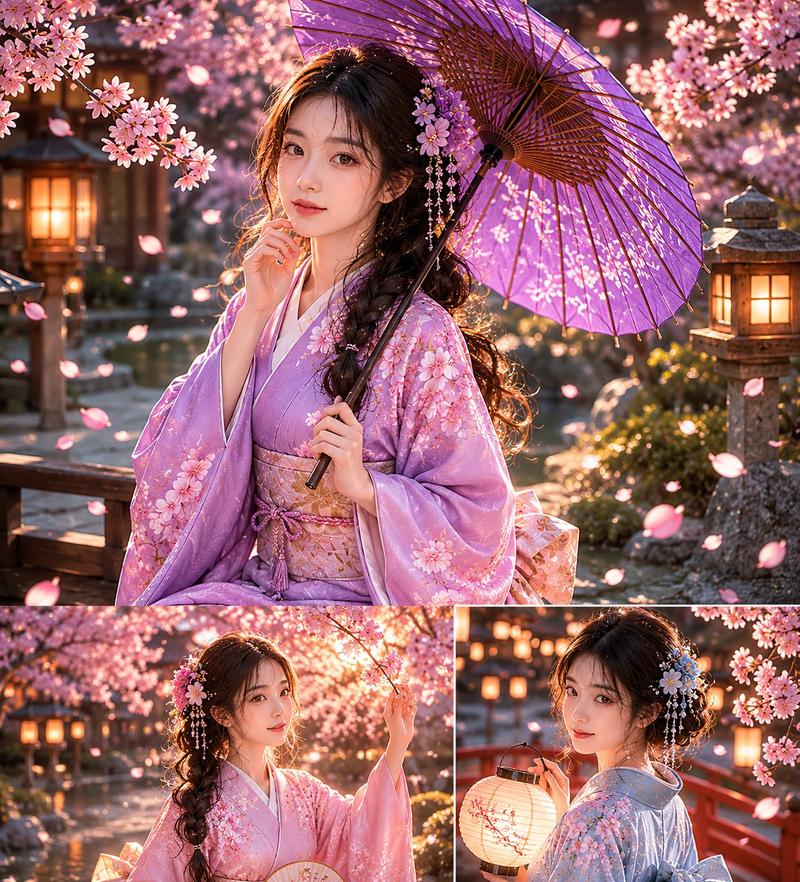
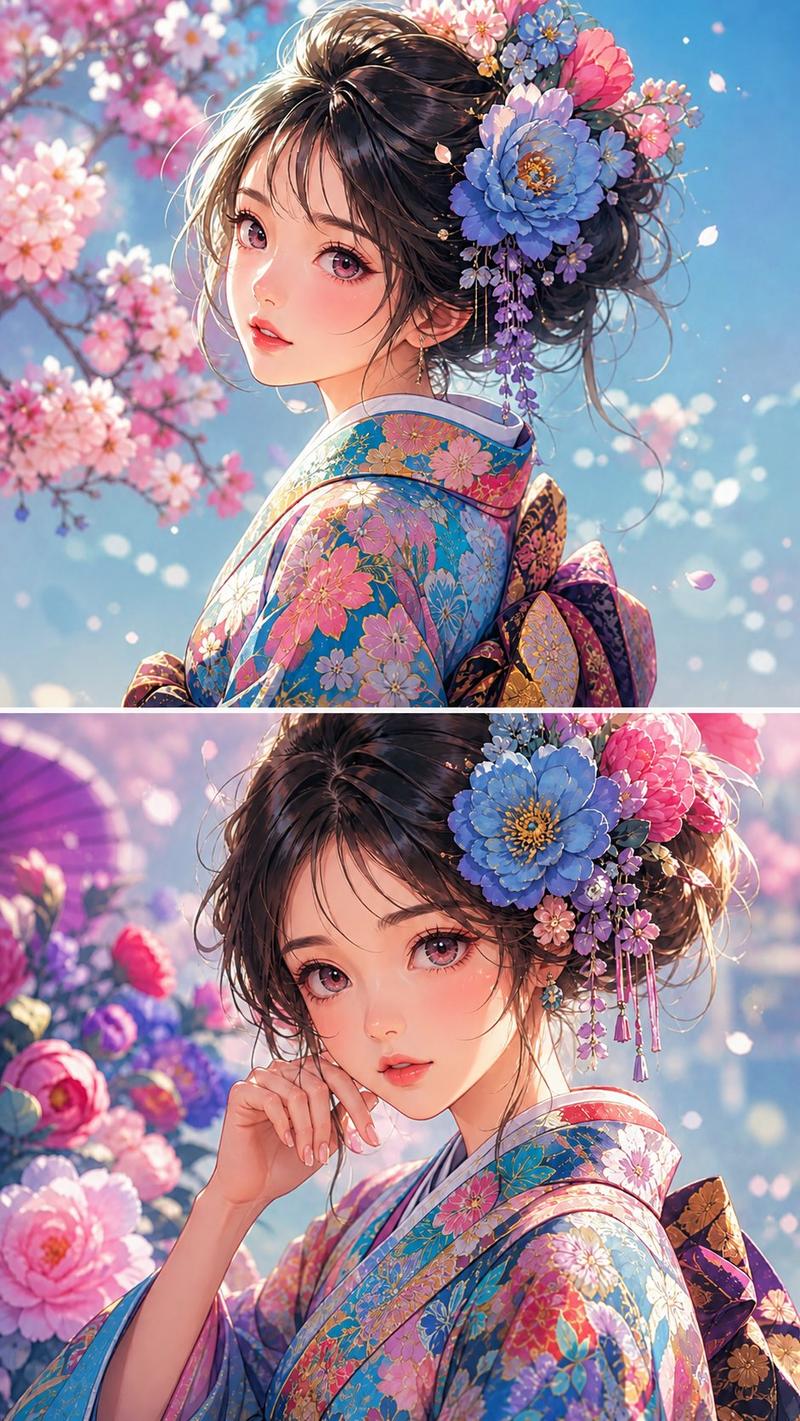
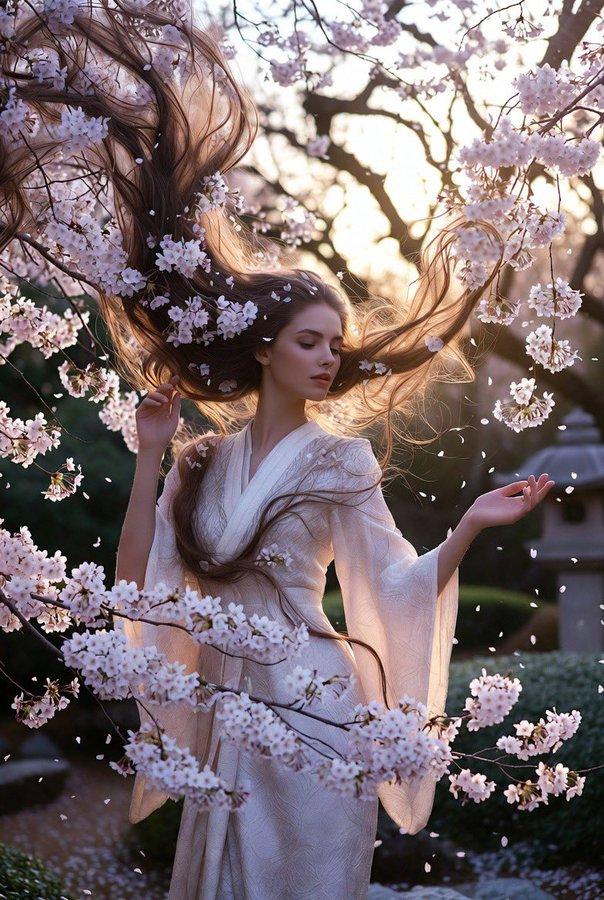
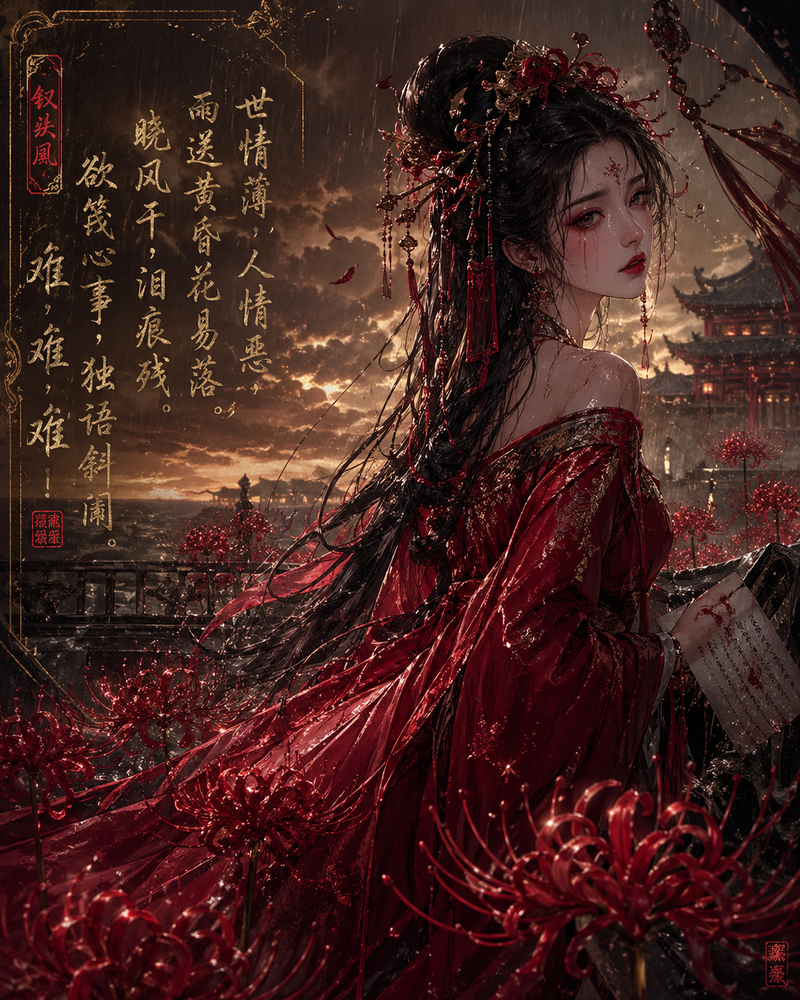
Create a cinematic romantic xianxia poster of {argument name="character name" default="Zhao Ling'er"} during a peach-blossom first encounter, vertical 2:3 composition. Show a young, innocent, gentle Chinese fairy-like woman in a flowing {argument name="dress color" default="pale blue and white"} hanfu, standing beside a clear turquoise stream and turning back toward the viewer with one arm extended forward as if inviting the viewer to take her hand. Her long dark hair is half-up in an elegant bun with floral hairpins, silver ornaments, beads, and long translucent blue ribbons streaming in the breeze; her skirt and sleeves are layered, sheer, and luminous, with a dark waist sash and delicate fantasy embroidery. The face area is covered by a simple square soft brown censor block centered over the face. Surround her with abundant pink peach blossoms: branches arch across the top and sides, blossoms frame the foreground with dreamy bokeh, and loose petals drift through the air. Background: an idyllic ancient Chinese garden valley with traditional wooden pavilions on the left and mid-distance, an arched stone bridge over the stream, mossy rocks, sparkling water reflections, and misty green mountains fading into bright morning haze. Mood: not dark, not oppressive, not cold or tragic; instead pure, tender, lively, lovable, heart-stirring, and innocent. Use ultra-detailed cinematic realism, soft pastel colors, luminous backlight from the upper right, shallow depth of field, gentle lens bloom, sparkling water highlights, floating petals, ethereal fairy-tale atmosphere, high-end movie poster quality. No text, no logo, no watermark.- Category
- Charts & Infographics
- Model
- GPT Image 2
- Creator
- 小英镑知识分享
- Source ID
- 20717
- Published
- May 15, 2026
Views12