17

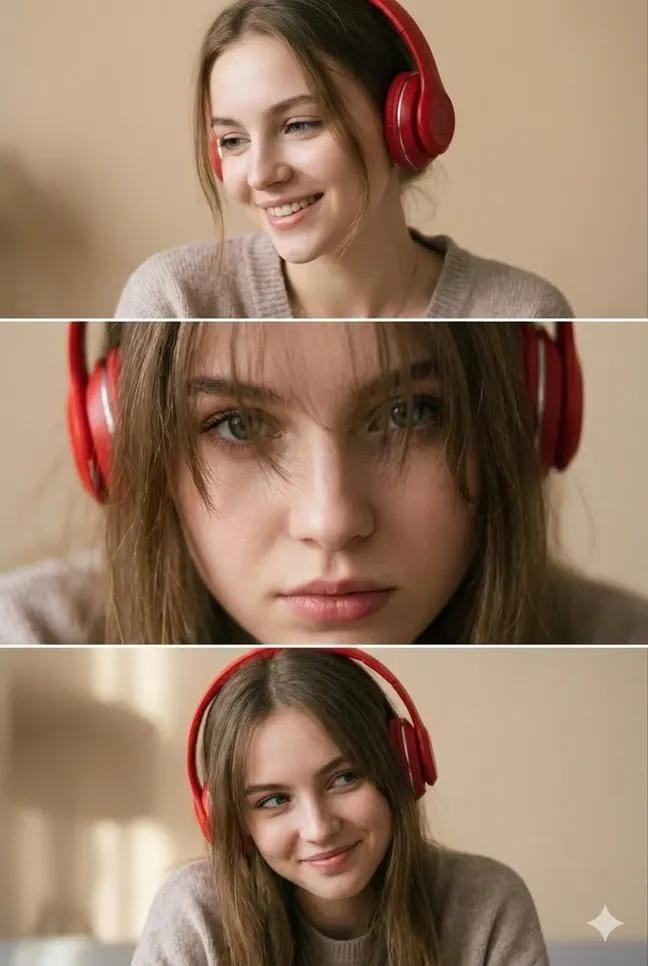
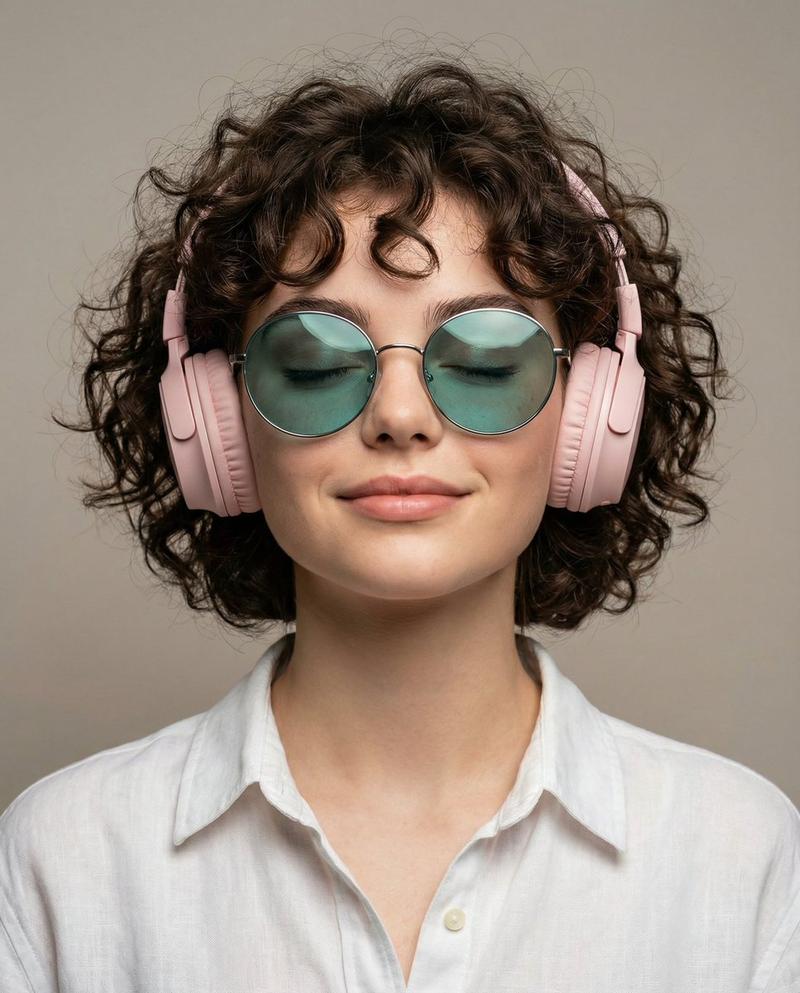
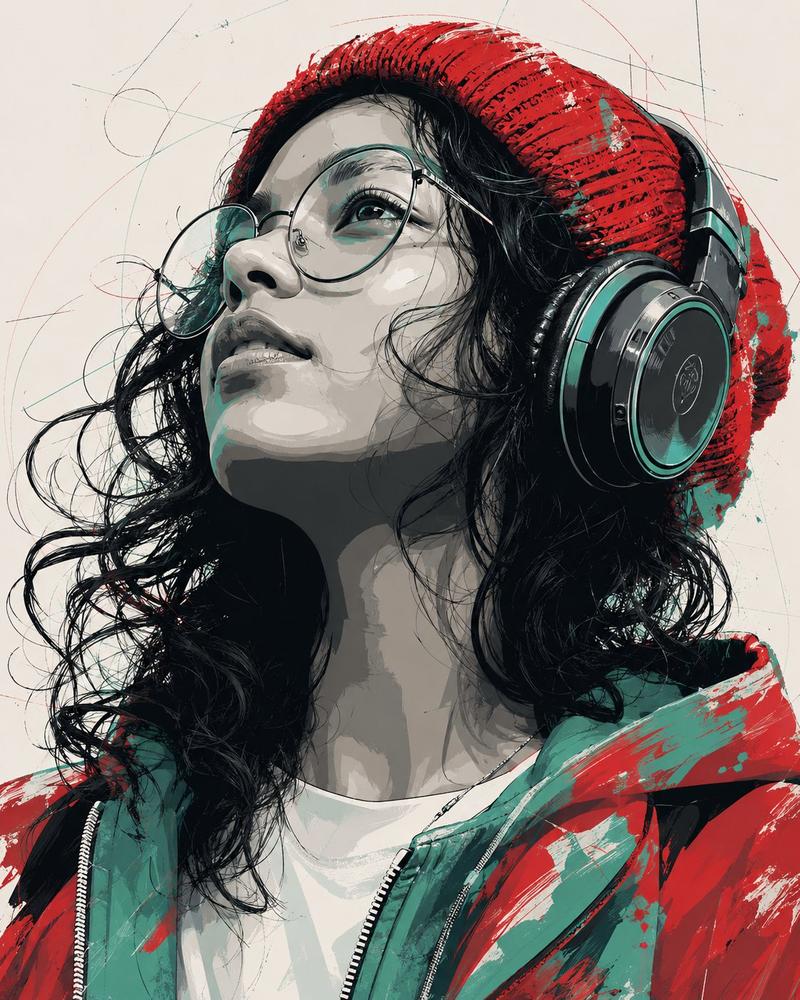
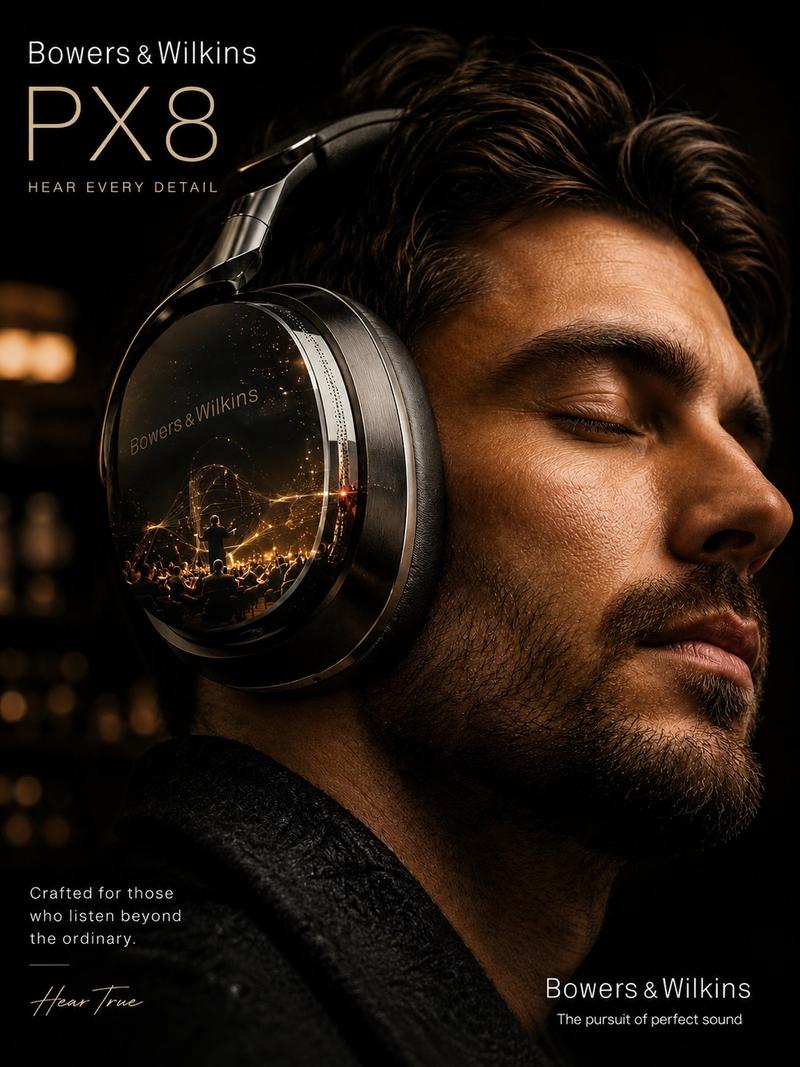
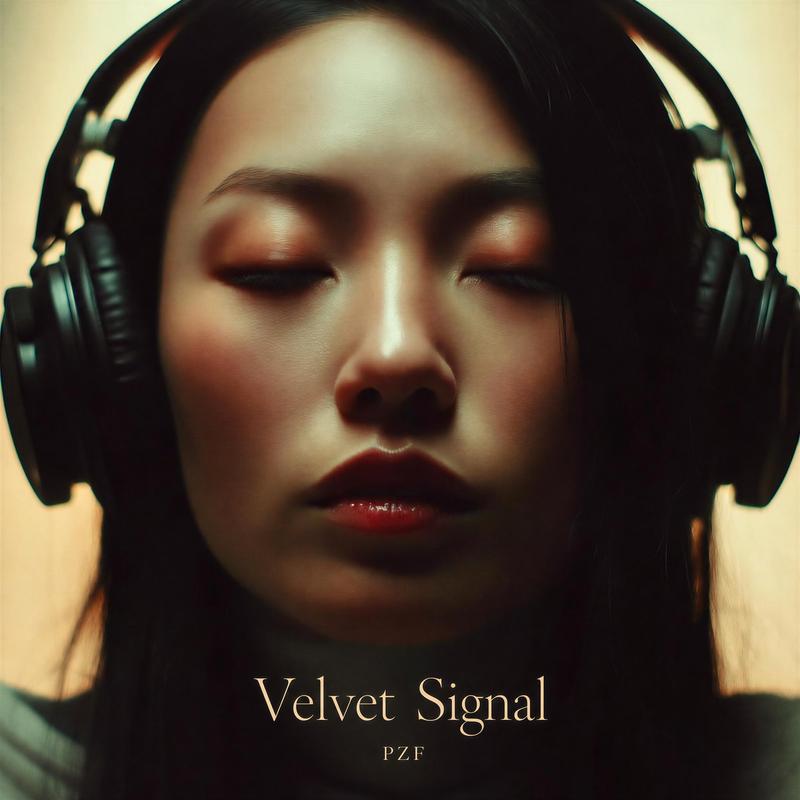
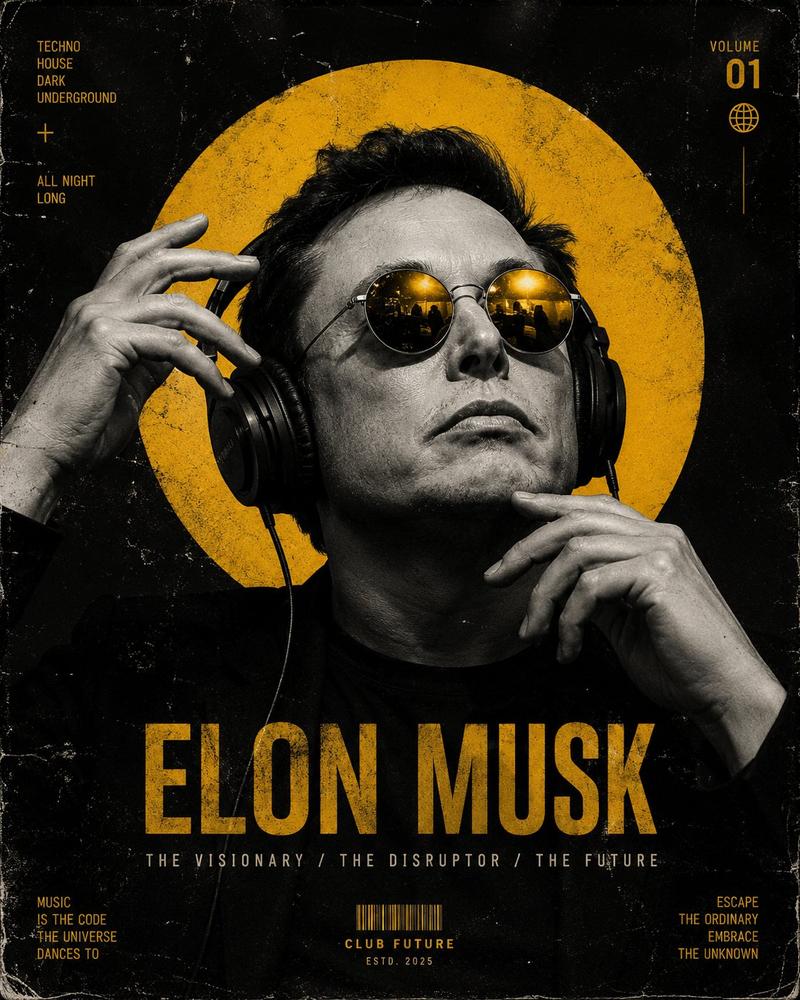
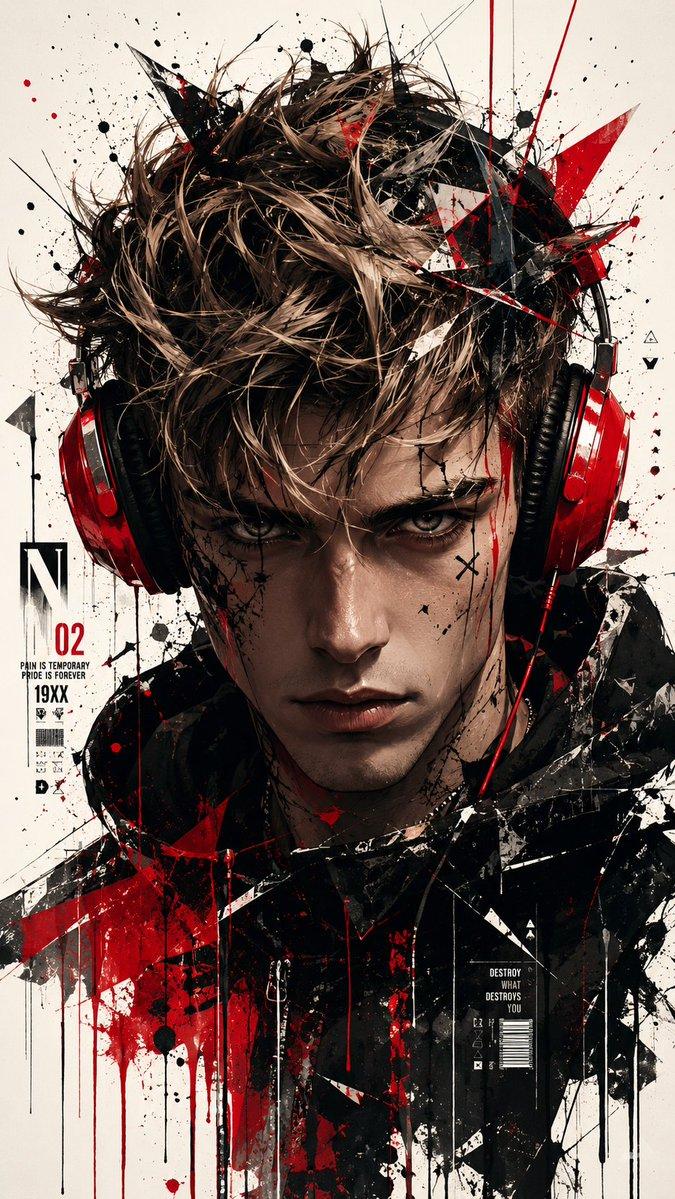
极简主义耳机生活方式广告
Enlarge

极简主义耳机生活方式广告

Prompt
Minimalist lifestyle advertisement featuring a young man wearing {argument name="headphone color" default="red"} over-ear headphones, eyes closed, calm and immersed in music, soft natural lighting with {argument name="background" default="pastel sky background"}, clean composition with lots of negative space, modern aesthetic. Split-frame storytelling layout: top frame medium shot, middle frame black-and-white extreme close-up of closed eyes with glasses, bottom frame detailed close-up of premium headphones texture.Subtle depth of field, ultra-realistic skin texture, crisp product detailing, premium brand feel. Add elegant handwritten typography text: “{argument name="tagline" default="Tuning out the noise"}”. Soft color grading, warm tones, cinematic photography, high-end commercial style, 4K
Category
Charts & Infographics
Model
GPT Image 2
Creator
Karlos
Views2
Source ID
17789
Published
May 2, 2026

Guide

About "极简主义耳机生活方式广告"

What is this prompt for?

"极简主义耳机生活方式广告" AI image prompt for GPT Image 2 (Charts & Infographics). 一个用于耳机广告的极简主义生活方式分屏提示词,采用三段式叙事布局,辅以柔和的自然光和柔和色调。 Copy it on Picva and recreate the look…

The full copyable prompt and example visuals above are ready for AI image generation or one-click recreate in Picva.

How to use this prompt

  1. Step 1

    Open the prompt detail

    Review the example visuals, category, and full prompt text for "极简主义耳机生活方式广告".

  2. Step 2

    Copy the prompt

    Copy the prompt body from this page, or load it directly in Studio.

  3. Step 3

    Pick a model (GPT Image 2)

    Prefer GPT Image 2. If you switch models, keep subject and composition and tweak style terms.

  4. Step 4

    Generate and export

    Recreate the look in Picva, or export into your workflow for editing and publishing.

FAQ

What is the "极简主义耳机生活方式广告" prompt?
It is an AI image-generation prompt for GPT Image 2 in the Charts & Infographics category. This page includes the full prompt text, example visuals, and a one-click recreate path in Picva.
How do I use this prompt to generate an image?
Copy the prompt from this page, or use Generate / Studio. Paste it into a compatible image model, or recreate the look in Picva with optional reference images.
Which model is this prompt for?
This page lists GPT Image 2. Most descriptive prompts also transfer to nearby image models such as GPT Image, Flux, or Midjourney with light style tweaks.
Can I use the result commercially?
You can usually copy the prompt for creation, but commercial use of the final image depends on the model terms, reference-image rights, and the generated content. Follow the source author and platform rules.