19

分割式人像编辑摄影
Enlarge

分割式人像编辑摄影

Prompt
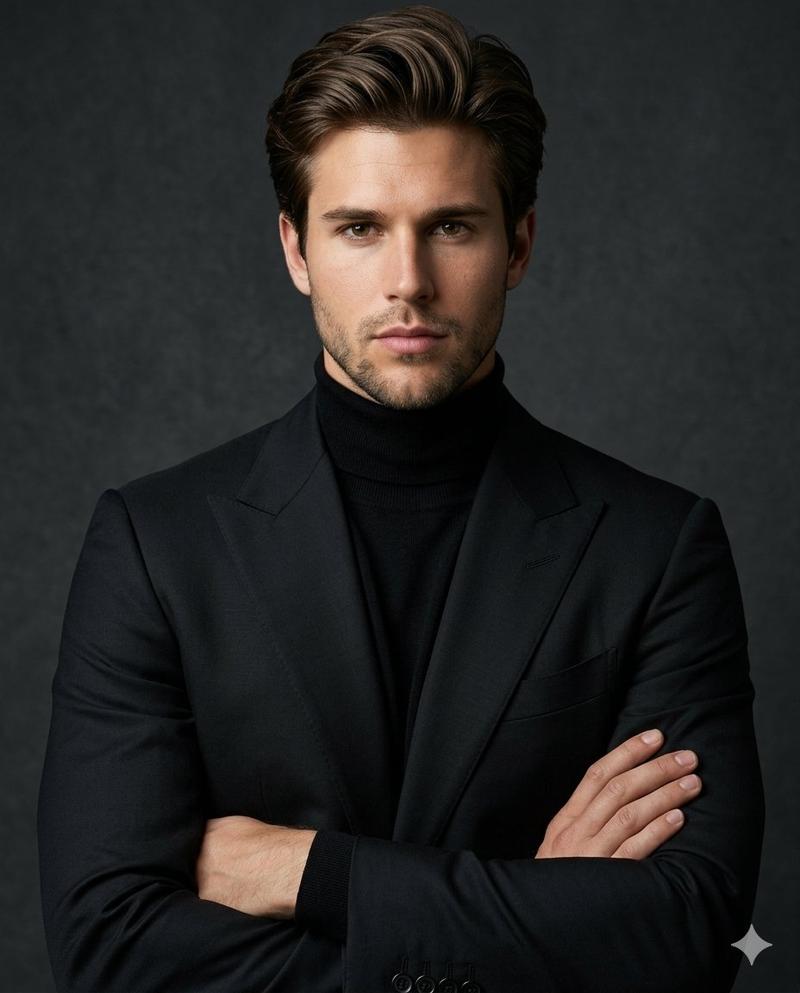
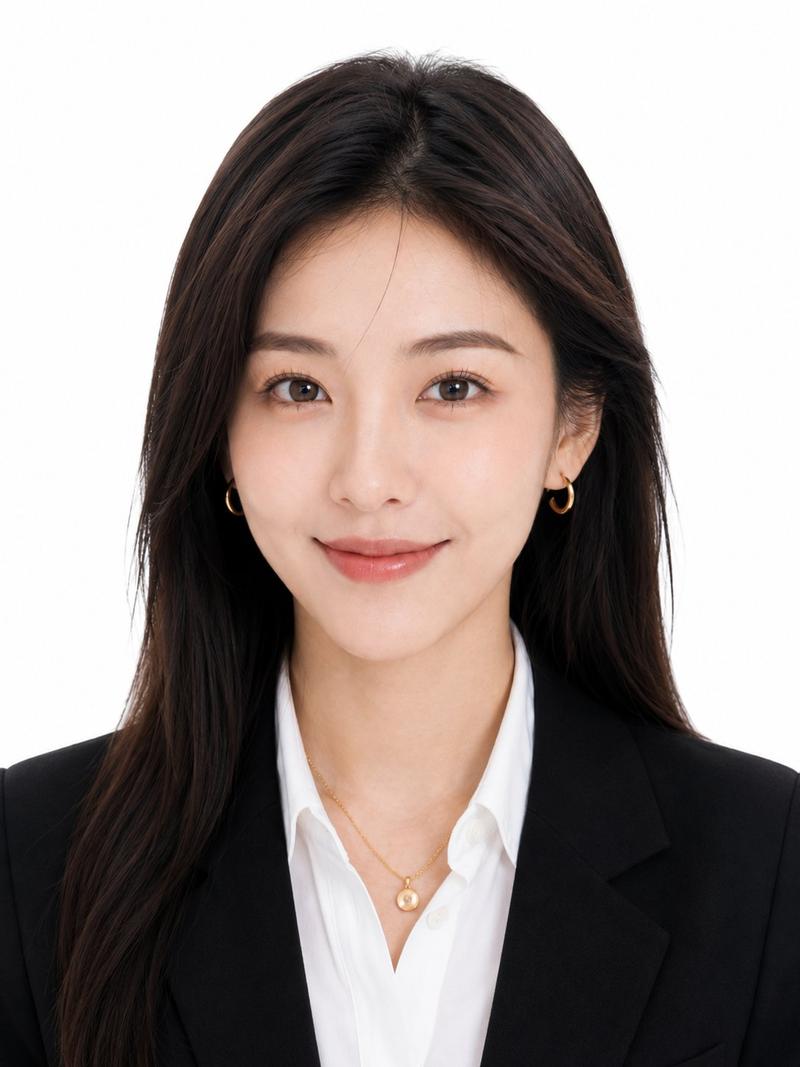
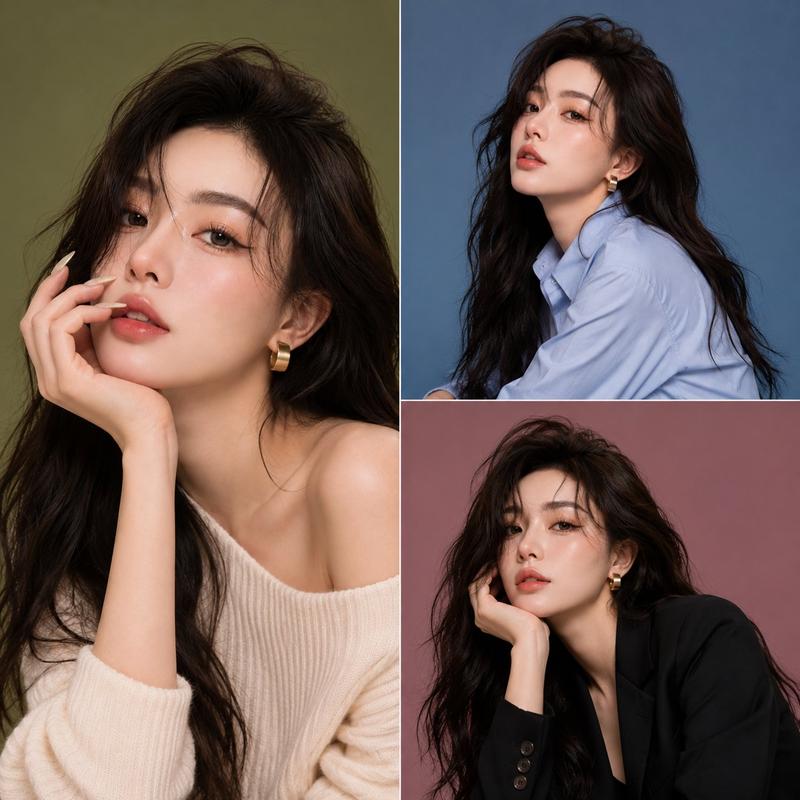
Create a high-quality, studio-style split portrait composition with two stacked sections (top and bottom).
Layout:
Vertical split (top half + bottom half)
Clean, minimal aesthetic
No text, no watermark, no overlay
Subtle grain or dust texture on background
Soft, cinematic lighting

TOP SECTION:
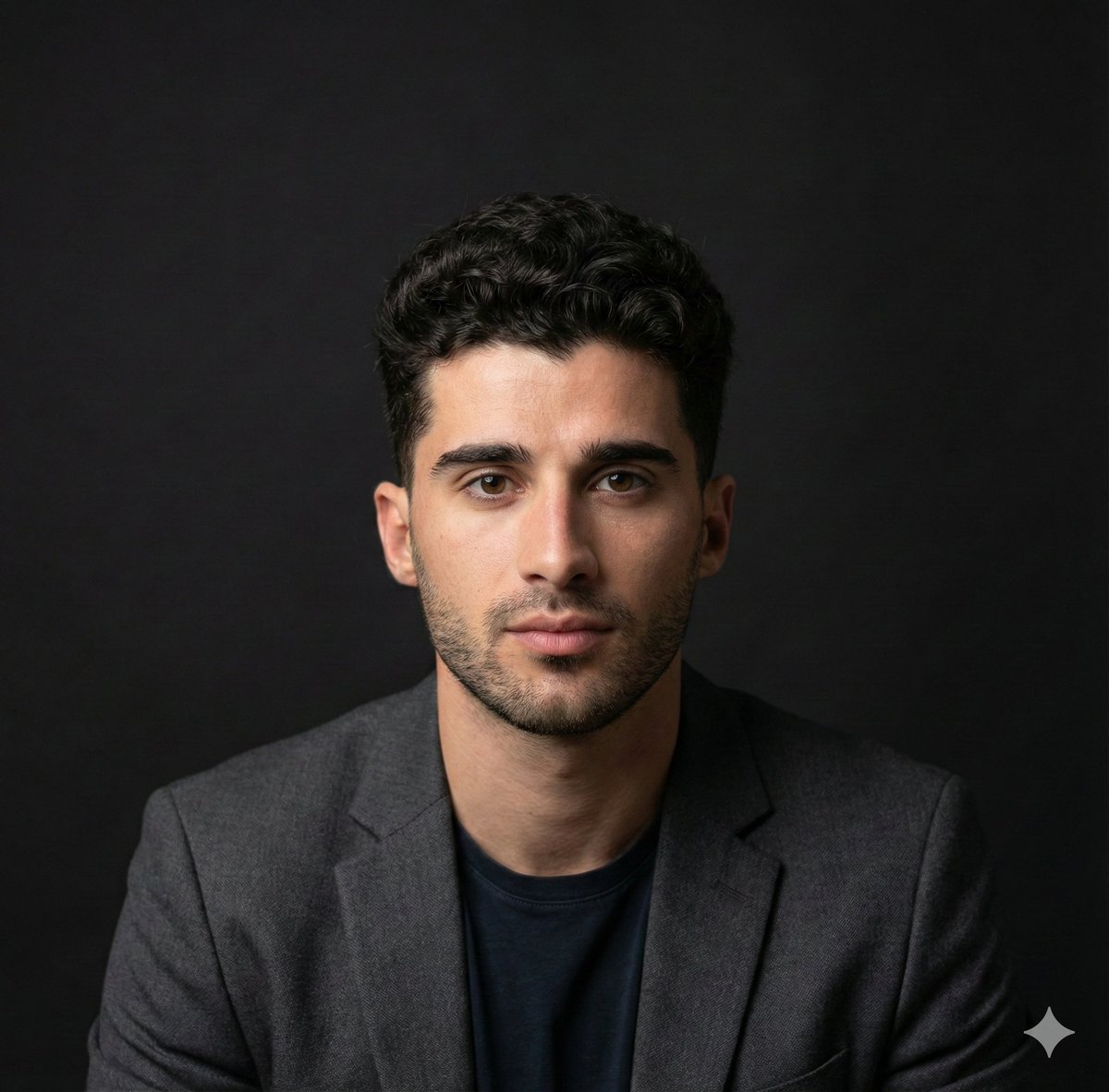
Use [REFERENCE IMAGE 1 – FACE ONLY]
Replace only the face, keep original pose and expression (wide smile, joyful, slightly playful)
Short messy hair look
Outfit: {argument name="top outfit" default="black blazer over a casual inner shirt"}
{argument name="background" default="Neutral grey studio background"}
Natural skin tones, realistic blending

BOTTOM SECTION:
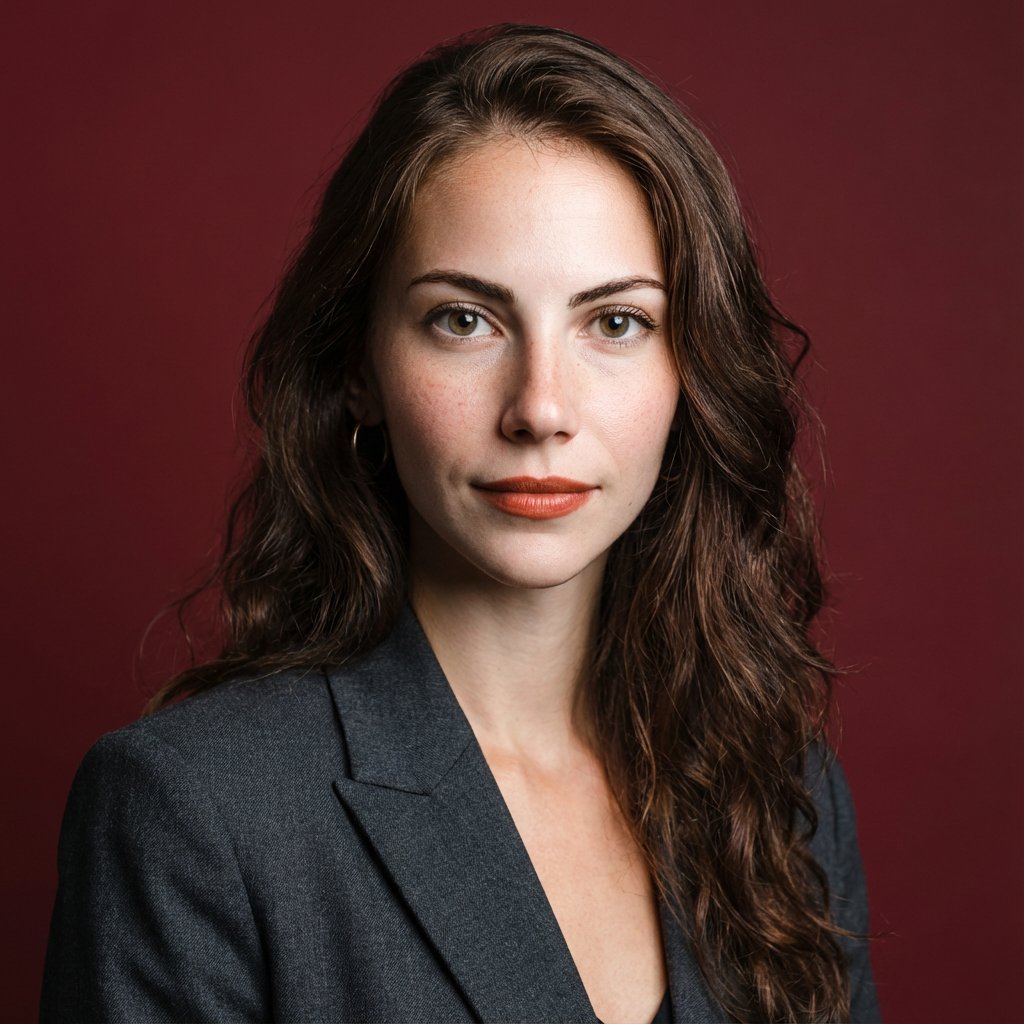
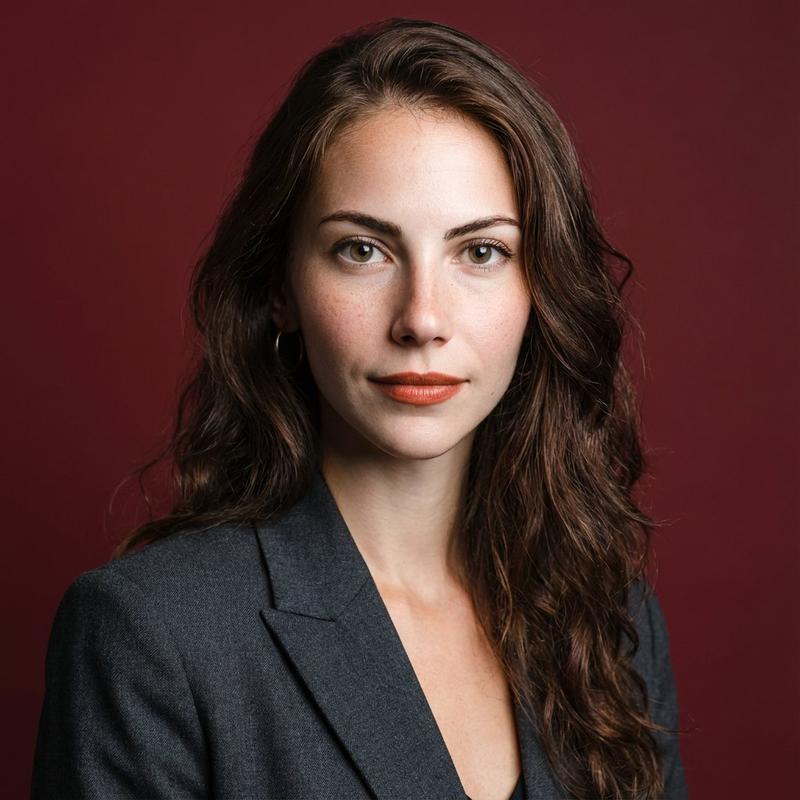
Use [REFERENCE IMAGE 2 – FACE ONLY]
Replace only the face, keep original pose (hand on cheek, looking sideways, thoughtful expression)
Long, soft styled hair
Outfit: {argument name="bottom outfit" default="elegant black blazer with subtle details (bow or ribbon)"}
Same neutral grey studio background
Maintain soft feminine lighting
Important:
Face swap must look natural and seamless
Match lighting, skin tone, and color grading across both sections
Keep original body, pose, and composition unchanged
High realism, sharp focus, premium editorial photography style
Style keywords: ultra realistic, studio portrait, soft lighting, editorial fashion, 85mm lens, shallow depth of field, cinematic tone, high detail
Category
Charts & Infographics
Model
GPT Image 2
Creator
auqib
Views3
Source ID
17804
Published
May 2, 2026

Guide

About "分割式人像编辑摄影"

What is this prompt for?

"分割式人像编辑摄影" AI image prompt for GPT Image 2 (Charts & Infographics). 一种复杂的摄影棚风格人像提示词,可创建垂直分割构图,非常适合无缝换脸和专业编辑摄影。 Copy it on Picva and recreate the look in one c…

The full copyable prompt and example visuals above are ready for AI image generation or one-click recreate in Picva.

How to use this prompt

  1. Step 1

    Open the prompt detail

    Review the example visuals, category, and full prompt text for "分割式人像编辑摄影".

  2. Step 2

    Copy the prompt

    Copy the prompt body from this page, or load it directly in Studio.

  3. Step 3

    Pick a model (GPT Image 2)

    Prefer GPT Image 2. If you switch models, keep subject and composition and tweak style terms.

  4. Step 4

    Generate and export

    Recreate the look in Picva, or export into your workflow for editing and publishing.

FAQ

What is the "分割式人像编辑摄影" prompt?
It is an AI image-generation prompt for GPT Image 2 in the Charts & Infographics category. This page includes the full prompt text, example visuals, and a one-click recreate path in Picva.
How do I use this prompt to generate an image?
Copy the prompt from this page, or use Generate / Studio. Paste it into a compatible image model, or recreate the look in Picva with optional reference images.
Which model is this prompt for?
This page lists GPT Image 2. Most descriptive prompts also transfer to nearby image models such as GPT Image, Flux, or Midjourney with light style tweaks.
Can I use the result commercially?
You can usually copy the prompt for creation, but commercial use of the final image depends on the model terms, reference-image rights, and the generated content. Follow the source author and platform rules.