20

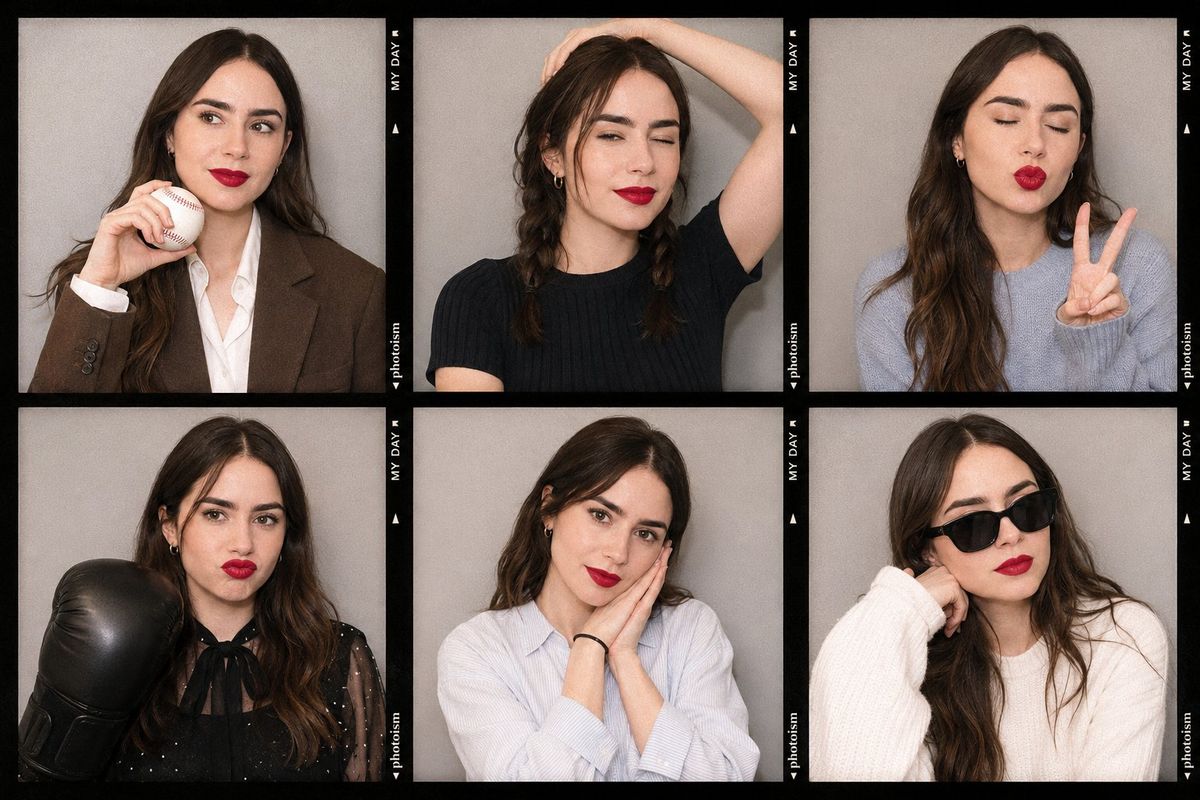
韩式拍贴机风格拼图
Enlarge

韩式拍贴机风格拼图

Prompt
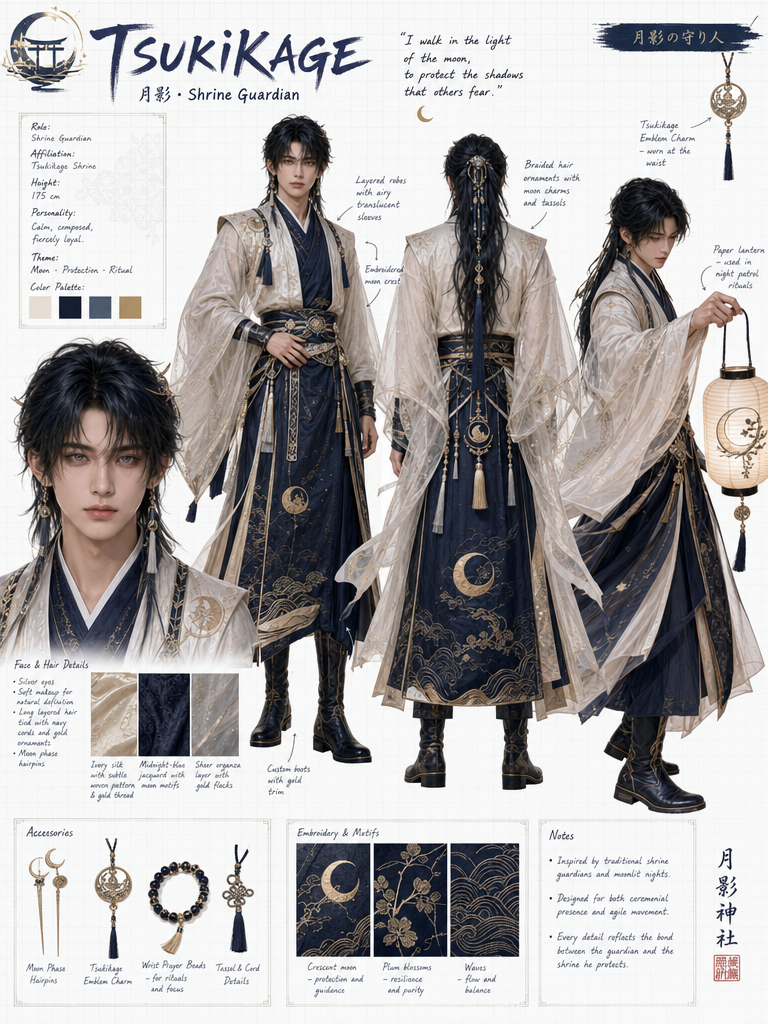
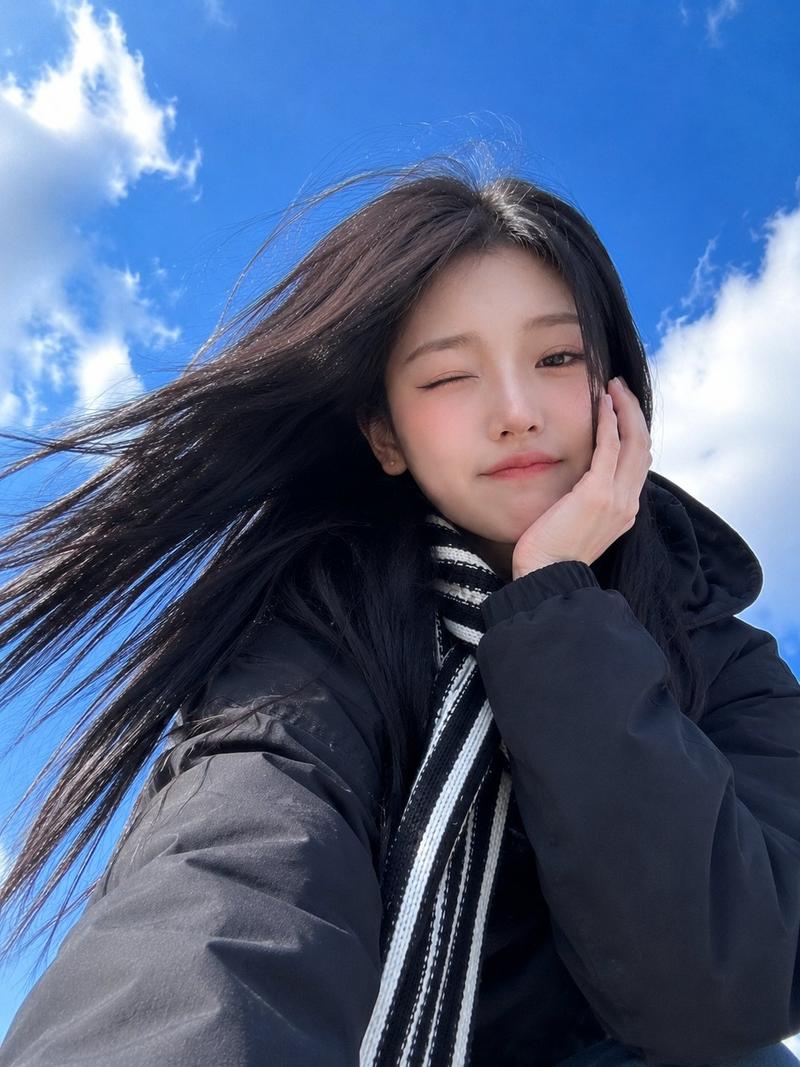
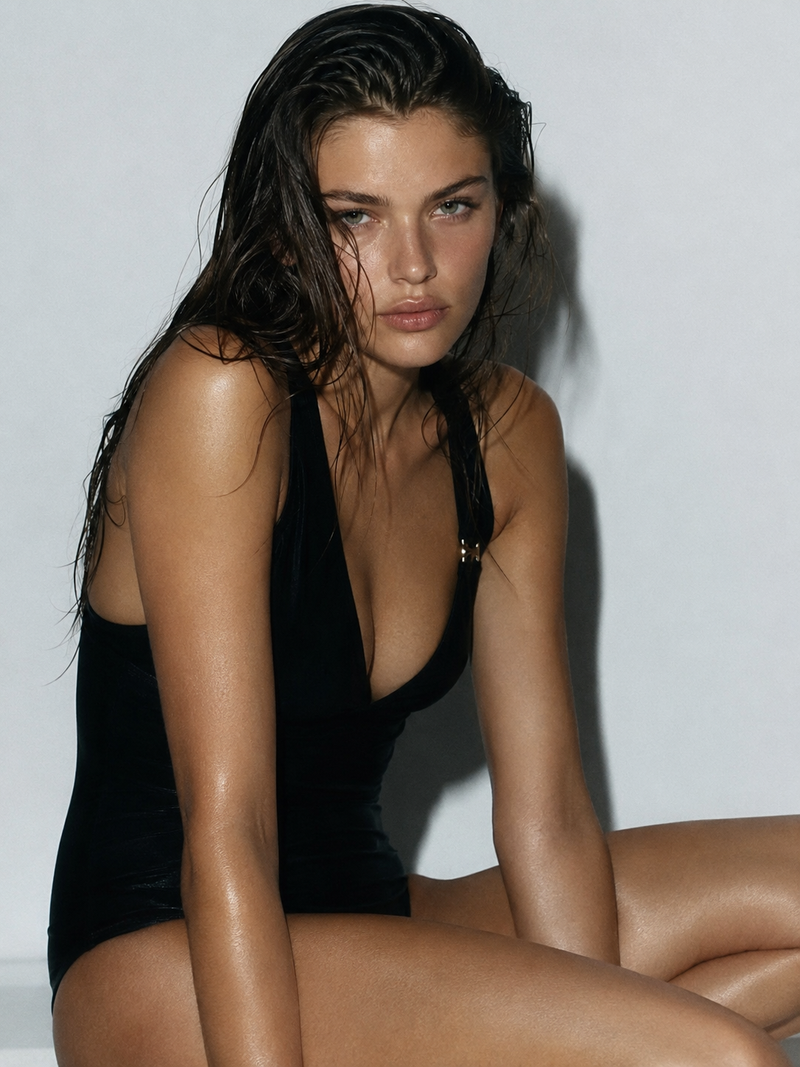
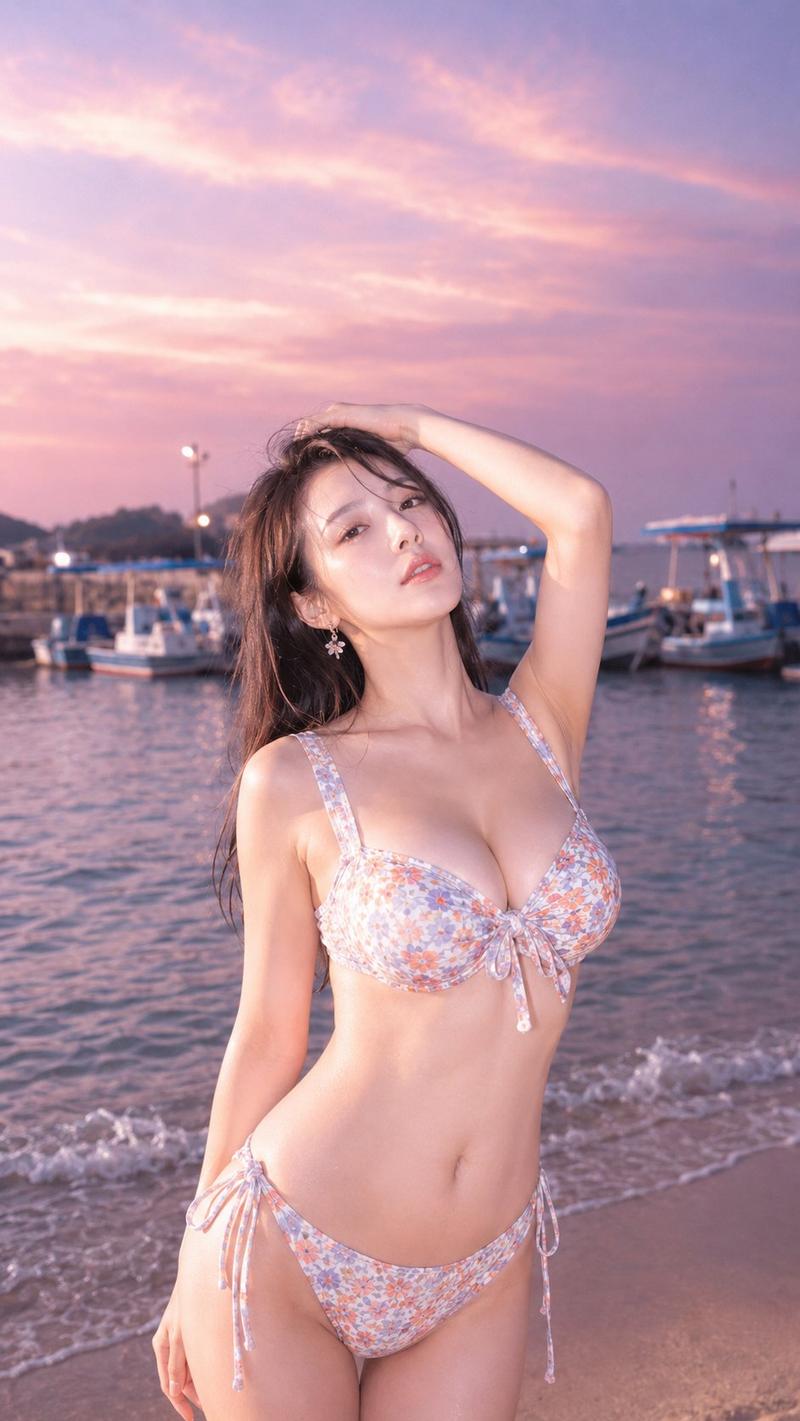
use the uploaded image as the character reference. {argument name="grid style" default="3×2"} grid collage consisting of 6 hyper-realistic PHOTOISM photobooth photos, featuring thick black PHOTOISM-style borders with clear vertical “MY DAY” text on the right side of each frame. Indoor photobooth setting with a solid light gray wall background, warm iPhone flash lighting with slight overexposure, and authentic photobooth film grain texture. playful vibe, outfit random, {argument name="emojis" default="⚾,🥊"}, Overall style: Korean photobooth realism, absurd and chaotic energy, warm playful thigh-resolution facial details, consistent facial features across all frames. Clean composition, high contrast, soft studio lighting, ultra-detailed, sharp focus, sophisticated atmosphere, aesthetic look, 8K resolution.
Category
Brand & Logos
Model
GPT Image 2
Creator
H A J R A
Views0
Source ID
26506
Published
Jun 22, 2026

Guide

About "韩式拍贴机风格拼图"

What is this prompt for?

"韩式拍贴机风格拼图" AI image prompt for GPT Image 2 (Brand & Logos). 一个用于生成 6 格网格拼图的超写实提示词,模仿流行韩式拍贴机的风格,包含特定的灯光和品牌元素。 Copy it on Picva and recreate the look in one cli…

The full copyable prompt and example visuals above are ready for AI image generation or one-click recreate in Picva.

How to use this prompt

  1. Step 1

    Open the prompt detail

    Review the example visuals, category, and full prompt text for "韩式拍贴机风格拼图".

  2. Step 2

    Copy the prompt

    Copy the prompt body from this page, or load it directly in Studio.

  3. Step 3

    Pick a model (GPT Image 2)

    Prefer GPT Image 2. If you switch models, keep subject and composition and tweak style terms.

  4. Step 4

    Generate and export

    Recreate the look in Picva, or export into your workflow for editing and publishing.

FAQ

What is the "韩式拍贴机风格拼图" prompt?
It is an AI image-generation prompt for GPT Image 2 in the Brand & Logos category. This page includes the full prompt text, example visuals, and a one-click recreate path in Picva.
How do I use this prompt to generate an image?
Copy the prompt from this page, or use Generate / Studio. Paste it into a compatible image model, or recreate the look in Picva with optional reference images.
Which model is this prompt for?
This page lists GPT Image 2. Most descriptive prompts also transfer to nearby image models such as GPT Image, Flux, or Midjourney with light style tweaks.
Can I use the result commercially?
You can usually copy the prompt for creation, but commercial use of the final image depends on the model terms, reference-image rights, and the generated content. Follow the source author and platform rules.