20

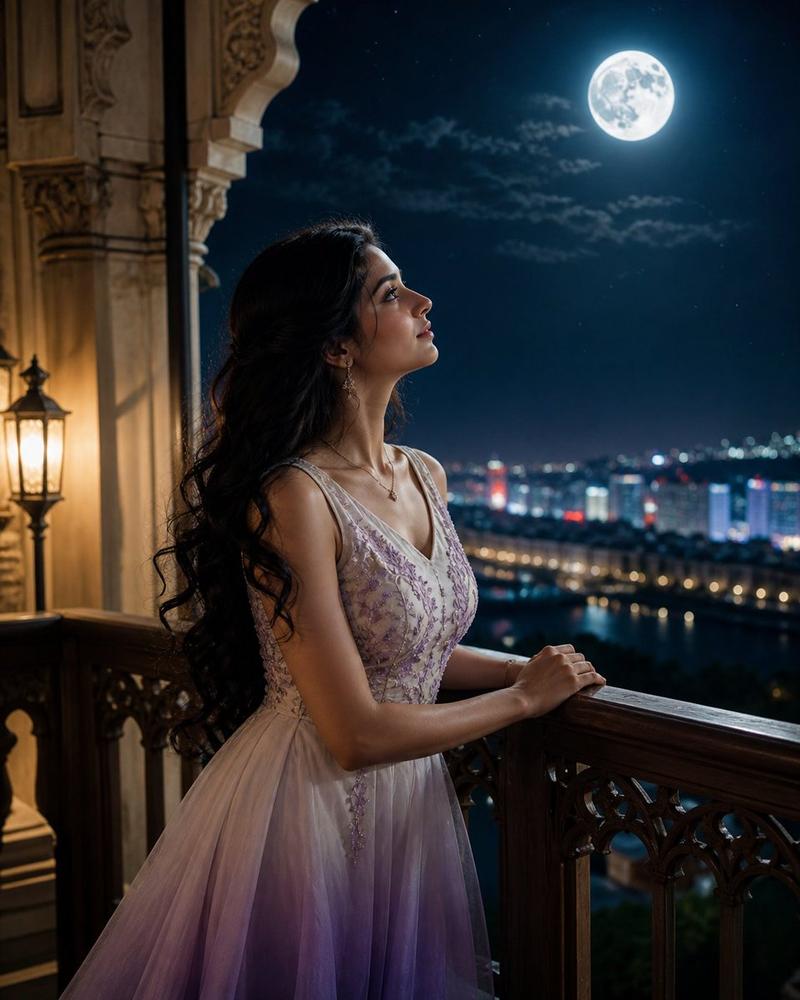
Moonlit Indian Balcony Portrait
Enlarge

Moonlit Indian Balcony Portrait

Prompt
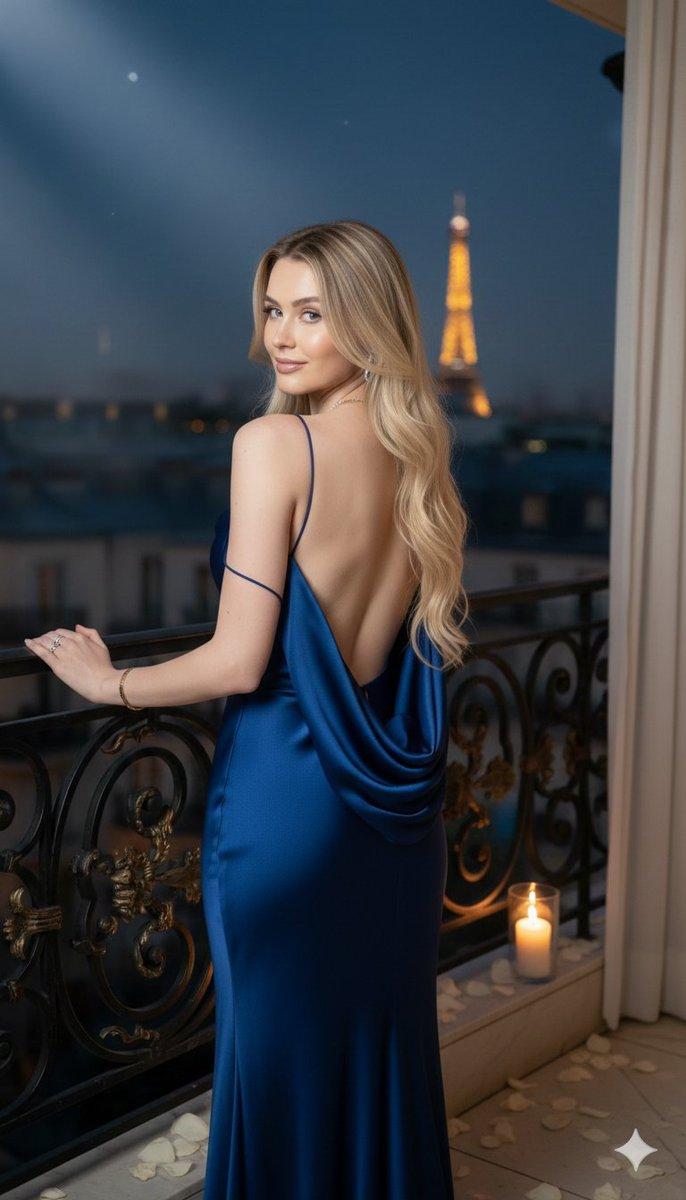
Create a stunning photorealistic cinematic vertical portrait of {argument name="subject" default="a beautiful young Indian woman"} standing on an ornate carved stone balcony at night, shown from the back and three-quarter side as she leans gracefully on a dark wooden railing and gazes upward toward a huge bright full moon. She has {argument name="hair style and color" default="very long flowing wavy black hair"} swept dramatically by the wind, fair warm skin, bare shoulders, and a slim elegant figure. Her face is intentionally anonymized with a soft rectangular skin-toned blur covering the facial features. She wears {argument name="dress" default="a sleeveless white-to-purple ombre gradient evening dress"} with thin straps, a low open back, a fitted purple bodice, delicate silver and floral embroidery, and a flowing pleated skirt fading from ivory to deep violet. Frame the scene with intricate Mughal/Rajasthani-style carved stone arches and columns, with a warm glowing lantern on the upper left and decorative balcony details in the foreground. In the background, show a deep dark blue starry sky with scattered clouds, a luminous oversized full moon near the upper right, and a distant city skyline with golden bokeh lights and a domed tower. Use warm lantern light from the side mixed with cool dramatic moonlight rim lighting on the hair and shoulders, shallow depth of field, highly detailed fabric and stone carving, serene romantic atmosphere, ultra-realistic skin and hair texture, cinematic color grading, 8k resolution, vertical 9:16 composition.
Category
Charts & Infographics
Model
GPT Image 2
Creator
AshIsh
Views1
Source ID
18121
Published
May 3, 2026

Guide

About "Moonlit Indian Balcony Portrait"

What is this prompt for?

"Moonlit Indian Balcony Portrait" AI image prompt for GPT Image 2 (Charts & Infographics). A photorealistic cinematic portrait prompt for creating a serene moo…

The full copyable prompt and example visuals above are ready for AI image generation or one-click recreate in Picva.

How to use this prompt

  1. Step 1

    Open the prompt detail

    Review the example visuals, category, and full prompt text for "Moonlit Indian Balcony Portrait".

  2. Step 2

    Copy the prompt

    Copy the prompt body from this page, or load it directly in Studio.

  3. Step 3

    Pick a model (GPT Image 2)

    Prefer GPT Image 2. If you switch models, keep subject and composition and tweak style terms.

  4. Step 4

    Generate and export

    Recreate the look in Picva, or export into your workflow for editing and publishing.

FAQ

What is the "Moonlit Indian Balcony Portrait" prompt?
It is an AI image-generation prompt for GPT Image 2 in the Charts & Infographics category. This page includes the full prompt text, example visuals, and a one-click recreate path in Picva.
How do I use this prompt to generate an image?
Copy the prompt from this page, or use Generate / Studio. Paste it into a compatible image model, or recreate the look in Picva with optional reference images.
Which model is this prompt for?
This page lists GPT Image 2. Most descriptive prompts also transfer to nearby image models such as GPT Image, Flux, or Midjourney with light style tweaks.
Can I use the result commercially?
You can usually copy the prompt for creation, but commercial use of the final image depends on the model terms, reference-image rights, and the generated content. Follow the source author and platform rules.