18

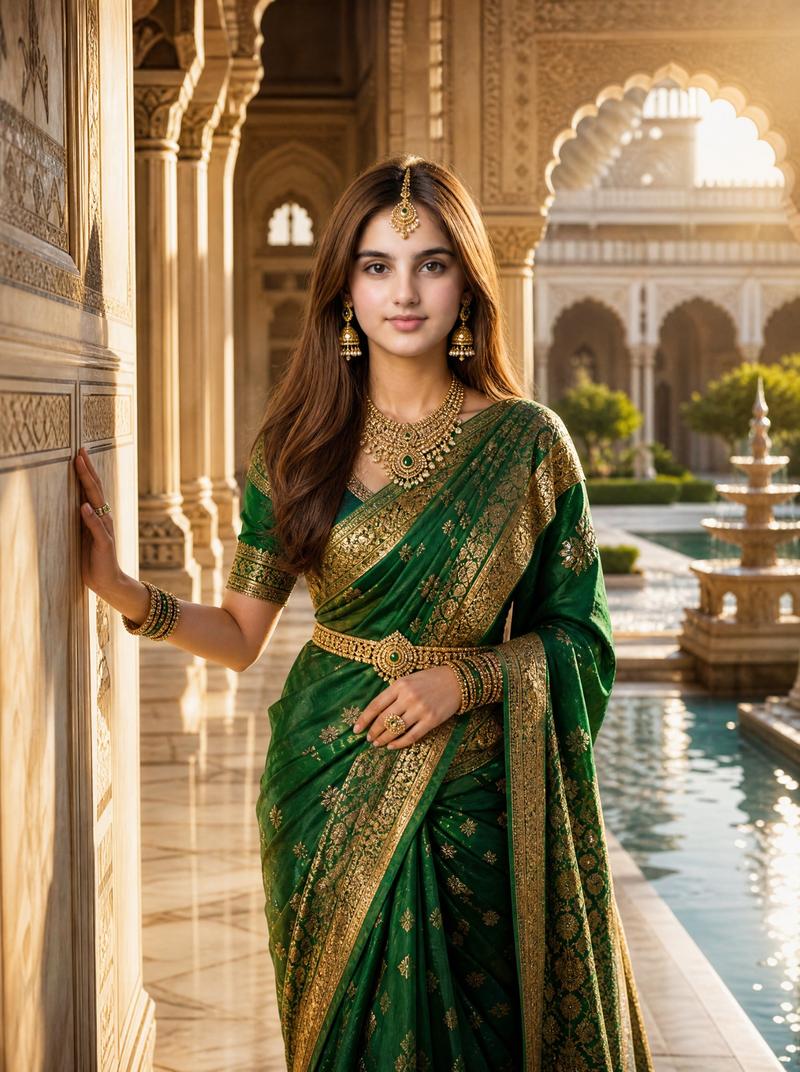
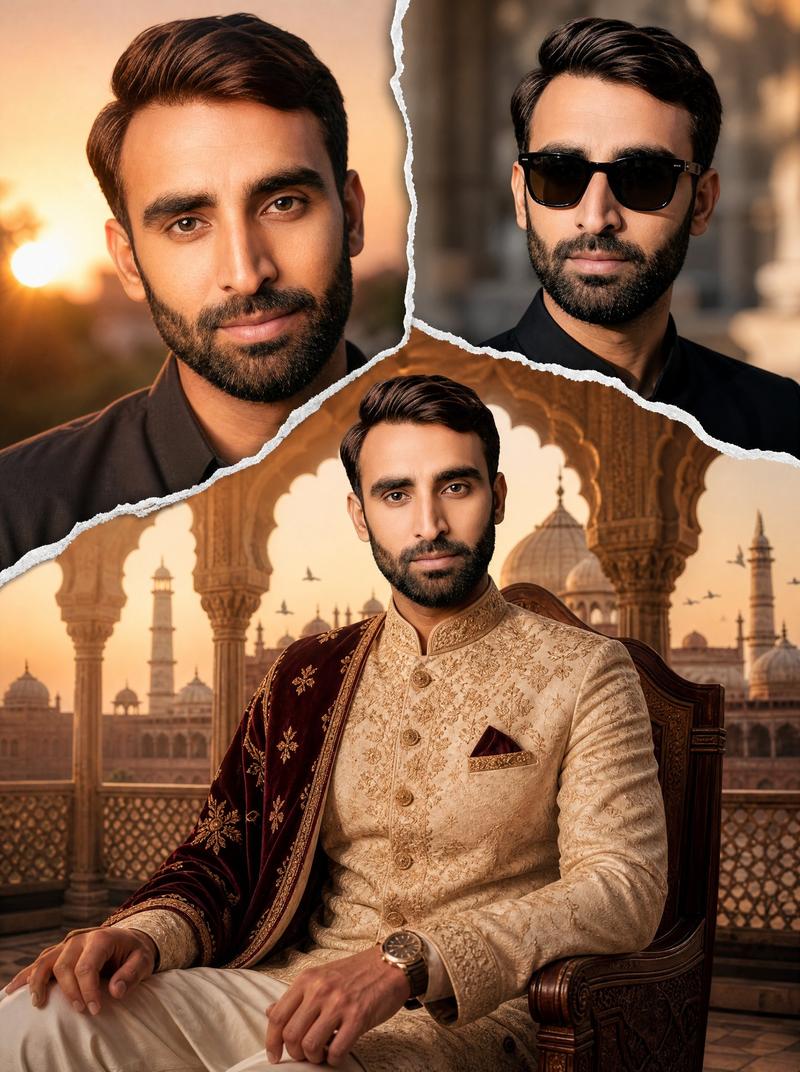
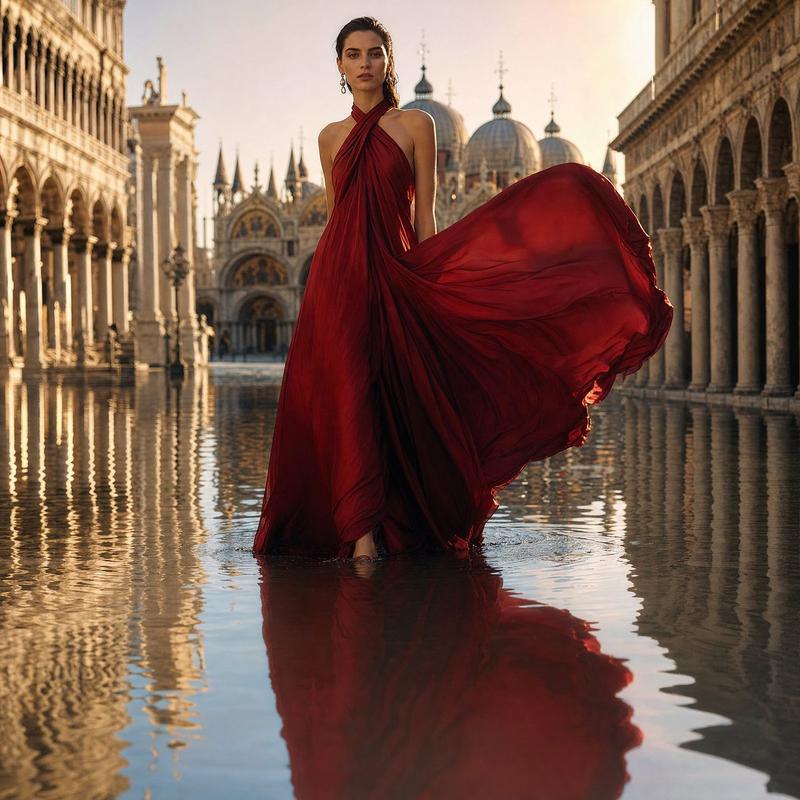
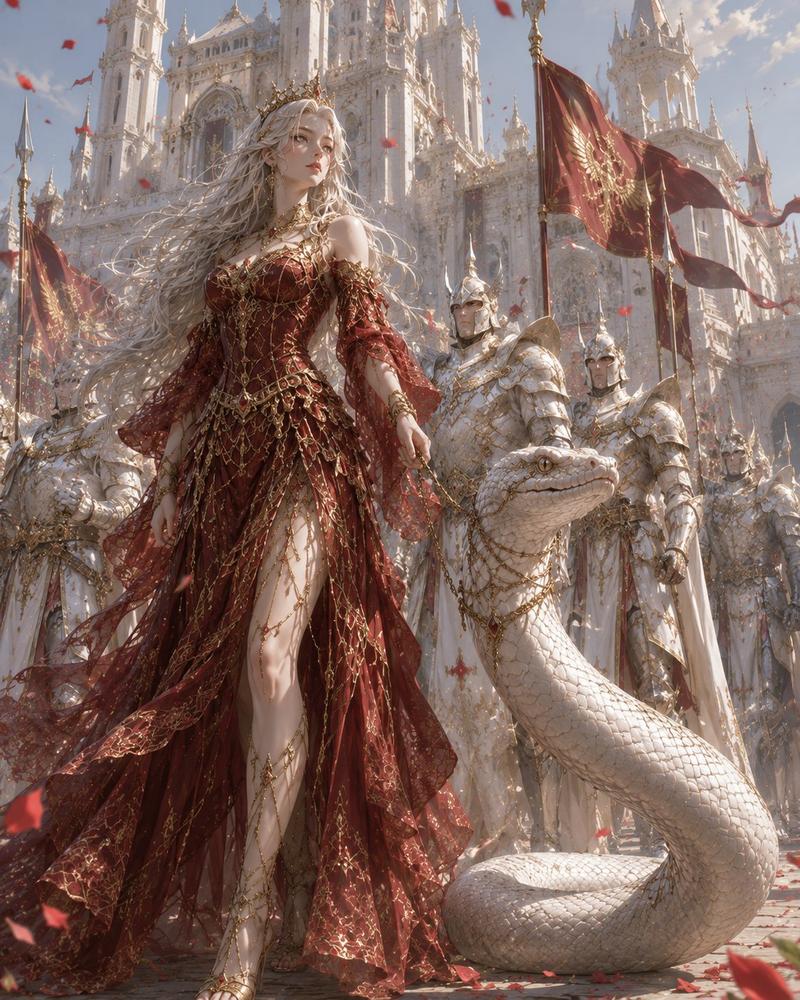
色彩斑斓的皇家日出宫殿场景
Enlarge

Example images

色彩斑斓的皇家日出宫殿场景

Prompt
Colorful Royal Scene (8K) A majestic king and queen standing together in front of a magnificent golden palace at sunrise, wearing luxurious royal robes embroidered with gold and precious gemstones, elegant crowns sparkling with diamonds, colorful flower gardens, majestic white peacocks, glowing fountains, cinematic lighting, ultra-detailed faces, realistic textures, vibrant colors, fantasy realism, volumetric light, masterpiece composition, HDR, 8K, hyper-realistic, ultra-sharp focus. Dark Royal Scene (8K) A powerful king and queen standing on the balcony of a dark gothic castle during a thunderstorm, black and crimson royal outfits, ancient jeweled crowns, flowing capes, glowing torches, lightning illuminating the sky, ravens flying overhead, dramatic shadows, mysterious atmosphere, cinematic dark fantasy, ultra-realistic facial details, volumetric fog, high contrast, HDR, masterpiece, hyper-detailed, ultra-sharp, 8K quality.
Category
Photography & Realism
Model
GPT Image 2
Creator
Zyra AI
Views0
Source ID
27429
Published
Jul 2, 2026

Guide

About "色彩斑斓的皇家日出宫殿场景"

What is this prompt for?

"色彩斑斓的皇家日出宫殿场景" AI image prompt for GPT Image 2 (Photography & Realism). 一个宏伟的 8K 奇幻提示词,描绘了日出时分一对皇室夫妇站在金色宫殿前的场景,具有复杂的纹理和电影般的灯光效果。 Copy it on Picva and recreate…

The full copyable prompt and example visuals above are ready for AI image generation or one-click recreate in Picva.

How to use this prompt

  1. Step 1

    Open the prompt detail

    Review the example visuals, category, and full prompt text for "色彩斑斓的皇家日出宫殿场景".

  2. Step 2

    Copy the prompt

    Copy the prompt body from this page, or load it directly in Studio.

  3. Step 3

    Pick a model (GPT Image 2)

    Prefer GPT Image 2. If you switch models, keep subject and composition and tweak style terms.

  4. Step 4

    Generate and export

    Recreate the look in Picva, or export into your workflow for editing and publishing.

FAQ

What is the "色彩斑斓的皇家日出宫殿场景" prompt?
It is an AI image-generation prompt for GPT Image 2 in the Photography & Realism category. This page includes the full prompt text, example visuals, and a one-click recreate path in Picva.
How do I use this prompt to generate an image?
Copy the prompt from this page, or use Generate / Studio. Paste it into a compatible image model, or recreate the look in Picva with optional reference images.
Which model is this prompt for?
This page lists GPT Image 2. Most descriptive prompts also transfer to nearby image models such as GPT Image, Flux, or Midjourney with light style tweaks.
Can I use the result commercially?
You can usually copy the prompt for creation, but commercial use of the final image depends on the model terms, reference-image rights, and the generated content. Follow the source author and platform rules.