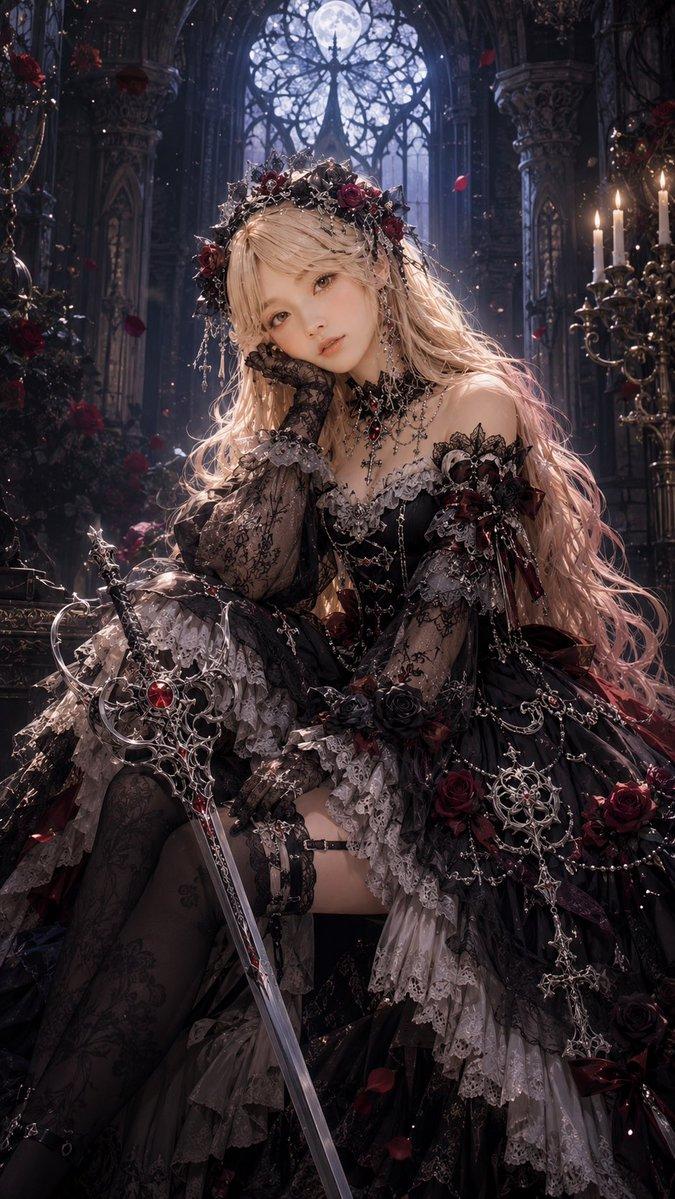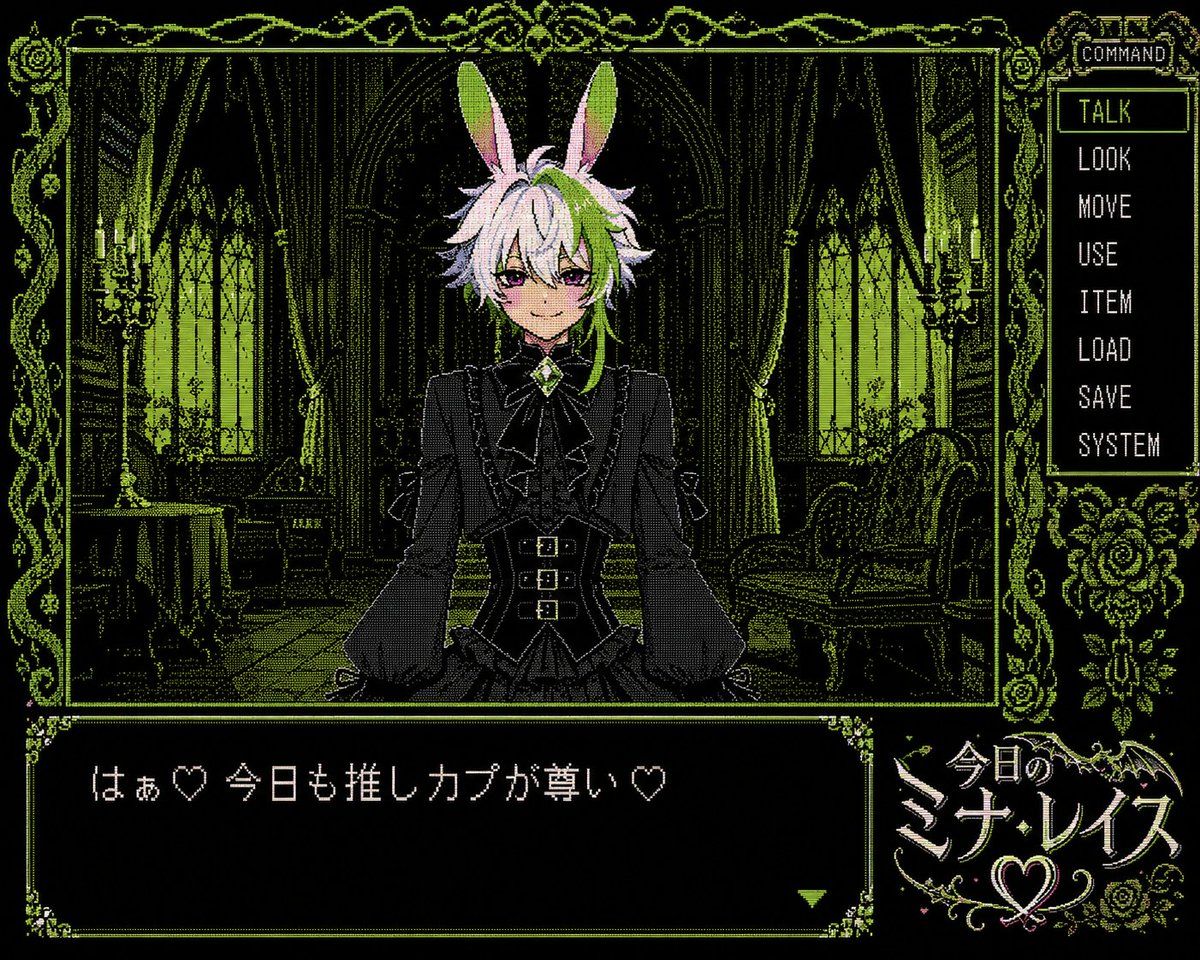
PC-98 哥特风视觉小说 UI
Prompt
{"type":"PC-98 style retro Japanese adventure game screenshot","style":"late 1980s to early 1990s Japanese visual novel interface, 640x480, 4:3 aspect ratio, black background with limited neon green and pale pink dithering, high-contrast 1-bit and 16-color pixel art, ornate gothic frame, CRT-like pixel texture","scene":{"setting":"dark Victorian gothic bedroom or parlor at night","background":"symmetrical room with tall arched windows glowing green, heavy draped curtains, candle sconces on both sides, antique table and chair on the left, ornate sofa on the right, carved furniture, floral and vine decorations, deep shadows","palette":"mostly black and acid green linework with small white and pink highlights"},"character":{"position":"center foreground bust-up, facing viewer","description":"androgynous anime rabbit-eared character with long upright bunny ears, fluffy layered hair, pale lavender-white hair with lime green shadows, dressed in a black gothic lolita-inspired blouse and fitted vest with ruffles, puff sleeves, ribbon bow at the collar, green jewel brooch, belted waist with three small buckles, hands resting near the lower frame","face":"covered by a square pixelated mosaic censor block over the central face area","hair color":"{argument name=\"hair color\" default=\"pale lavender-white with lime green shadows\"}","outfit color":"{argument name=\"outfit color\" default=\"black gothic formalwear\"}"},"layout":{"main image panel":{"position":"upper left and center","description":"large framed illustration window containing the character and room"},"command menu":{"position":"right side vertical panel","title":"COMMAND","count":8,"labels":["TALK","LOOK","MOVE","USE","ITEM","LOAD","SAVE","SYSTEM"],"highlight":"TALK is selected with a rectangular outline"},"dialogue box":{"position":"bottom left","description":"large black text box with ornate green corners and a small green triangular continue marker at lower right","text":"{argument name=\"dialogue text\" default=\"はぁ♡ 今日も推しカプが尊い♡\"}"},"logo panel":{"position":"bottom right","description":"decorative title logo with bat wings, roses, swirls, and a heart emblem","text":"{argument name=\"game title\" default=\"今日のミナレイズ\"}"}},"ornaments":"thin neon-green botanical border around the whole interface with roses, vines, curls, bats, and lace-like corner details","rendering instructions":"make the UI atmosphere extremely authentic to a PC-98 adventure game: sharp low-resolution pixels, dithering patterns, minimal animation-frame composition, Japanese game screenshot feeling, no modern gradients, no photorealism"}- Category
- Charts & Infographics
- Model
- GPT Image 2
- Creator
- ミナ・レイス🐰💚AITuber
- Source ID
- 18948
- Published
- May 7, 2026
Views9