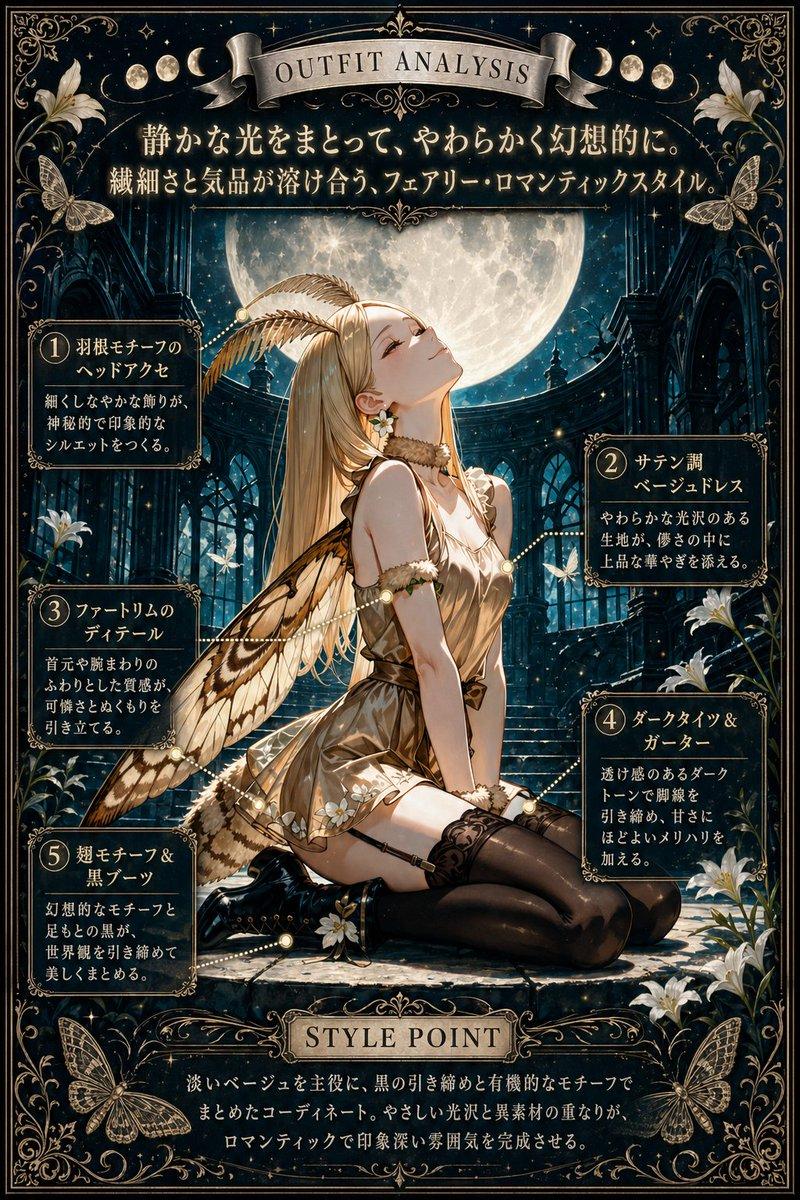
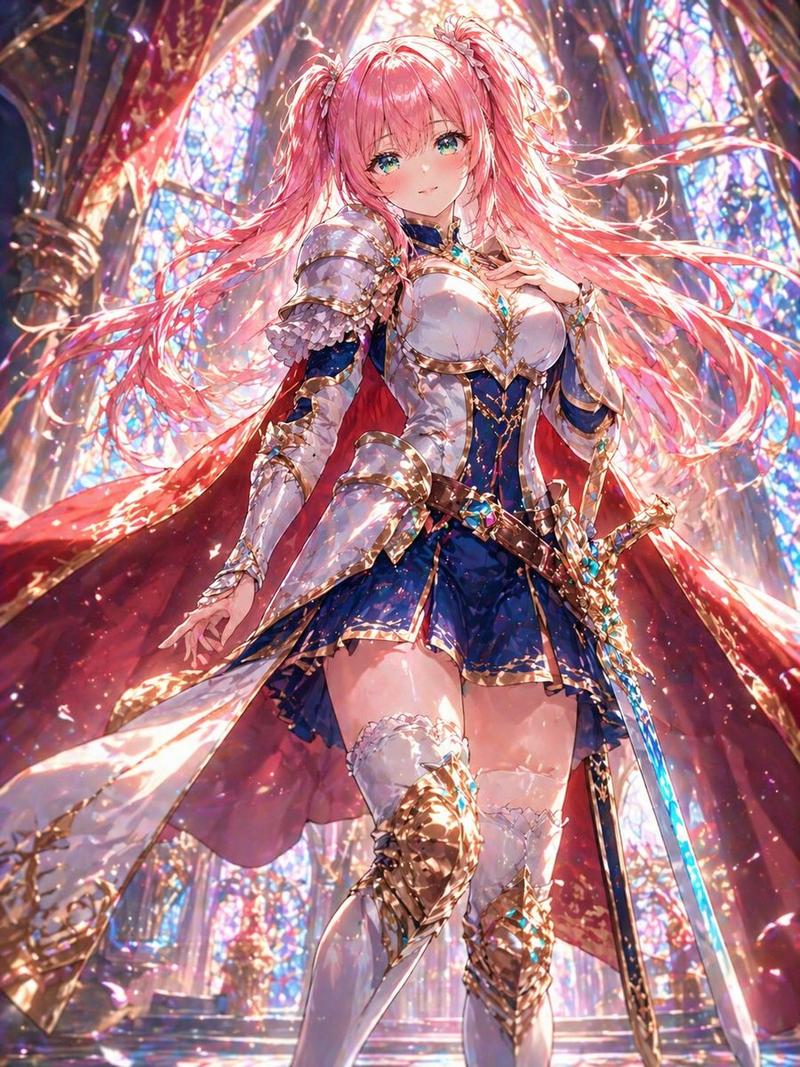
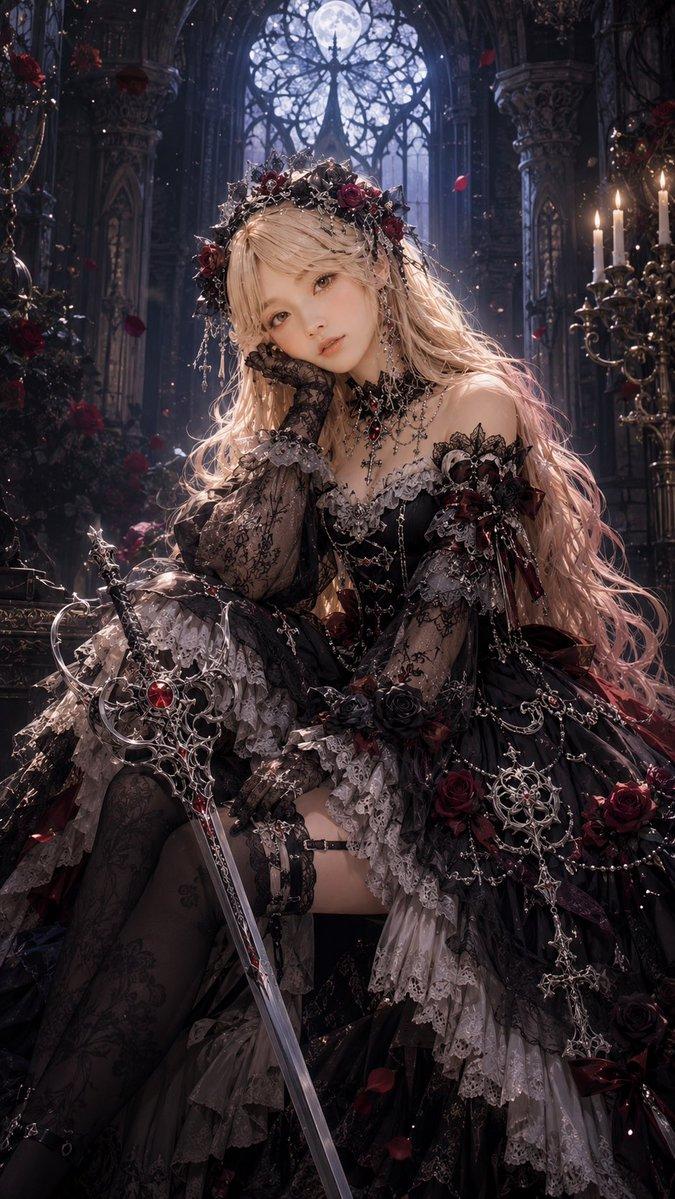
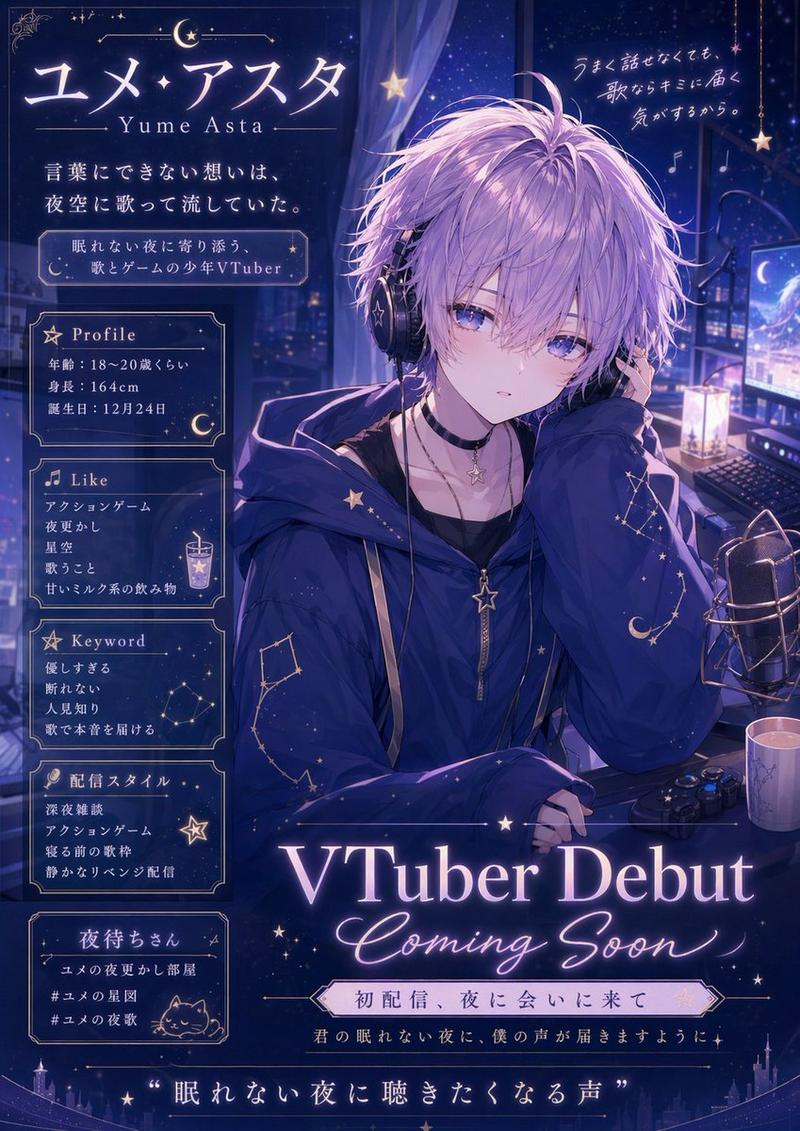
PC-98 哥特式冒险游戏 UI
Prompt
{"type":"PC-98 gothic adventure game screenshot","style":"late 1990s Japanese visual novel interface, 16-color dithered pixel art, dark blue and black palette, ornate silver-blue gothic borders, high contrast CRT-like pixel texture, retro computer game UI, moody horror romance atmosphere","canvas":"wide 4:3 game screen composition, 1200 x 750 style resolution","main_scene":{"position":"upper-left large framed illustration","setting":"a dim gothic castle chamber at night, tall arched stained-glass windows, heavy curtains, stone columns, faint candlelight on both sides, deep navy shadows","subject":"a mysterious gothic lolita girl centered in the room, front-facing bust portrait, extremely long flowing hair, lace headdress, frilled black dress, ribbon bow at the collar, layered sleeves and ornate Victorian details, face intentionally obscured by a soft square blur/mosaic censor over the eyes and nose area","mood":"silent, eerie, melancholic, intimate"},"interface":{"ornamental_frame":"thin rectangular frame around the main illustration with elaborate floral corner decorations and jeweled blue highlights","right_command_panel":{"title":"COMMAND","position":"right side vertical menu","count":9,"buttons":["見る","話す","調べる","使う","移動","記録","読込","設定","終了"],"selected_button":"見る","selected_style":"blue highlighted rectangle with white pixel text, other buttons black with gray borders"},"dialogue_box":{"position":"bottom-left wide black text window","text":"{argument name=\"dialogue text\" default=\"俺は…どこか遠くで、お前を見守っているから\"}","font":"white Japanese pixel font, PC-98 style"},"status_bar":{"position":"very bottom segmented bar","count":3,"fields":[{"label":"場所:","value":"{argument name=\"location text\" default=\"古城の一室\"}"},{"label":"DATE:","value":"{argument name=\"date\" default=\"99/12/24\"}"},{"label":"TIME:","value":"{argument name=\"time\" default=\"23:48\"}"}]},"logo_area":{"position":"bottom-right","content":"small portrait of a dark-haired gothic girl beside an ornate game logo reading {argument name=\"game title\" default=\"Gothic Syndrome\"}","style":"decorative gothic lettering with blue highlights and rose ornament"}},"text_rendering":"all UI text should be crisp pixel text; preserve the Japanese labels exactly; make the interface feel authentic to a PC-98 adventure game released in the late 1990s","color_palette":"near-black, midnight blue, cobalt blue, muted violet, pale gray-white highlights","composition_notes":"main illustration occupies about three quarters of the width, command menu occupies the right column, dialogue box spans the lower left, status bar runs along the bottom, logo and character portrait fill the lower right"}- Category
- Charts & Infographics
- Model
- GPT Image 2
- Creator
- ミナ・レイス🐰💚AITuber
- Source ID
- 18949
- Published
- May 7, 2026
Views2