15

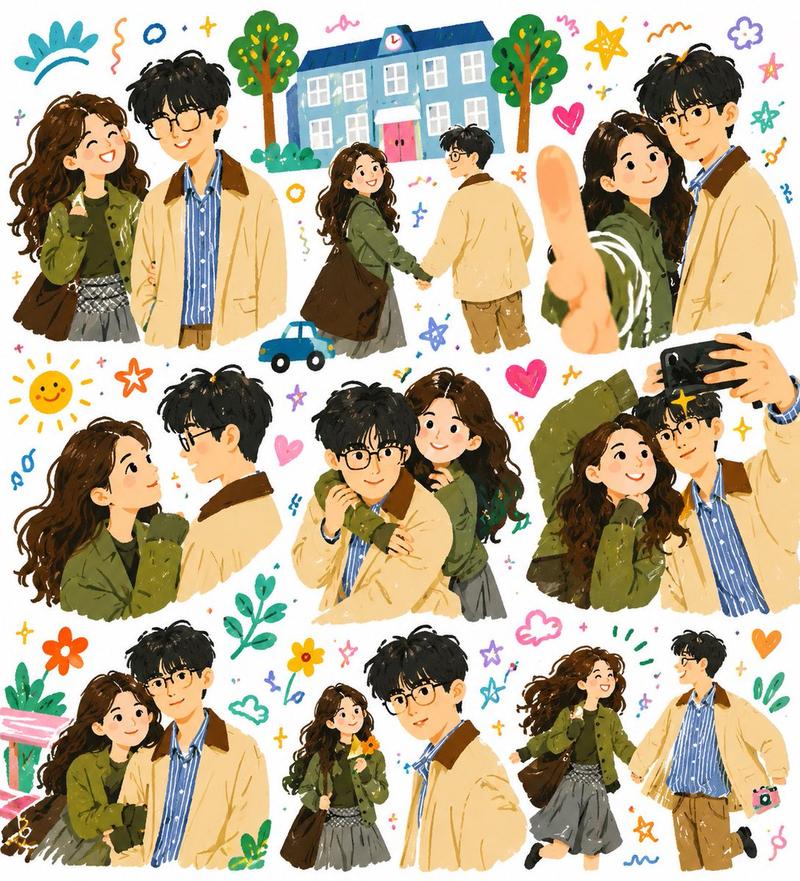
温馨情侣自拍涂鸦插画
Enlarge

温馨情侣自拍涂鸦插画

Prompt
Create a warm vertical lifestyle couple illustration in a 2.5D flat, hand-drawn storybook doodle style, like a tender diary entry made from an everyday selfie. Show {argument name="couple description" default="a young woman and a young man standing close together"} in the foreground, waist-up, with intentionally simplified or softly blank facial details. The woman is closest to the viewer, taking a selfie with her arm stretched toward the camera so her large thumb fills the lower-left foreground; she has {argument name="woman hair" default="long wavy dark brown hair"} and wears {argument name="woman outfit" default="an oversized olive-green jacket over a dark top and gray plaid skirt"}. The man stands slightly behind her on the right, taller, leaning in gently, with {argument name="man hair" default="messy short black hair"} and wearing {argument name="man outfit" default="a pale beige jacket over a blue collared shirt with brown pants"}. Use soft crayon-like textures, rough sketch outlines, playful brush strokes, cozy pastel colors, and a white background filled with cheerful doodles: exactly 2 trees on the left, 1 small blue car near the lower-left, 1 smiling yellow sun near the top center, 1 blue cloud, 1 pink building with a teal roof and striped awning on the upper-right, 1 potted plant, 5 star doodles, 3 heart doodles, 2 flowers, scattered tiny plus signs and colorful squiggles. The composition should feel intimate, nostalgic, whimsical, and gentle, like a fairy-tale picture book memory hidden in a photo album.
Category
Charts & Infographics
Model
GPT Image 2
Creator
serein
Views16
Source ID
19116
Published
May 9, 2026

Guide

About "温馨情侣自拍涂鸦插画"

What is this prompt for?

"温馨情侣自拍涂鸦插画" AI image prompt for GPT Image 2 (Charts & Infographics). 生成温暖的 2.5D 手绘浪漫情侣自拍场景,带有俏皮的日记风格涂鸦,适用于生活方式插画。 Copy it on Picva and recreate the look in on…

The full copyable prompt and example visuals above are ready for AI image generation or one-click recreate in Picva.

How to use this prompt

  1. Step 1

    Open the prompt detail

    Review the example visuals, category, and full prompt text for "温馨情侣自拍涂鸦插画".

  2. Step 2

    Copy the prompt

    Copy the prompt body from this page, or load it directly in Studio.

  3. Step 3

    Pick a model (GPT Image 2)

    Prefer GPT Image 2. If you switch models, keep subject and composition and tweak style terms.

  4. Step 4

    Generate and export

    Recreate the look in Picva, or export into your workflow for editing and publishing.

FAQ

What is the "温馨情侣自拍涂鸦插画" prompt?
It is an AI image-generation prompt for GPT Image 2 in the Charts & Infographics category. This page includes the full prompt text, example visuals, and a one-click recreate path in Picva.
How do I use this prompt to generate an image?
Copy the prompt from this page, or use Generate / Studio. Paste it into a compatible image model, or recreate the look in Picva with optional reference images.
Which model is this prompt for?
This page lists GPT Image 2. Most descriptive prompts also transfer to nearby image models such as GPT Image, Flux, or Midjourney with light style tweaks.
Can I use the result commercially?
You can usually copy the prompt for creation, but commercial use of the final image depends on the model terms, reference-image rights, and the generated content. Follow the source author and platform rules.