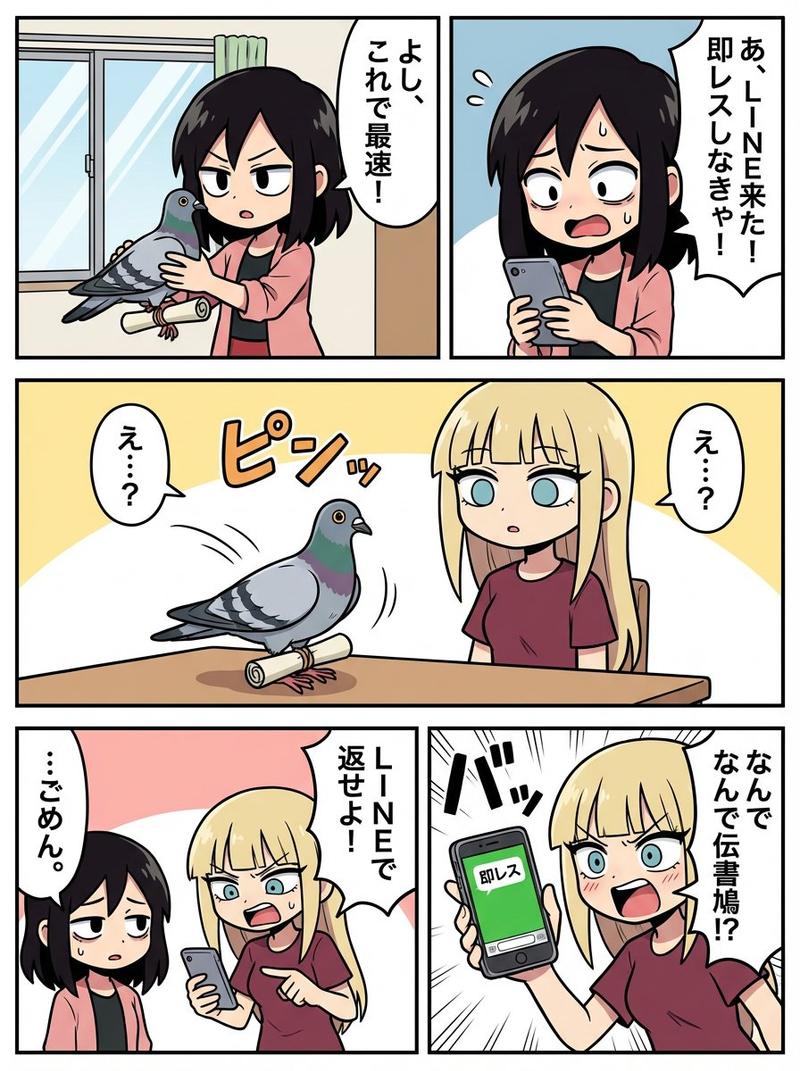
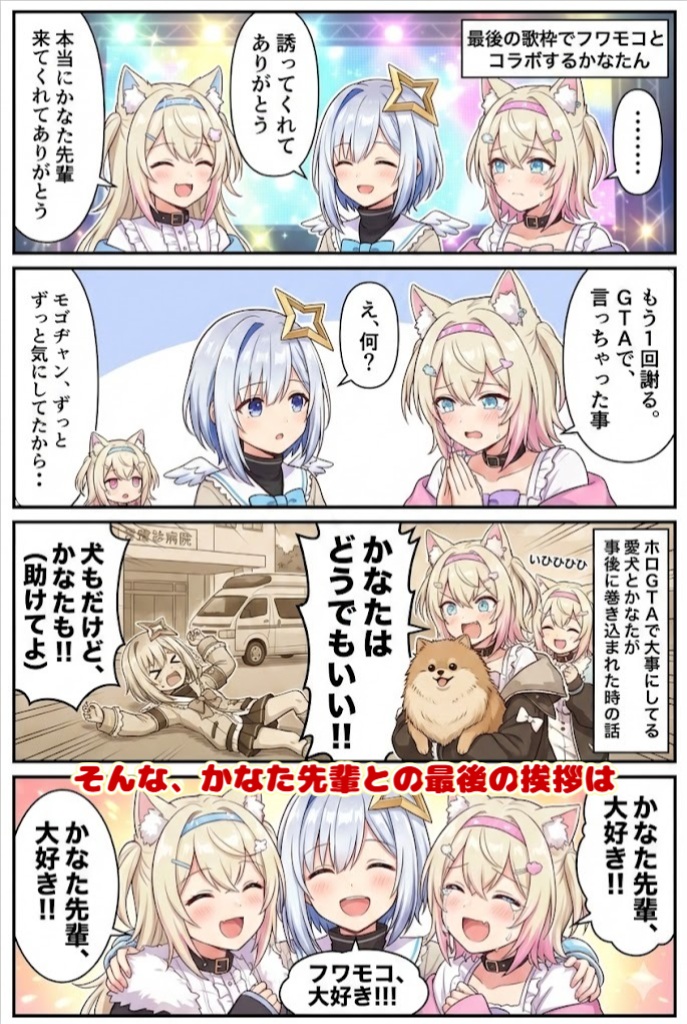
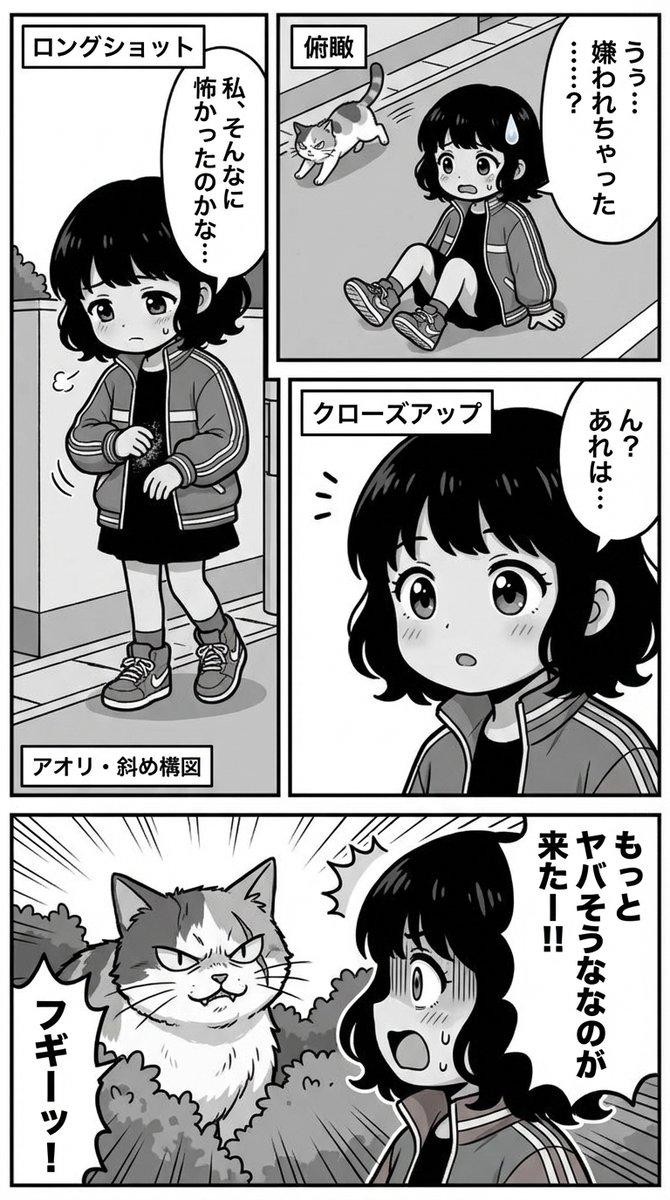
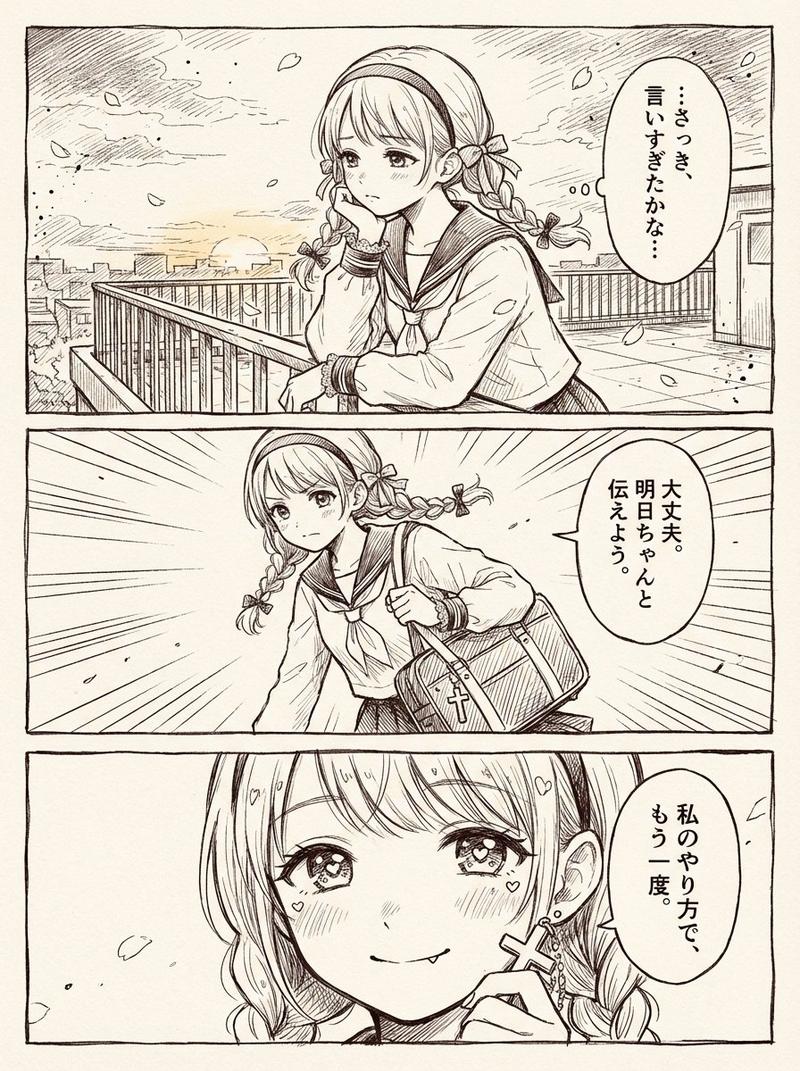
14

将草图分镜转化为精美漫画页面
Enlarge

Example images

将草图分镜转化为精美漫画页面

Prompt
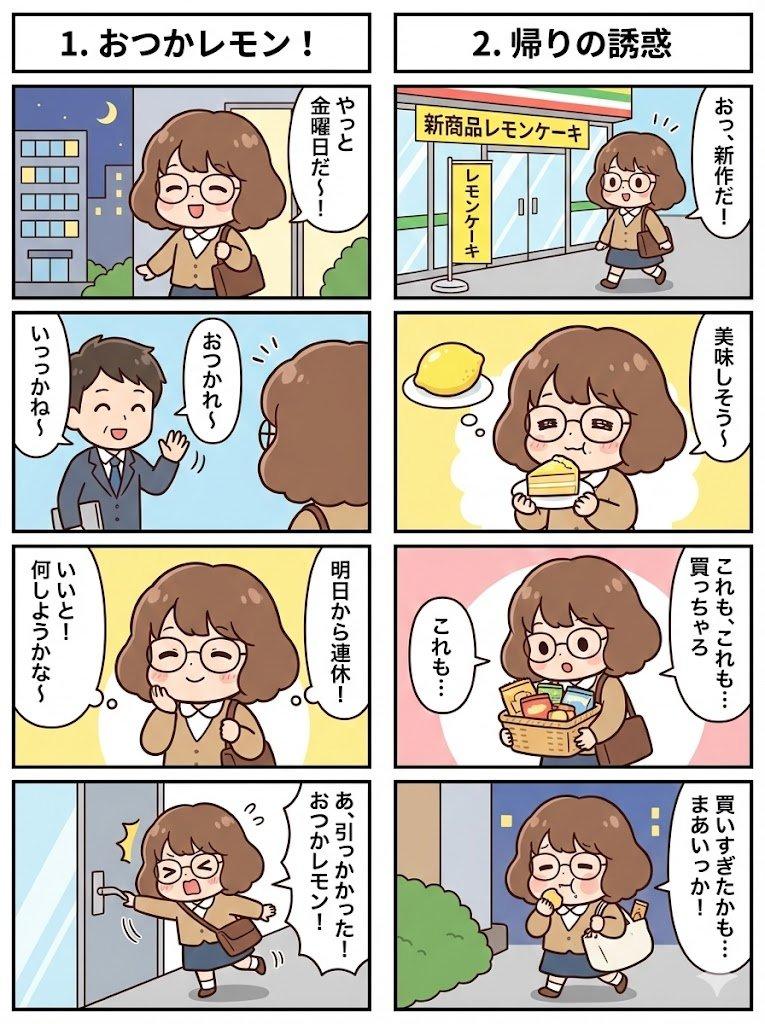
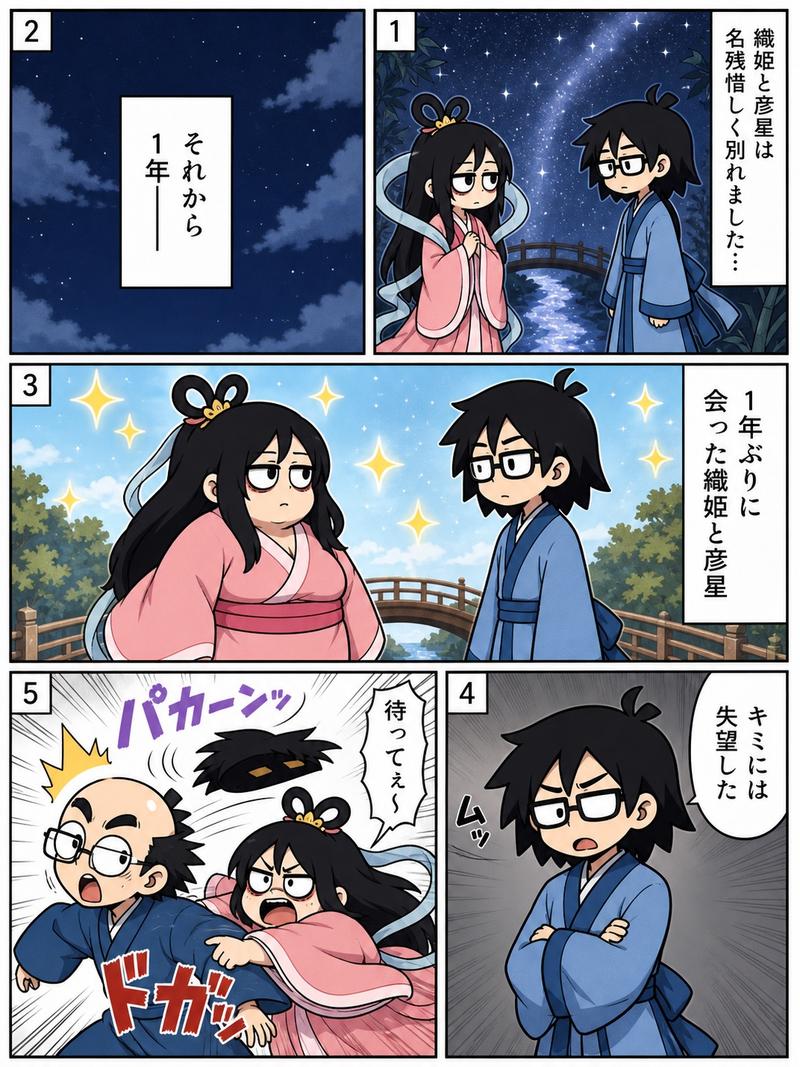
Using REFERENCE_0 as a rough manga storyboard, turn it into a clean black-and-white manga page with polished line art, screentone shading, and crisp rectangular panel borders. Keep the same 5-panel story structure and visible circled panel numbers: 1 landscape scene with mountains, houses, a small car, and a cheerful woman leaning in from the right waving; 2 a compact car driving; 3 a small bird with a camera-like beak; 4 an announcer holding a microphone beside a street-food stall; 5 the woman in front of a large explosion. Preserve the rough layout order and the intended character/object positions, but render everything as finished manga art. Keep the faces in panels 4 and 5 intentionally obscured by a soft gray rectangular blur. Add Japanese text on the stall awning reading {argument name="stall sign text" default="ラテスカーどっぐ"}. Make the page monochrome, high-detail, print-ready, with dynamic speed lines and explosion effects where indicated.
Category
Products & E-commerce
Model
GPT Image 2
Views3
Source ID
19136
Published
May 8, 2026

Guide

About "将草图分镜转化为精美漫画页面"

What is this prompt for?

"将草图分镜转化为精美漫画页面" AI image prompt for GPT Image 2 (Products & E-commerce). 将 5 格粗糙的漫画分镜草图转化为清晰的黑白成品漫画页面,同时保留原始的分镜顺序和关键动作。 Copy it on Picva and recreate the look…

The full copyable prompt and example visuals above are ready for AI image generation or one-click recreate in Picva.

How to use this prompt

  1. Step 1

    Open the prompt detail

    Review the example visuals, category, and full prompt text for "将草图分镜转化为精美漫画页面".

  2. Step 2

    Copy the prompt

    Copy the prompt body from this page, or load it directly in Studio.

  3. Step 3

    Pick a model (GPT Image 2)

    Prefer GPT Image 2. If you switch models, keep subject and composition and tweak style terms.

  4. Step 4

    Generate and export

    Recreate the look in Picva, or export into your workflow for editing and publishing.

FAQ

What is the "将草图分镜转化为精美漫画页面" prompt?
It is an AI image-generation prompt for GPT Image 2 in the Products & E-commerce category. This page includes the full prompt text, example visuals, and a one-click recreate path in Picva.
How do I use this prompt to generate an image?
Copy the prompt from this page, or use Generate / Studio. Paste it into a compatible image model, or recreate the look in Picva with optional reference images.
Which model is this prompt for?
This page lists GPT Image 2. Most descriptive prompts also transfer to nearby image models such as GPT Image, Flux, or Midjourney with light style tweaks.
Can I use the result commercially?
You can usually copy the prompt for creation, but commercial use of the final image depends on the model terms, reference-image rights, and the generated content. Follow the source author and platform rules.