15

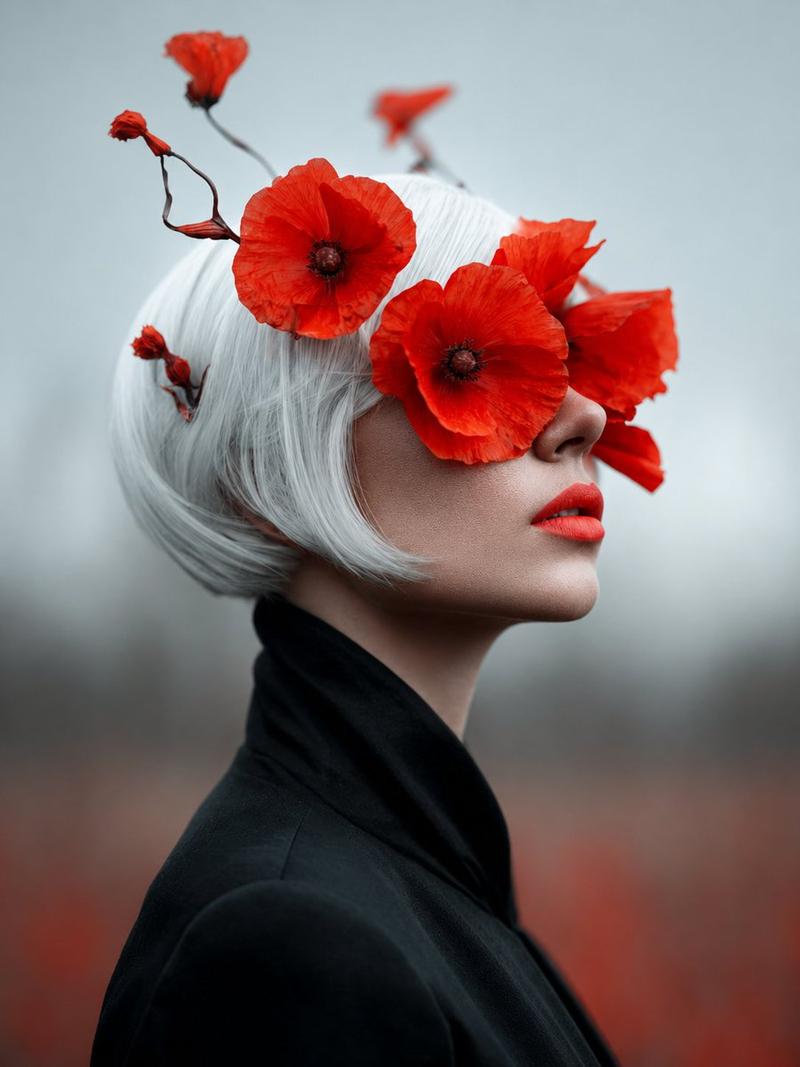
红罂粟花丛中的无面女士
Enlarge

红罂粟花丛中的无面女士

Prompt
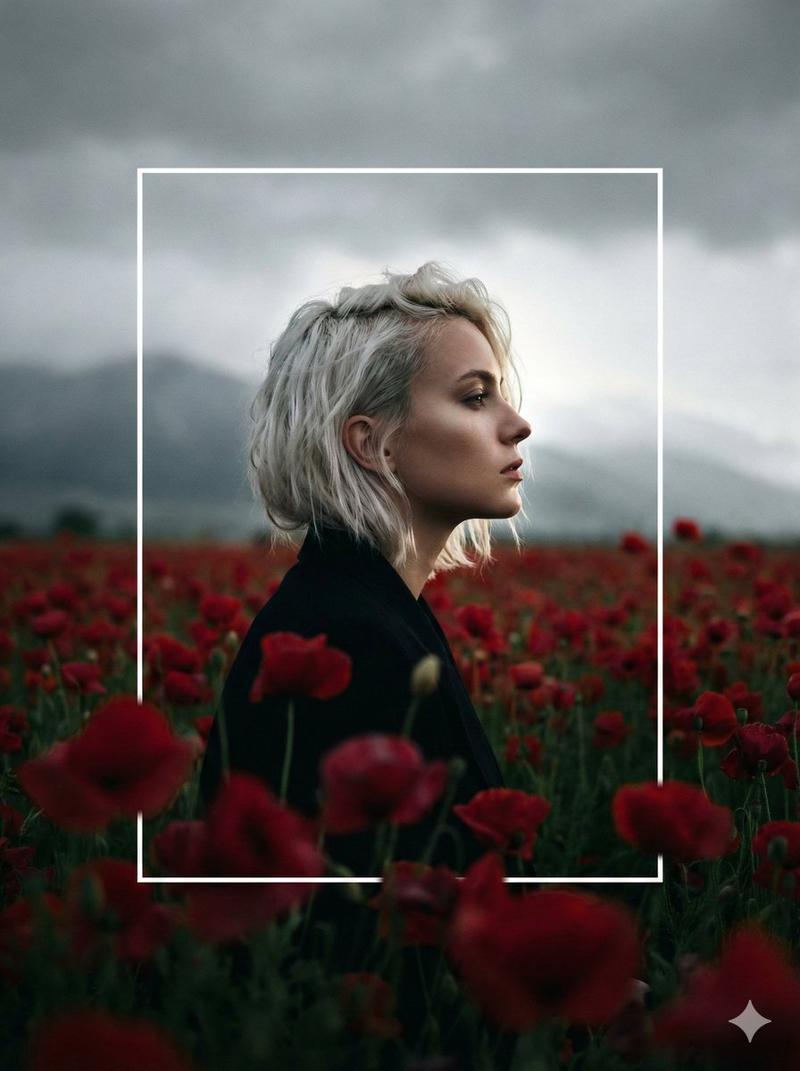
Create a fine-art photographic portrait titled {argument name="title concept" default="The Lady of Red Poppies"}: a pale, androgynous woman with a short blunt white bob haircut stands in a misty poppy field, wearing a structured high-collared white blouse. Her face is deliberately hidden by a centered matte square block in muted taupe, giving the image an anonymous surreal editorial quality. Around and above her head are exactly 7 vivid red poppy blossoms: one large poppy centered over the forehead, two large poppies rising behind the crown, one poppy at the left side of the head, one poppy at the right side, one smaller red poppy partially visible near the right cheek area, and one lower right poppy among dried stems. Include thin dried wildflower stems and seed heads crossing the foreground and framing the portrait. Use a muted gray-green foggy background with soft red poppies blurred in the distance, shallow depth of field, natural diffused overcast light, subdued earthy tones contrasted with intense crimson petals, cinematic vertical composition, elegant melancholy mood, hyperrealistic texture in the papery poppy petals and white hair, 3:4 aspect ratio.
Category
Charts & Infographics
Model
GPT Image 2
Creator
Minuit
Views2
Source ID
19290
Published
May 9, 2026

Guide

About "红罂粟花丛中的无面女士"

What is this prompt for?

"红罂粟花丛中的无面女士" AI image prompt for GPT Image 2 (Charts & Infographics). 为编辑或诗意视觉概念生成一张超现实主义艺术肖像,描绘了迷雾笼罩的红罂粟花田中一位白发人物的形象。 Copy it on Picva and recreate the look…

The full copyable prompt and example visuals above are ready for AI image generation or one-click recreate in Picva.

How to use this prompt

  1. Step 1

    Open the prompt detail

    Review the example visuals, category, and full prompt text for "红罂粟花丛中的无面女士".

  2. Step 2

    Copy the prompt

    Copy the prompt body from this page, or load it directly in Studio.

  3. Step 3

    Pick a model (GPT Image 2)

    Prefer GPT Image 2. If you switch models, keep subject and composition and tweak style terms.

  4. Step 4

    Generate and export

    Recreate the look in Picva, or export into your workflow for editing and publishing.

FAQ

What is the "红罂粟花丛中的无面女士" prompt?
It is an AI image-generation prompt for GPT Image 2 in the Charts & Infographics category. This page includes the full prompt text, example visuals, and a one-click recreate path in Picva.
How do I use this prompt to generate an image?
Copy the prompt from this page, or use Generate / Studio. Paste it into a compatible image model, or recreate the look in Picva with optional reference images.
Which model is this prompt for?
This page lists GPT Image 2. Most descriptive prompts also transfer to nearby image models such as GPT Image, Flux, or Midjourney with light style tweaks.
Can I use the result commercially?
You can usually copy the prompt for creation, but commercial use of the final image depends on the model terms, reference-image rights, and the generated content. Follow the source author and platform rules.