17

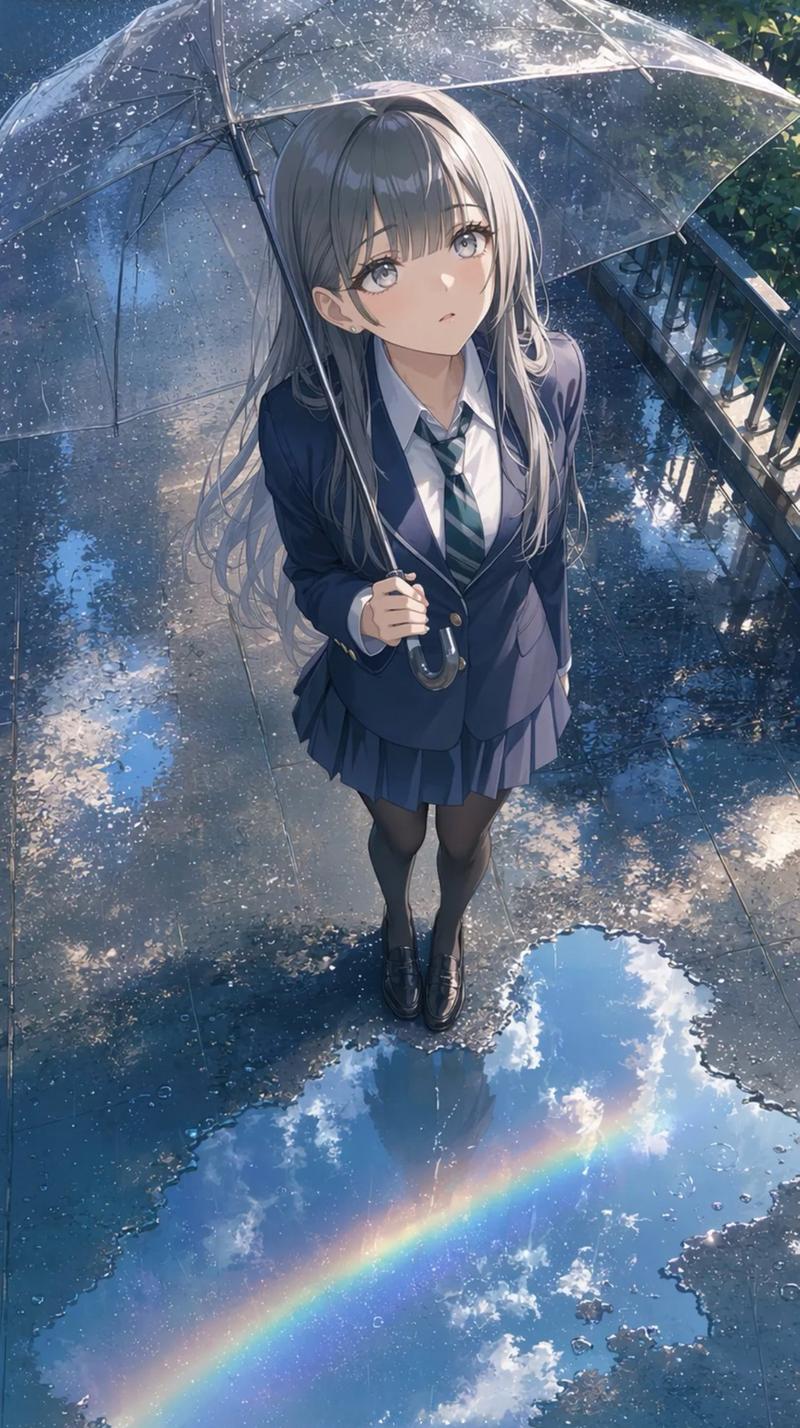
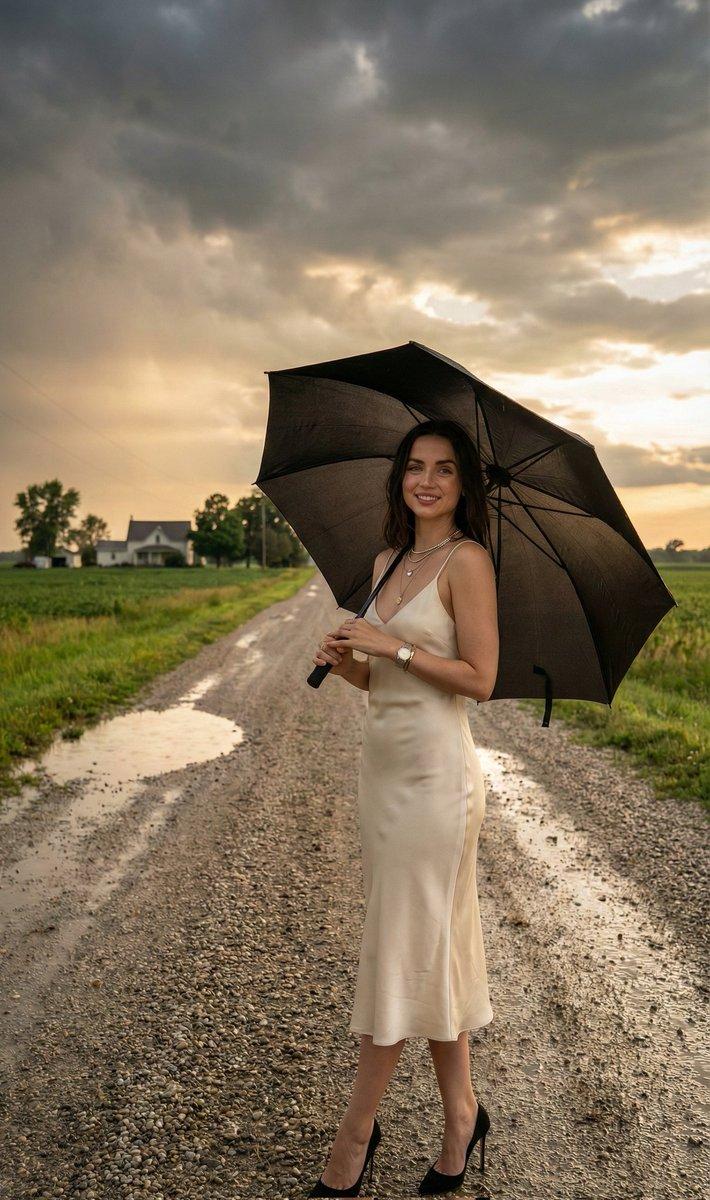
雨中撑透明雨伞的女学生
Enlarge

雨中撑透明雨伞的女学生

Prompt
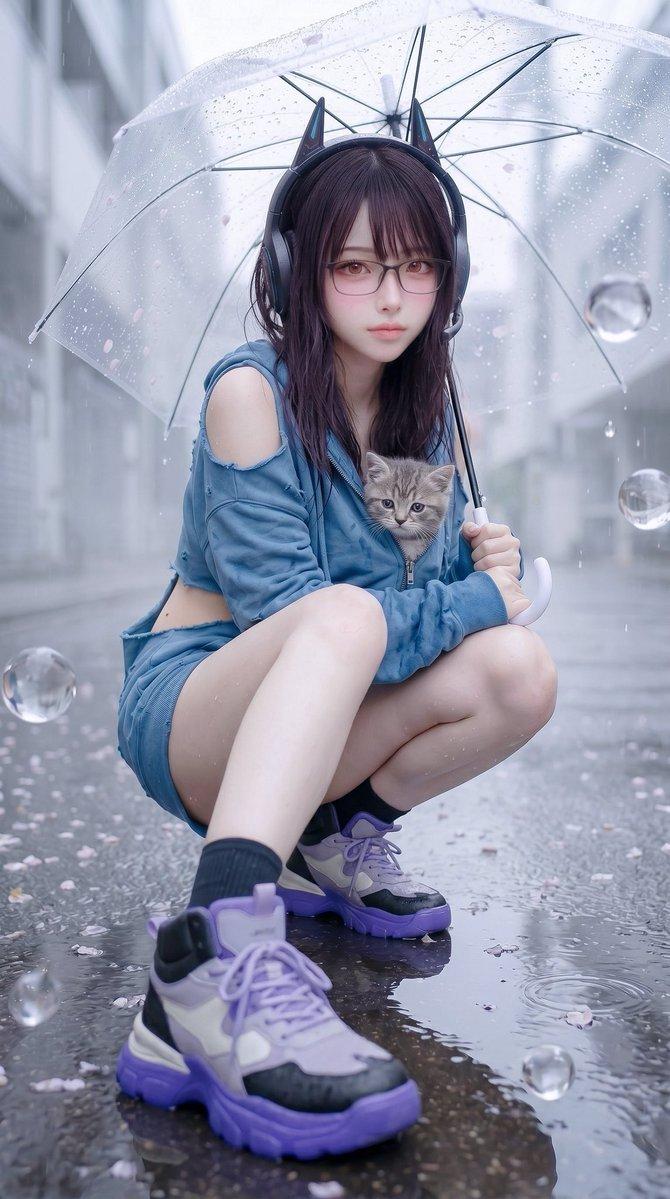
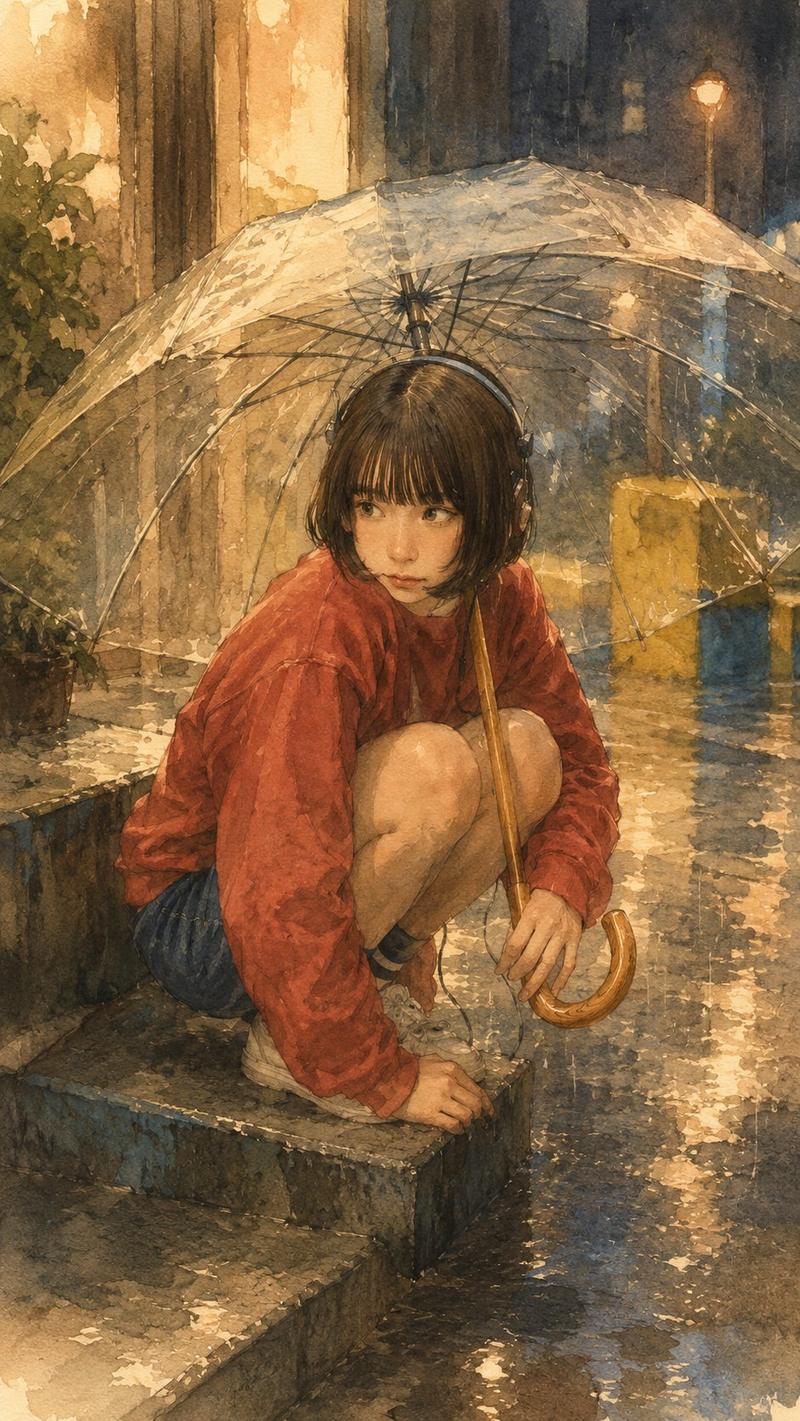
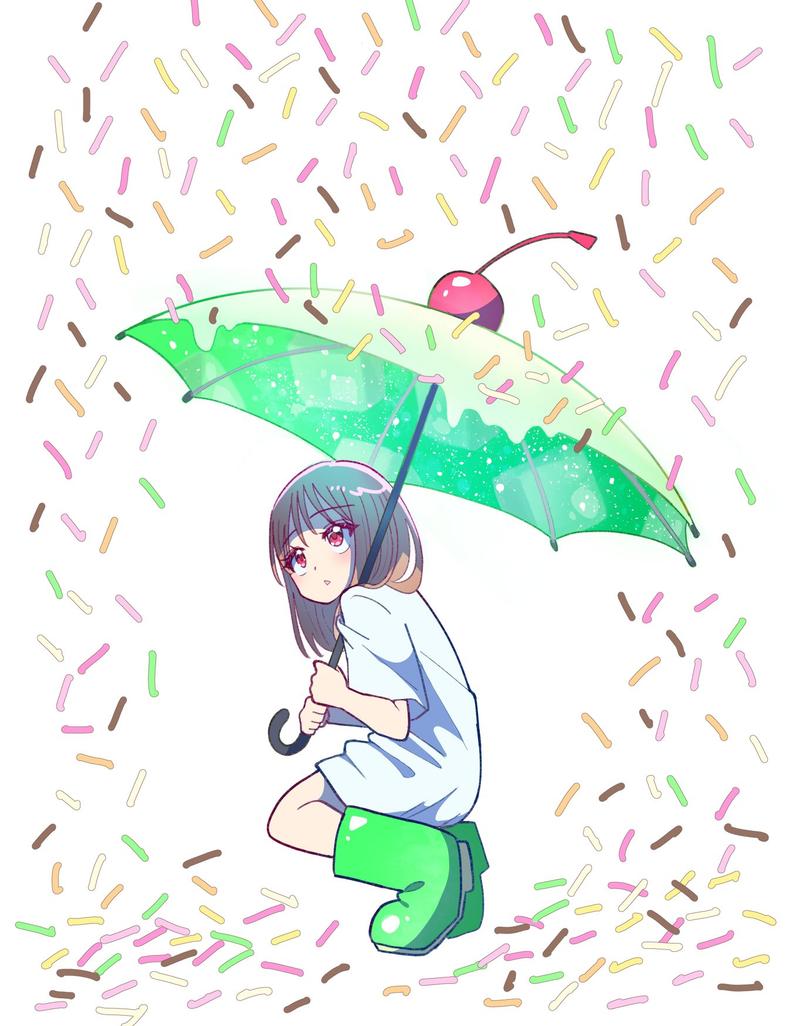
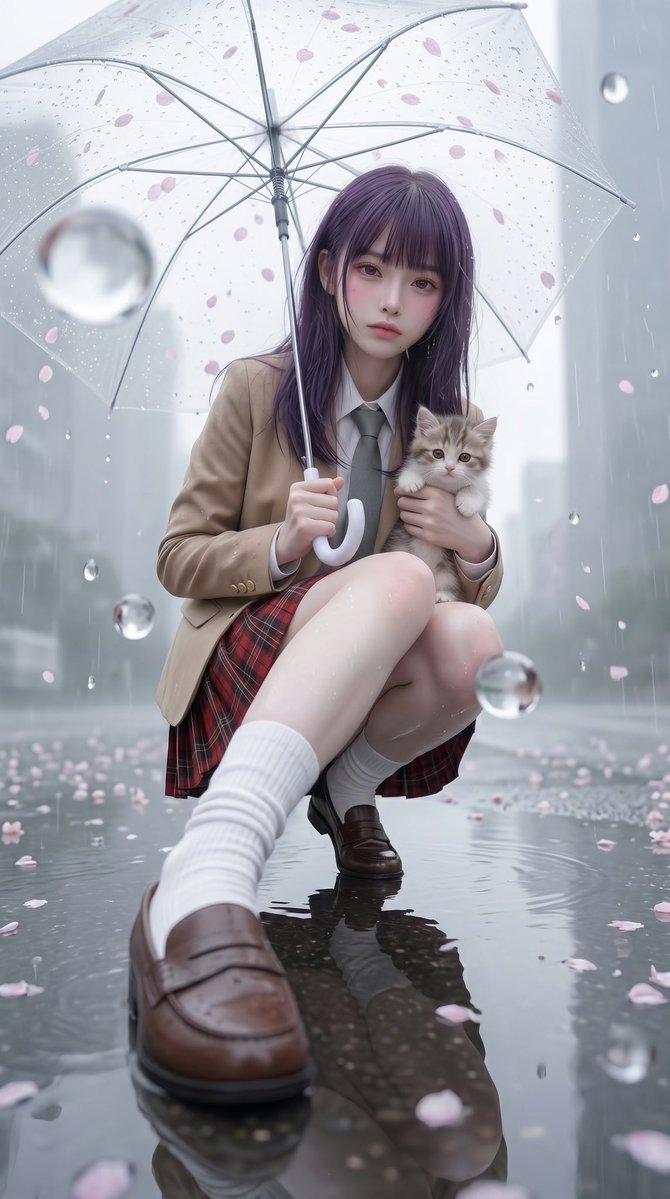
Create a moody, cinematic square portrait photograph of {argument name="character description" default="a Japanese high school girl"} standing on a narrow wet residential street on a rainy day, viewed from the waist up in side profile facing left. She wears a crisp white short-sleeve school shirt, a dark navy tie or ribbon, a dark pleated skirt, and a black backpack slung behind her. Her {argument name="hair style" default="straight short black bob haircut"} is slightly damp. She holds the handle of a transparent vinyl umbrella close to her chest with both hands; the umbrella canopy is open above and behind her, covered in many fine raindrops, with visible pale ribs, a curved clear edge, and a slightly imperfect asymmetrical shape. Her face is intentionally obscured by a flat, centered, soft-edged rectangular censor block in muted brown-gray. The background is softly blurred with shallow depth of field: a rain-slick asphalt road curving into the distance on the left with a white lane line, dark green trees and walls in the distance, and a dense hydrangea bush on the right containing exactly 9 visible blue-to-purple flower clusters among glossy green leaves. Use cool blue-green rainy tones, natural overcast light, film-grain texture, bokeh, realistic wet reflections, and an intimate 35mm street-photography look. Keep the composition square, place the subject slightly right of center, and make the umbrella dominate the upper half of the frame. No text, no watermark, no extra people.
Category
Photography & Realism
Model
GPT Image 2
Views0
Source ID
25413
Published
Jun 12, 2026

Guide

About "雨中撑透明雨伞的女学生"

What is this prompt for?

"雨中撑透明雨伞的女学生" AI image prompt for GPT Image 2 (Photography & Realism). 一张电影感雨中街道肖像,描绘了一位撑着透明雨伞、身旁伴有蓝色绣球花的女学生,适用于生成情绪化的写实场景。 Copy it on Picva and recreate the l…

The full copyable prompt and example visuals above are ready for AI image generation or one-click recreate in Picva.

How to use this prompt

  1. Step 1

    Open the prompt detail

    Review the example visuals, category, and full prompt text for "雨中撑透明雨伞的女学生".

  2. Step 2

    Copy the prompt

    Copy the prompt body from this page, or load it directly in Studio.

  3. Step 3

    Pick a model (GPT Image 2)

    Prefer GPT Image 2. If you switch models, keep subject and composition and tweak style terms.

  4. Step 4

    Generate and export

    Recreate the look in Picva, or export into your workflow for editing and publishing.

FAQ

What is the "雨中撑透明雨伞的女学生" prompt?
It is an AI image-generation prompt for GPT Image 2 in the Photography & Realism category. This page includes the full prompt text, example visuals, and a one-click recreate path in Picva.
How do I use this prompt to generate an image?
Copy the prompt from this page, or use Generate / Studio. Paste it into a compatible image model, or recreate the look in Picva with optional reference images.
Which model is this prompt for?
This page lists GPT Image 2. Most descriptive prompts also transfer to nearby image models such as GPT Image, Flux, or Midjourney with light style tweaks.
Can I use the result commercially?
You can usually copy the prompt for creation, but commercial use of the final image depends on the model terms, reference-image rights, and the generated content. Follow the source author and platform rules.