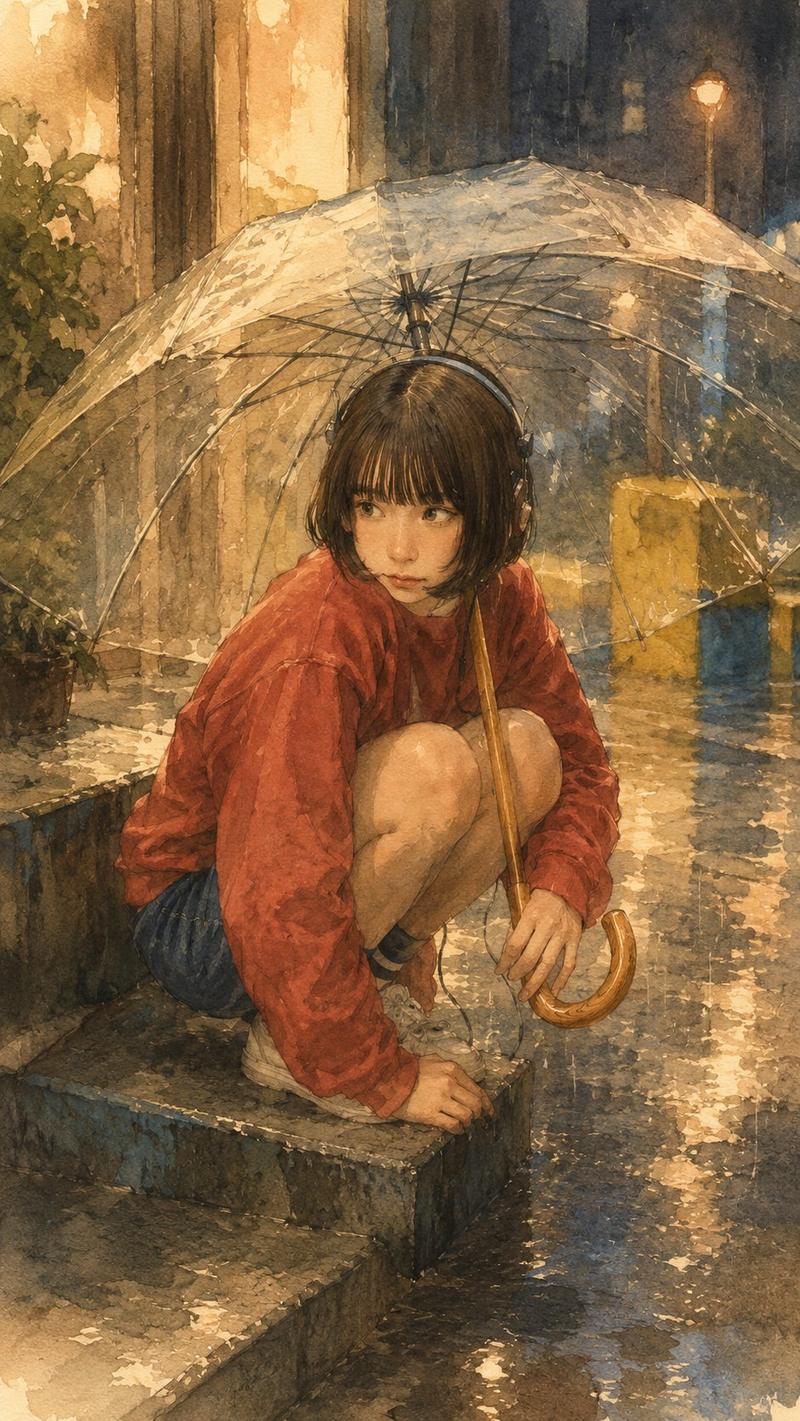
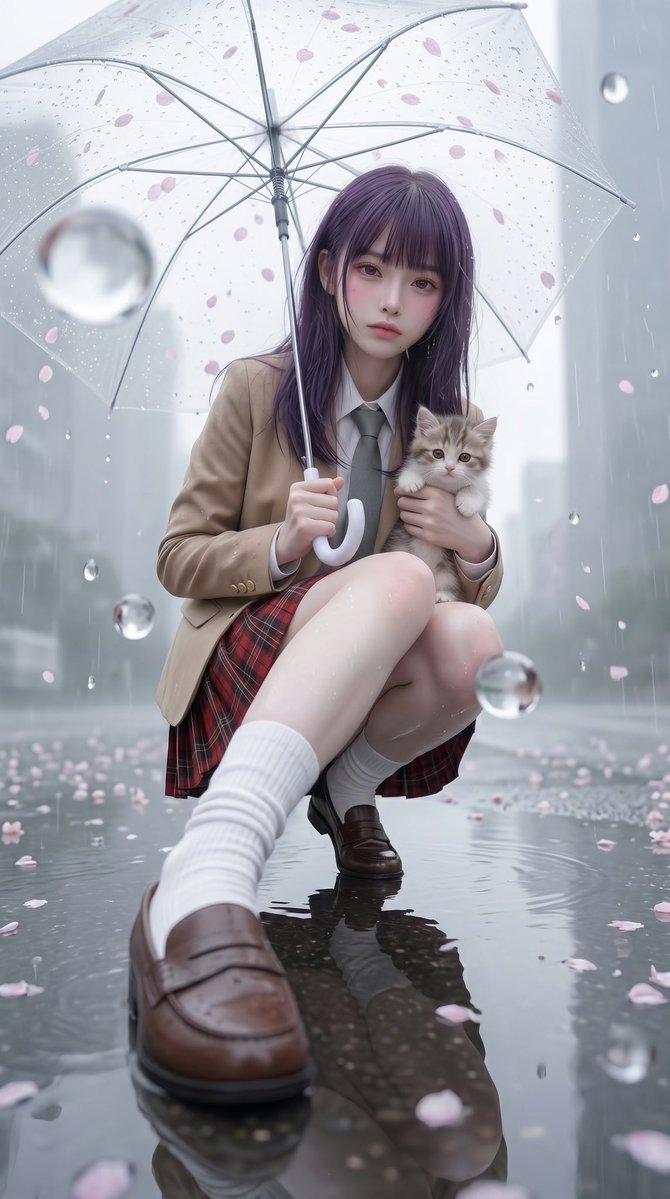
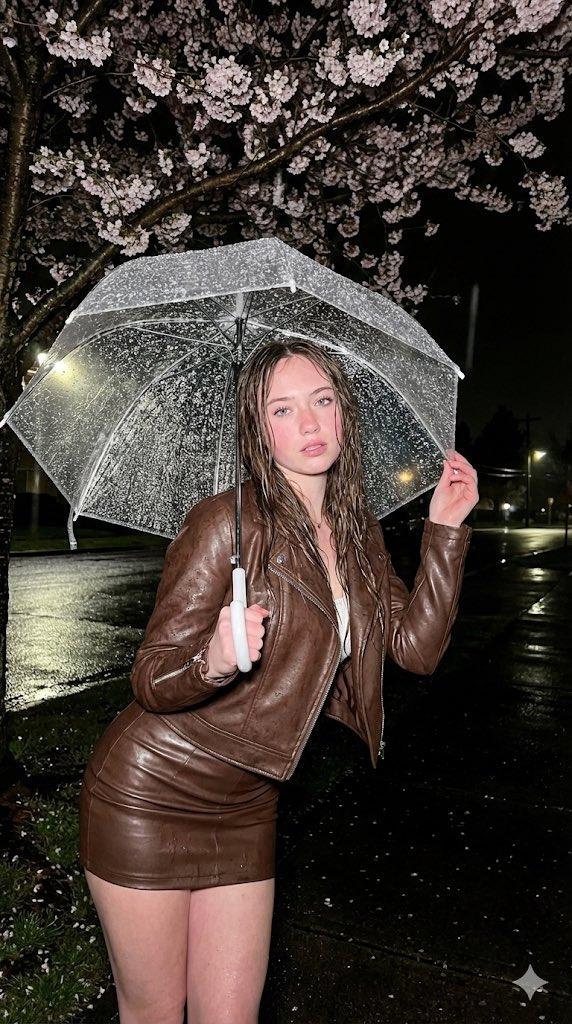
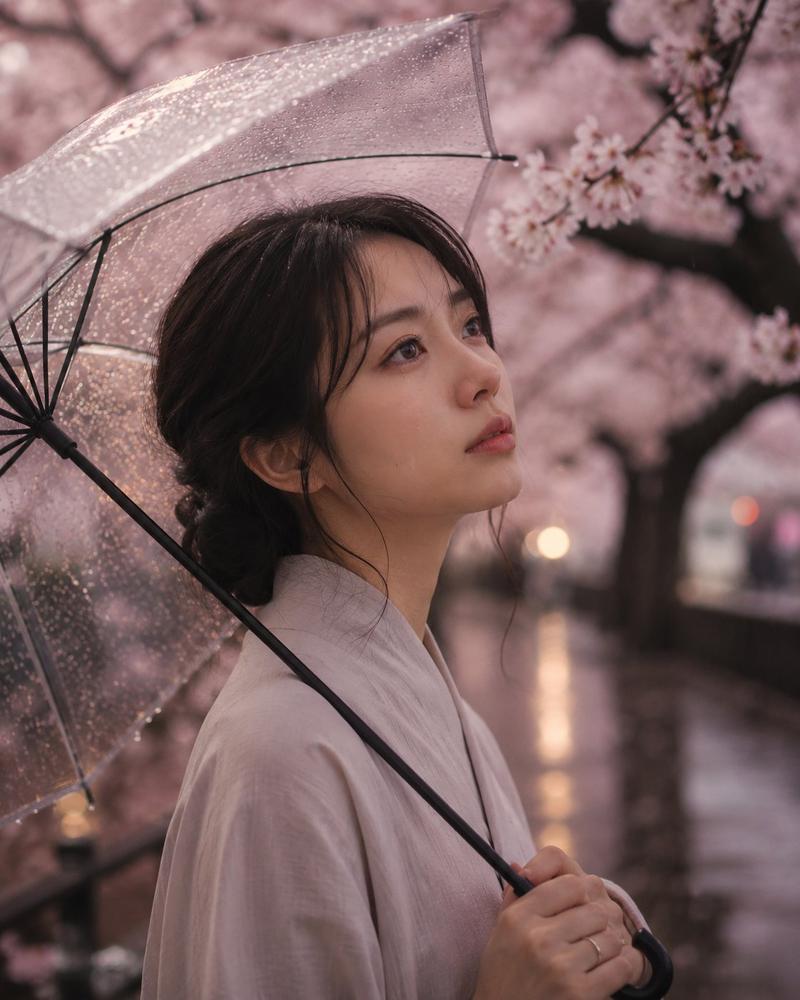
男孩撑伞对抗暴风雨
Prompt
Create a dramatic vertical cinematic photorealistic image of {argument name="character name" default="Seiren"}, an elementary-school-aged Japanese boy caught in a violent rainstorm on a residential city street. He has messy windblown {argument name="hair color" default="black"} hair and an obscured/softly blurred face, wearing a soaked white short-sleeve T-shirt, dark navy shorts, white socks, and white sneakers. A large glossy black Japanese randoseru school backpack is strapped to his back, tilted open and flaring in the wind. He stands in a wide braced stance on wet reflective asphalt, leaning forward with both hands gripping a black umbrella handle, fighting the storm as the transparent plastic umbrella is blown inside-out and stretched toward the upper right of the frame; show the umbrella ribs and clear plastic canopy sharply, covered with droplets and spray. The scene is set in a dim Japanese suburban street lined with apartment buildings, balconies, railings, shrubbery, utility poles, and overhead wires, under dark gray storm clouds. Use strong diagonal rain streaks, splashing water, flying leaves and debris, reflections from streetlights and building lights on the pavement, and a cold blue-gray color grade. Composition: low-angle full-body action shot, boy centered slightly lower left, umbrella dominating the upper right, background receding down the street to the left, high motion energy, realistic wet fabric and skin, dramatic backlighting, shallow atmospheric haze, no text, no watermark.- Category
- Architecture & Spaces
- Model
- GPT Image 2
- Creator
- ハチワレ🐾SynClub
- Source ID
- 25254
- Published
- Jun 11, 2026
Views2