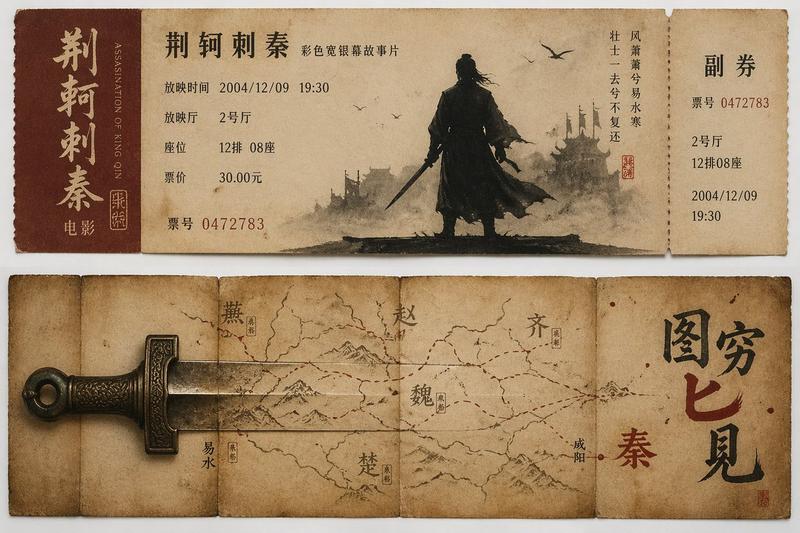
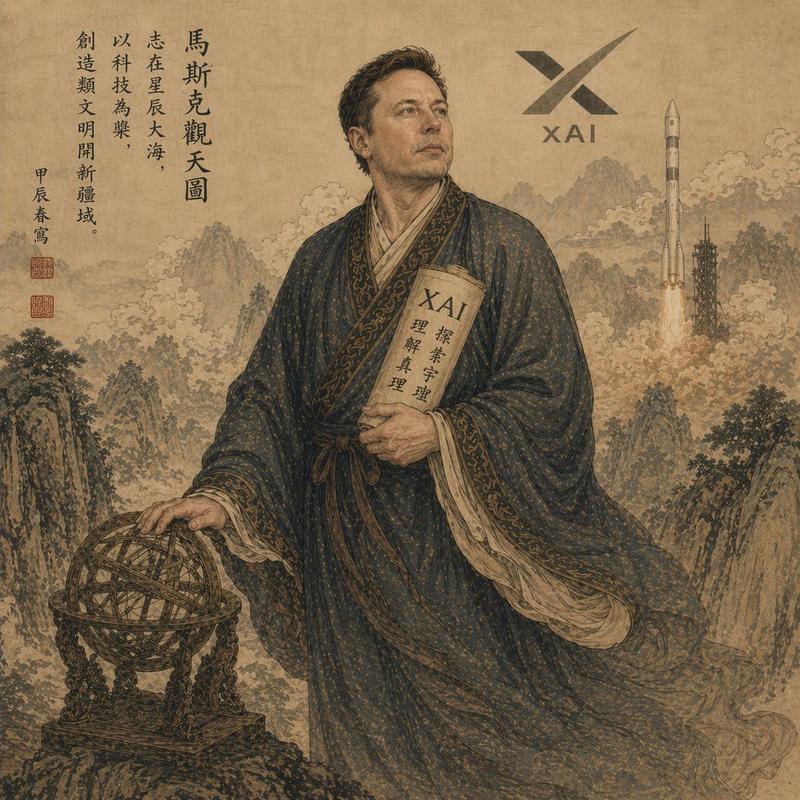
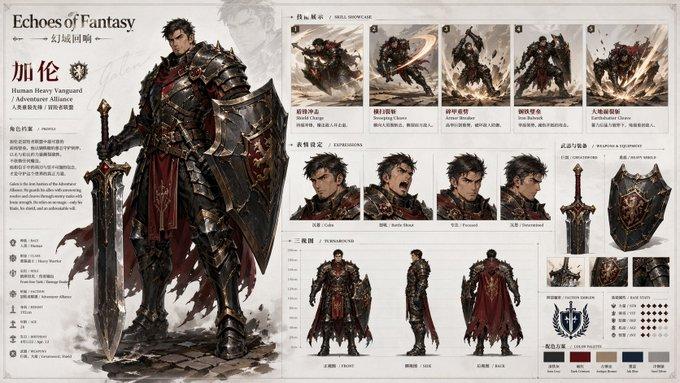
3D 历史人物传记海报模板
Prompt
Create a highly detailed “3D Historical Breakout Biography Poster”.

Main Character: {argument name="character name" default="[INSERT CHARACTER NAME]"}
Character Identity: [Emperor / General / Strategist / Philosopher / Reformer / Scholar / Military Leader]
Historical Era: {argument name="historical era" default="[INSERT DYNASTY OR HISTORICAL PERIOD]"}
Core Keywords: {argument name="keywords" default="[INSERT KEYWORDS]"}
Main Color Palette: [Black Gold Crimson / Deep Blue Silver / Dark Ink Gold / Iron Black]
Aspect Ratio: 3:4 Vertical Poster

Design an ultra cinematic historical archive-style poster with a full-body 3D historical figure as the absolute center focus. The character must appear realistic, monument-like, powerful, and historically accurate with strong cinematic presence. Clothing, armor, robes, weapons, crown, boots, fabric textures, and accessories must accurately match the historical era.

The figure should not stand still. Create a dramatic “breaking out of the frame” action pose toward the viewer with strong cinematic depth and perspective distortion. One arm or symbolic object must extend forward aggressively. The breakout object can be an imperial sword, spear, command scroll, royal decree, military token, book scroll, jade tablet, ceremonial weapon, or dynasty banner. Keep the forward object fully visible and uncropped.

The central figure stands on a refined memorial-style base with subtle historical engravings. The figure should feel visually heavy and dominant while the surrounding information system feels light, elegant, transparent, and floating.

Around the character, place 6–10 floating historical event fragments designed like lightweight museum archive shards instead of thick information cards. Use transparent acrylic/glass panels, glowing borders, fine gold annotation lines, layered infographic fragments, and floating manuscript textures. These fragments may contain years, event titles, short annotations, historical scenes, military maps, dynasty seals, territory outlines, and ancient document textures.

The floating fragments should appear at different depths and angles. Some closer to the camera, some partially hidden behind armor or weapons, creating strong cinematic layering and realistic spatial depth.

On the left side, include a large East Asian calligraphy-style title composition featuring the character’s name, birth/death years, dynasty name, role labels, historical keywords, and legendary subtitle with seal-style typography.

At the bottom, create a thin elegant horizontal timeline using fine gold lines, small circular markers, minimal year labels, and subtle annotations inspired by museum exhibition guides. Avoid heavy information bars.

Background style should combine ancient parchment textures, faded maps, museum wall aesthetics, ink textures, seal stamps, fragmented historical documents, war stra- Category
- Charts & Infographics
- Model
- GPT Image 2
- Creator
- Rossy
- Source ID
- 19481
- Published
- May 10, 2026
Views2