20

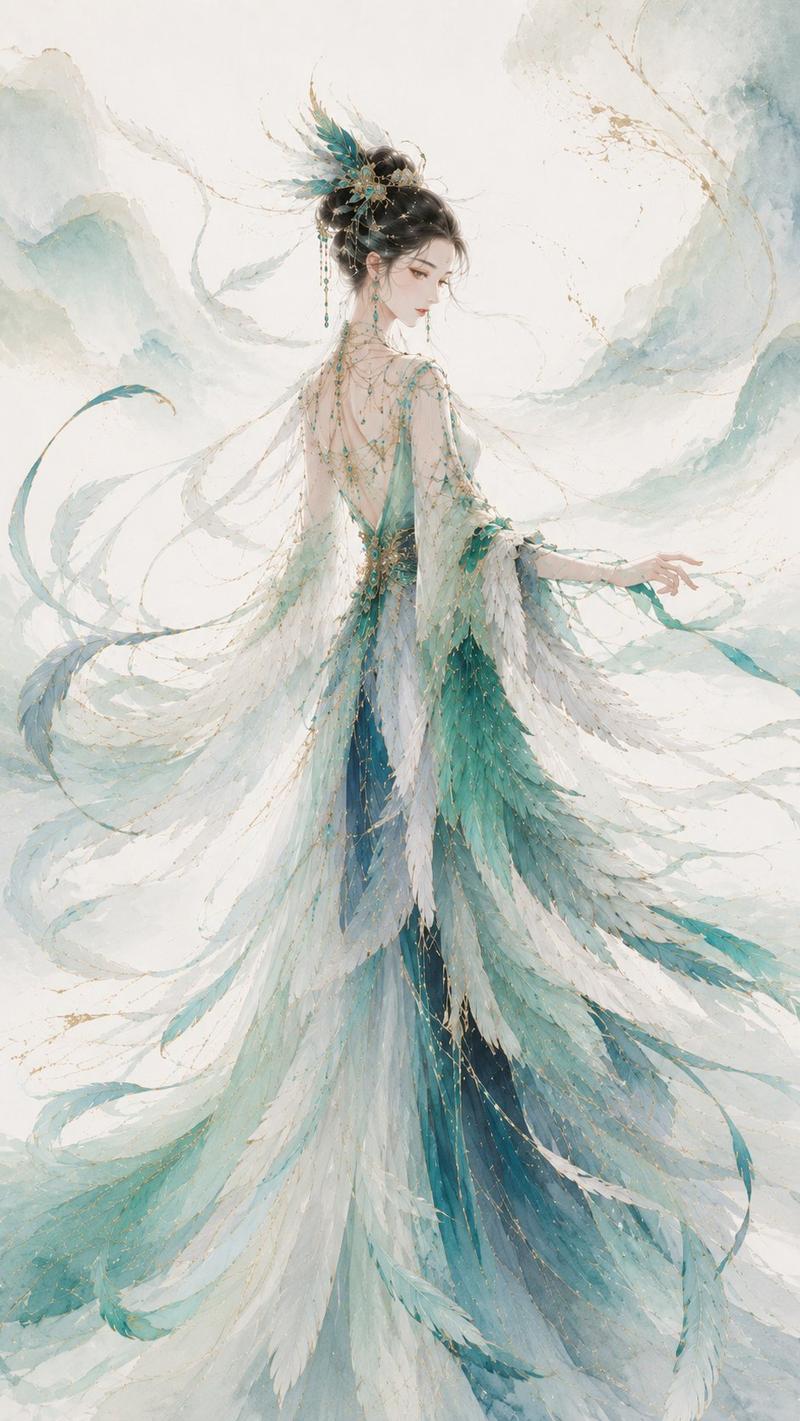
水下粉色花瓣缪斯
Enlarge

水下粉色花瓣缪斯

Prompt
Create a vertical fantasy anime illustration of a graceful underwater flower-woman standing barefoot on a pale sandy seabed, centered in the composition. She wears a simple satin-white slip dress with thin straps, softly reflective fabric, and a calf-length hem, while her body is enveloped by enormous flowing {argument name="flower petal color" default="pale blush pink"} petals resembling oversized ruffled sea anemone or oyster mushroom petals. The petals form a dramatic headdress and cloak around her, with many fine white vein lines, scalloped edges, translucent layering, and long trailing petal panels spreading across the floor like a gown train. Her face is intentionally hidden by a flat square {argument name="face cover color" default="dusty pink"} censor block placed over the head area. Set the scene in a dreamy underwater garden with soft blue-green water, sunbeams filtering down from above, floating bubbles, tiny glowing jellyfish, and blurred coral and anemone shapes in lavender, blue, and pastel pink in the background. Use delicate painterly rendering, soft gradients, luminous rim light, ethereal pastel colors, elegant fashion-illustration proportions, intricate petal texture, serene magical atmosphere, and high detail.
Category
Charts & Infographics
Model
GPT Image 2
Creator
우락갸
Views6
Source ID
19515
Published
May 11, 2026

Guide

About "水下粉色花瓣缪斯"

What is this prompt for?

"水下粉色花瓣缪斯" AI image prompt for GPT Image 2 (Charts & Infographics). 生成一个梦幻般的动漫风格水下奇幻人物,被巨大的淡粉色花瓣包裹,适用于空灵的角色艺术或超现实时尚插画。 Copy it on Picva and recreate the look i…

The full copyable prompt and example visuals above are ready for AI image generation or one-click recreate in Picva.

How to use this prompt

  1. Step 1

    Open the prompt detail

    Review the example visuals, category, and full prompt text for "水下粉色花瓣缪斯".

  2. Step 2

    Copy the prompt

    Copy the prompt body from this page, or load it directly in Studio.

  3. Step 3

    Pick a model (GPT Image 2)

    Prefer GPT Image 2. If you switch models, keep subject and composition and tweak style terms.

  4. Step 4

    Generate and export

    Recreate the look in Picva, or export into your workflow for editing and publishing.

FAQ

What is the "水下粉色花瓣缪斯" prompt?
It is an AI image-generation prompt for GPT Image 2 in the Charts & Infographics category. This page includes the full prompt text, example visuals, and a one-click recreate path in Picva.
How do I use this prompt to generate an image?
Copy the prompt from this page, or use Generate / Studio. Paste it into a compatible image model, or recreate the look in Picva with optional reference images.
Which model is this prompt for?
This page lists GPT Image 2. Most descriptive prompts also transfer to nearby image models such as GPT Image, Flux, or Midjourney with light style tweaks.
Can I use the result commercially?
You can usually copy the prompt for creation, but commercial use of the final image depends on the model terms, reference-image rights, and the generated content. Follow the source author and platform rules.