15

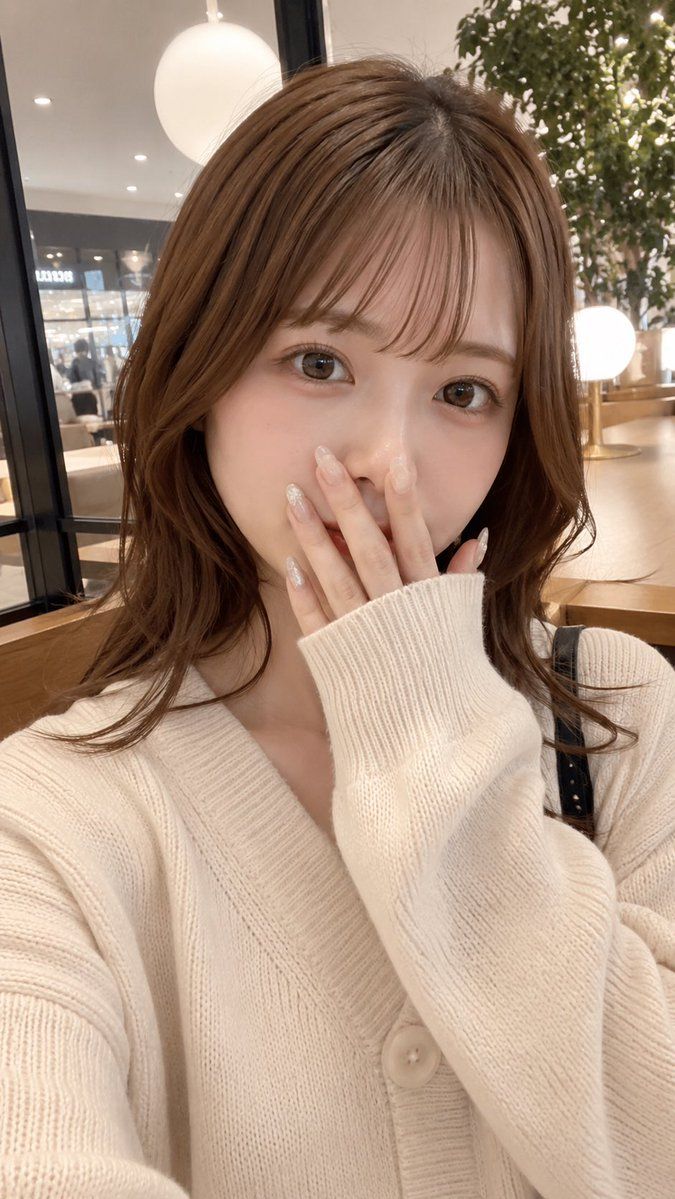
带隐私遮挡的咖啡馆自拍
Enlarge

带隐私遮挡的咖啡馆自拍

Prompt
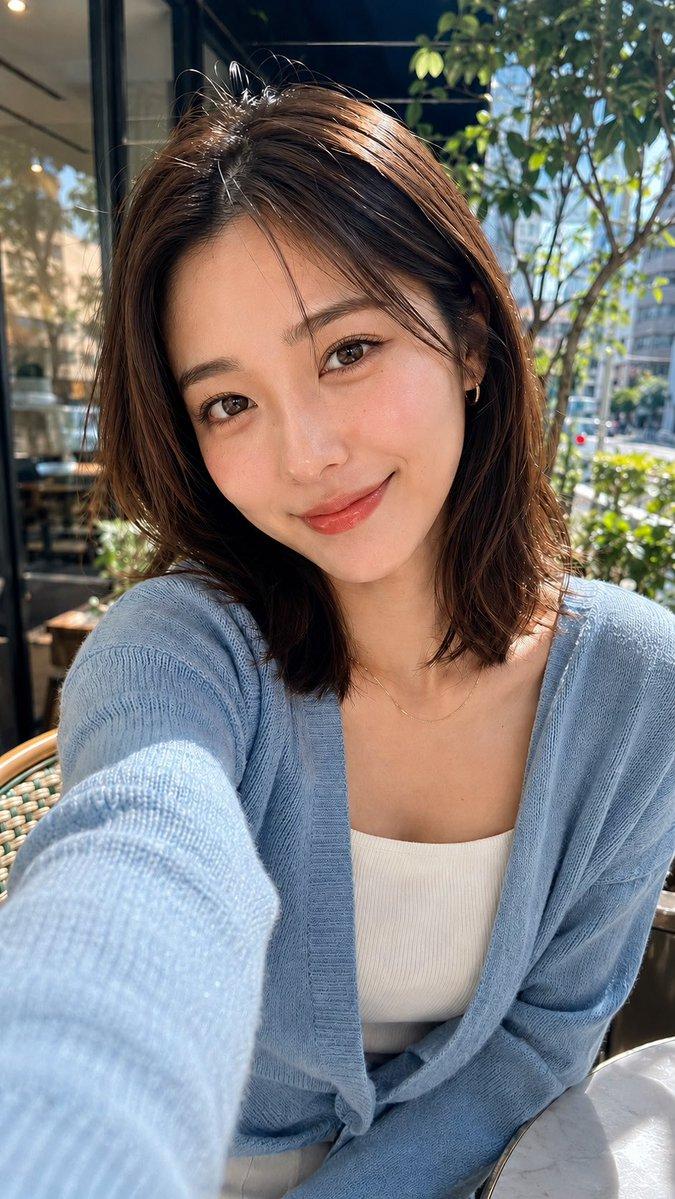
Create an ultra-realistic vertical smartphone selfie of a cute young Japanese woman sitting in a warm modern cafe. She has {argument name="hair color" default="light chestnut brown"} medium-length softly layered wavy hair with airy bangs, glossy natural texture, and loose curls falling around her shoulders. Her face is intentionally covered by a centered opaque rectangular privacy block in a warm brown skin-tone color, hiding all facial features. She wears an oversized {argument name="sweater color" default="cream white"} ribbed knit cardigan with large buttons and a deep V neckline, one long sleeve pulled up near her mouth in a shy pose, with a thin black shoulder bag strap visible on one shoulder. Frame it as a close-up chest-up selfie from a slightly high angle, natural casual posture, realistic body proportions, soft indoor lighting, shallow depth of field, high-end phone camera realism. The background is a stylish cafe interior with wooden tables, glass partitions, round glowing pendant lamps, blurred storefront lights, and a leafy indoor plant on the right. Use warm beige tones, cozy atmosphere, candid social-media snapshot aesthetic, photorealistic skin and fabric detail, no illustration style, no text, vertical 9:16 composition.
Category
Charts & Infographics
Model
GPT Image 2
Creator
ギン
Views5
Source ID
19545
Published
May 10, 2026

Guide

About "带隐私遮挡的咖啡馆自拍"

What is this prompt for?

"带隐私遮挡的咖啡馆自拍" AI image prompt for GPT Image 2 (Charts & Infographics). 生成一张写实的竖版咖啡馆自拍,画面中是一位时尚的年轻女性,其面部被一个隐私矩形遮挡,适用于匿名社交媒体风格的肖像。 Copy it on Picva and recreate…

The full copyable prompt and example visuals above are ready for AI image generation or one-click recreate in Picva.

How to use this prompt

  1. Step 1

    Open the prompt detail

    Review the example visuals, category, and full prompt text for "带隐私遮挡的咖啡馆自拍".

  2. Step 2

    Copy the prompt

    Copy the prompt body from this page, or load it directly in Studio.

  3. Step 3

    Pick a model (GPT Image 2)

    Prefer GPT Image 2. If you switch models, keep subject and composition and tweak style terms.

  4. Step 4

    Generate and export

    Recreate the look in Picva, or export into your workflow for editing and publishing.

FAQ

What is the "带隐私遮挡的咖啡馆自拍" prompt?
It is an AI image-generation prompt for GPT Image 2 in the Charts & Infographics category. This page includes the full prompt text, example visuals, and a one-click recreate path in Picva.
How do I use this prompt to generate an image?
Copy the prompt from this page, or use Generate / Studio. Paste it into a compatible image model, or recreate the look in Picva with optional reference images.
Which model is this prompt for?
This page lists GPT Image 2. Most descriptive prompts also transfer to nearby image models such as GPT Image, Flux, or Midjourney with light style tweaks.
Can I use the result commercially?
You can usually copy the prompt for creation, but commercial use of the final image depends on the model terms, reference-image rights, and the generated content. Follow the source author and platform rules.