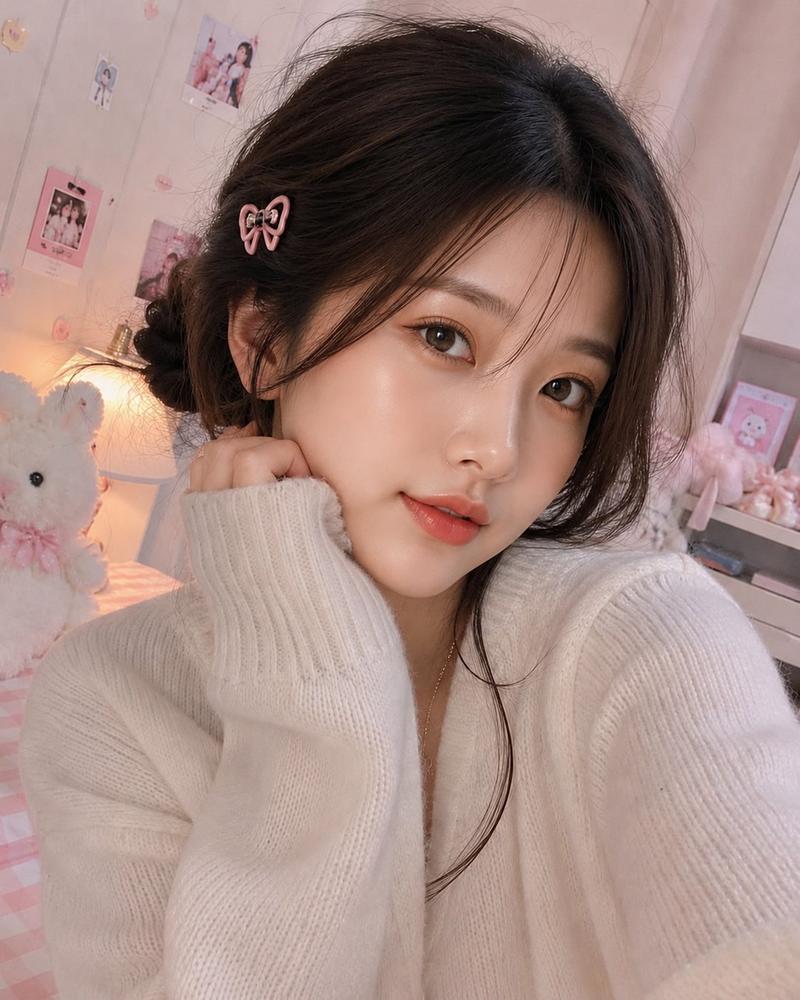
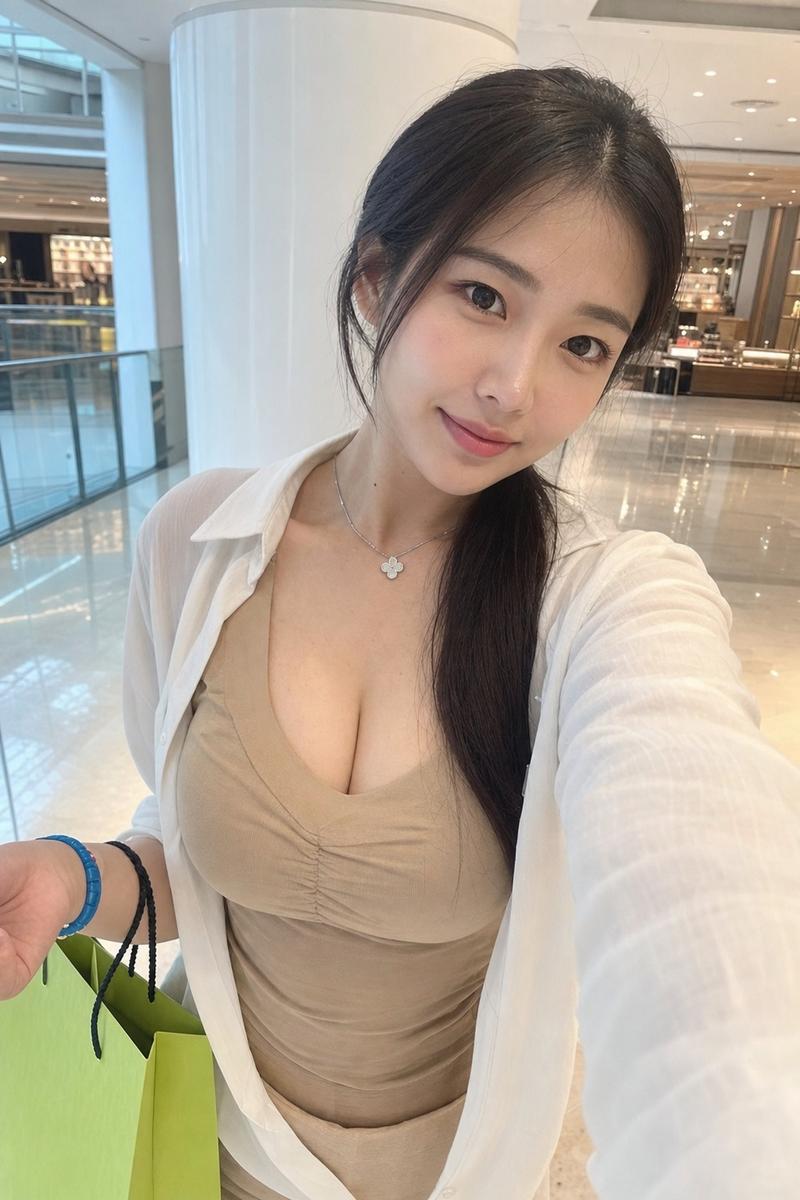
奢华精品店双人自拍
Prompt
Create an ultra-realistic vertical smartphone selfie photo of two fashionable young women standing close together in an elegant, brightly lit luxury boutique or salon interior. The camera is held slightly above chest height at arm’s length, creating a casual wide-angle selfie perspective with both women cropped from the head to mid-thigh. Both faces are intentionally covered by large opaque rectangular privacy blocks with soft brown-to-rose gradient tones, centered over the face area. The woman on the left has {argument name="left woman hair color" default="dark brown"} long straight hair with a small top section tied back, wearing a cream-white ribbed cardigan dress with a bow tie at the neckline, front buttons, a flowing skirt, a delicate pendant necklace, and a thin gold chain shoulder bag strap. The woman on the right has {argument name="right woman hair color" default="warm chestnut brown"} long softly curled hair, a pearl-and-flower hair clip on the side, a pale blue ribbed off-shoulder or wide-neck knit dress, a delicate necklace, a braided waist detail, and a silver chain shoulder bag strap. The background is {argument name="setting" default="a glamorous cream-and-gold boutique interior"} with glossy marble floors, built-in illuminated display shelves holding vases and decor, framed floral artwork, mirrored wall panels, warm ceiling lights, and a refined upscale atmosphere. Use natural indoor warm lighting, realistic skin and fabric texture, slight phone-camera distortion, shallow but readable background detail, soft pastel colors, and the authentic look of a casual social media snapshot. No text, no logos, no illustration style.- Category
- Charts & Infographics
- Model
- GPT Image 2
- Creator
- ギン
- Source ID
- 19546
- Published
- May 10, 2026
Views7