18

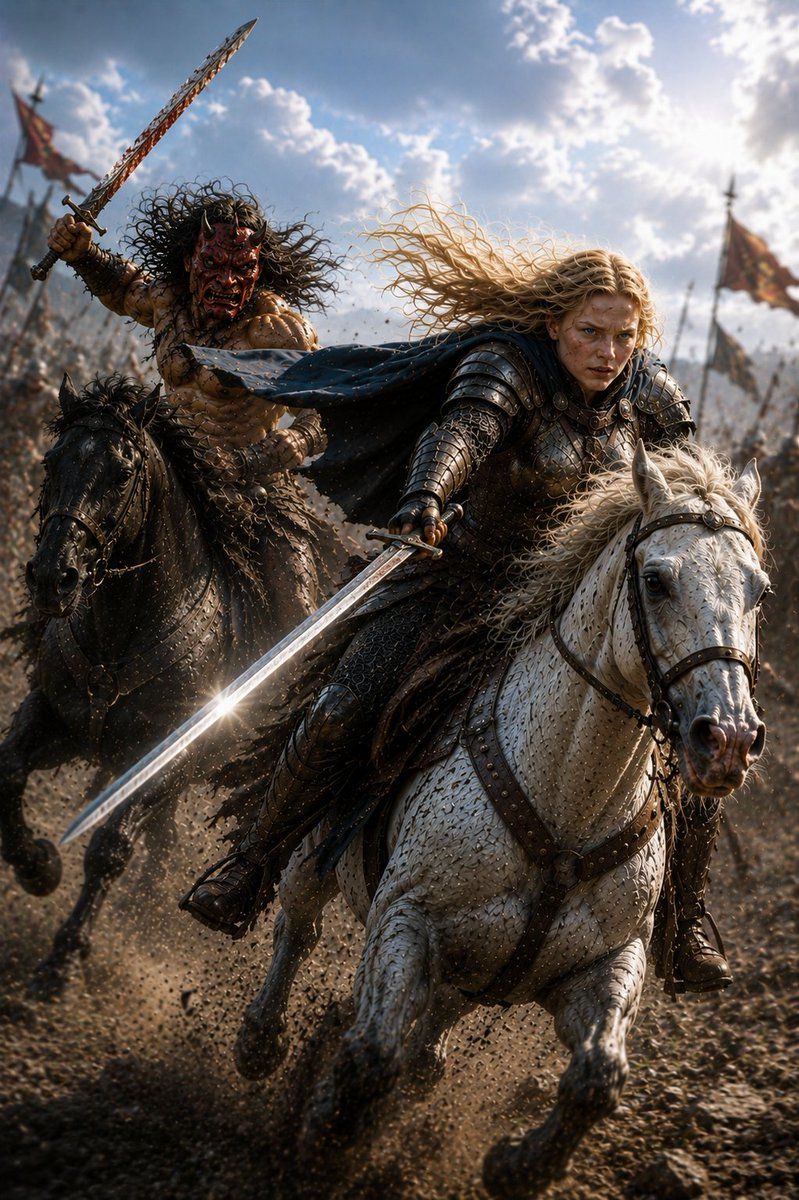
骑兵骑士与野蛮人冲锋
Enlarge

骑兵骑士与野蛮人冲锋

Prompt
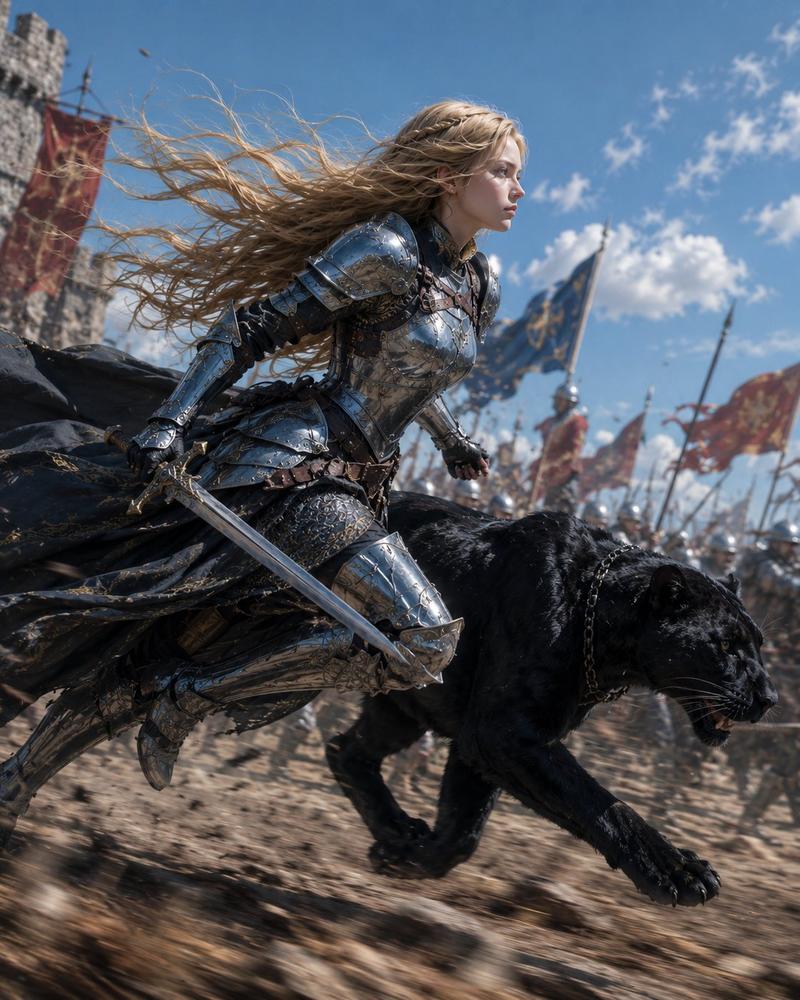
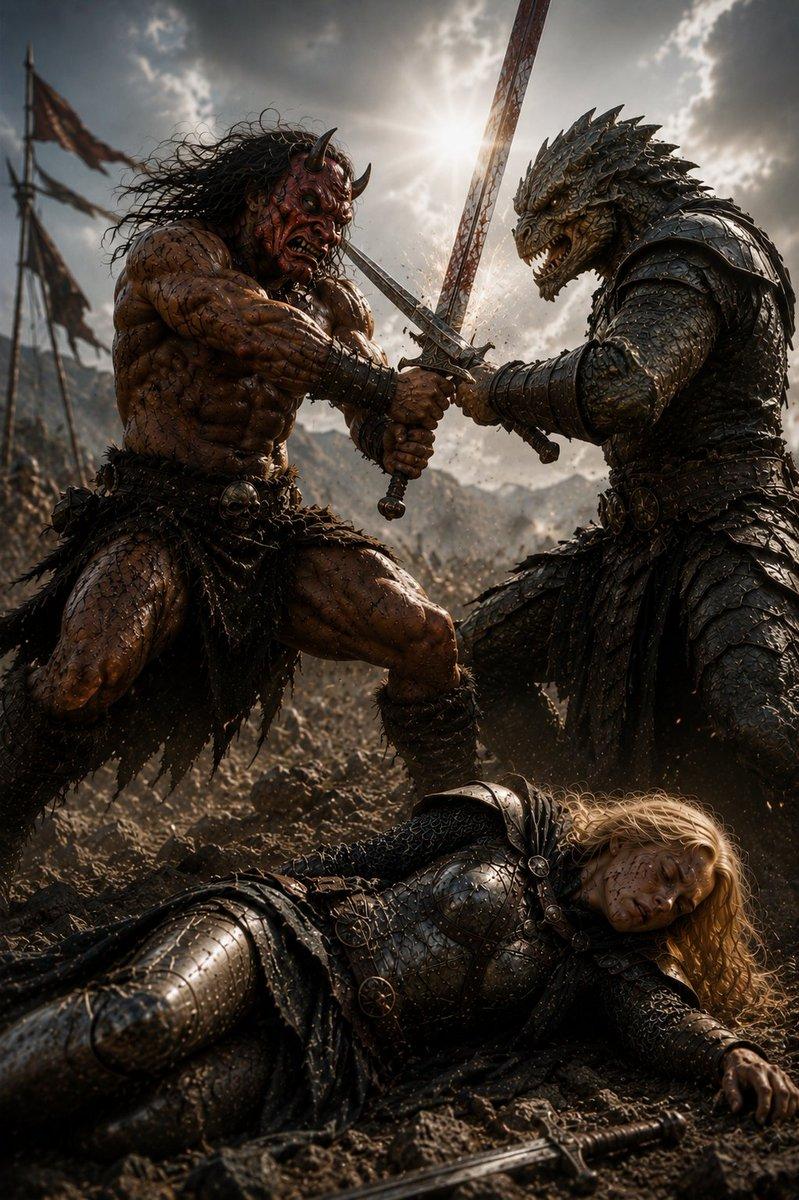
Create a vertical cinematic dark-fantasy battle scene titled by mood as {argument name="scene title" default="Cooperation with the Barbarian 5"}: two mounted warriors charge side by side through a muddy battlefield toward the viewer. Count exactly 2 riders and 2 horses: the front-right rider is a blond knight in dark steel plate armor and chainmail with a black-blue cloak streaming violently behind him, riding a white warhorse with leather bridle and studded tack; the rear-left rider is a bare-chested muscular barbarian with wild curly black hair, leather straps, fur and rough metal accessories, riding a black horse and raising a long blood-stained sword overhead. Both riders' faces are deliberately obscured by plain solid brown square censor blocks. The knight thrusts a long shining sword diagonally down across the foreground, catching a bright lens flare on the blade, while the barbarian's raised sword points into the sky. Fill the background with a vast blurred medieval army, dust, flying dirt, spears, and exactly 2 visible tattered battle flags, one on the far left and one on the far right. Use dramatic low-angle action composition, extreme motion, galloping hooves kicking up gravel and mud, windblown hair and cloak, gritty realism, high-detail horse armor and leatherwork, epic fantasy war atmosphere, backlit sunlight breaking through bright clouds, shallow depth of field, cinematic contrast, photorealistic rendering, 2:3 aspect ratio.
Category
Photography & Realism
Model
GPT Image 2
Views5
Source ID
19558
Published
May 10, 2026

Guide

About "骑兵骑士与野蛮人冲锋"

What is this prompt for?

"骑兵骑士与野蛮人冲锋" AI image prompt for GPT Image 2 (Photography & Realism). 生成一张电影感奇幻战场图片,展现骑士与野蛮人并肩进行史诗般的骑兵冲锋。 Copy it on Picva and recreate the look in one click.

The full copyable prompt and example visuals above are ready for AI image generation or one-click recreate in Picva.

How to use this prompt

  1. Step 1

    Open the prompt detail

    Review the example visuals, category, and full prompt text for "骑兵骑士与野蛮人冲锋".

  2. Step 2

    Copy the prompt

    Copy the prompt body from this page, or load it directly in Studio.

  3. Step 3

    Pick a model (GPT Image 2)

    Prefer GPT Image 2. If you switch models, keep subject and composition and tweak style terms.

  4. Step 4

    Generate and export

    Recreate the look in Picva, or export into your workflow for editing and publishing.

FAQ

What is the "骑兵骑士与野蛮人冲锋" prompt?
It is an AI image-generation prompt for GPT Image 2 in the Photography & Realism category. This page includes the full prompt text, example visuals, and a one-click recreate path in Picva.
How do I use this prompt to generate an image?
Copy the prompt from this page, or use Generate / Studio. Paste it into a compatible image model, or recreate the look in Picva with optional reference images.
Which model is this prompt for?
This page lists GPT Image 2. Most descriptive prompts also transfer to nearby image models such as GPT Image, Flux, or Midjourney with light style tweaks.
Can I use the result commercially?
You can usually copy the prompt for creation, but commercial use of the final image depends on the model terms, reference-image rights, and the generated content. Follow the source author and platform rules.