拿破仑历史时间轴海报
Prompt
Goal: Create a dramatic historical biography poster for {argument name="subject figure" default="Napoleon Bonaparte"}, presented as an imperial military ruler infographic with a cinematic equestrian portrait and annotated life timeline.

Canvas: Vertical 3:4 poster, dark antique parchment and battlefield-map background, high-detail painterly realism mixed with luxury editorial infographic design. Use a black, charcoal, sepia, and weathered gold palette with glowing gold lines, dust, smoke, scratches, old-map texture, and archival manuscript fragments.

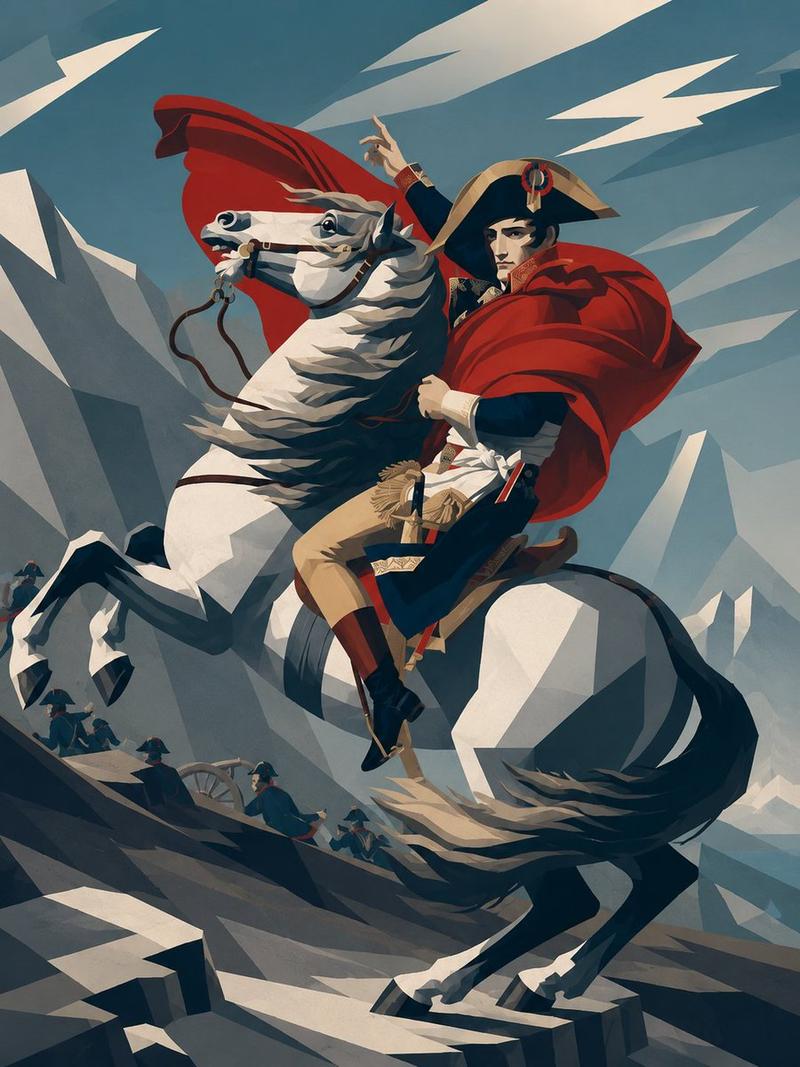
Main subject: Center the ruler on a rearing white horse, facing forward in a heroic battlefield pose. The figure wears a black bicorne hat, ornate dark navy and red imperial military uniform, gold epaulettes, medals, sash, white trousers, tall black riding boots, and a flowing crimson cape. One arm thrusts a long silver sword diagonally toward the lower left foreground, creating strong perspective. The horse has windswept mane, detailed leather-and-gold bridle, decorative chest medallion, raised front leg, and dramatic motion dust beneath it.

Left identity panel: Place a large imperial monogram near the upper left: a gold crowned letter “N” inside a laurel wreath. Below it, set the main name in large elegant serif gold capitals: {argument name="headline name" default="NAPOLEON BONAPARTE"}. Under the name add “1769–1821”, then a divider ornament, then “EMPEROR OF THE FRENCH”. Add a smaller motto line: “STRATEGY • EMPIRE” and “REFORM • CONQUEST”.

Timeline cards: Add exactly 8 translucent archival event cards around the central portrait, each with thin glowing gold borders, small monochrome historical scene artwork, a large two-digit event number, year, title, and short description. Use these exact 8 cards:
1. “01 1769 — Birth in Corsica — Born in Ajaccio, Corsica.” Place lower left.
2. “02 1796 — Italian Campaign — Early victories bring military fame.” Place upper left.
3. “03 1799 — Coup of 18 Brumaire — Seizes power and reshapes France.” Place left middle-lower.
4. “04 1804 — Emperor of the French — Crowned emperor, beginning a new imperial era.” Place lower left-center.
5. “05 1805 — Austerlitz Victory — Strategic masterpiece against major rivals.” Place upper right.
6. “06 1806 — Napoleonic Code and Reforms — Expands legal, civil, and administrative reforms.” Place right middle-upper.
7. “07 1812 — Russian Campaign — Ambition meets a harsh turning point.” Place right middle-lower.
8. “08 1815 — Waterloo and Legacy — Final defeat, enduring global legacy.” Place lower right.

Bottom timeline: Across the bottom edge, create a horizontal gold timeline with exactly 8 circular numbered markers labeled 01 through 08. Under each marker repeat the year and short title in small serif text: 1769 Birth in Corsica; 1796 Italian Campaign; 1799 Coup of 18 Brumaire; 1804 Emperor of the French; 1805 Austerlitz Victory; 1806 Napoleonic Code and Reforms; 1812 Russian Campaign; 1815 Waterloo and Legacy.

Additional details: Add faint dotted route lines and glowing map connections behind the cards, battlefield silhouettes, old documents, handwritten notes, and a red wax seal with an imperial eagle near the lower right. Keep all typography readable, ornate, and historically themed. Make the composition grand, symmetrical but dynamic, with the horse and sword breaking the layout for depth. No modern UI, no watermark, no extra event cards, no misspelled labels.- Category
- Charts & Infographics
- Model
- GPT Image 2
- Creator
- ai.gezgini
- Source ID
- 20398
- Published
- May 14, 2026
Views3