Bag Check 生活方式信息图
Prompt
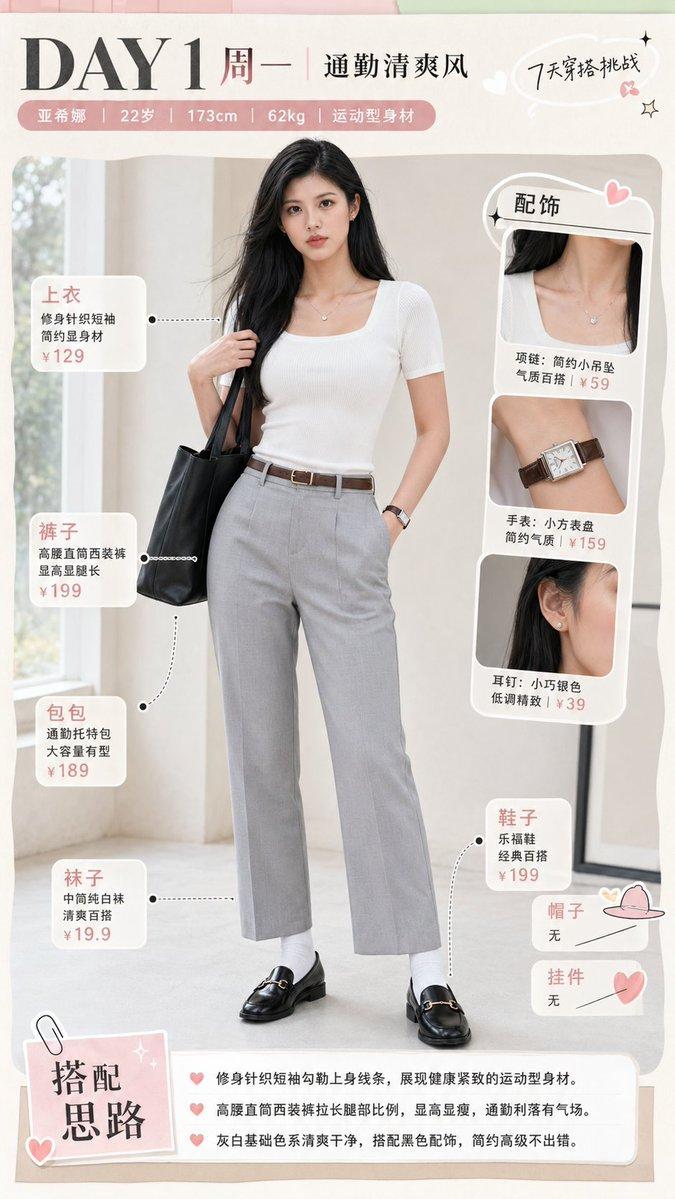
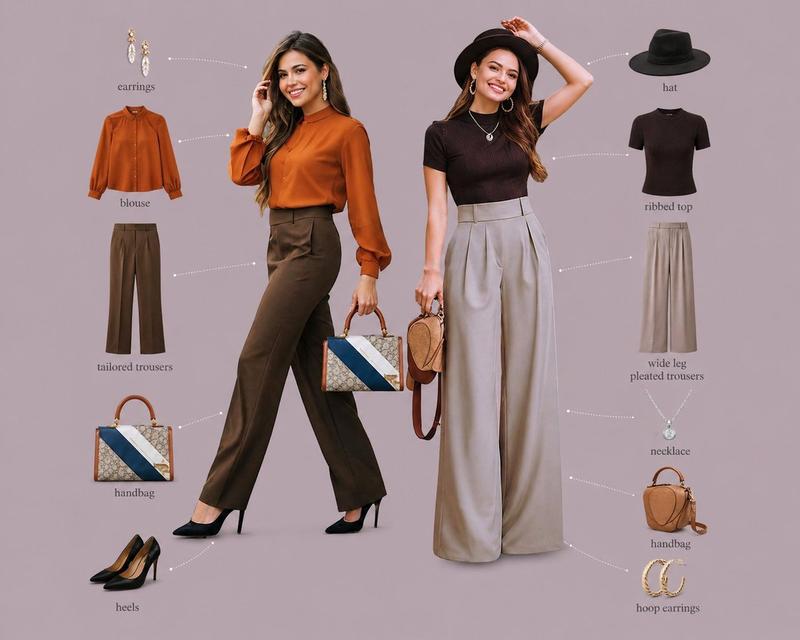
Using REFERENCE_0 as the woman/hairstyle/outfit base, transform it into a soft beige lifestyle magazine infographic poster. Extend the portrait into a full-body standing pose: she is holding a neutral tote bag on one shoulder, one hand in her trouser pocket, wearing coordinated cream/white office-casual styling; keep the face anonymized/softly blurred as in the reference. Create an elegant scrapbook layout on an off-white background with blush tape, tiny hearts, botanical doodles, paper textures, and handwritten serif/cursive typography. Add the main title {argument name="headline text" default="bag check"} with the subtitle {argument name="subtitle text" default="daily things"}. On the right, add a paper card titled {argument name="section title" default="What’s in my bag?"} and arrange exactly 14 labeled daily-essential items in a clean flat-lay: 1 pouch, 2 handkerchief, 3 perfume, 4 lip product, 5 face compact, 6 wallet, 7 notebook, 8 pen, 9 smartphone, 10 snack, 11 card case, 12 keys, 13 earphones, 14 hand cream. Include a large beige tote bag at the lower right labeled as the bag, plus exactly 2 small inset lifestyle photos: one cafe photo at the lower left and one desk/coffee photo at the lower right. Add a small checklist titled "today’s outfit" with exactly 5 checked items: jacket, knit, pants, bag, pumps. Use a minimalist Japanese/Korean cafe-aesthetic palette of cream, taupe, beige, pale pink, and warm gray, with airy spacing and delicate editorial composition. Make the poster tall and vertical, suitable for a social-media seminar/sample graphic.- Category
- Charts & Infographics
- Model
- GPT Image 2
- Creator
- ジェニー【ex.サイコジェニー】
- Source ID
- 19723
- Published
- May 11, 2026
Views2