VTuber 软件对决 YouTube 缩略图
Prompt
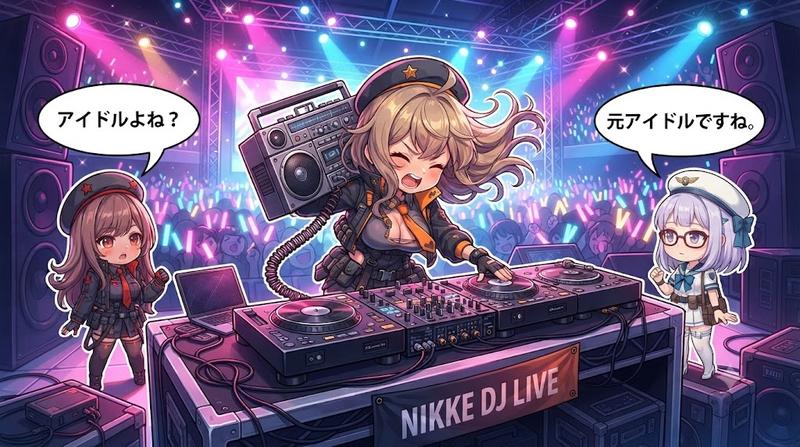
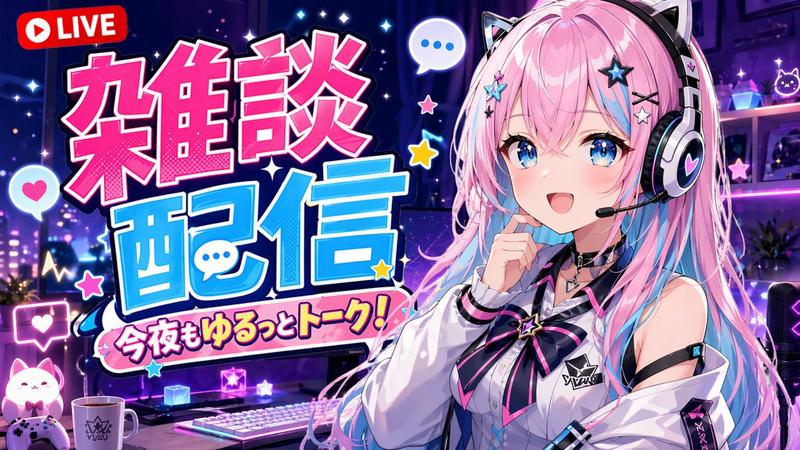
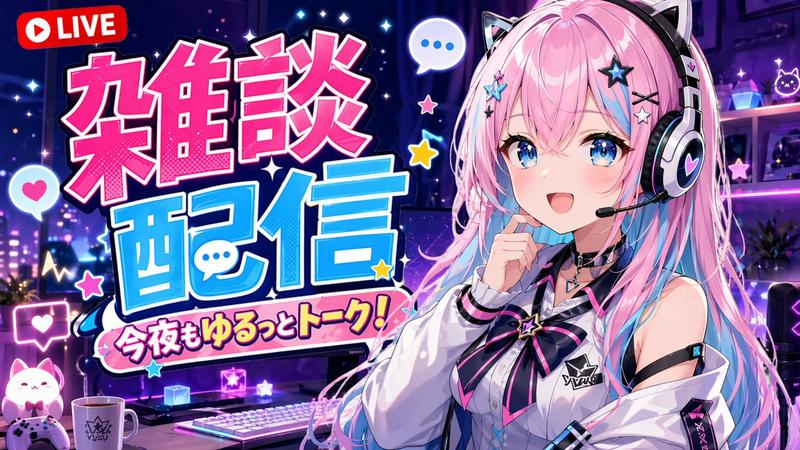
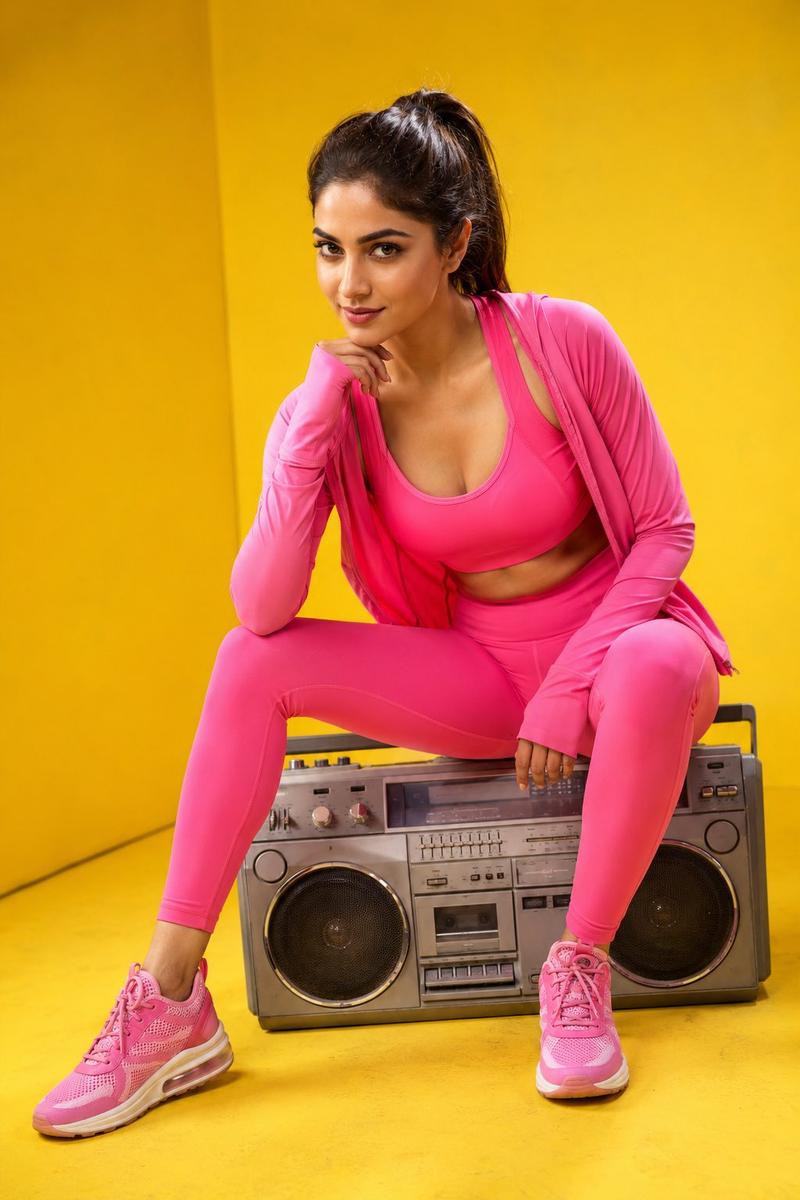
{"type":"high-energy Japanese VTuber YouTube thumbnail","format":"16:9 widescreen banner","style":"bold pop anime, esports versus poster, 1990s street graphic design, thick black and white sticker outlines, halftone dots, comic burst shapes, neon cyan pink yellow palette, crisp readable typography","main_text":{"count":5,"items":[{"position":"top left on black slanted label","text":"{argument name=\"stream label text\" default=\"VTuber舞咲音楽制作生配信\"}","style":"small bold white Japanese text"},{"position":"center left, largest title","text":"{argument name=\"software matchup text\" default=\"RipX vs Ace Studio Cubase\"}","style":"huge layered Latin lettering, RipX in cyan, Ace Studio in hot pink, Cubase in yellow, black shadows, white outlines, comic vs burst between RipX and Ace Studio"},{"position":"lower center on black brush-stroke banner","text":"{argument name=\"headline text\" default=\"ステム分離対決!\"}","style":"very bold white Japanese text with black background and rough painted edges"},{"position":"bottom right on black rectangle with pink border","text":"{argument name=\"date text\" default=\"5月10日\"}","style":"large yellow date text with white month character, angled label"},{"position":"center burst","text":"vs","style":"yellow letters inside black jagged explosion with hot pink spikes"}]},"character":{"position":"right third of image","count":1,"description":"anime VTuber girl from waist up, pale skin, short silver-white bob hair with straight bangs, red eyes, smiling confidently, making a V peace sign beside her face, wearing a deep red oversized hoodie with black drawstrings and black over-ear headphones resting around her neck","customizable_name":"{argument name=\"character name\" default=\"舞咲\"}"},"objects":{"count":1,"items":[{"position":"bottom left","description":"retro boombox cassette player in teal, pink, black and cream, angled slightly, with speakers and cassette deck visible"}]},"background":{"description":"vivid collage background with turquoise grid paper in the upper right and left edges, hot pink paint swipes, cream grunge paper texture behind the title, comic halftone dot patterns, diagonal stripes, black scribble marks, abstract geometric accents","geometric_accents_count":5,"geometric_accents":["yellow triangle at top left","purple triangle near bottom center","pink triangular shard at far left","yellow dotted panel at right edge","black and yellow concentric ring near right center"]},"composition":"place the oversized title diagonally across the center-left, overlapping the background and partially balancing the anime character on the right; use exaggerated drop shadows, multiple outlines, high contrast, and thumbnail-safe typography that remains legible at small size","quality":"clean polished digital illustration, sharp edges, professional YouTube thumbnail design, no photorealism"}- Category
- Charts & Infographics
- Model
- GPT Image 2
- Creator
- 舞咲@作曲家 VTuber
- Source ID
- 19742
- Published
- May 11, 2026
Views5