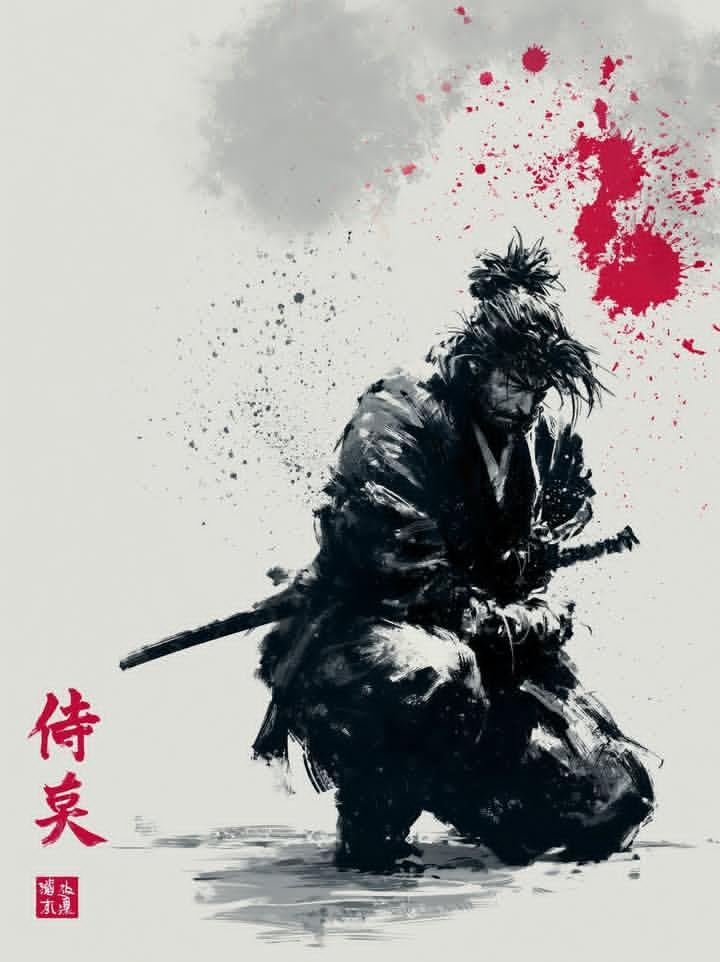
无面忍者角色重设计
Prompt
Goal: Create a refreshed old-anime character design sheet for {argument name="character name" default="a rugged wandering shinobi"}, shown as two depictions on one wide canvas: exactly 1 large cropped portrait on the left and exactly 1 full-body crouching pose on the right.

Canvas: Wide horizontal 16:9 image, muted gray paper-texture background, no border, no logo, no captions. Use painterly high-detail anime concept art with crisp ink-like linework, layered cel shading, weathered fabric textures, and warm rim light from the upper left.

Layout: The left half is dominated by a close-up bust portrait cropped at the top and bottom, with the face intentionally covered by a large plain rectangular censor block in muted dark brown. The right half shows the same character in a low squat, facing forward, also with the face covered by a smaller plain rectangular censor block. Keep the two views side by side like a character redesign comparison sheet.

Subject details: The character is an older battle-worn ninja or ronin with spiky gray-white hair flaring out from beneath a deep indigo head wrap. A small pointed white beard is visible below the face-covering block. Outfit color theme: {argument name="main cloth color" default="deep indigo blue"}, charcoal gray, muted brown leather, dusty beige bandages, and dark red accents. Clothing consists of exactly 8 visible outfit/gear elements: 1 wrapped headband/turban, 1 heavy layered scarf around the neck and shoulders, 1 loose cloak or poncho-like robe, 1 dark inner tunic, 1 pair of baggy charcoal pants, 1 pair of wrapped forearms and hands, 1 pair of wrapped boots, and 1 set of leather knee armor on the left knee. Add exactly 2 round red shoulder patches, one on each upper sleeve, each with a pale flower crest. Add exactly 1 sheathed katana strapped diagonally behind the character’s back on the right-side full-body view, with a patterned handle and small guard.

Pose and expression: The face is not visible; imply a calm, intimidating veteran presence through posture. In the full-body view, the character squats low with elbows resting near the knees, bandaged hands clasped loosely in front, knees spread, feet grounded, cloak draping between the legs. In the close-up view, emphasize layered folds of the scarf, stray hair strands, and the beard below the censor block.

Visual style: Modern high-end anime redesign, similar to a polished samurai fantasy production sheet; detailed cloth folds, scuffed boots, dusty bandages, worn leather, subtle scratches, restrained palette, dramatic but soft lighting, clean silhouette, no photorealism.

Constraints: Include exactly 2 character depictions, exactly 1 katana, exactly 2 red floral shoulder emblems, and exactly 2 rectangular face-covering blocks. Do not add text, speech bubbles, UI, extra weapons, extra characters, or background scenery.- Category
- Charts & Infographics
- Model
- GPT Image 2
- Creator
- Kensei Studio
- Source ID
- 20064
- Published
- May 13, 2026
Views8