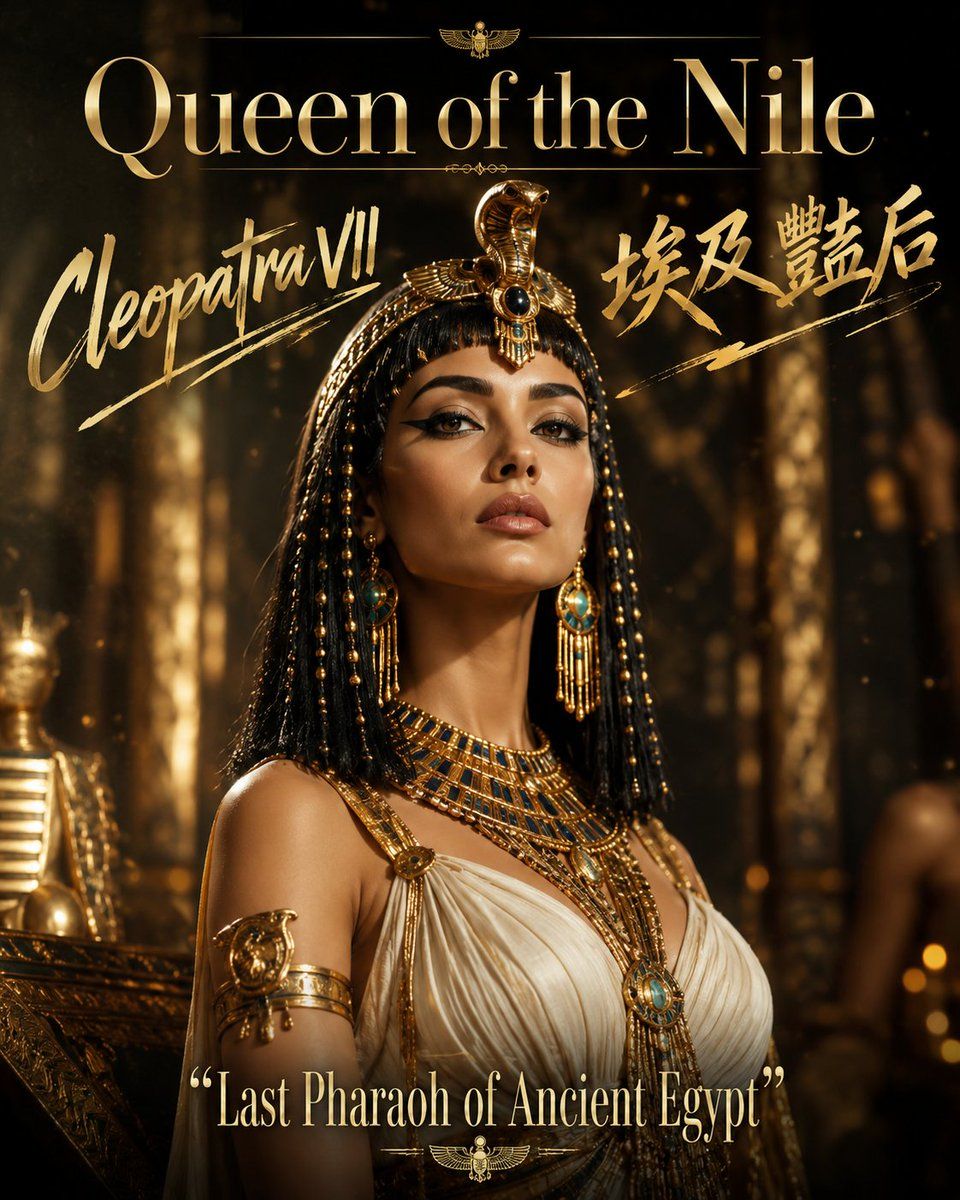
尼罗河女王海报
Prompt
Create a cinematic vertical character poster for a regal Egyptian queen, titled {argument name="headline text" default="Queen of the Nile"}. The composition is a glamorous bust-length portrait of {argument name="character name" default="Cleopatra VII"} standing in a dark ancient Egyptian palace or temple interior, lit by warm golden torchlight with shallow depth of field, floating dust, bokeh highlights, and gilded columns fading into the background. The queen wears a white pleated linen gown with gold straps, an elaborate broad gold-and-turquoise collar necklace, layered gold chains, a large turquoise pendant, gold armbands shaped like sacred ornaments, long turquoise-and-gold drop earrings, and a black braided beaded Egyptian wig. Add a dramatic gold cobra headdress centered above the forehead with black enamel and turquoise jewel details, plus hanging gold bead strands on both sides. Her face should be intentionally obscured by a flat centered rectangle of {argument name="censor block color" default="medium brown"}, covering the facial features while leaving the neck, hair, jewelry, and headdress visible. Use a luxurious black-and-gold movie-poster aesthetic, high contrast, realistic photography mixed with polished fantasy historical styling, sharp jewelry detail, soft background blur, and subtle film grain.

Text layout: place the large headline “Queen of the Nile” across the top in elegant metallic gold serif typography. Add a small gold winged scarab emblem centered above or near the headline with thin ornamental divider lines. On the left side, write “Cleopatra VII” in large expressive gold brush script with underline strokes. On the right side, include bold gold Chinese calligraphy text {argument name="Chinese calligraphy text" default="埃及艷后"} with sweeping brush underline strokes. At the bottom center, add the quote {argument name="bottom quote" default="Last Pharaoh of Ancient Egypt"} in pale gold serif type, enclosed in quotation marks, with a small gold scarab ornament and thin decorative line beneath it. Keep exactly four main text groups: top headline, left character name, right Chinese calligraphy, and bottom quote. No extra logos, no watermark, no additional text.- Category
- Charts & Infographics
- Model
- GPT Image 2
- Creator
- TWnese
- Source ID
- 20583
- Published
- May 16, 2026
Views1














