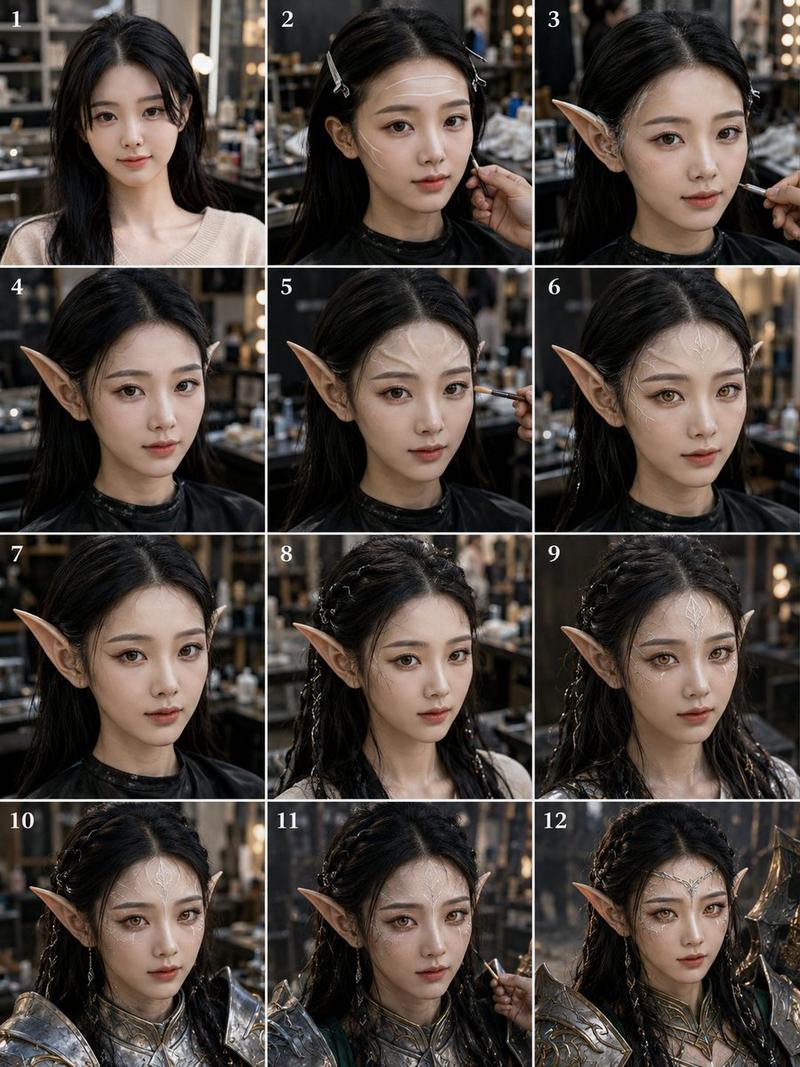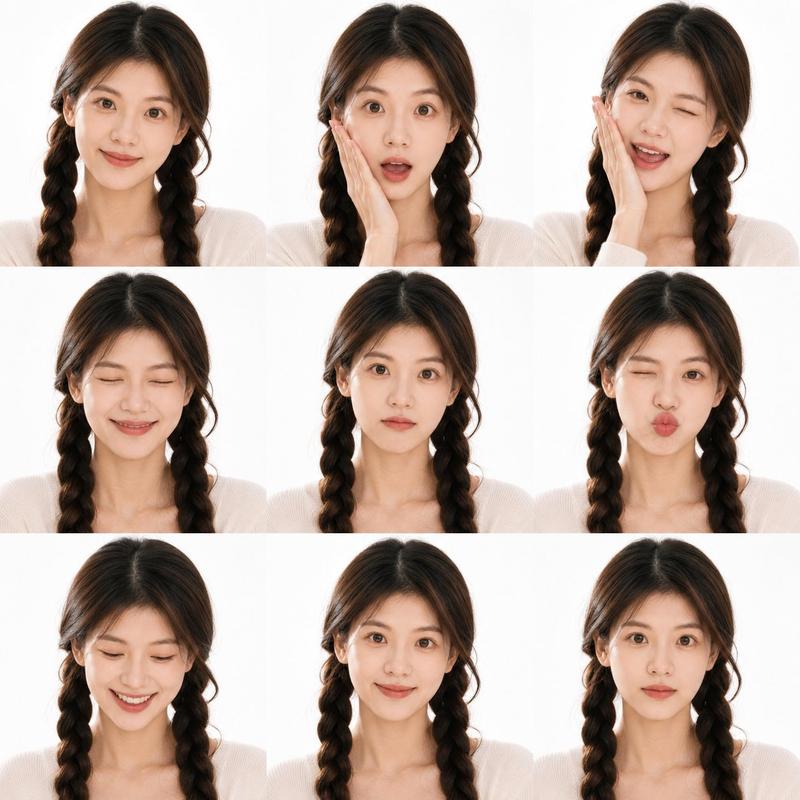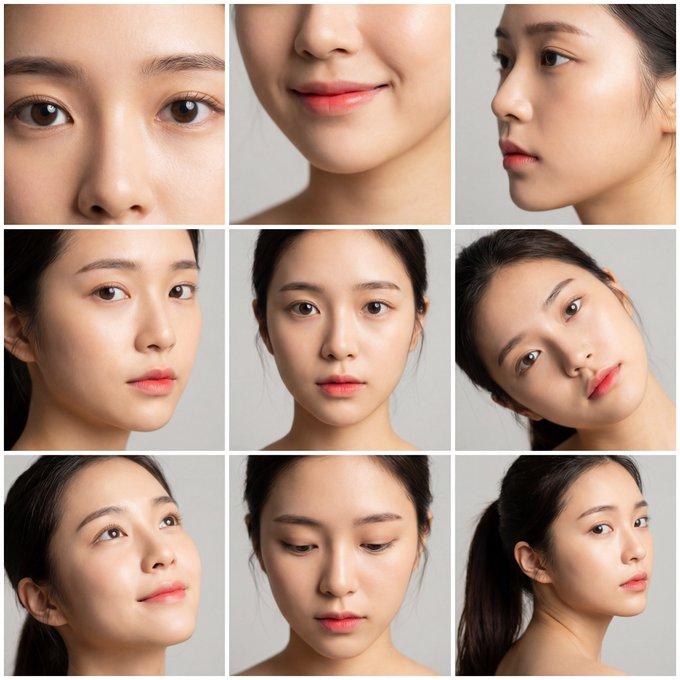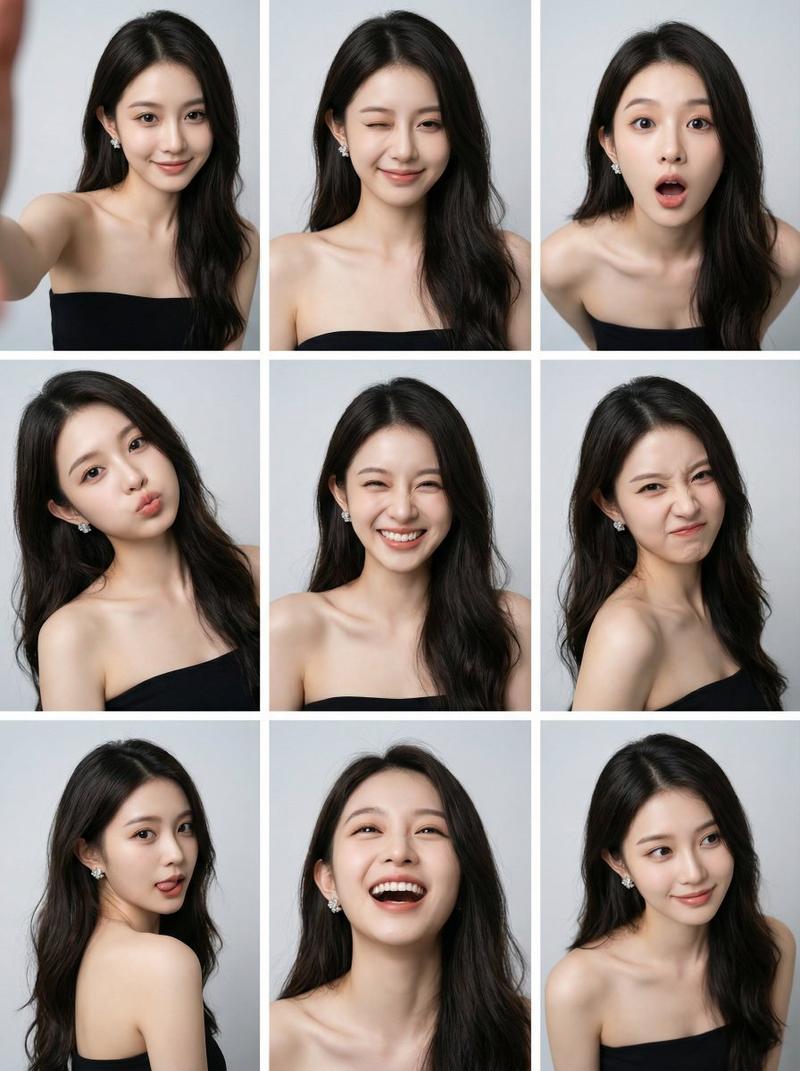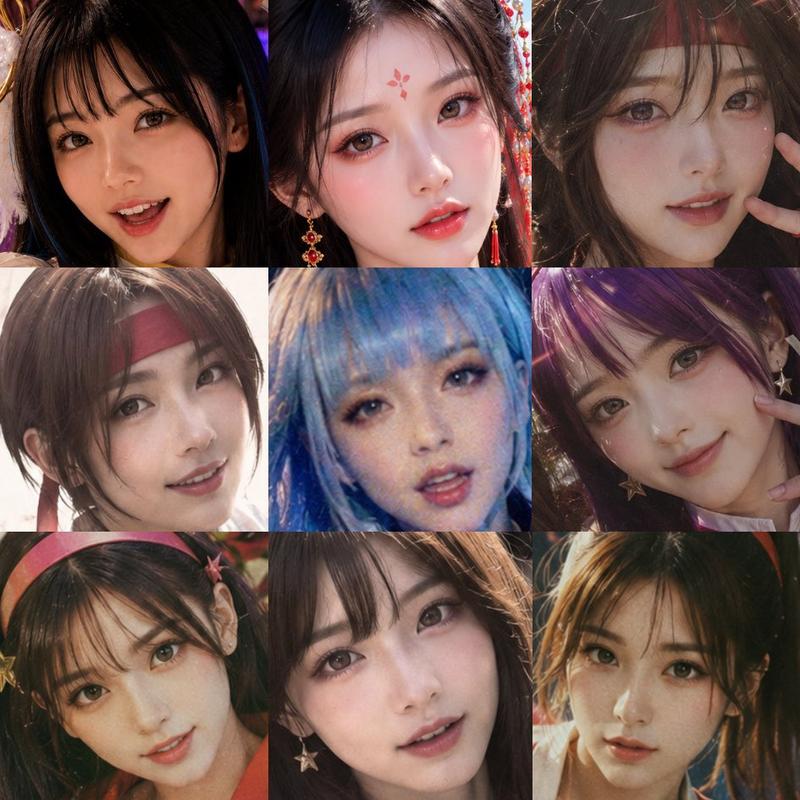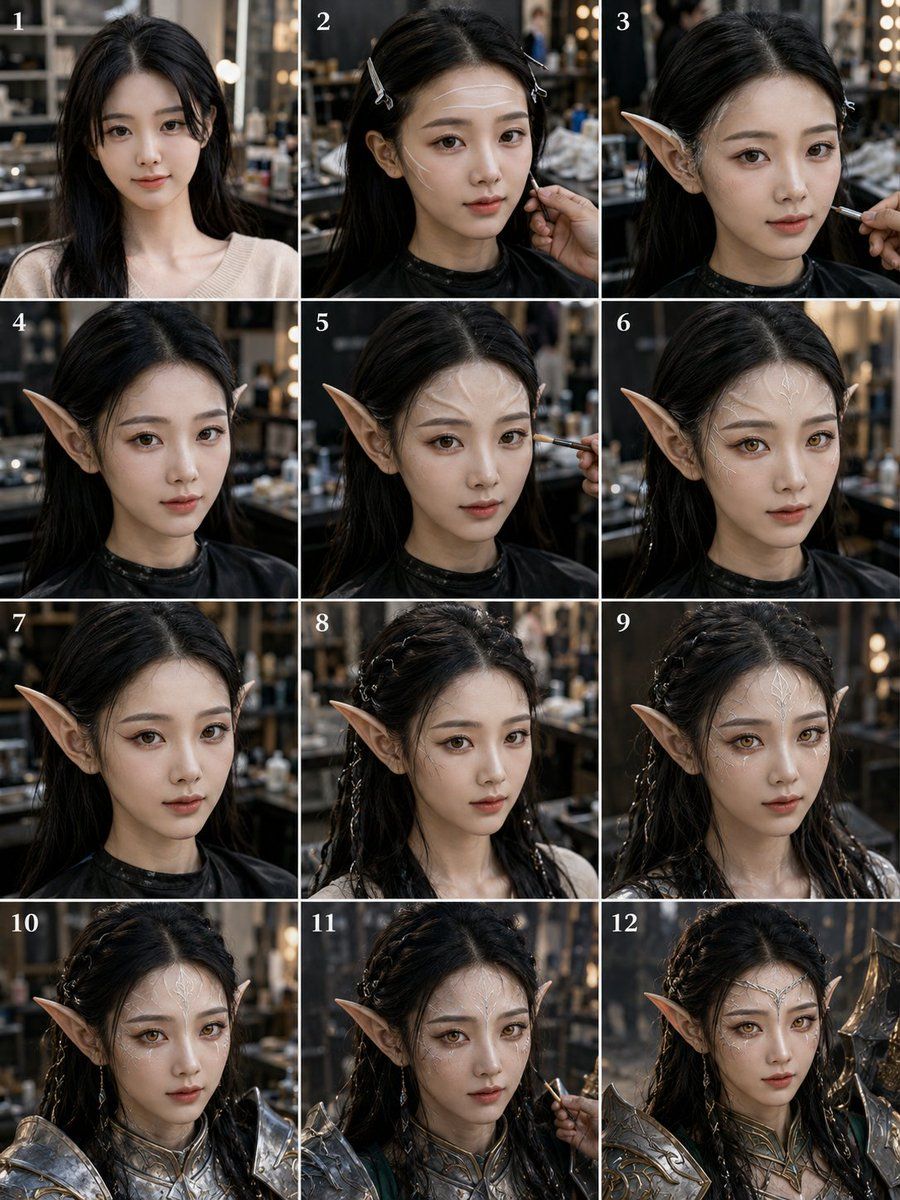
12 格精灵战士变身分镜
Prompt
Goal: Create a realistic 12-panel vertical transformation storyboard showing a young woman being turned into a fantasy elf warrior in a dim, cinematic makeup studio.

Canvas: Portrait 3:4 image arranged as a clean 3-column by 4-row grid, with thin white gutters between panels. Each panel is numbered in the top-left corner with small white serif numerals, exactly 12 labels: 1, 2, 3, 4, 5, 6, 7, 8, 9, 10, 11, 12.

Subject: The same {argument name="character name" default="young East Asian woman"} appears in every panel, centered in a close-up bust portrait. She has long {argument name="hair color" default="black"} hair, pale skin, and a neutral forward-facing pose. Her face is deliberately hidden in every panel by a soft rectangular anonymizing blur in warm skin tones, covering the facial features but leaving hair, ears, neck, shoulders, and costume visible.

Setting and style: Photorealistic backstage beauty studio or fantasy costume workshop, shallow depth of field, dark warm background, shelves, mirrors, bokeh vanity lights, makeup tools, cinematic lighting, high-detail textures, realistic camera perspective. The panels should look like sequential production stills from the same photoshoot.

Panel sequence, exactly 12 discrete panels:
1. Natural starting look: long loose black hair, beige knit top, no elf ears, no armor, simple studio portrait.
2. Preparation stage: hair partially clipped back with two small silver hair clips, black salon cape around shoulders, a hand near the cheek adjusting makeup or prosthetics.
3. First elf-ear fitting: one long pointed prosthetic elf ear clearly visible on the left side of the image, makeup brush entering from the right, hair clipped back.
4. Both pointed elf ears visible, hair down and dark salon cape, transformation becoming obvious.
5. Makeup refinement: pointed ears visible, a brush touching the cheek from the right, same studio background.
6. Completed prosthetic ears and makeup base: pointed ears visible on both sides, no brush, hair loose, black cape.
7. Side emphasis: close portrait with the left pointed ear prominent, hair darker and sleeker, black cape, minimal accessories.
8. Hairstyling begins: hair braided into multiple small fantasy braids with tiny metallic beads or rings, pointed ears visible, beige/light top reappears.
9. More elaborate braided hair with thin silver accents, both pointed ears visible, ethereal fantasy styling, still no armor.
10. Armor fitting begins: ornate silver fantasy shoulder armor and chest collar added, braided hair with beads, pointed ears, close-up bust.
11. Final makeup touch-up: silver armor present, pointed ears and braids visible, a makeup brush entering from the right side near the cheek.
12. Completed fantasy warrior look: ornate silver-and-gold elven armor, decorative chest piece, braided hair with metallic accents, pointed ears, heroic polished final portrait.

Constraints: Maintain the same person, angle, lighting, and studio across all panels. Use exactly 12 panels and exactly the numbered labels listed above. Keep the transformation progression clear from ordinary salon portrait to complete armored elf. No extra captions, no watermark, no logos, no visible readable text other than the panel numbers.- Category
- Charts & Infographics
- Model
- GPT Image 2
- Creator
- Jin.B
- Source ID
- 20859
- Published
- May 16, 2026
Views1