Broken Links 赛博朋克风格半身像海报
Prompt
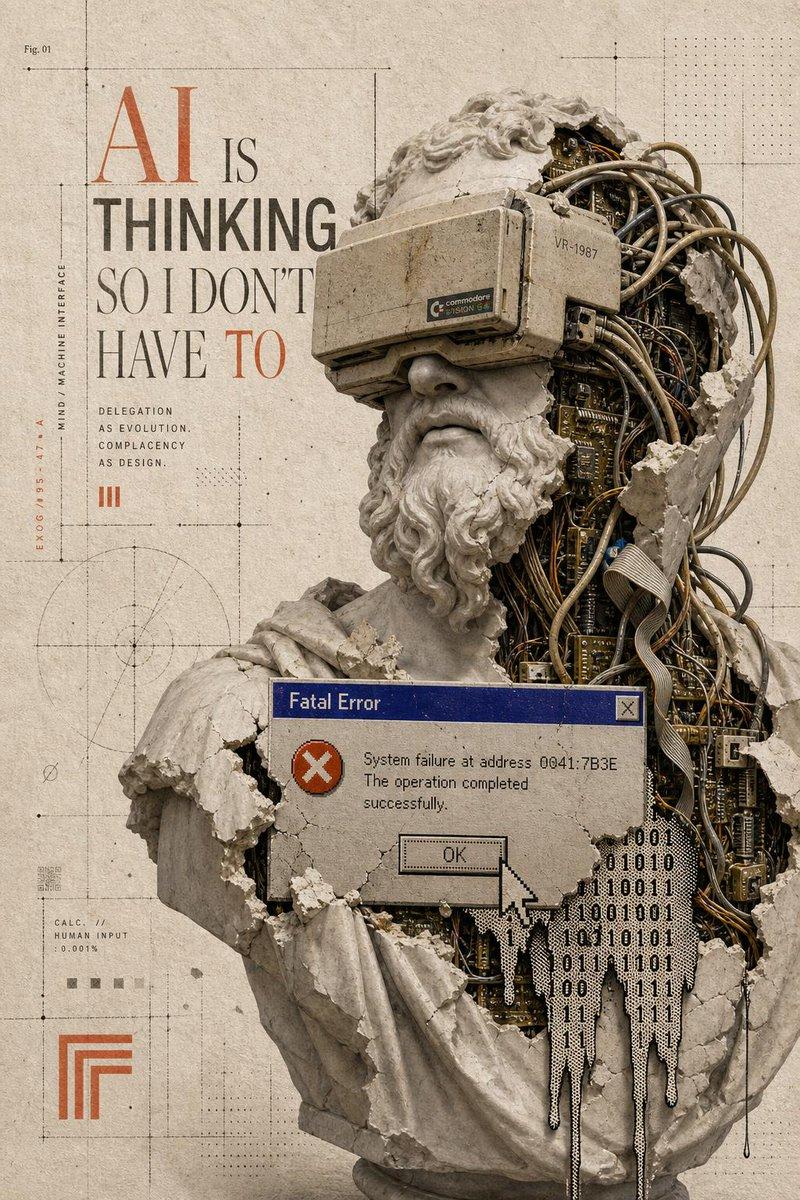
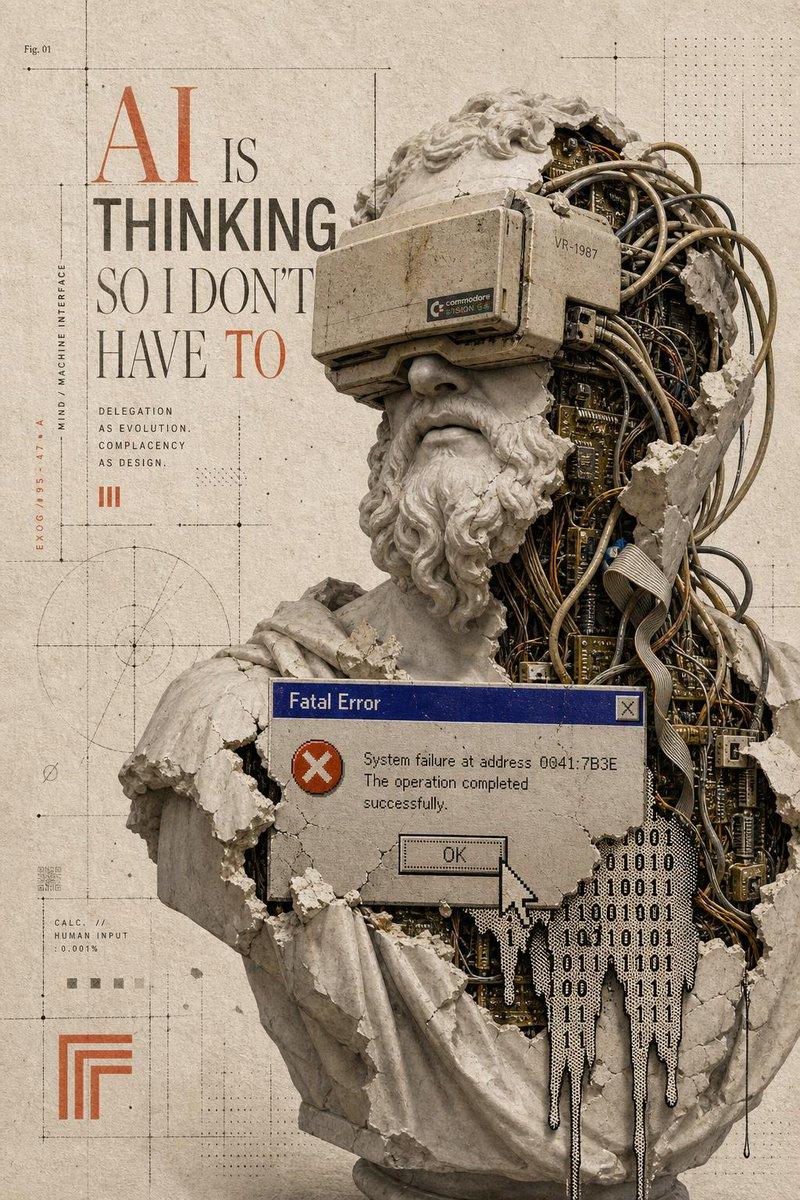
Goal: Create a surreal vintage editorial poster about fragile digital connection, combining classical sculpture, exposed electronics, and distressed print design.

Canvas: Vertical poster in a 2:3 aspect ratio, aged warm ivory paper background with subtle stains, grain, scratches, and faint fold marks.

Main composition: Place a large broken classical plaster bust slightly right of center, cropped from head/shoulders down to a tapered broken lower edge. The bust is split open vertically, revealing dense dark circuit boards, chips, gold traces, copper wiring, and bundled cables inside. The plaster shell has jagged torn edges, cracks, dust, and chunks missing. A black 3.5 mm audio jack cable exits from the lower opening and hangs downward near the bottom center. The head has flowing stone hair on both sides; part of the face is absent or hidden by the rupture.

Winged elements: Add exactly 2 detailed bird wings integrated with the bust: one large upward wing rising from the upper right shoulder area, and one smaller horizontal wing extending to the right behind the lower hair mass. Scatter small plaster shards and feather-like fragments around the wings.

Left typography: Set a tall narrow serif headline on the left in an elegant high-fashion editorial style. The headline reads exactly: “WE ARE ALL JUST BROKEN LINKS”. Arrange it in stacked lines; most words are black, while “BROKEN” is large distressed red and partially interrupted by the central obstruction.

Obstruction / overlay: Add exactly 1 large opaque rectangular overlay in the center-left foreground, covering part of the headline and the left side of the bust. The rectangle is muted gray-beige, with a tiny old Windows-style blue title-bar corner and a small close button visible near its upper-right edge, suggesting a crashed dialog window. Do not add readable dialog text inside the rectangle.

Technical diagram background: Overlay thin drafting lines, registration marks, circles, rectangles, dotted construction guides, small black nodes, and measurement-like geometry across the paper. Keep these diagrams subtle and low contrast, with a few small rust-red square accents.

Visible small text elements: Include exactly 9 discrete text elements: 1) the large headline “WE ARE ALL JUST BROKEN LINKS”; 2) “fig. 23.” near the top; 3) a small paragraph reading “An inquiry into the fragility of connection in a fragmented digital age.”; 4) a small red rule below the paragraph; 5) “DISCONNECT TO CONNECT” in tiny red text; 6) “07-95”; 7) two-line terminal text “exist.exe” and “not found”; 8) “fig. a.” near a lower-right diagram; 9) “fig. b.” beneath it. Use small, sparse, letterpress-like typesetting.

Style: {argument name="visual style" default="surreal vintage analog-digital collage poster"}, museum-specimen meets cyberpunk anatomy, muted monochrome stone, black ink, antique paper, oxidized copper, and dark circuit-board greens. Highly detailed, tactile, cracked plaster, realistic electronics, etched illustration texture, distressed print.

Customizable text: The main headline may be {argument name="headline text" default="WE ARE ALL JUST BROKEN LINKS"}. The small paragraph may be {argument name="caption text" default="An inquiry into the fragility of connection in a fragmented digital age."}. The main subject may be {argument name="central subject" default="a broken classical plaster bust with exposed circuit boards"}. The accent color may be {argument name="accent color" default="rust red"}.

Constraints: Keep the composition asymmetrical with strong negative space on the left, no modern glossy UI except the tiny old dialog-window detail, no photoreal human skin, no extra wings, no extra large text, no watermark.- Category
- Charts & Infographics
- Model
- GPT Image 2
- Creator
- Horus He
- Source ID
- 20944
- Published
- May 16, 2026
Views4




![🎨 AFRICAN TRIBAL ART 🎨 Base prompt : [SUBJECT], a blend of fine line art and](https://cdn.pixshop.app/prompt-library/tweet-2009343111093227685/preview-0-1768224647061-an4fp93d.jpeg)