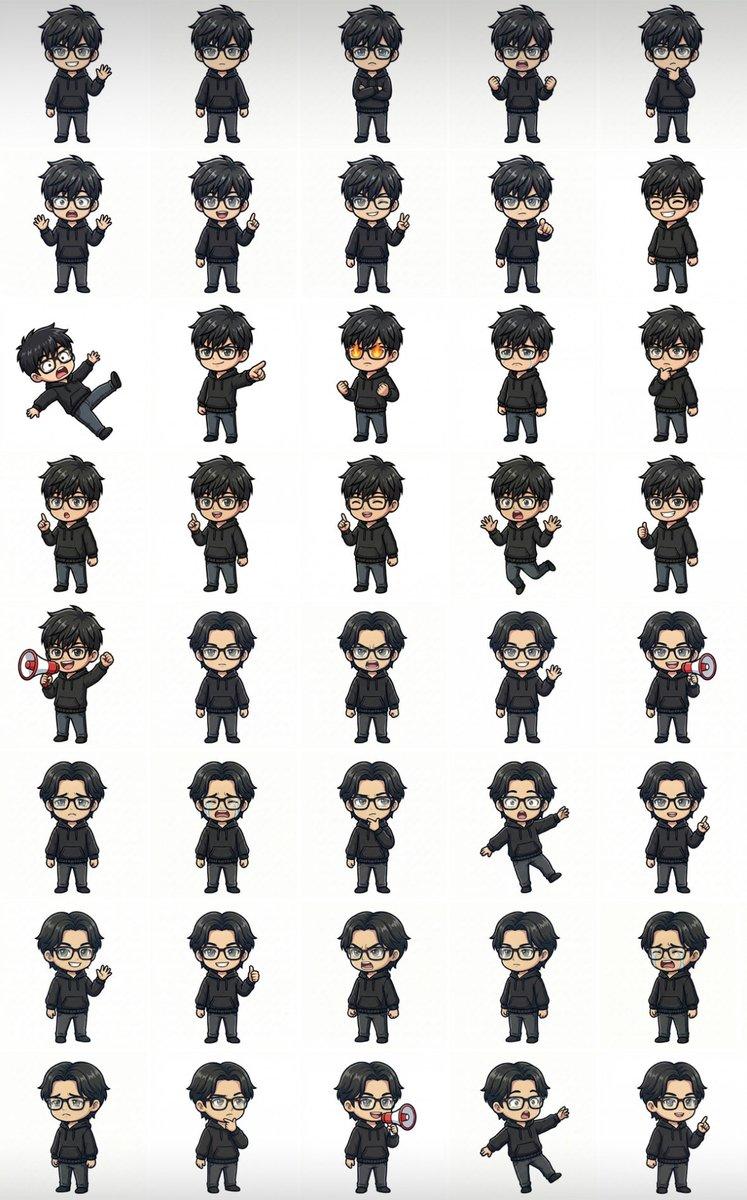
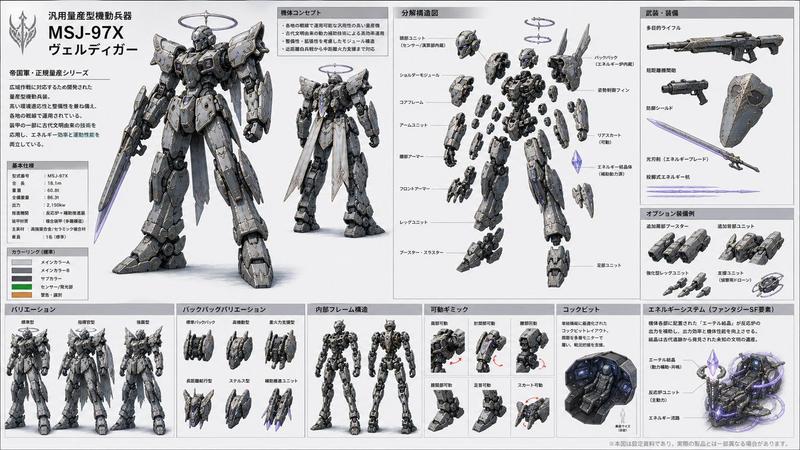
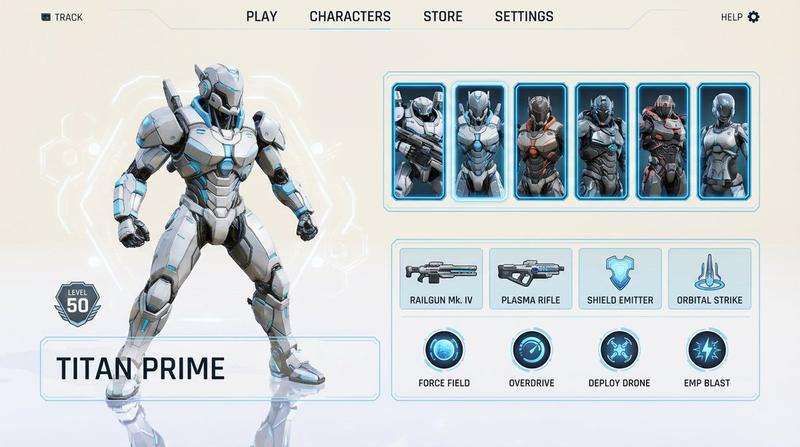
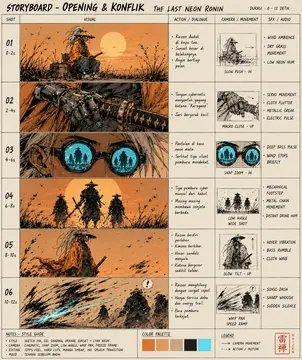
奇幻 RPG 角色精灵图集
Prompt
Goal: Create a clean fantasy RPG pixel-art character sprite sheet for game asset reference, showing {argument name="character roster" default="a blue-and-gold knight, a blonde elf archer, a purple dark mage, a red-bearded dwarf warrior, and a black-hooded rogue"} in chibi proportions with detailed armor, weapons, capes, and magical effects.

Canvas: Square white canvas with a thin pale-gray grid, like a professional 2D game animation sheet. Use crisp, high-detail isometric/chibi pixel-art styling with painterly shading, transparent-looking white backgrounds inside each cell, and no scenery.

Layout: Make exactly 4 action columns labeled across the top in bold dark uppercase text: IDLE, ATTACK, DEFEND, DEATH. Add a narrow left label column with stacked row labels in bold dark uppercase. The sheet contains exactly 9 labeled sprite rows and 36 total character sprites, one sprite per grid cell.

Rows and contents, from top to bottom:
1. FRONT VIEW: blue-and-gold knight with messy black hair, sword and fleur-de-lis shield; idle front, slashing attack with pale blue arc, shield block with spark, death lying face down with sword and shield dropped.
2. BACK VIEW: same knight from behind with blue cape; idle back, back-view sword slash with pale blue arc, back-view shield stance, back-view death lying prone.
3. FRONT VIEW: blonde elf archer in green cloak and leather armor; idle with bow, firing green energy arrow, defensive crouch with green crescent effect, death collapsed beside broken bow and scattered arrows.
4. BACK VIEW: same elf archer from behind; idle, firing green arrow, defensive green crescent, death face down with cloak visible.
5. FRONT VIEW: purple-haired dark mage in ornate black-and-gold robes holding a glowing purple staff; idle, casting a purple energy orb, defending inside a purple magic shield aura, death lying with staff dropped and purple splatter.
6. BACK DOS: same mage from behind, preserving the typo label “BACK DOS”; idle, back-view purple orb cast, back-view purple magic barrier, death lying prone with staff nearby.
7. FRONT VIEW: red-bearded dwarf warrior in heavy dark armor with hammer and shield; idle, hammer swing with golden arc, shield block, death lying down with hammer and shield dropped.
8. BACK VIEW: black-hooded rogue assassin with red scarf, dual daggers, dark leather armor; idle rear view, lunging slash with smoky black/purple motion trails, defensive stance with purple crescent aura, death lying in a dark blood pool with daggers nearby.
9. BACK DOS: same rogue from rear, preserving the typo label “BACK DOS”; idle, fast dagger attack with shadow trails, defensive purple aura, death collapsed with weapons scattered.

Visual style: {argument name="art style" default="high-detail chibi fantasy pixel art"}, strong silhouettes, small heads and compact bodies, readable weapons, dramatic motion arcs, bright magic effects, and consistent scale across all cells. Keep the top labels and grid perfectly aligned, like a game development sprite atlas.

Constraints: Use exactly 4 columns, exactly 9 rows, and exactly 36 sprites. Do not add extra characters, UI panels, watermarks, signatures, scenery, or additional text beyond the column headers and left-side row labels. Keep the background white and the grid subtle.- Category
- UI & Interfaces
- Model
- GPT Image 2
- Creator
- Givros
- Source ID
- 21240
- Published
- May 17, 2026
Views15


![[STYLE] Monochrome grayscale illustration, 3D-rendered character, clean instruct](https://i.pixshop.app/storage/v1/render/image/public/prompt-source-media/promptsref/work-2376/image-1-4f73adfaa9808d14.png?width=800&quality=75&resize=contain)