20

角色搜索记录 UI
Enlarge

角色搜索记录 UI

Prompt
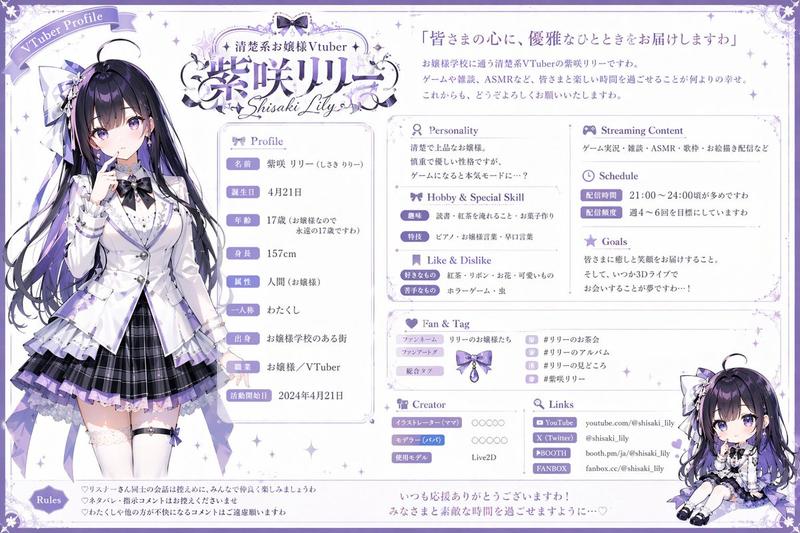
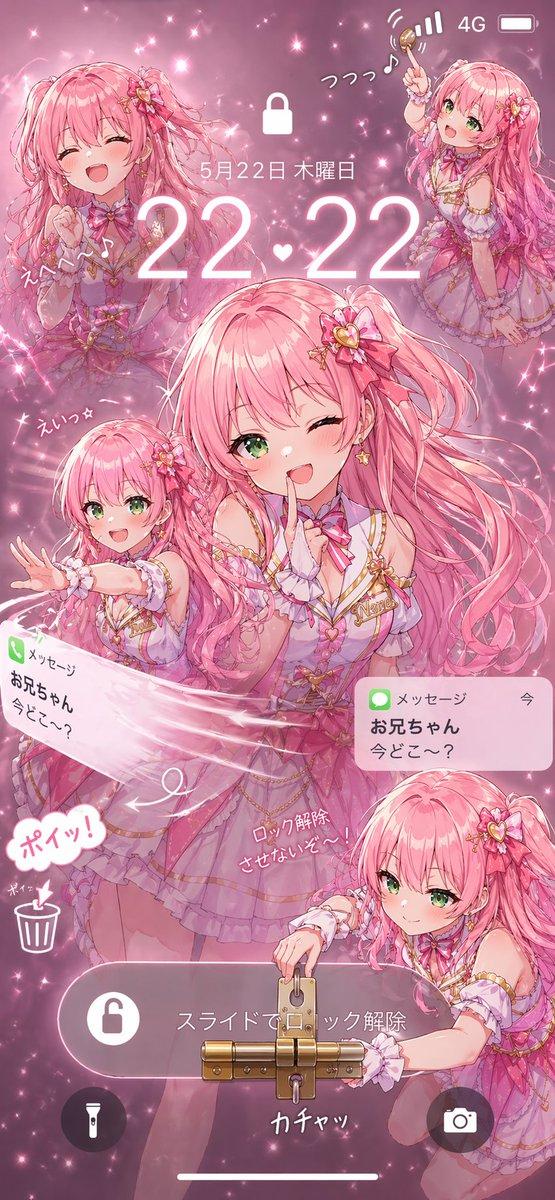
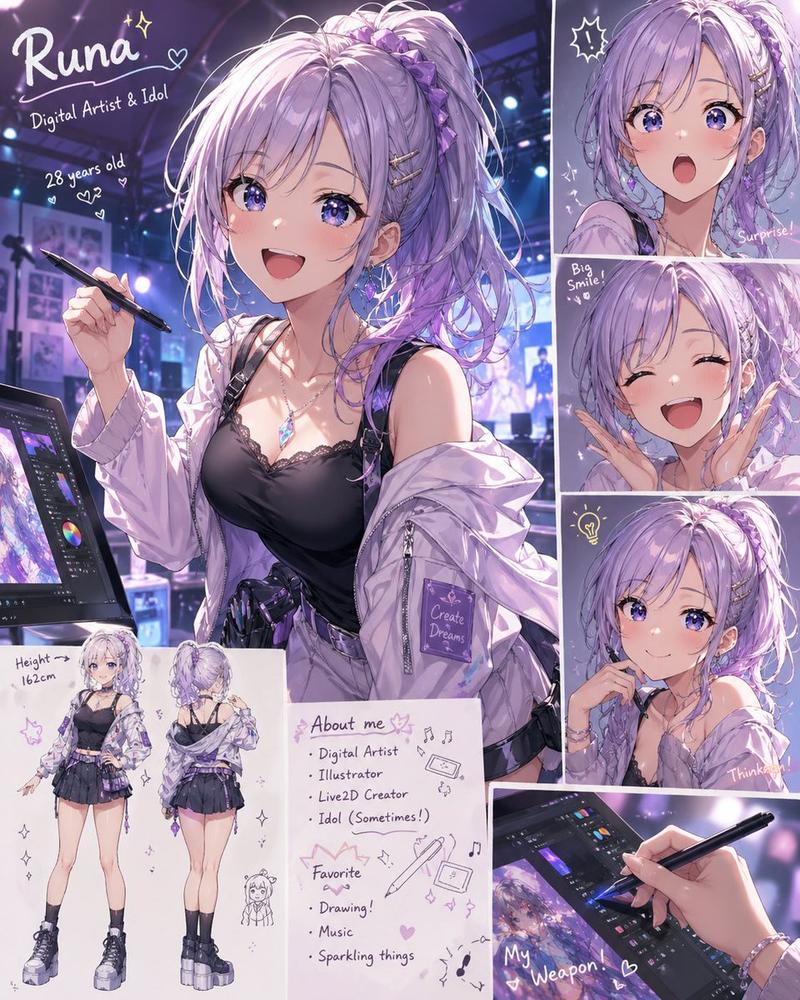
分析附图中的角色,并创作一张画面,捕捉某人意外瞥见其智能手机搜索记录的瞬间——那是他们绝对不想让任何人看到的秘密。
[搜索记录]
- {argument name="count" default="5 到 7 条"} 日语内容
- {argument name="theme" default="探究浪漫关系"}
- 内容需揭示其内心想法(如虚荣心、嫉妒、渴望认可、秘密爱好等),即使他们极力掩饰
- 每条记录需体现不同的情绪或侧面
- 使用该角色特定的语气和用词习惯
- 无需包含极端内容。

[UI] 智能手机搜索记录界面风格(包含搜索栏、时间及图标)。信息密度需清晰易读。

[角色反应]
描绘该角色在搜索记录被看到的瞬间所表现出的典型反应(例如:性格刚毅者会愤怒掩饰,冷静者会掩盖慌乱,精明者会试图一笑置之)。

[构图]
- 营造一种窥视般的距离感
- 搜索记录与角色的反应均为画面焦点
- 宽高比 {argument name="ratio" default="9:16"}
Category
UI & Interfaces
Model
GPT Image 2
Views5
Source ID
21326
Published
May 18, 2026

Guide

About "角色搜索记录 UI"

What is this prompt for?

"角色搜索记录 UI" AI image prompt for GPT Image 2 (UI & Interfaces). 一个创意提示词,用于分析参考角色并生成一张智能手机 UI 界面,展示其秘密搜索记录及角色的反应。 Copy it on Picva and recreate the look in one c…

The full copyable prompt and example visuals above are ready for AI image generation or one-click recreate in Picva.

How to use this prompt

  1. Step 1

    Open the prompt detail

    Review the example visuals, category, and full prompt text for "角色搜索记录 UI".

  2. Step 2

    Copy the prompt

    Copy the prompt body from this page, or load it directly in Studio.

  3. Step 3

    Pick a model (GPT Image 2)

    Prefer GPT Image 2. If you switch models, keep subject and composition and tweak style terms.

  4. Step 4

    Generate and export

    Recreate the look in Picva, or export into your workflow for editing and publishing.

FAQ

What is the "角色搜索记录 UI" prompt?
It is an AI image-generation prompt for GPT Image 2 in the UI & Interfaces category. This page includes the full prompt text, example visuals, and a one-click recreate path in Picva.
How do I use this prompt to generate an image?
Copy the prompt from this page, or use Generate / Studio. Paste it into a compatible image model, or recreate the look in Picva with optional reference images.
Which model is this prompt for?
This page lists GPT Image 2. Most descriptive prompts also transfer to nearby image models such as GPT Image, Flux, or Midjourney with light style tweaks.
Can I use the result commercially?
You can usually copy the prompt for creation, but commercial use of the final image depends on the model terms, reference-image rights, and the generated content. Follow the source author and platform rules.