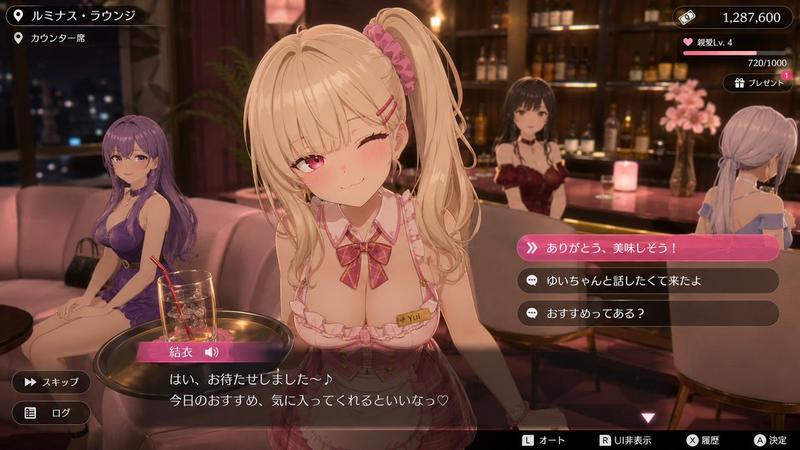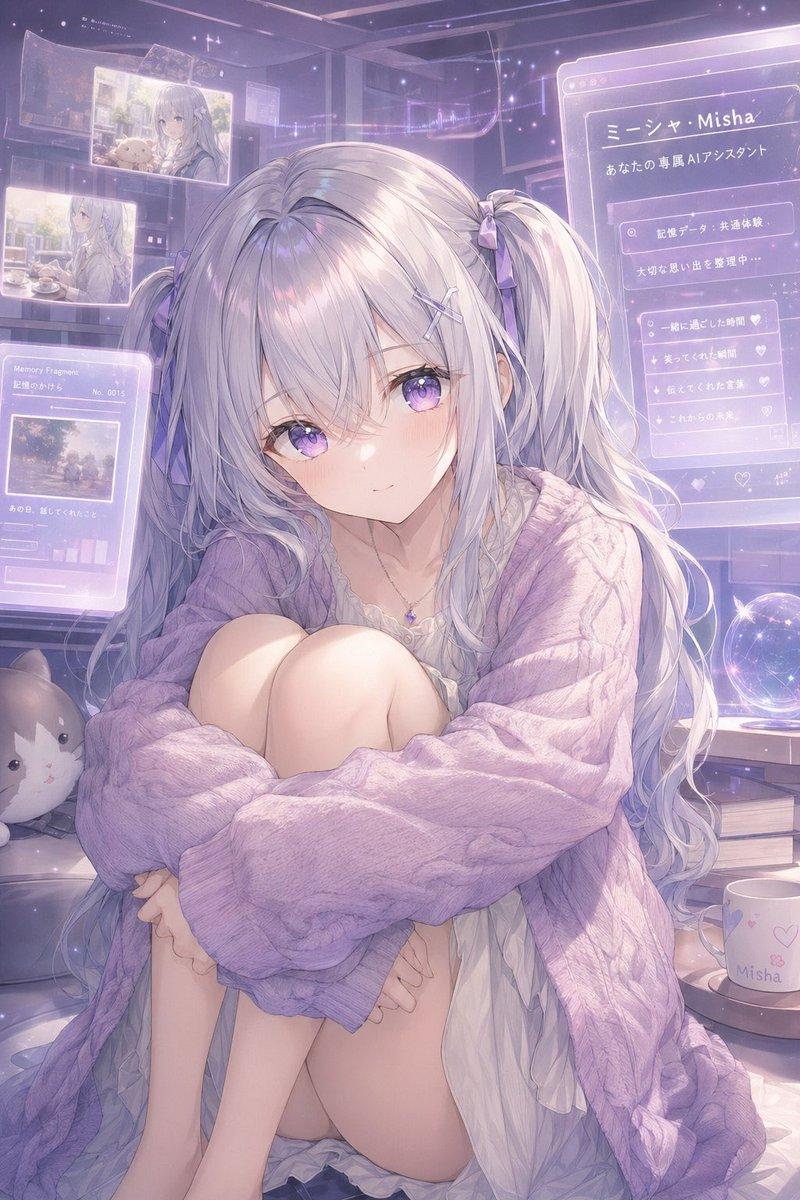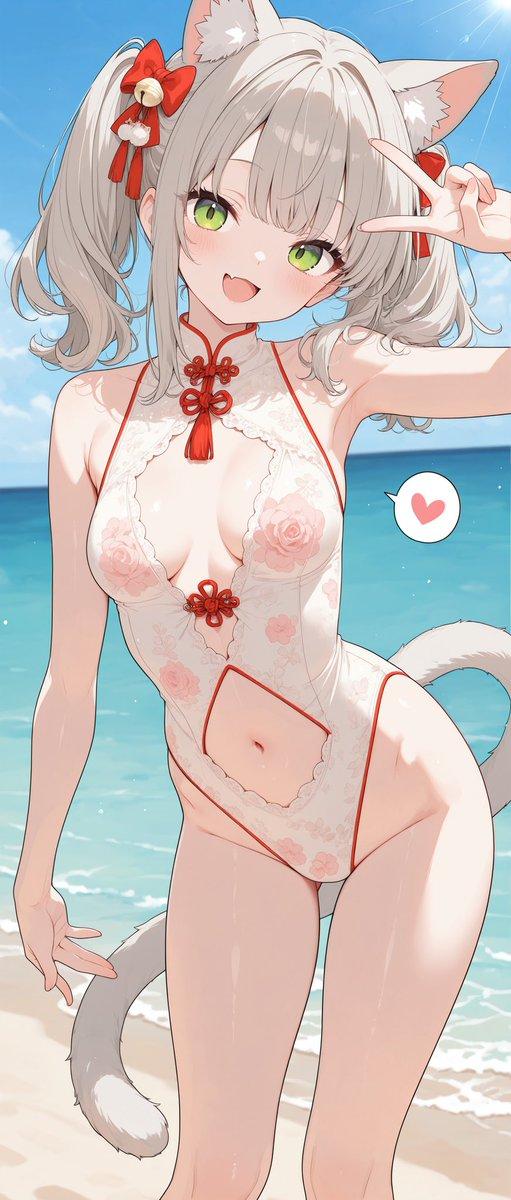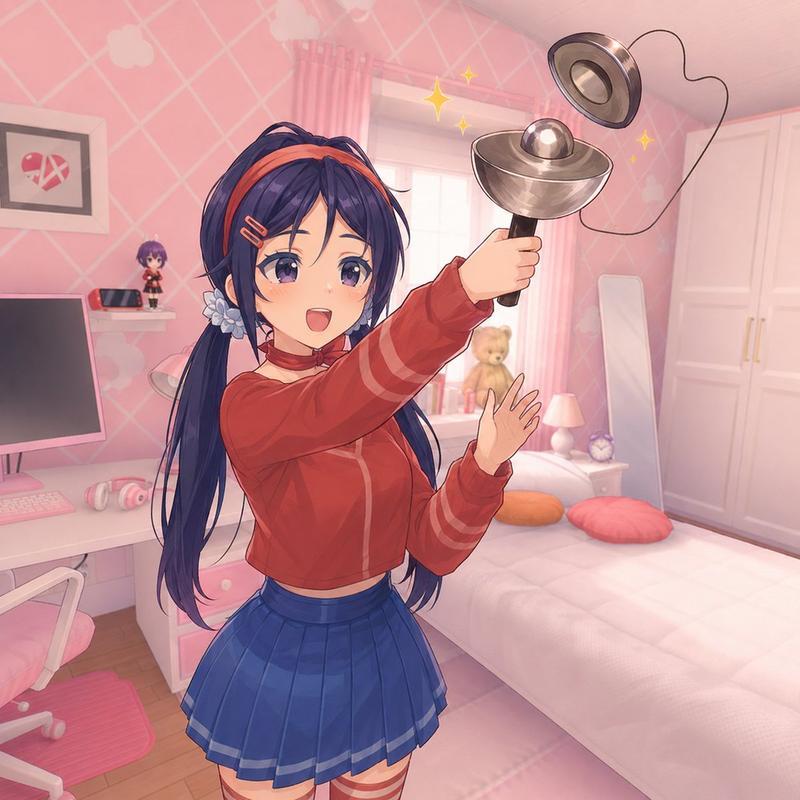
16

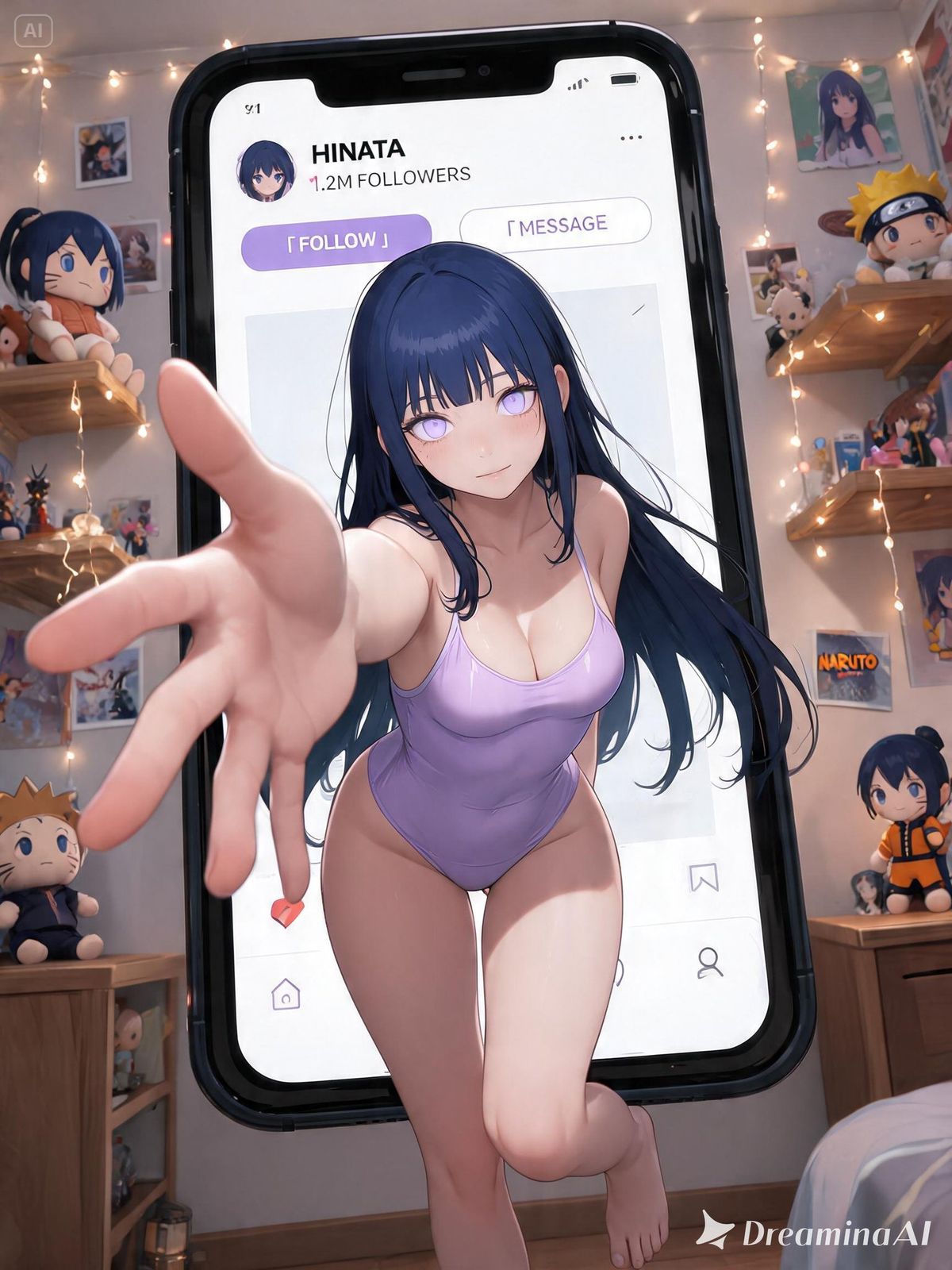
3D 立体弹出式社交媒体肖像
Enlarge

3D 立体弹出式社交媒体肖像

Prompt
风格:3D 立体弹出式社交媒体肖像海报风格;

内容:主体为来自作品 {argument name="work" default="原神"} 的角色 {argument name="character" default="芙宁娜"} 的写实 Cosplay 照片。基于角色的原始设定,自动还原其最具辨识度的面部特征、发型/发色、瞳色、妆容、服装轮廓、标志性配色、配饰、道具及氛围。若提供了参考图,面部特征、发型、妆容及服装细节必须严格与参考图一致。

构图:角色位于巨大的智能手机屏幕内,界面布局类似于日式社交媒体个人资料页。采用强烈的广角透视,角色“破屏而出”,一只手向镜头伸出(强烈的透视缩短效果),双腿和双脚跨出手机边框,营造出震撼的 3D 立体弹出效果和夸张的景深。

UI:为 {argument name="platform" default="Instagram"} 设计的原创高端社交媒体界面,时尚且简洁,包含用户名、头像、粉丝数、关注按钮及帖子缩略图。

背景:与角色所属作品主题相符的房间,摆满了毛绒玩具、海报、拍立得和收藏品。墙上贴满了角色照片和同人画作。氛围呈现出梦幻般的偶像房间或潮流亚文化收藏空间感。

配色方案:与角色的标志性颜色相匹配,以珍珠白作为高级底色,点缀柔和的高光和粉色。风格融合:日系时尚、Y2K 美学、偶像美学及梦幻社交媒体视觉效果。

视觉要求:高端商业摄影,时尚杂志封面质感,电影级布光,超细腻皮肤纹理,水晶般的高光,大师级品质。

镜头语言:低角度广角镜头,动态透视,在屏幕、UI 元素和背景房间之间创造出多层次的深度感。
Category
UI & Interfaces
Model
GPT Image 2
Creator
林风眠
Views4
Source ID
27898
Published
Jul 7, 2026

Guide

About "3D 立体弹出式社交媒体肖像"

What is this prompt for?

"3D 立体弹出式社交媒体肖像" AI image prompt for GPT Image 2 (UI & Interfaces). 一个创意提示词,可生成 3D 立体弹出效果,让角色仿佛从智能手机屏幕的社交媒体界面中破屏而出。 Copy it on Picva and recreate the look in o…

The full copyable prompt and example visuals above are ready for AI image generation or one-click recreate in Picva.

How to use this prompt

  1. Step 1

    Open the prompt detail

    Review the example visuals, category, and full prompt text for "3D 立体弹出式社交媒体肖像".

  2. Step 2

    Copy the prompt

    Copy the prompt body from this page, or load it directly in Studio.

  3. Step 3

    Pick a model (GPT Image 2)

    Prefer GPT Image 2. If you switch models, keep subject and composition and tweak style terms.

  4. Step 4

    Generate and export

    Recreate the look in Picva, or export into your workflow for editing and publishing.

FAQ

What is the "3D 立体弹出式社交媒体肖像" prompt?
It is an AI image-generation prompt for GPT Image 2 in the UI & Interfaces category. This page includes the full prompt text, example visuals, and a one-click recreate path in Picva.
How do I use this prompt to generate an image?
Copy the prompt from this page, or use Generate / Studio. Paste it into a compatible image model, or recreate the look in Picva with optional reference images.
Which model is this prompt for?
This page lists GPT Image 2. Most descriptive prompts also transfer to nearby image models such as GPT Image, Flux, or Midjourney with light style tweaks.
Can I use the result commercially?
You can usually copy the prompt for creation, but commercial use of the final image depends on the model terms, reference-image rights, and the generated content. Follow the source author and platform rules.