19

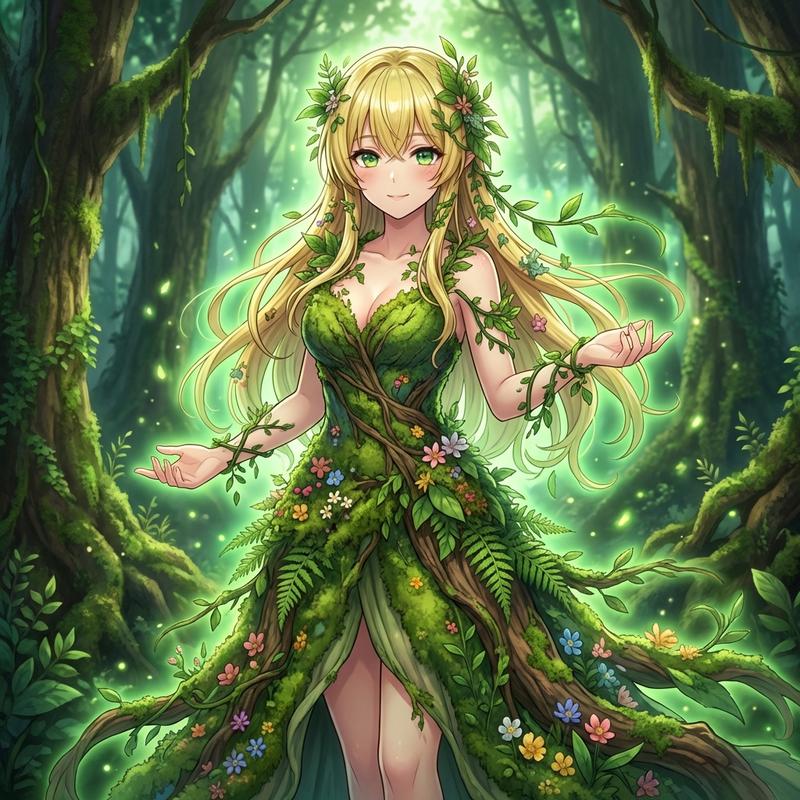
手持发光树的森林灵体
Enlarge

手持发光树的森林灵体

Prompt
Create a cinematic fantasy portrait of a mysterious forest spirit standing centered in an enchanted ancient woodland at twilight, holding a tiny glowing tree of life made of golden fire in cupped hands. The figure is tall and robed in translucent deep emerald and teal veils, covered with tangled vines, leaves, moss, and delicate golden filigree patterns; their face is intentionally obscured by a dark shadowed veil/blank square of darkness, making them anonymous and divine. Around their head is a dense crown of foliage and small golden fruits or lights. The forest forms a natural arch of huge dark trees on both sides, with a warm sunset glow breaking through the left trees, a starry blue night sky overhead, and purple-orange mountains in the distance. Include a small stream with miniature waterfalls on the left, evergreen trees in the background, lush undergrowth, and many firefly-like golden light orbs scattered throughout the scene. The spirit’s hands illuminate the center with intense amber light, sending curling sparks, luminous roots, and magical tendrils through the robe. Use ultra-detailed digital fantasy art, rich contrast between cool blue shadows and warm gold light, volumetric lighting, intricate textures, ethereal atmosphere, symmetrical composition, painterly realism, high detail, no text, no watermark.
Category
Posters & Typography
Model
GPT Image 2
Creator
Kateryna
Views6
Source ID
21929
Published
May 21, 2026

Guide

About "手持发光树的森林灵体"

What is this prompt for?

"手持发光树的森林灵体" AI image prompt for GPT Image 2 (Posters & Typography). 一个电影级的奇幻肖像提示词,用于创作被萤火虫、暮色森林光影和神奇金色能量环绕的空灵森林灵体。 Copy it on Picva and recreate the look in o…

The full copyable prompt and example visuals above are ready for AI image generation or one-click recreate in Picva.

How to use this prompt

  1. Step 1

    Open the prompt detail

    Review the example visuals, category, and full prompt text for "手持发光树的森林灵体".

  2. Step 2

    Copy the prompt

    Copy the prompt body from this page, or load it directly in Studio.

  3. Step 3

    Pick a model (GPT Image 2)

    Prefer GPT Image 2. If you switch models, keep subject and composition and tweak style terms.

  4. Step 4

    Generate and export

    Recreate the look in Picva, or export into your workflow for editing and publishing.

FAQ

What is the "手持发光树的森林灵体" prompt?
It is an AI image-generation prompt for GPT Image 2 in the Posters & Typography category. This page includes the full prompt text, example visuals, and a one-click recreate path in Picva.
How do I use this prompt to generate an image?
Copy the prompt from this page, or use Generate / Studio. Paste it into a compatible image model, or recreate the look in Picva with optional reference images.
Which model is this prompt for?
This page lists GPT Image 2. Most descriptive prompts also transfer to nearby image models such as GPT Image, Flux, or Midjourney with light style tweaks.
Can I use the result commercially?
You can usually copy the prompt for creation, but commercial use of the final image depends on the model terms, reference-image rights, and the generated content. Follow the source author and platform rules.