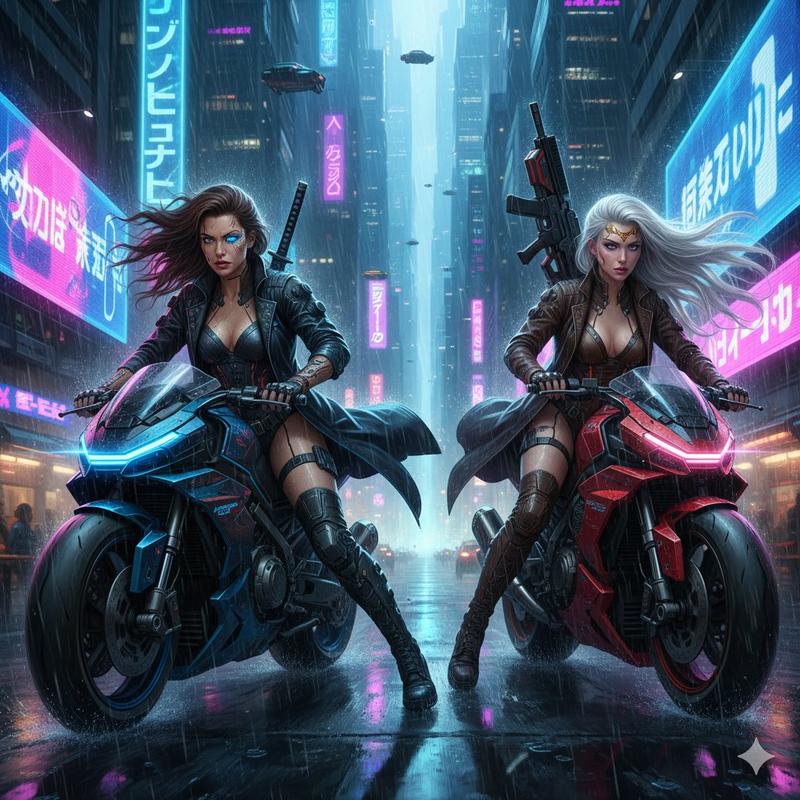
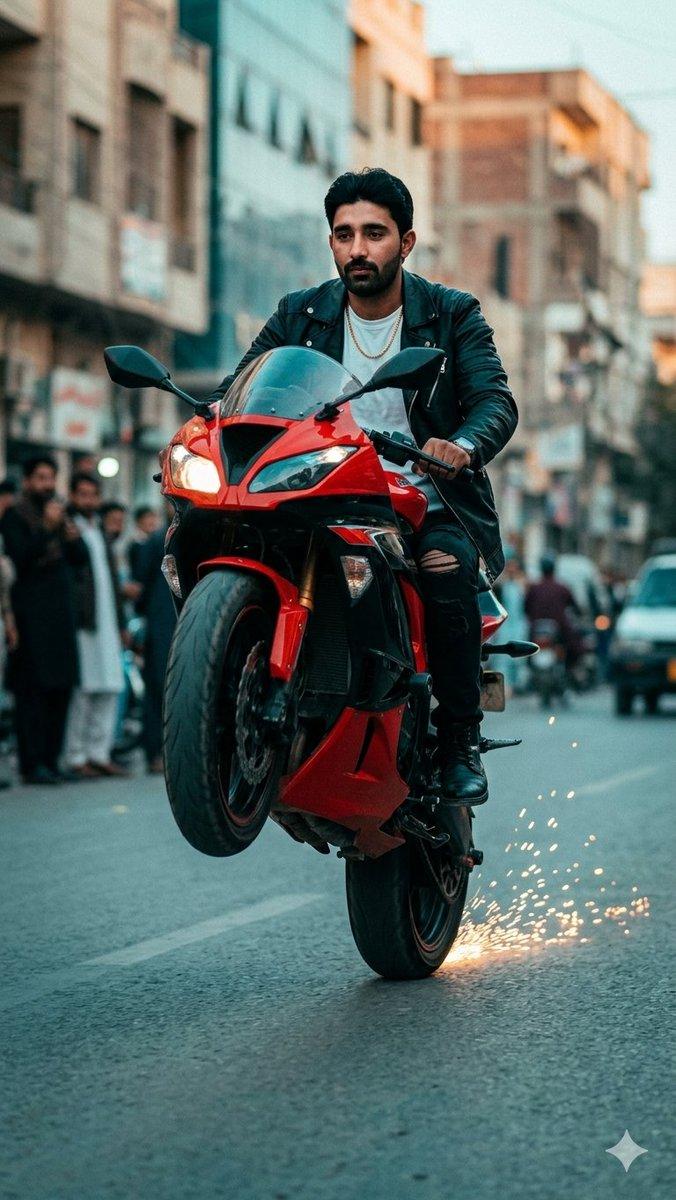
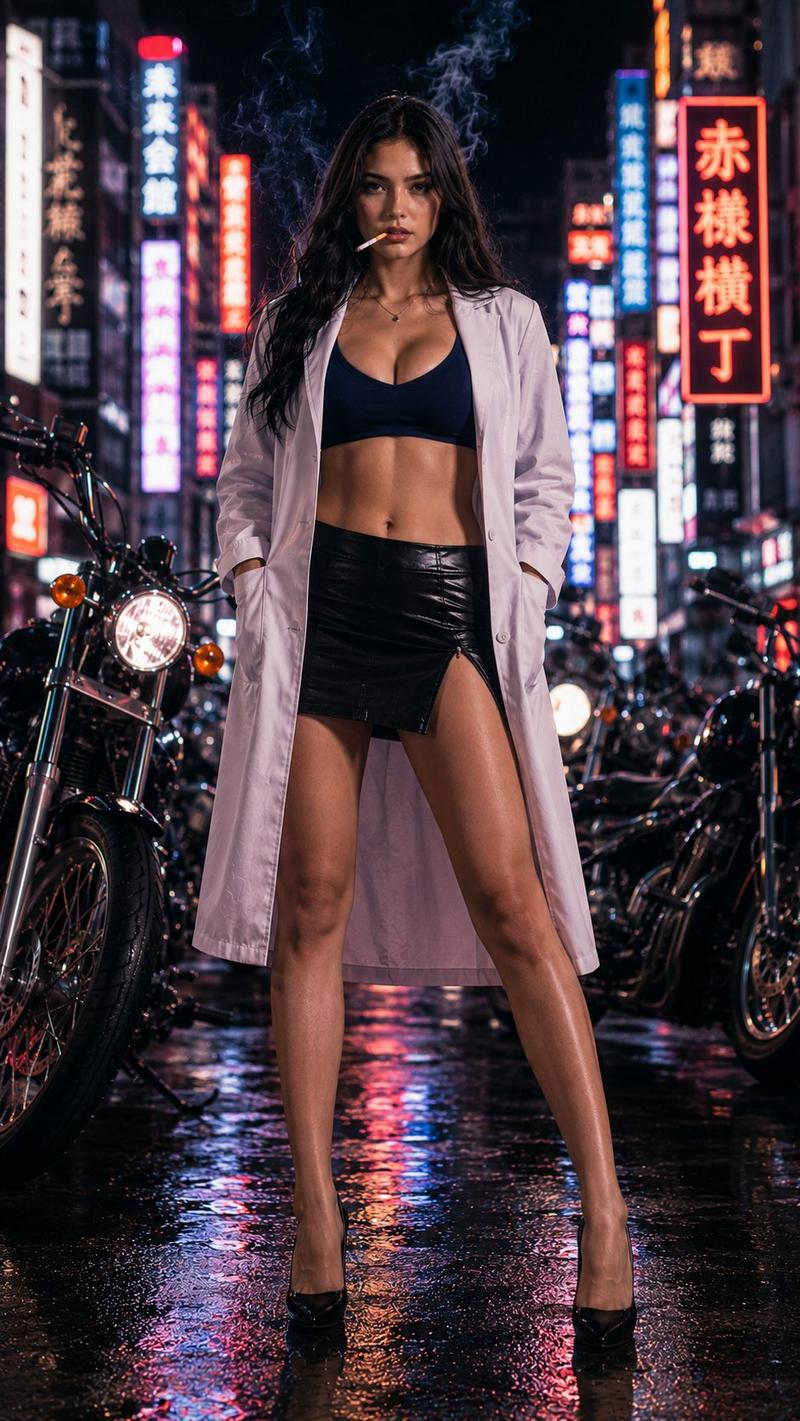
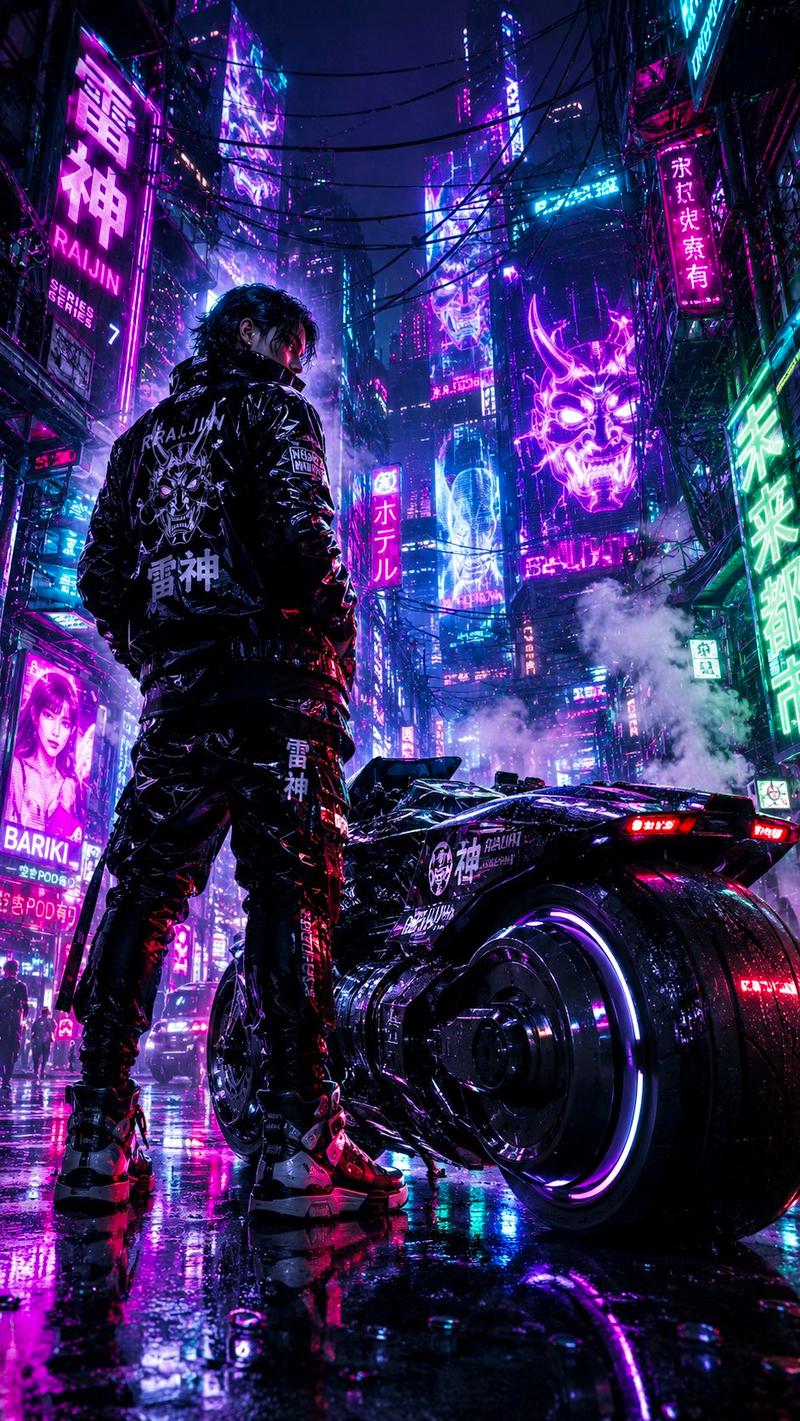
东京霓虹摩托车漂移
Prompt
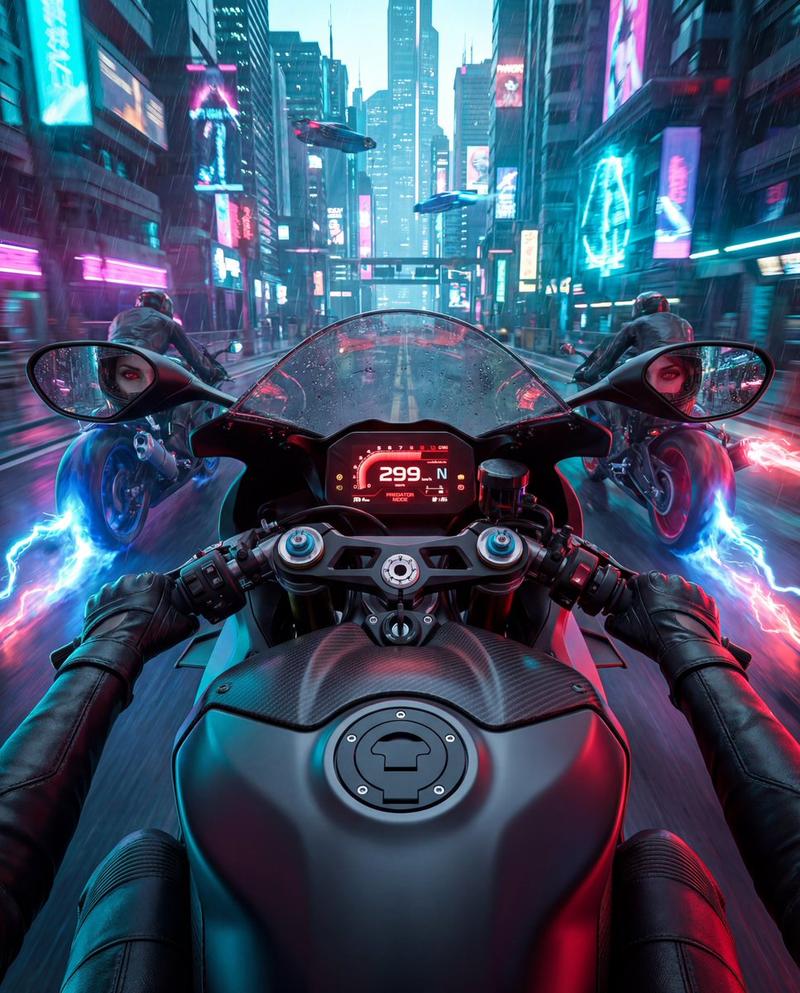
Create a vertical 9:16 hyper-realistic 35mm street-photography action shot in a crowded Tokyo-inspired neon alley at night. A stylish male rider with {argument name="rider face" default="a naturally integrated but anonymized face"} is on a matte black sport motorcycle, captured low and close from the front-left as he performs a sideways drift on wet asphalt. He wears {argument name="rider outfit" default="a black leather sleeveless biker vest over a white T-shirt, gray cargo pants, black boots, bracelets, and rings"}; one boot scrapes the road and throws a bright shower of orange sparks while the bike leans aggressively. The motorcycle has a black fairing, tinted windscreen, twin headlights, gold front forks, exposed disc brakes, and glossy wet reflections. Surround the rider with smoke, mist, motion streaks, and a dramatic cinematic atmosphere. The alley is narrow, dark, and packed with blurred onlookers on both sides; include exactly 10 visible bystanders, all secondary and softly out of focus. Add exactly 8 prominent vertical neon signs in the background with Japanese-style characters: 4 on the left side, 3 on the right side, and 1 small distant sign in the center, using red, cyan, white, and pink glow. The wet road should show painted lane lines, puddles, and colorful neon reflections stretching toward the camera. Use {argument name="lighting style" default="moody cyberpunk neon with cool blue smoke and warm orange sparks"}, shallow depth of field, high contrast, realistic skin and fabric texture, crisp motorcycle detail, rain-slick pavement, dynamic motion blur, no cartoon styling, no extra text overlays, no watermark.- Category
- Charts & Infographics
- Model
- GPT Image 2
- Creator
- Dilshad Hussain
- Source ID
- 22002
- Published
- May 21, 2026
Views7