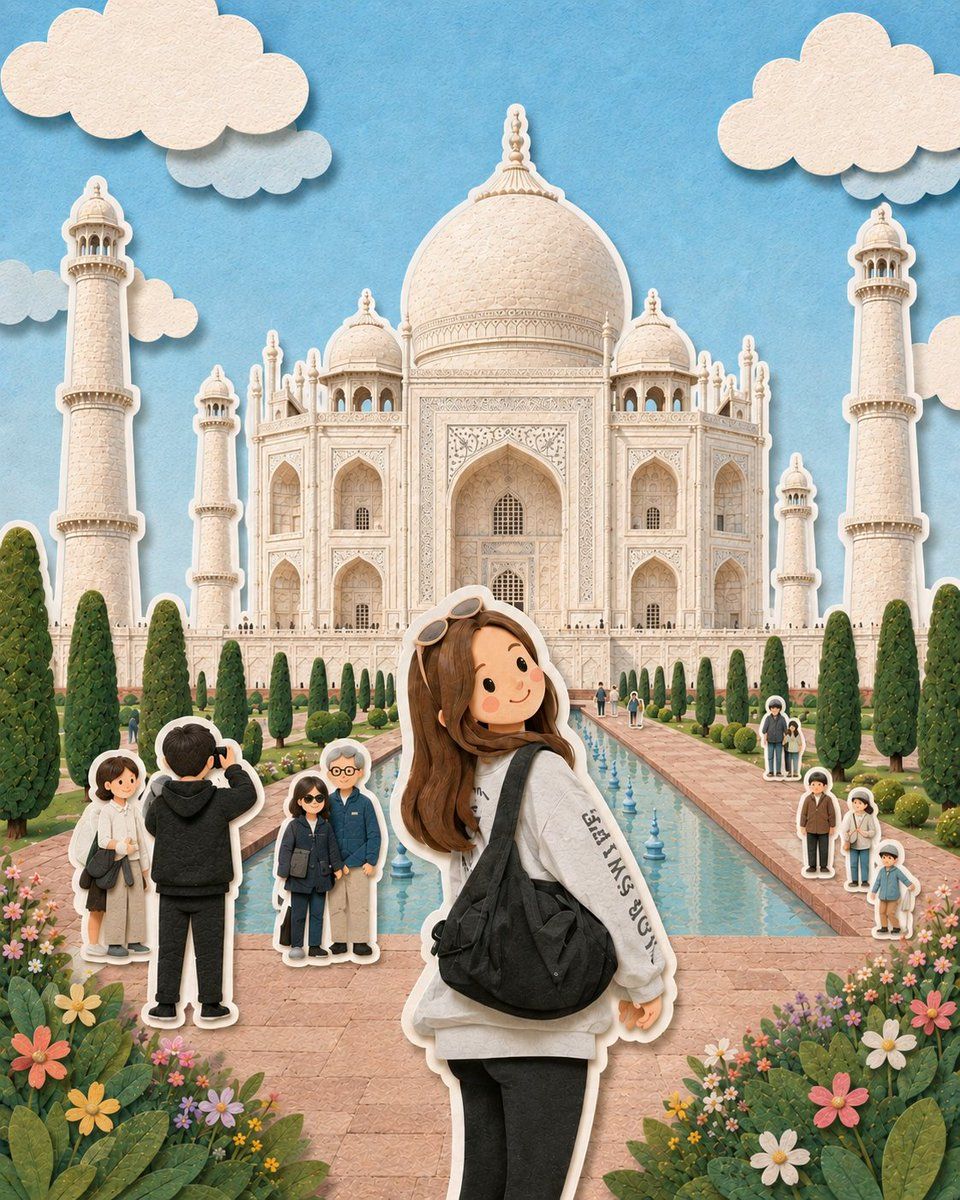
剪纸立体模型插画
Prompt
{ "Highly detailed paper-cut diorama illustration of a cute young girl standing in front of the Taj Mahal, looking back toward the camera with a cheerful expression, long brown hair, oversized white hoodie, black leggings, black shoulder bag, sunglasses resting on her head, sticker-like white border around the character, majestic Taj Mahal centered in the background with intricate marble carvings and soft cream textures, bright blue sky with fluffy layered paper clouds, decorative symmetrical gardens and reflecting pool leading toward the monument, miniature tourist figures around the scene designed like tiny paper stickers, colorful flower beds in the foreground, handcrafted layered paper art aesthetic, soft pastel tones, clean composition, dreamy travel postcard atmosphere, subtle shadows creating depth, ultra-detailed textures, whimsical storybook style, premium handmade diorama appearance, calm daylight ambiance, balanced symmetrical framing", "negative_prompt": "low quality, realistic humans, blurry details, distorted architecture, dark lighting, messy layout, extra limbs, bad proportions, oversaturated colors, horror elements, cluttered composition, watermark, text", "aspect_ratio": "4:5", "style": "paper-cut diorama illustration", "camera": { "angle": "slightly low angle", "framing": "medium full body", "lens": "35mm" }, "lighting": { "type": "soft daylight", "mood": "bright whimsical peaceful" }, "quality": "ultra detailed" } { "Whimsical ultra-detailed paper-cut style illustration of a cute young girl standing on a cobblestone Paris street during sunset, holding an iced coffee and a cream tote bag, wearing a soft blue cardigan over a white dress with blue sneakers, long wavy brown hair, smiling expression, stylized sticker-like white outline around the character, cinematic Eiffel Tower perfectly centered in the background, cozy French cafe with glowing warm lights and striped awning on the right side, vintage Paris street lamps, flower pots and blooming pink flowers along the pathway, dreamy pastel sunset sky with soft orange, lavender, and peach gradients, decorative paper-cut clouds floating in the sky, textured handcrafted paper art aesthetic, layered depth effect, miniature diorama feeling, warm ambient lighting, highly detailed textures, cozy romantic travel mood, symmetrical composition, soft depth of field, storybook aesthetic, clean composition, premium illustration quality", "negative_prompt": "low quality, blurry, distorted anatomy, extra limbs, messy background, dark lighting, realistic humans, photorealistic style, watermark, text errors, cropped subject, oversaturated colors, horror aesthetic, messy composition, duplicate objects", "aspect_ratio": "4:5", "style": "paper-cut diorama illustration", "camera": { "angle": "eye level", "framing": "full body portrait", "lens": "35mm" }, "lighting": { "type": "golden hour cinematic lighting", "mood": "warm cozy dreamy" }, "quality": "ultra detailed" }- Category
- Charts & Infographics
- Model
- GPT Image 2
- Creator
- Maercih
- Source ID
- 22111
- Published
- May 23, 2026
Views6