20

奢华礼宾服务笔记本电脑样机
Enlarge

奢华礼宾服务笔记本电脑样机

Prompt
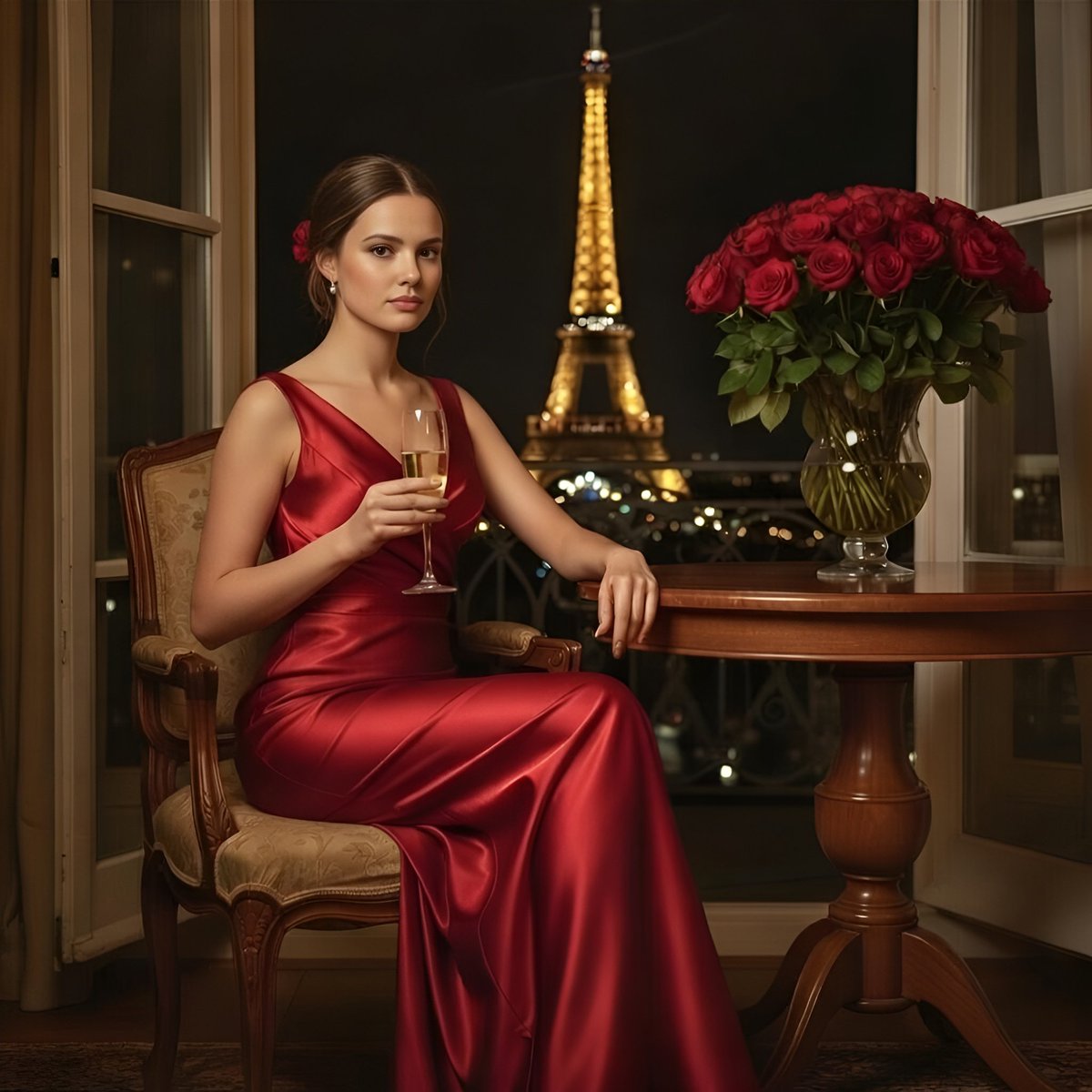
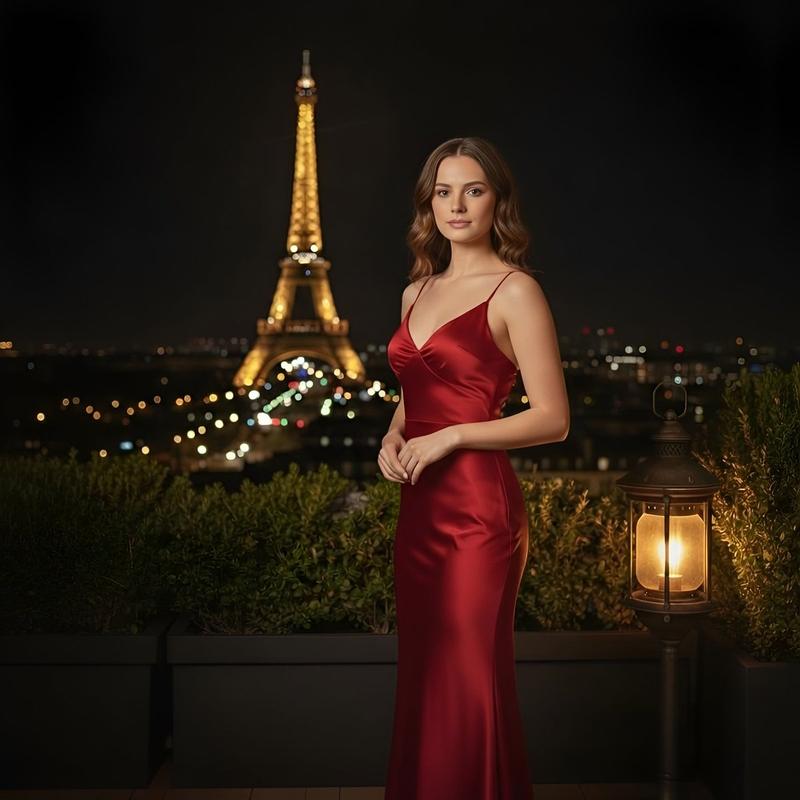
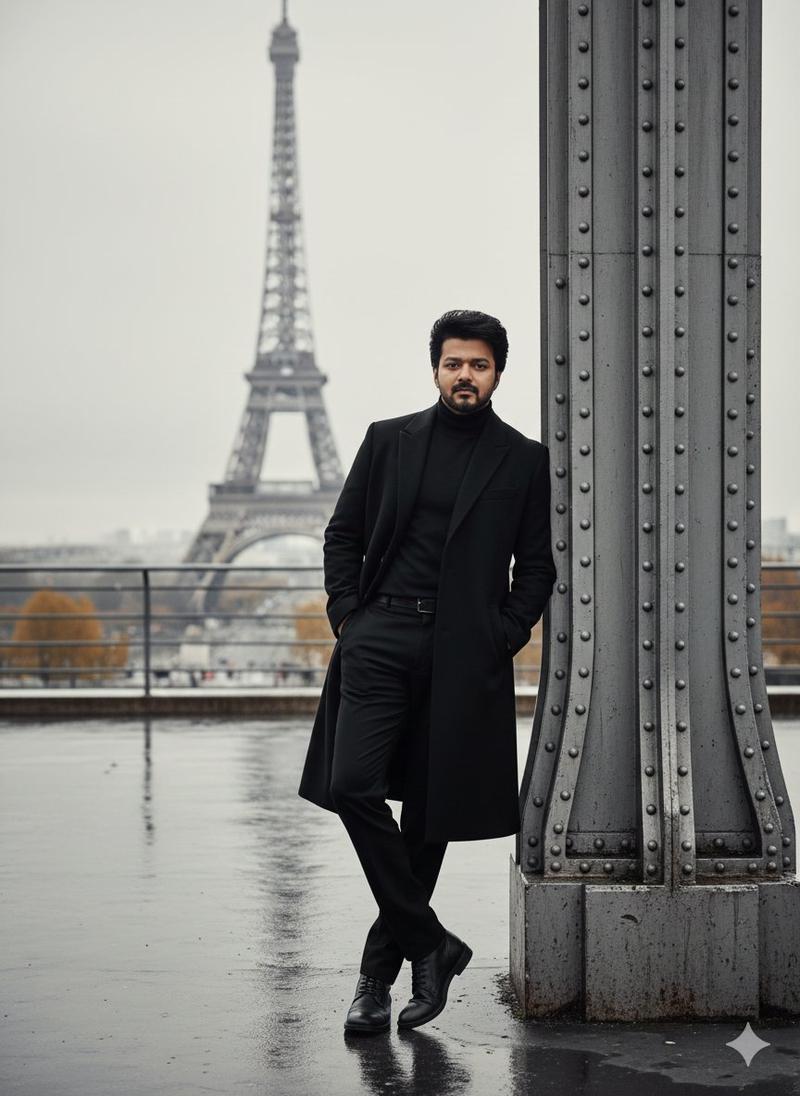
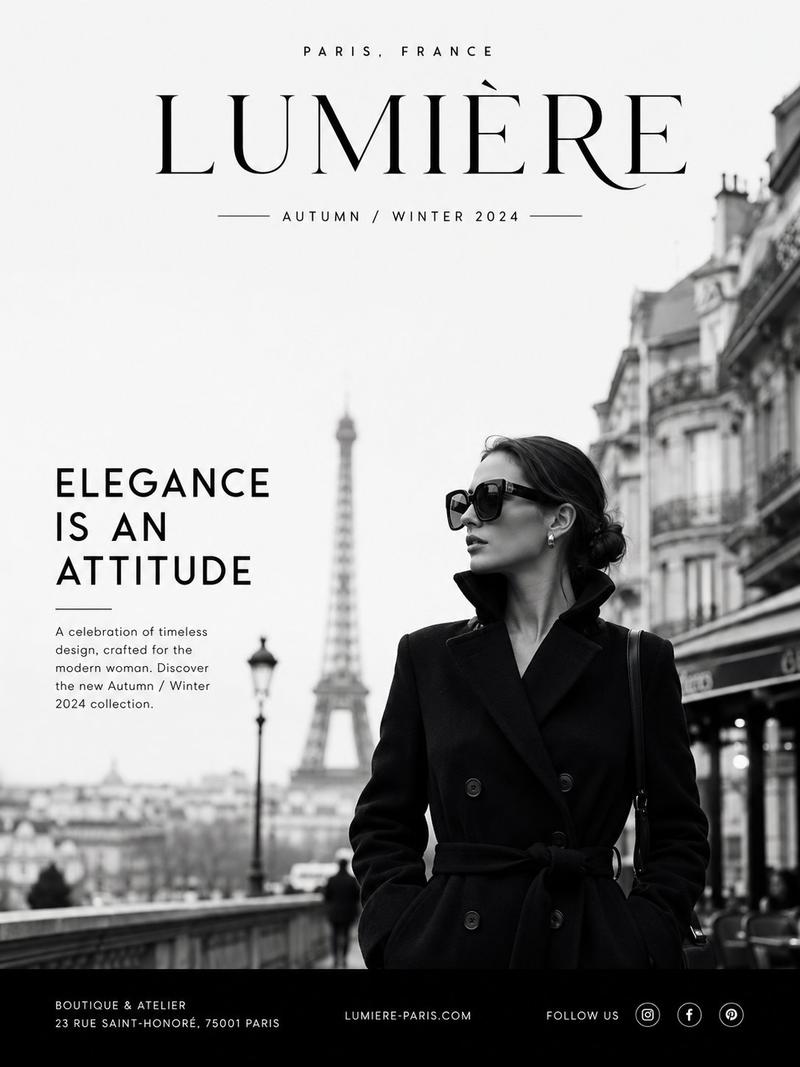
Create a photorealistic luxury website mockup displayed on an open dark space-gray MacBook Pro, floating horizontally and supported from below by a single elegant hand against a plain soft light-gray studio background. The laptop is angled slightly in perspective, screen facing the viewer, thin black bezel with a small top notch, visible keyboard base edge and ports, premium minimal product-photography lighting with subtle shadows. On the screen show a full-width French luxury concierge landing page for {argument name="brand name" default="Maison Lumière"}: a hero photo of the Eiffel Tower viewed through a large stone archway, muted Paris skyline and greenery below, refined editorial typography. Website header: brand name at top left, and exactly 4 small uppercase navigation links at top right: “À PROPOS”, “SERVICES”, “TÉMOIGNAGES”, “CONTACT”. Centered hero copy: small line “— MAISON LUMIÈRE · PARIS —”, oversized elegant serif headline “{argument name="headline text" default="Votre temps est précieux. Nous nous occupons du reste."}”, smaller subtitle “{argument name="subtitle text" default="Conciergerie privée haut de gamme à Paris"}”, and a thin outlined button reading “{argument name="button text" default="DÉCOUVRIR NOS SERVICES"}”. Use a sophisticated beige, ivory, charcoal, and soft blue color palette, high-end fashion/luxury aesthetic, realistic reflections on the laptop glass, crisp screen details, shallow depth of field, no extra objects, no watermark.
Category
Charts & Infographics
Model
GPT Image 2
Views4
Source ID
22419
Published
May 24, 2026

Guide

About "奢华礼宾服务笔记本电脑样机"

What is this prompt for?

"奢华礼宾服务笔记本电脑样机" AI image prompt for GPT Image 2 (Charts & Infographics). 一款照片级逼真的 MacBook Pro 样机,展示了精致的法式奢华礼宾服务网站,适用于作品集或客户演示。 Copy it on Picva and recreate th…

The full copyable prompt and example visuals above are ready for AI image generation or one-click recreate in Picva.

How to use this prompt

  1. Step 1

    Open the prompt detail

    Review the example visuals, category, and full prompt text for "奢华礼宾服务笔记本电脑样机".

  2. Step 2

    Copy the prompt

    Copy the prompt body from this page, or load it directly in Studio.

  3. Step 3

    Pick a model (GPT Image 2)

    Prefer GPT Image 2. If you switch models, keep subject and composition and tweak style terms.

  4. Step 4

    Generate and export

    Recreate the look in Picva, or export into your workflow for editing and publishing.

FAQ

What is the "奢华礼宾服务笔记本电脑样机" prompt?
It is an AI image-generation prompt for GPT Image 2 in the Charts & Infographics category. This page includes the full prompt text, example visuals, and a one-click recreate path in Picva.
How do I use this prompt to generate an image?
Copy the prompt from this page, or use Generate / Studio. Paste it into a compatible image model, or recreate the look in Picva with optional reference images.
Which model is this prompt for?
This page lists GPT Image 2. Most descriptive prompts also transfer to nearby image models such as GPT Image, Flux, or Midjourney with light style tweaks.
Can I use the result commercially?
You can usually copy the prompt for creation, but commercial use of the final image depends on the model terms, reference-image rights, and the generated content. Follow the source author and platform rules.