20

赛博朋克动作英雄变身
Enlarge

赛博朋克动作英雄变身

Prompt
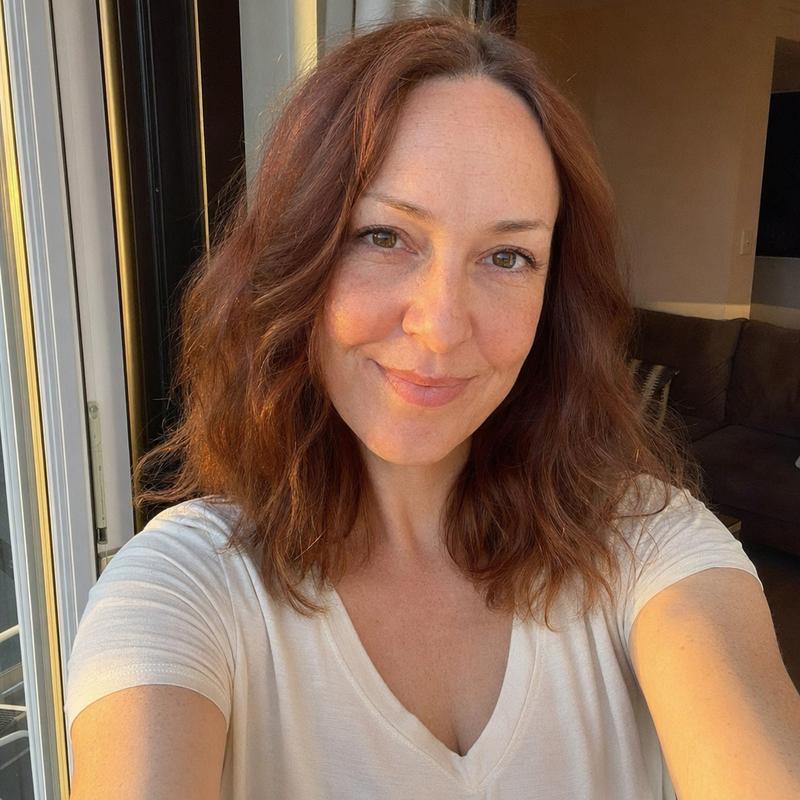
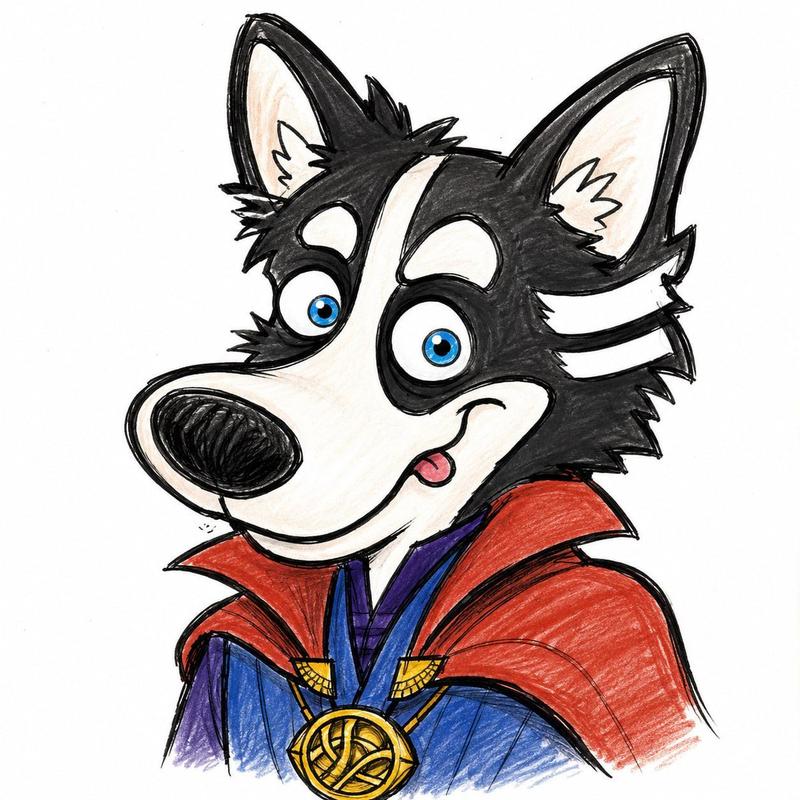
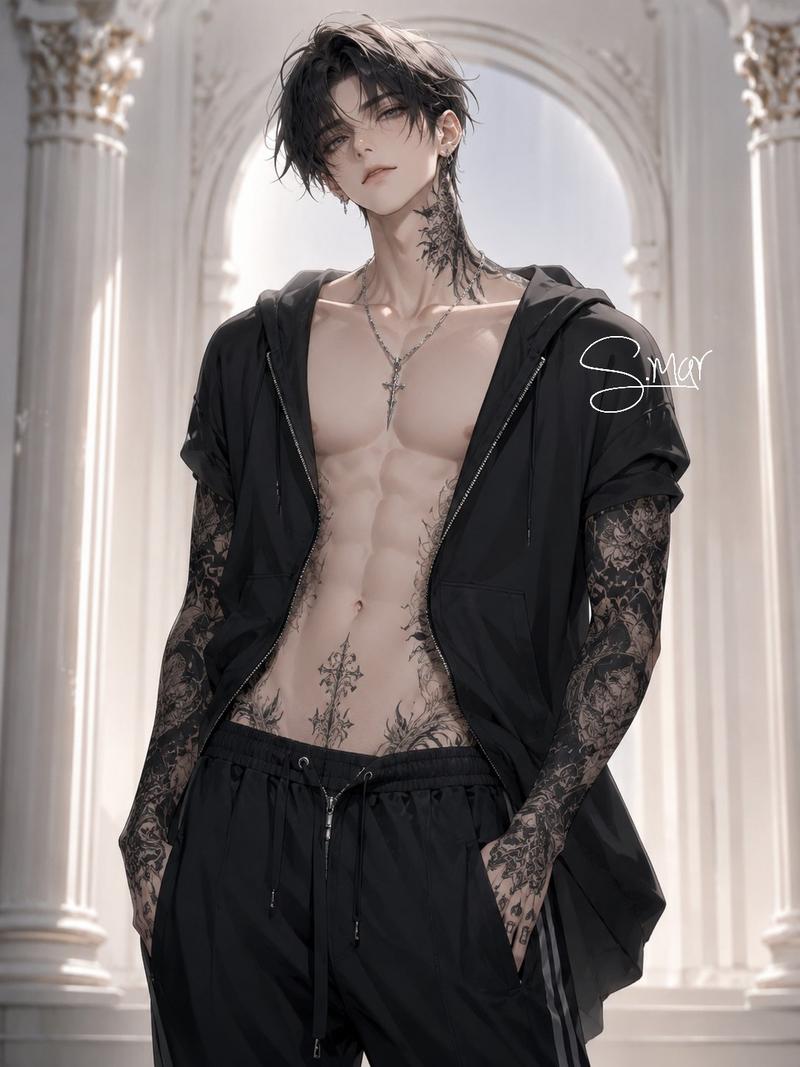
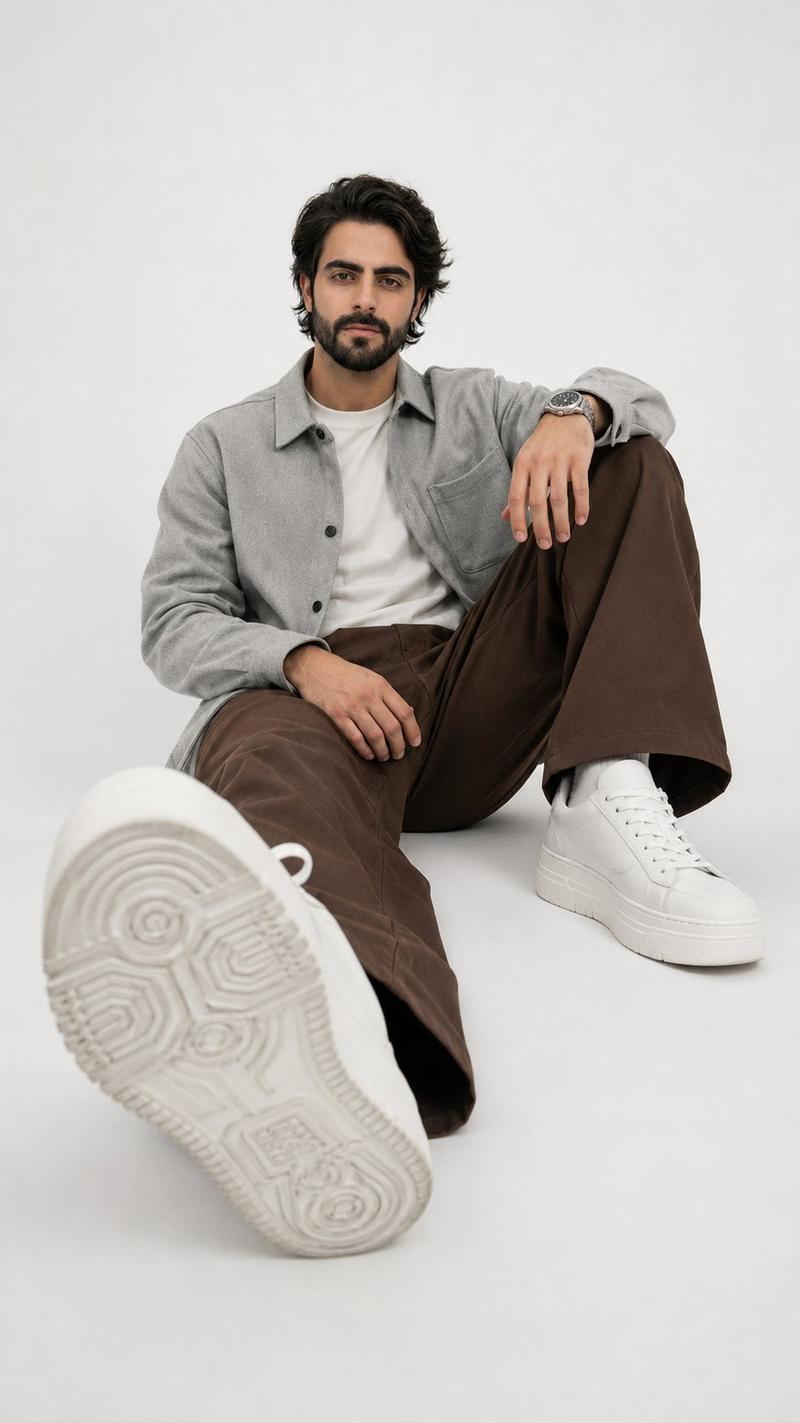
Transform this man to match the dramatic {argument name="style" default="cyberpunk action-hero"} style of the reference image: Give him a {argument name="facial features" default="mustache, messy styled black hair"}, intense confident expression. Dress him in a {argument name="outfit" default="shiny black leather jacket with chains and gold details, black shirt, black cargo pants, black combat boots, gold chains and accessories"}. Pose him leaning/sitting on the hood of a glossy black BMW M4 sports car. Change the background to a futuristic neon cyberpunk city at night with tall skyscrapers, glowing signs (include similar Japanese/Chinese text elements), dramatic blue-green lighting, lightning in the sky, floating chains, ethereal smoke effects, and a glowing planet-like orb. Make the overall image highly stylized, cinematic, dark and intense like a movie
Category
Architecture & Spaces
Model
GPT Image 2
Views8
Source ID
22510
Published
May 25, 2026

Guide

About "赛博朋克动作英雄变身"

What is this prompt for?

"赛博朋克动作英雄变身" AI image prompt for GPT Image 2 (Architecture & Spaces). 一个可以将肖像转换为坐在未来派霓虹城市跑车上的赛博朋克动作英雄风格的转换提示词。 Copy it on Picva and recreate the look in one cl…

The full copyable prompt and example visuals above are ready for AI image generation or one-click recreate in Picva.

How to use this prompt

  1. Step 1

    Open the prompt detail

    Review the example visuals, category, and full prompt text for "赛博朋克动作英雄变身".

  2. Step 2

    Copy the prompt

    Copy the prompt body from this page, or load it directly in Studio.

  3. Step 3

    Pick a model (GPT Image 2)

    Prefer GPT Image 2. If you switch models, keep subject and composition and tweak style terms.

  4. Step 4

    Generate and export

    Recreate the look in Picva, or export into your workflow for editing and publishing.

FAQ

What is the "赛博朋克动作英雄变身" prompt?
It is an AI image-generation prompt for GPT Image 2 in the Architecture & Spaces category. This page includes the full prompt text, example visuals, and a one-click recreate path in Picva.
How do I use this prompt to generate an image?
Copy the prompt from this page, or use Generate / Studio. Paste it into a compatible image model, or recreate the look in Picva with optional reference images.
Which model is this prompt for?
This page lists GPT Image 2. Most descriptive prompts also transfer to nearby image models such as GPT Image, Flux, or Midjourney with light style tweaks.
Can I use the result commercially?
You can usually copy the prompt for creation, but commercial use of the final image depends on the model terms, reference-image rights, and the generated content. Follow the source author and platform rules.