14

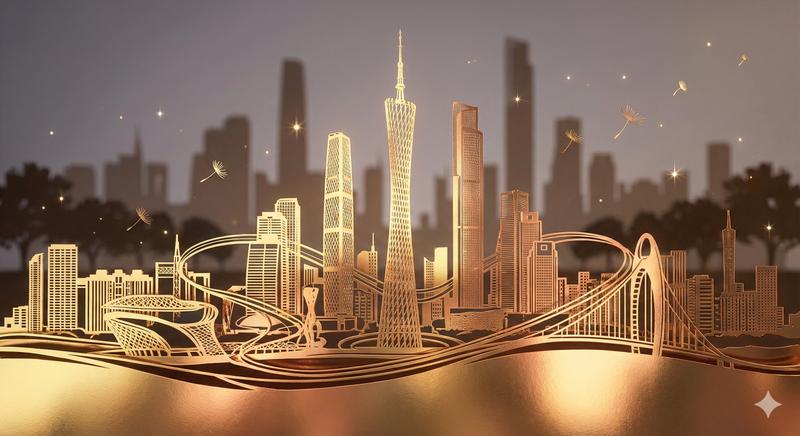
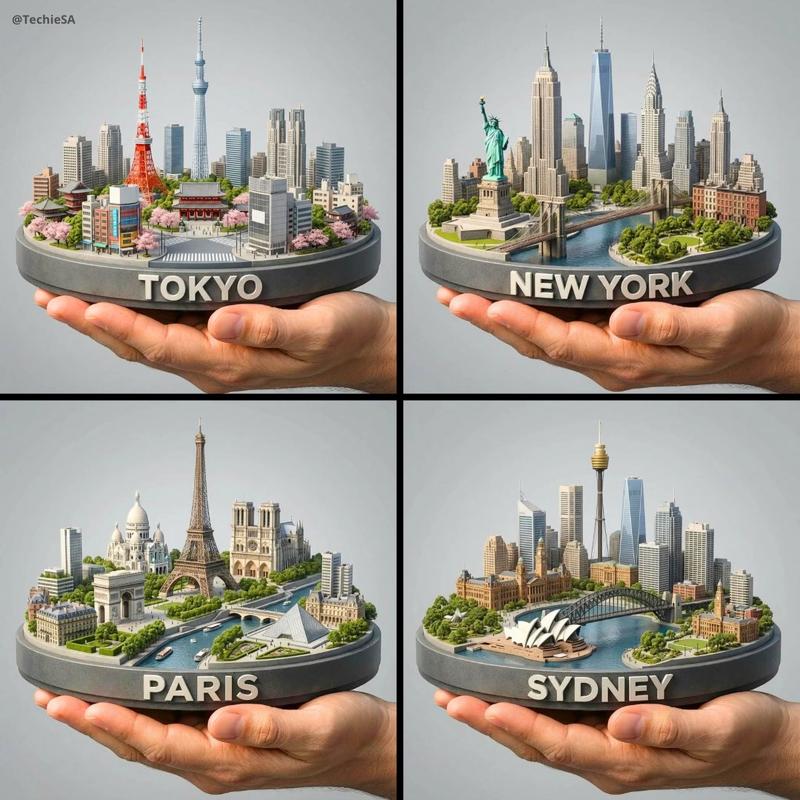
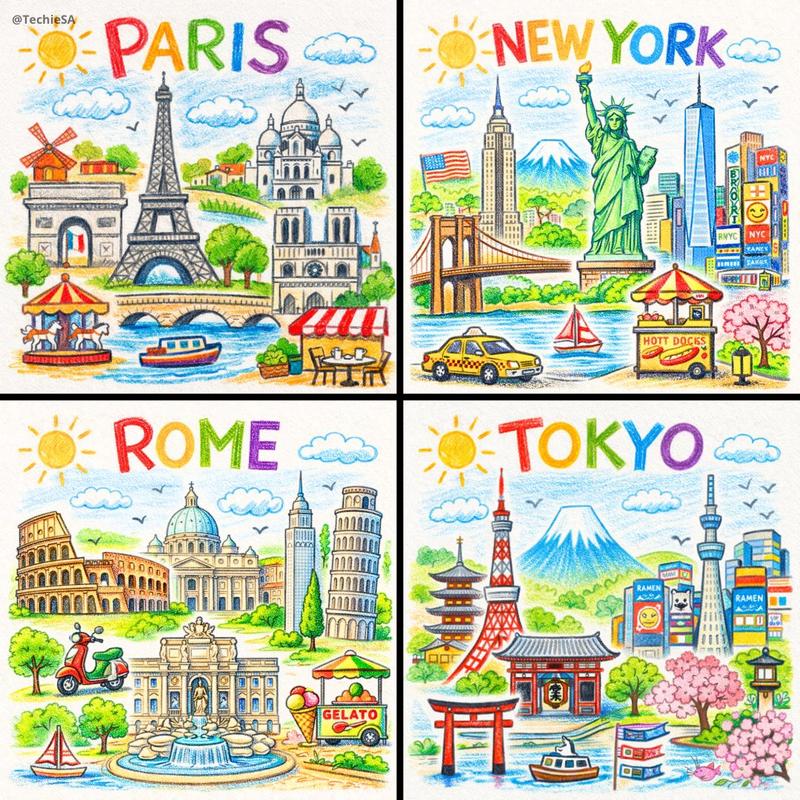
排版城市天际线剪影
Enlarge

排版城市天际线剪影

Prompt
2x2 grid, 16:9, do this for 4 famous cities: Anchor: The word "{argument name="city names" default="TOKYO / PARIS / CAIRO"}" :: morphed into the exact skyline silhouette of that city ::4 Morphology: Black and white negative space typography art. Letters stack and stretch vertically to become skyscrapers, towers, and spires. The tallest letters become the tallest landmarks. Skyline is readable as both a word and a city profile simultaneously ::3 Material Physics: Crisp white ink on black cardstock. Hard edges. No curves softened. Each building-letter has distinct window details etched into it ::3 Illumination: Flat graphic, dusk silhouette quality, high contrast ::2 Render Stack: City tourism poster, travel print, architectural illustration ::1 Negative: [color, gradients, realistic windows, people, vehicles, clouds, ground reflection] :: -1
Category
Charts & Infographics
Model
GPT Image 2
Creator
Gadgetify
Views4
Source ID
22518
Published
May 25, 2026

Guide

About "排版城市天际线剪影"

What is this prompt for?

"排版城市天际线剪影" AI image prompt for GPT Image 2 (Charts & Infographics). 创作一张黑白排版海报,利用负空间和建筑细节,将城市名称变形为该城市的精确天际线剪影。 Copy it on Picva and recreate the look in one c…

The full copyable prompt and example visuals above are ready for AI image generation or one-click recreate in Picva.

How to use this prompt

  1. Step 1

    Open the prompt detail

    Review the example visuals, category, and full prompt text for "排版城市天际线剪影".

  2. Step 2

    Copy the prompt

    Copy the prompt body from this page, or load it directly in Studio.

  3. Step 3

    Pick a model (GPT Image 2)

    Prefer GPT Image 2. If you switch models, keep subject and composition and tweak style terms.

  4. Step 4

    Generate and export

    Recreate the look in Picva, or export into your workflow for editing and publishing.

FAQ

What is the "排版城市天际线剪影" prompt?
It is an AI image-generation prompt for GPT Image 2 in the Charts & Infographics category. This page includes the full prompt text, example visuals, and a one-click recreate path in Picva.
How do I use this prompt to generate an image?
Copy the prompt from this page, or use Generate / Studio. Paste it into a compatible image model, or recreate the look in Picva with optional reference images.
Which model is this prompt for?
This page lists GPT Image 2. Most descriptive prompts also transfer to nearby image models such as GPT Image, Flux, or Midjourney with light style tweaks.
Can I use the result commercially?
You can usually copy the prompt for creation, but commercial use of the final image depends on the model terms, reference-image rights, and the generated content. Follow the source author and platform rules.