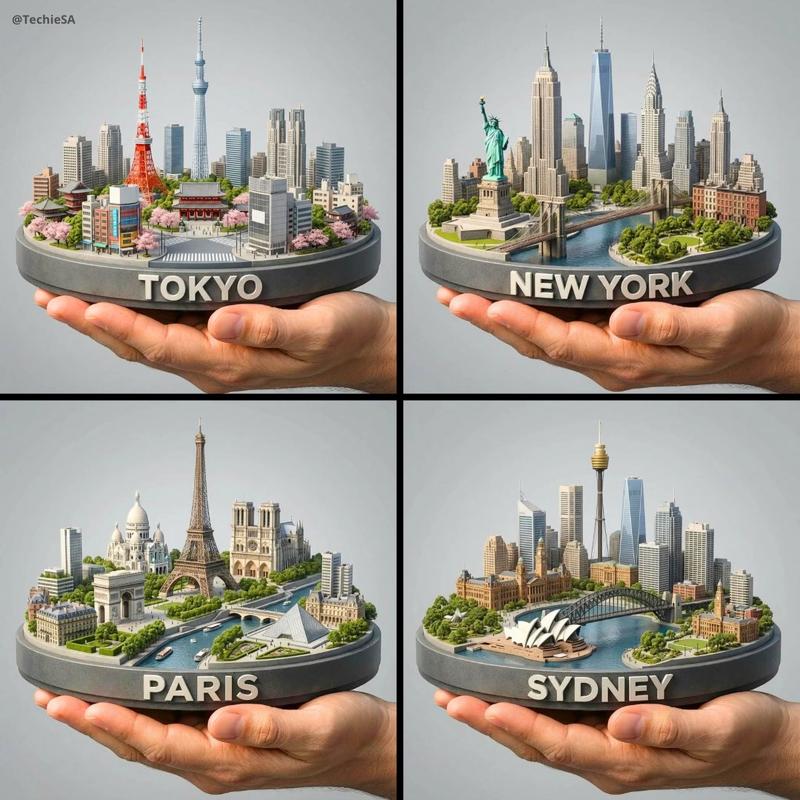
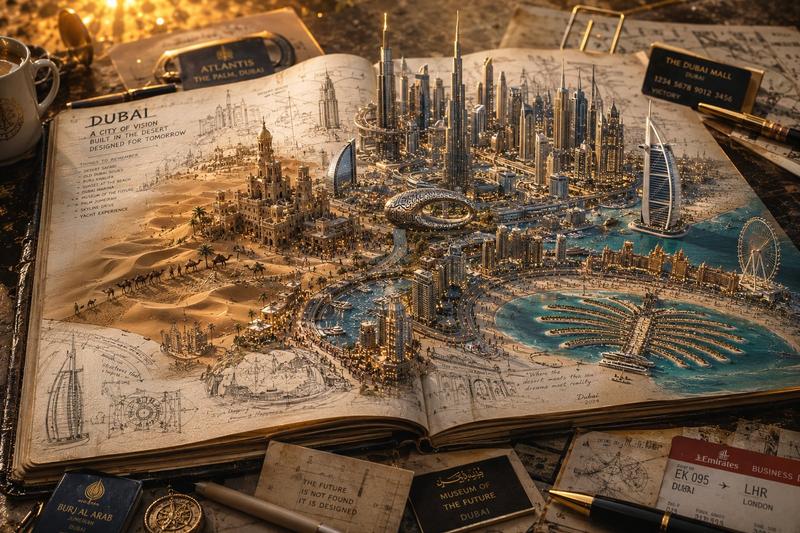
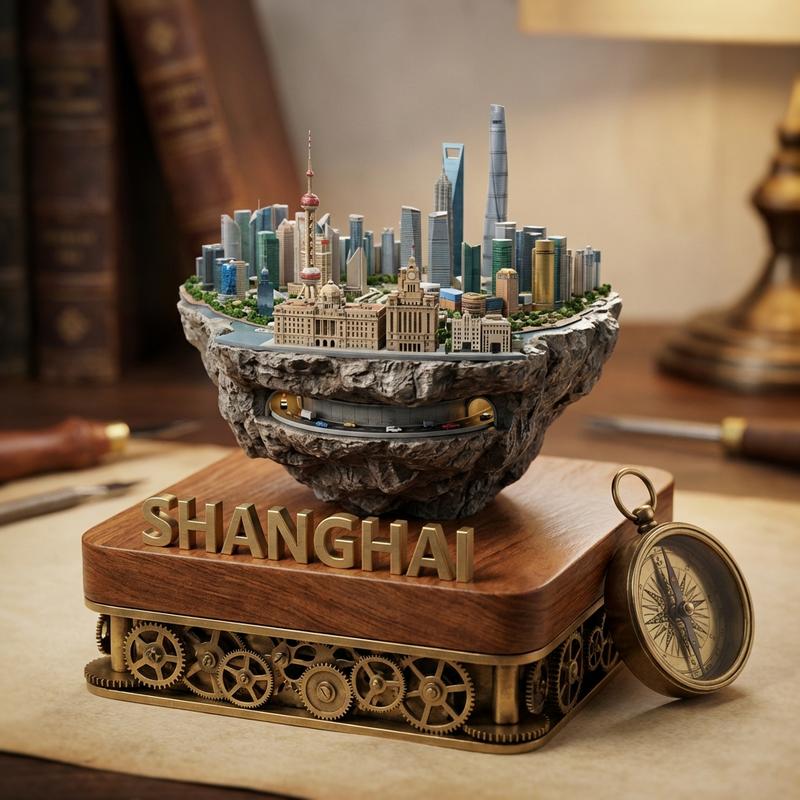
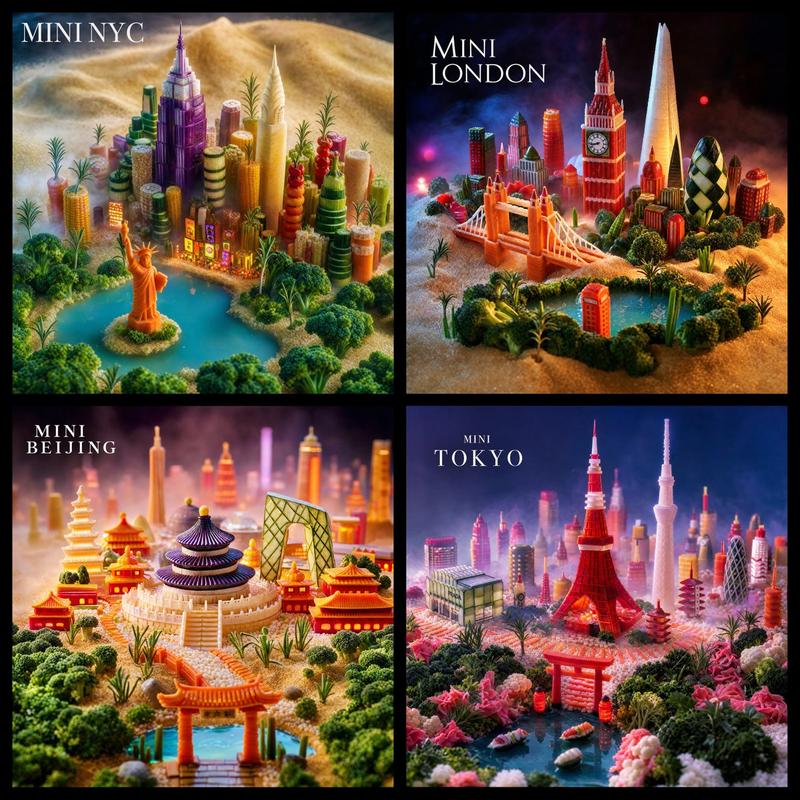
六枚景泰蓝城市纪念章
Prompt
Goal: Create a polished product-style poster showing a collection of {argument name="number of commemorative medals" default="six"} ornate circular hard-enamel cloisonné commemorative city medals, photographed as a flat lay overhead on dark navy velvet fabric.

Canvas: Vertical poster, 2:3 aspect ratio, divided into an exact 2-column by 3-row grid with thin pale divider lines. Each grid cell contains one centered round medal, cropped with comfortable margins, on the same rippled dark velvet background.

Subject details: Each medal is a thick gold metal coin with an embossed twisted rope border, raised gold dividers between enamel color areas, deep jewel-tone enamel fills, tiny engraved linework, and a premium collectible medallion look. Use dramatic macro lighting with metallic highlights, crisp relief, glossy enamel reflections, and high detail.

Medal set: Show exactly 6 distinct medals:
1. Paris, France medal: arc text “PARIS FRANCE” at the top with a fleur-de-lis, Eiffel Tower in the center, Paris skyline, bridge over the Seine, boat on the river, pink cherry blossoms and flowers, blue night sky.
2. New York, USA medal: arc text “NEW YORK USA” at the top, Statue of Liberty in front of Manhattan skyline, One World Trade Center, harbor water with small sailboats, teal-blue sky with small clouds, floral accents at bottom.
3. Tokyo, Japan medal: arc text “TOKYO JAPAN” at the top with a cherry blossom icon, Mount Fuji, Tokyo Tower, pagoda, modern skyline, river bridge, red sunset sky, abundant pink blossoms.
4. London, England medal: arc text “LONDON ENGLAND” at the top with a small crown, Big Ben and Houses of Parliament, London Eye, bridge, red double-decker bus, lamppost, dark blue sky, floral accents.
5. Sydney, Australia medal: arc text “SYDNEY AUSTRALIA” at the top with a fleur-de-lis, Sydney Opera House, Harbour Bridge, skyline, harbor water with two sailboats, bright turquoise sky, floral accents.
6. Dubai, UAE medal: arc text “DUBAI UAE” at the top with a palm icon, Burj Khalifa, Burj Al Arab, futuristic skyline, palm trees, canals and bridges, warm orange sunset sky, floral accents.

Shared text content: On the bottom arc of every medal, include the small inscription “HISTORIC & CULTURAL CITY” and beneath it “ESTABLISHED 514 BC,” rendered as embossed gold lettering following the curve.

Visual style: Hyper-detailed realistic product photography mixed with illustrated enamel art, luxurious souvenir collectible aesthetic, rich saturated colors, gold metal relief, ornate craftsmanship, museum-shop commemorative medal design.

Constraints: Keep all six medals circular and similarly sized, maintain the exact 2x3 arrangement, preserve the city names and country labels as readable arc inscriptions, avoid extra medals, avoid hands, packaging, logos, watermarks, or additional text outside the medals.- Category
- Charts & Infographics
- Model
- GPT Image 2
- Creator
- 两斤
- Source ID
- 21242
- Published
- May 17, 2026
Views6