18

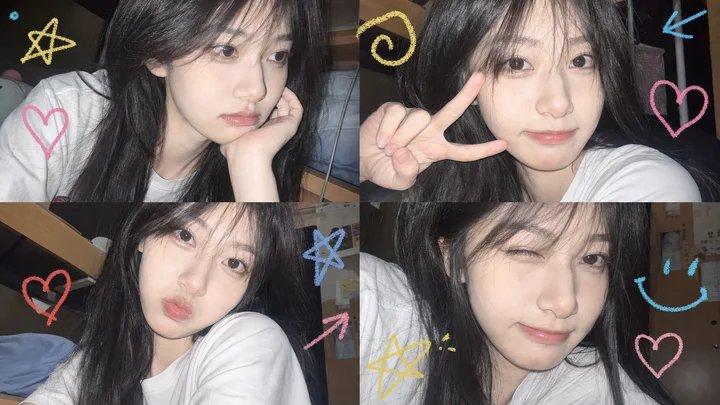
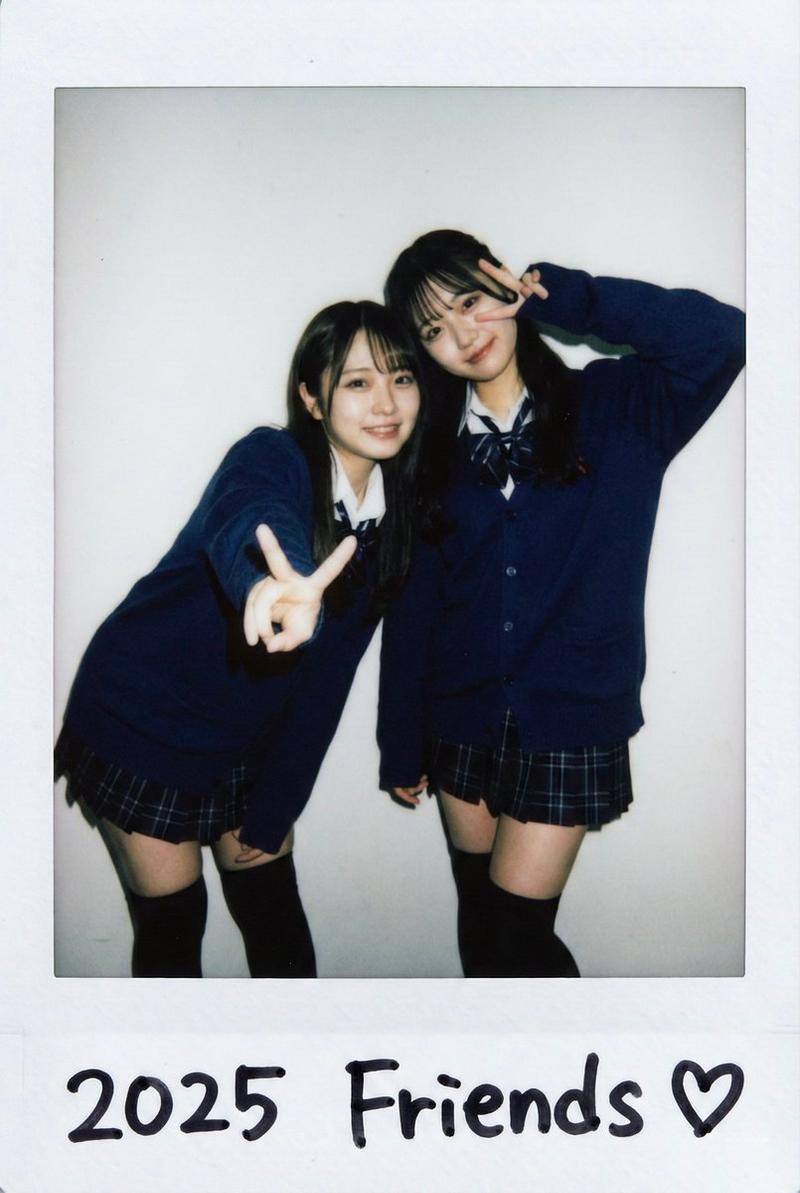
90 年代拍立得快照模拟
Enlarge

Example images

90 年代拍立得快照模拟

Prompt
你是一个能够重现 90 年代非常流行的一次性拍立得人像快照的 AI。请根据附件中的人物创建一张图像,其质量应达到足以被误认为是 90 年代业余爱好者拍摄的冲印照片。 [主体] - 年份:[{argument name="year" default="1997"}](示例:1991/1995/1998/2001。按年份输入。若留空,默认为 1997) - 人物:[{argument name="person" default=""}](若留空,则生成符合指定时代风格的人物) - 姿势/表情:[{argument name="expression" default=""}](示例:比耶、尴尬的微笑、与朋友搭肩。若留空则自动生成) - 服装:[](示例:泡泡袜、109 辣妹风、街头风格、上班族。若留空,则根据时代潮流 + 日期戳季节自动匹配) - 地点:[](示例:大头贴机前、居酒屋、修学旅行巴士、自己的房间。若留空则自动生成) - 时间:[](示例:中午/傍晚/夜晚。若留空,默认为白天自然光) - 闪光灯:[](指定为“Yes”或“No”。若留空,根据时间自动判断) - 日期戳:[](示例:'97 08 15。若留空,自动分配随机日期。若设为“None”,则省略) - 白色边框:[](指定为“Yes”或“No”。若留空,默认为“No”)。 [质量/质感绝对规则] - 镜头:定焦单焦塑料镜头。除中心外略微失焦。 - 曝光:仅当闪光灯为“Yes”时,面部和前景会因直接闪光而轻微过曝,背景会急剧变暗。 - 色彩:整体呈现黄色至橙色的胶片色偏。肤色偏红。 - 颗粒:全图具有 ISO 400 胶片特有的颗粒感。 - 暗角:四个角落有光线衰减。允许出现镜头眩光或红眼现象。 - 构图:具有业余摄影特征的倾斜感,过度居中。禁止绝对水平。 - 禁止:现代智能手机般的锐度/HDR/皮肤修正/干净的虚化/4K 感。 [商标规避] 所有标志/品牌均为虚构原创。不得使用真实品牌或名人。
Category
Photography & Realism
Model
GPT Image 2
Views7
Source ID
22574
Published
May 25, 2026

Guide

About "90 年代拍立得快照模拟"

What is this prompt for?

"90 年代拍立得快照模拟" AI image prompt for GPT Image 2 (Photography & Realism). 一套综合系统提示词,旨在重现 90 年代一次性拍立得照片的独特美学,包括胶片颗粒、伪影以及该时代特有的日期戳。 Copy it on Picva and recreate t…

The full copyable prompt and example visuals above are ready for AI image generation or one-click recreate in Picva.

How to use this prompt

  1. Step 1

    Open the prompt detail

    Review the example visuals, category, and full prompt text for "90 年代拍立得快照模拟".

  2. Step 2

    Copy the prompt

    Copy the prompt body from this page, or load it directly in Studio.

  3. Step 3

    Pick a model (GPT Image 2)

    Prefer GPT Image 2. If you switch models, keep subject and composition and tweak style terms.

  4. Step 4

    Generate and export

    Recreate the look in Picva, or export into your workflow for editing and publishing.

FAQ

What is the "90 年代拍立得快照模拟" prompt?
It is an AI image-generation prompt for GPT Image 2 in the Photography & Realism category. This page includes the full prompt text, example visuals, and a one-click recreate path in Picva.
How do I use this prompt to generate an image?
Copy the prompt from this page, or use Generate / Studio. Paste it into a compatible image model, or recreate the look in Picva with optional reference images.
Which model is this prompt for?
This page lists GPT Image 2. Most descriptive prompts also transfer to nearby image models such as GPT Image, Flux, or Midjourney with light style tweaks.
Can I use the result commercially?
You can usually copy the prompt for creation, but commercial use of the final image depends on the model terms, reference-image rights, and the generated content. Follow the source author and platform rules.