19

K-Pop 女团回归概念
Enlarge

K-Pop 女团回归概念

Prompt
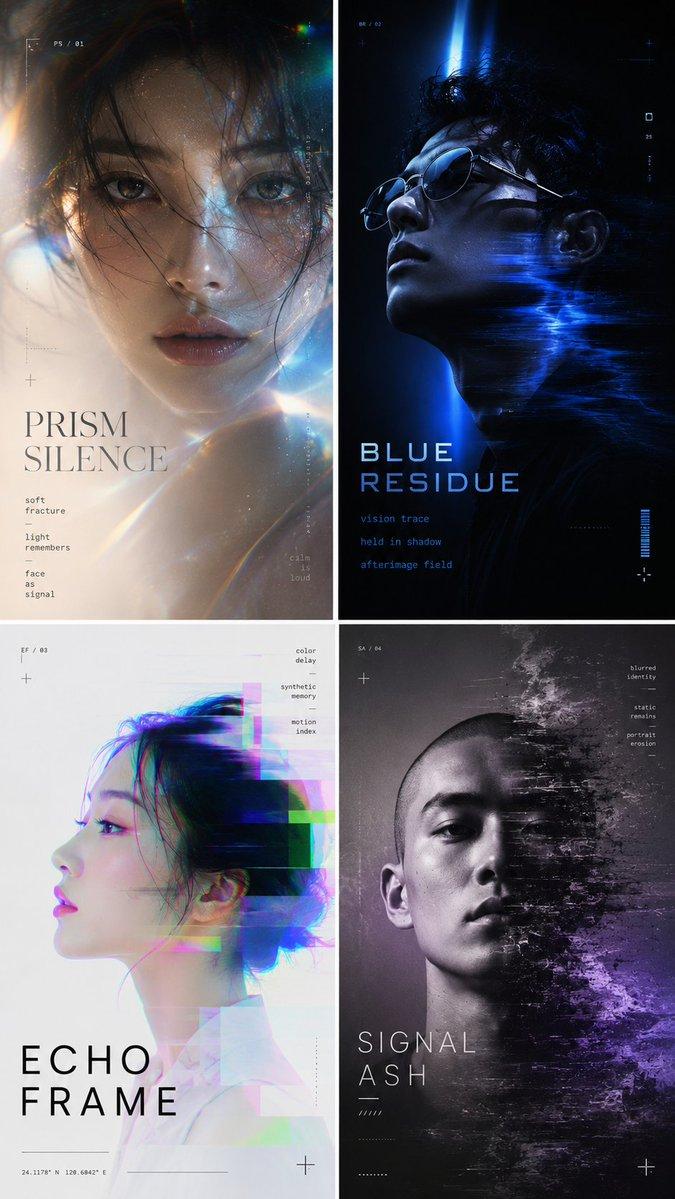
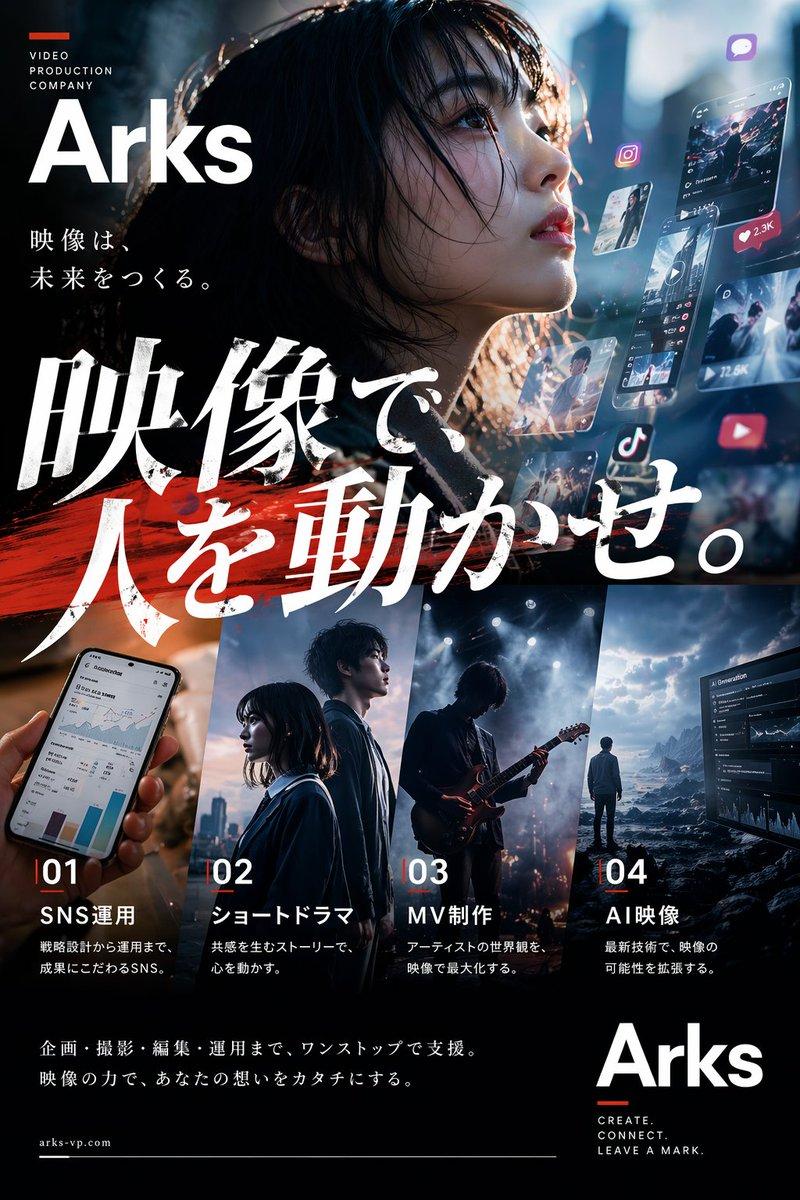
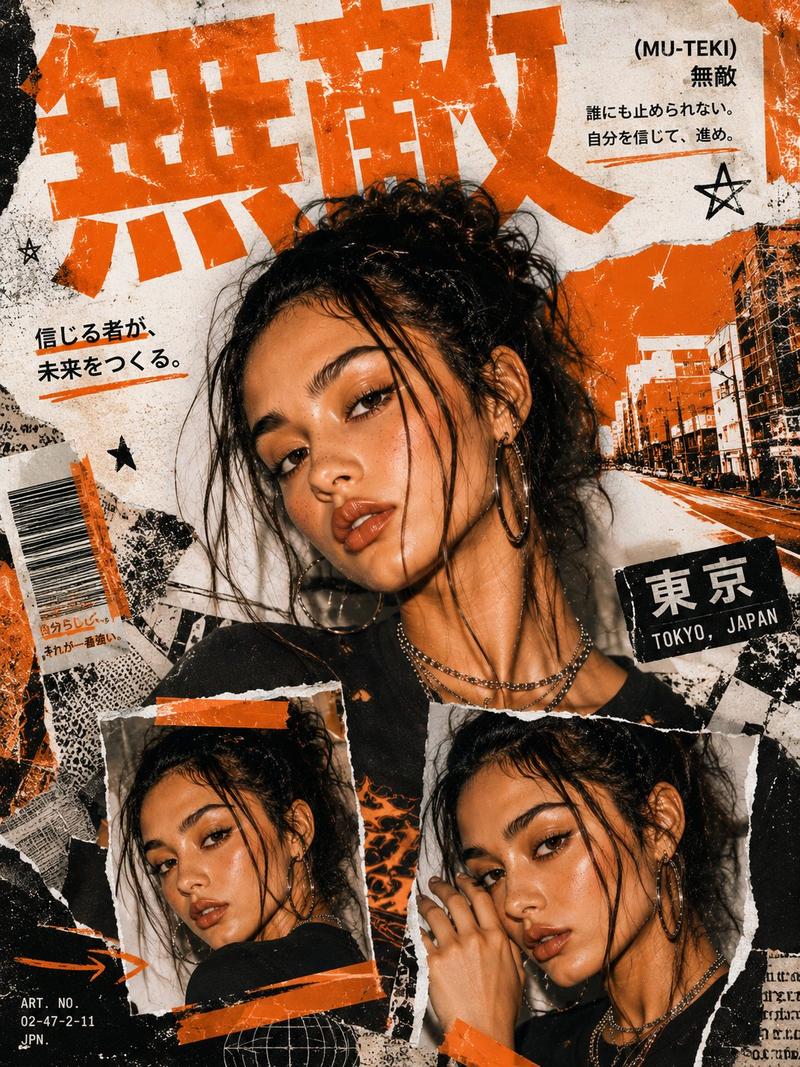
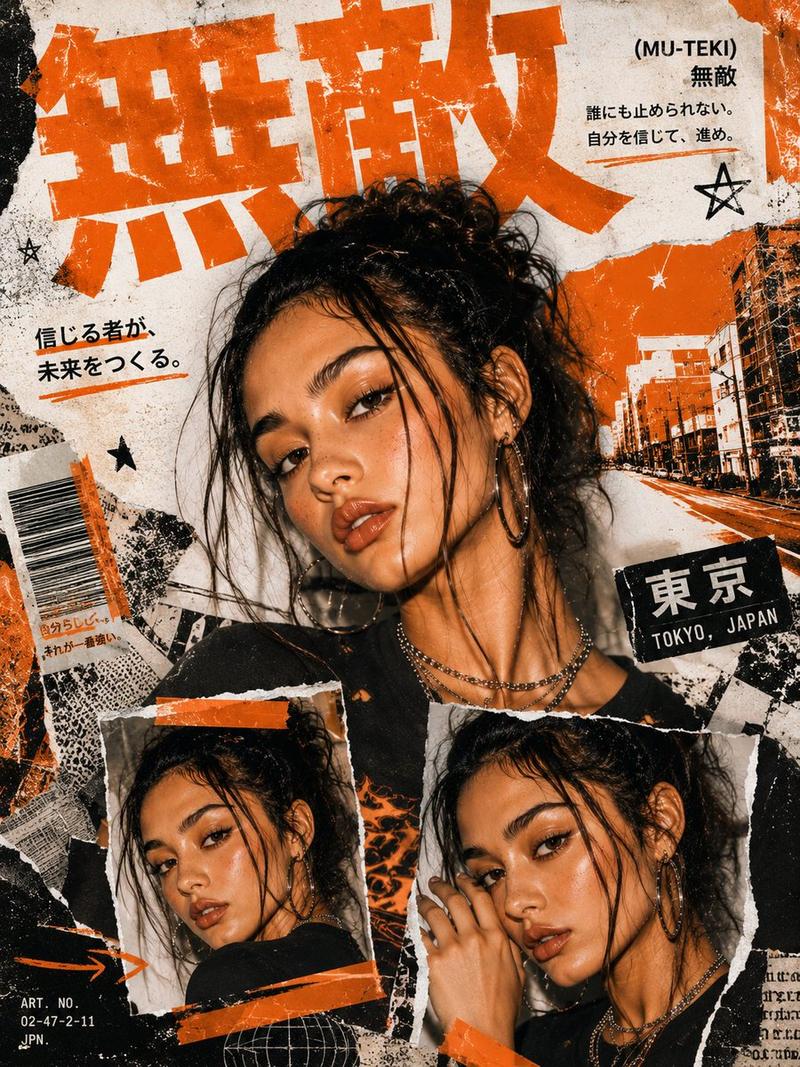
Ultra-premium K-pop comeback concept featuring a {argument name="group size" default="four-member"} global girl group embodying luxury chaos, emotional power, and futuristic femininity.

The album visual identity blends:

Cyberpunk neon nights + high fashion couture
Watercolor ink sketch fusion with hyper-real lighting
Global city symbolism (Seoul × Tokyo × Paris × NYC)
Themes: power, fame, identity, rebellion, elegance

Each member represents a “realm”:

The Flame (Red / Power / Stage dominance)
The Mirror (Silver / Mystery / Emotionless beauty)
The Bloom (Pink / Soft power / Charisma)
The Storm (Blue / Control / Cool intensity)

Typography: sharp luxury serif + glitch distortion
Color language: {argument name="colors" default="neon magenta, black obsidian, electric blue, chrome gold"}
Mood: “Runway meets apocalypse + idol goddess energy”
Category
Charts & Infographics
Model
GPT Image 2
Creator
Cherry 2.O
Views10
Source ID
22833
Published
May 27, 2026

Guide

About "K-Pop 女团回归概念"

What is this prompt for?

"K-Pop 女团回归概念" AI image prompt for GPT Image 2 (Charts & Infographics). 一个融合了赛博朋克、未来主义时尚与全球都市符号的高奢 K-pop 女团视觉识别概念。 Copy it on Picva and recreate the look in on…

The full copyable prompt and example visuals above are ready for AI image generation or one-click recreate in Picva.

How to use this prompt

  1. Step 1

    Open the prompt detail

    Review the example visuals, category, and full prompt text for "K-Pop 女团回归概念".

  2. Step 2

    Copy the prompt

    Copy the prompt body from this page, or load it directly in Studio.

  3. Step 3

    Pick a model (GPT Image 2)

    Prefer GPT Image 2. If you switch models, keep subject and composition and tweak style terms.

  4. Step 4

    Generate and export

    Recreate the look in Picva, or export into your workflow for editing and publishing.

FAQ

What is the "K-Pop 女团回归概念" prompt?
It is an AI image-generation prompt for GPT Image 2 in the Charts & Infographics category. This page includes the full prompt text, example visuals, and a one-click recreate path in Picva.
How do I use this prompt to generate an image?
Copy the prompt from this page, or use Generate / Studio. Paste it into a compatible image model, or recreate the look in Picva with optional reference images.
Which model is this prompt for?
This page lists GPT Image 2. Most descriptive prompts also transfer to nearby image models such as GPT Image, Flux, or Midjourney with light style tweaks.
Can I use the result commercially?
You can usually copy the prompt for creation, but commercial use of the final image depends on the model terms, reference-image rights, and the generated content. Follow the source author and platform rules.