13

动漫角色配色设定集
Enlarge

动漫角色配色设定集

Prompt
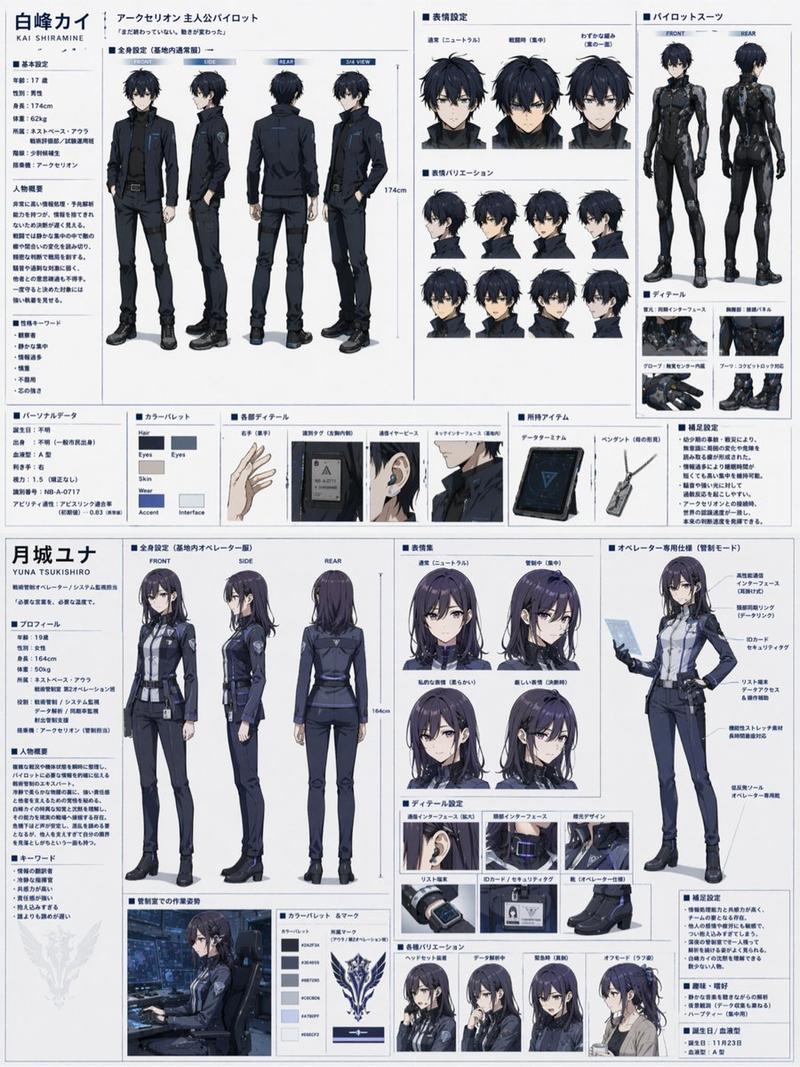
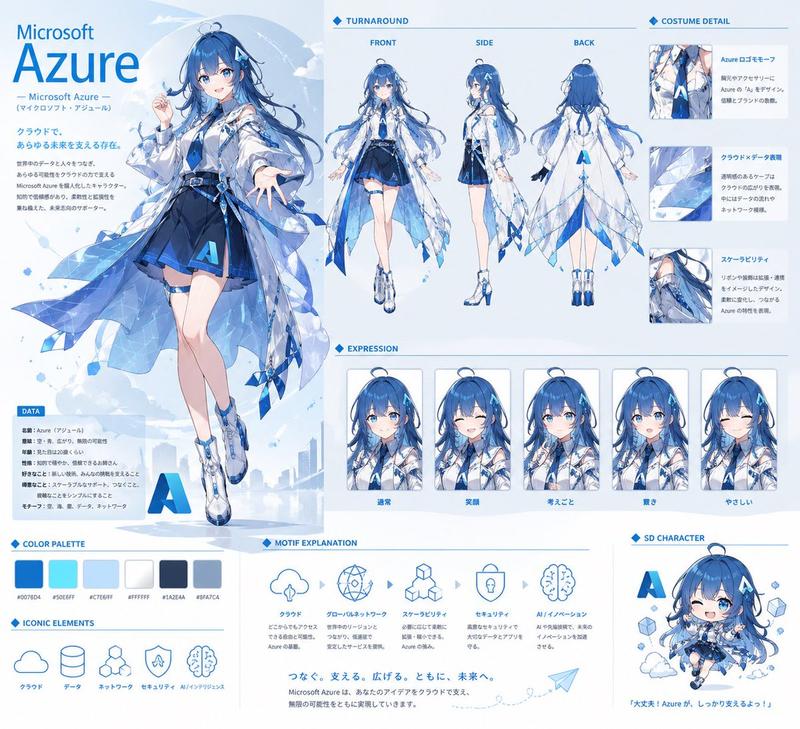
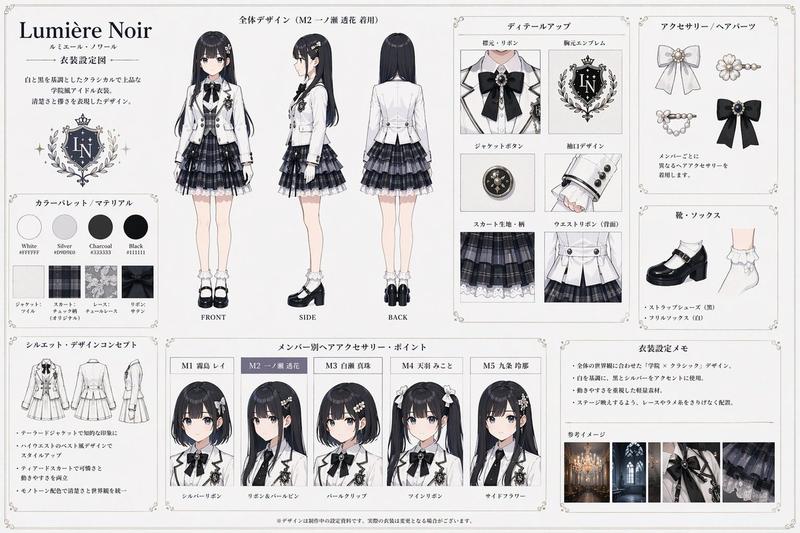
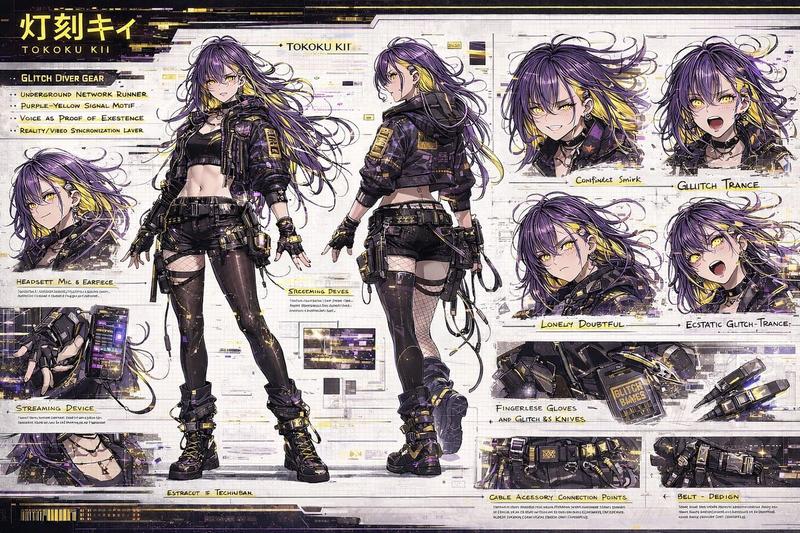
以参考图为基础,绘制“商业动漫制作现场使用的专业级角色配色设定资料”。准确保持角色的脸型、发型、发色、眼睛、轮廓、体型、剪影、服装设计、配色方案及整体印象。严禁改变角色特征,不得将其重绘为其他角色。此内容并非成品插画、海报或概念艺术,其目的是为动画师、上色师、后期制作人员及摄影人员提供配色参考资料。画面采用以白色为背景的日式动漫设定资料布局。将多个配色设定切片整齐地排列在资料页面上。包含以下内容:全身彩色正面图、全身彩色背面图、面部特写、表情变化、发色确认、眼色确认、服装配色方案确认、配饰颜色规格、鞋子配色方案、小物件颜色设定、局部放大图、配色板栏、颜色指示箭头、手写风格的颜色规格备注以及后期制作说明。角色应以干净的赛璐珞风格(cel-shading)呈现,禁止厚涂,禁止过度渐变,禁止电影级光影,禁止社交游戏风格的渲染,禁止过度特效。阴影颜色应简洁明了,易于阅读,如同动漫制作现场的配色规格资料。饱和度适中,呈现出印刷设定集中常见的自然色彩。在画面中自然地添加颜色编号、简短注释、箭头、部位名称及颜色编码说明。作为资料页面,优先考虑可见性与结构清晰度。布局呈现出 90 年代至 2000 年代日式动漫设定集的氛围。信息密度高但排版整齐、易于阅读。页面留白自然。整体页面具有实际印刷并扫描后的设定集质感。自然地加入轻微的纸张纹理、印刷感、复印纸质感及扫描感。优先呈现“实际制作现场资料”的质感,而非完成品艺术画作。
Category
Characters & People
Model
GPT Image 2
Views6
Source ID
22880
Published
May 27, 2026

Guide

About "动漫角色配色设定集"

What is this prompt for?

"动漫角色配色设定集" AI image prompt for GPT Image 2 (Characters & People). 一份专为动漫制作设计的专业角色配色参考表 Prompt。旨在还原 90 年代至 2000 年代制作资料的风格,重点保持面部特征、配色方案及技术标注的一致性。 Copy it on Pi…

The full copyable prompt and example visuals above are ready for AI image generation or one-click recreate in Picva.

How to use this prompt

  1. Step 1

    Open the prompt detail

    Review the example visuals, category, and full prompt text for "动漫角色配色设定集".

  2. Step 2

    Copy the prompt

    Copy the prompt body from this page, or load it directly in Studio.

  3. Step 3

    Pick a model (GPT Image 2)

    Prefer GPT Image 2. If you switch models, keep subject and composition and tweak style terms.

  4. Step 4

    Generate and export

    Recreate the look in Picva, or export into your workflow for editing and publishing.

FAQ

What is the "动漫角色配色设定集" prompt?
It is an AI image-generation prompt for GPT Image 2 in the Characters & People category. This page includes the full prompt text, example visuals, and a one-click recreate path in Picva.
How do I use this prompt to generate an image?
Copy the prompt from this page, or use Generate / Studio. Paste it into a compatible image model, or recreate the look in Picva with optional reference images.
Which model is this prompt for?
This page lists GPT Image 2. Most descriptive prompts also transfer to nearby image models such as GPT Image, Flux, or Midjourney with light style tweaks.
Can I use the result commercially?
You can usually copy the prompt for creation, but commercial use of the final image depends on the model terms, reference-image rights, and the generated content. Follow the source author and platform rules.