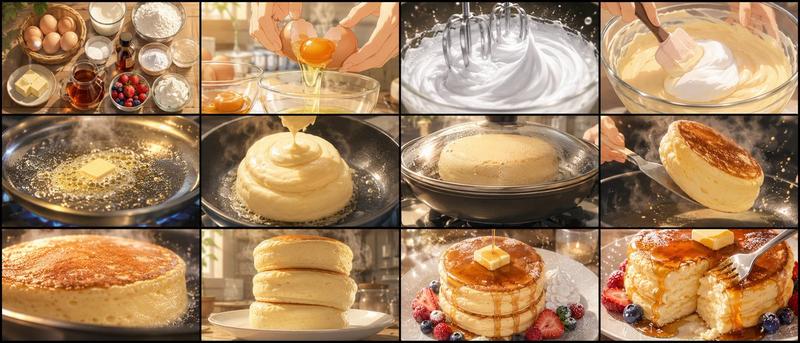
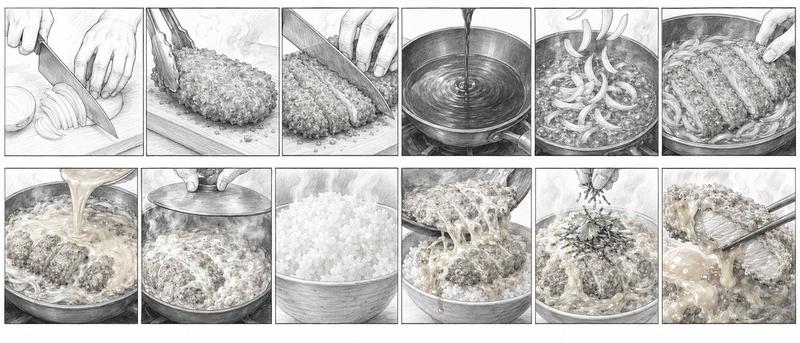
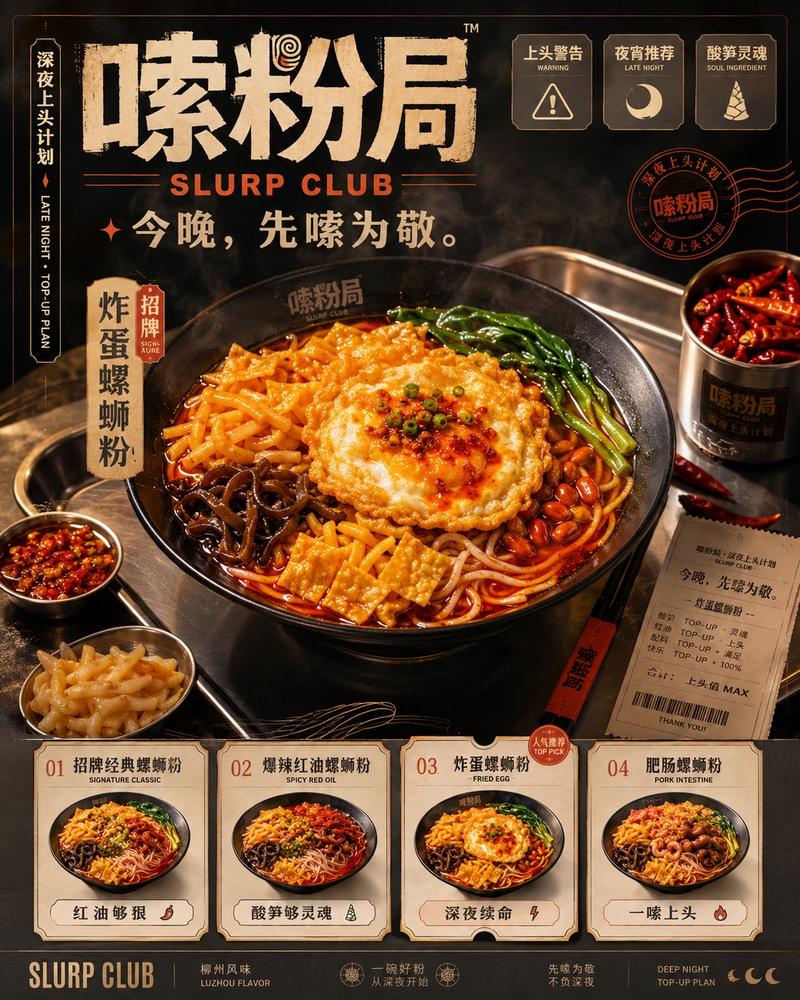
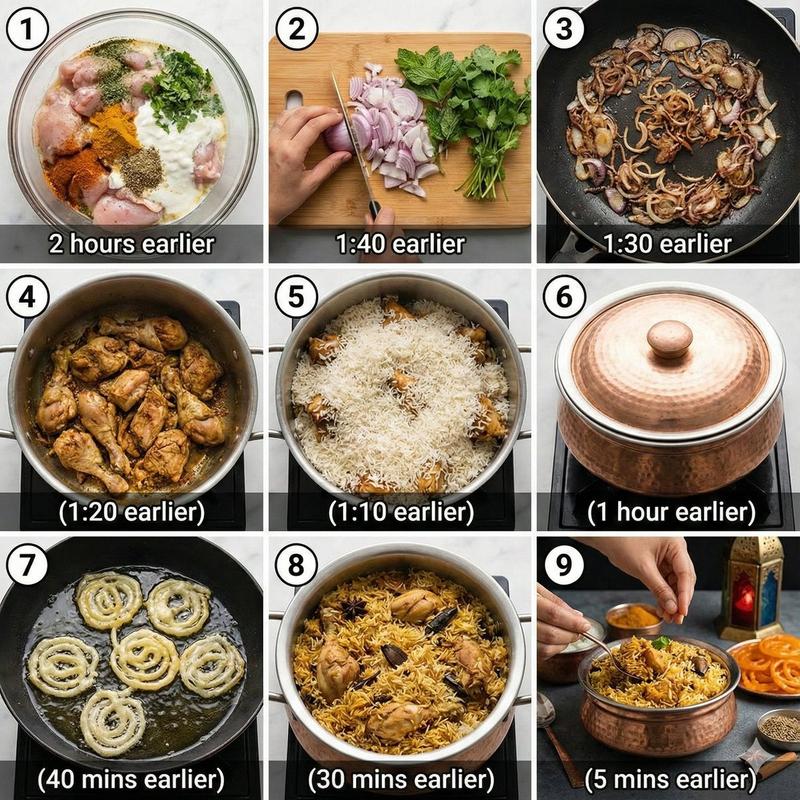
动漫烹饪分镜网格生成器
Prompt
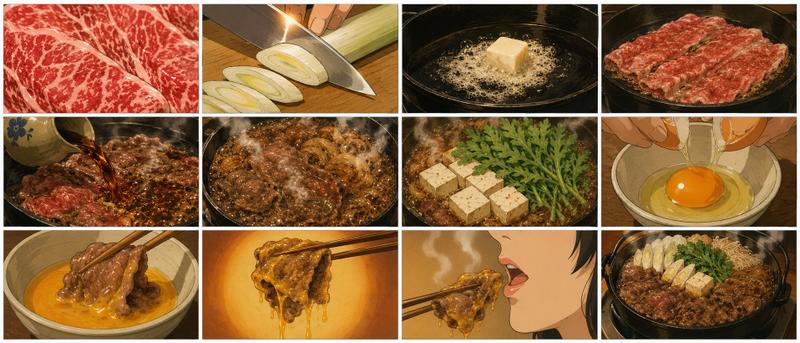
请生成一张超高质量的 15 秒动漫烹饪视频分镜表,要求为单张 16:9 横向图片。主题为“{argument name="theme" default="浓郁芝士蛋包饭"}”。在单张横向画布中,按时间顺序排列 12 帧分镜。布局应为 4 列 3 行的网格。- Category
- Characters & People
- Model
- GPT Image 2
- Source ID
- 22902
- Published
- May 27, 2026
Views3
15

请生成一张超高质量的 15 秒动漫烹饪视频分镜表,要求为单张 16:9 横向图片。主题为“{argument name="theme" default="浓郁芝士蛋包饭"}”。在单张横向画布中,按时间顺序排列 12 帧分镜。布局应为 4 列 3 行的网格。Guide
"动漫烹饪分镜网格生成器" AI image prompt for GPT Image 2 (Characters & People). 为短篇动漫风格烹饪视频生成详细的 12 帧分镜网格,非常适合用于规划具有统一布局的烹饪动画序列。 Copy it on Picva and recreate the look in…
The full copyable prompt and example visuals above are ready for AI image generation or one-click recreate in Picva.
Step 1
Review the example visuals, category, and full prompt text for "动漫烹饪分镜网格生成器".
Step 2
Copy the prompt body from this page, or load it directly in Studio.
Step 3
Prefer GPT Image 2. If you switch models, keep subject and composition and tweak style terms.
Step 4
Recreate the look in Picva, or export into your workflow for editing and publishing.