煎饺烹饪分镜脚本
Prompt
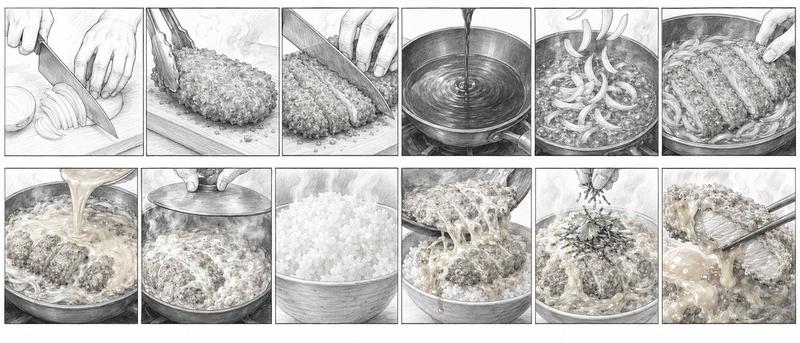
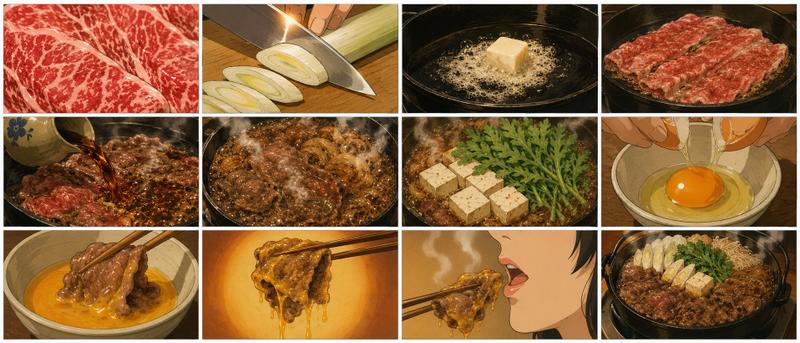
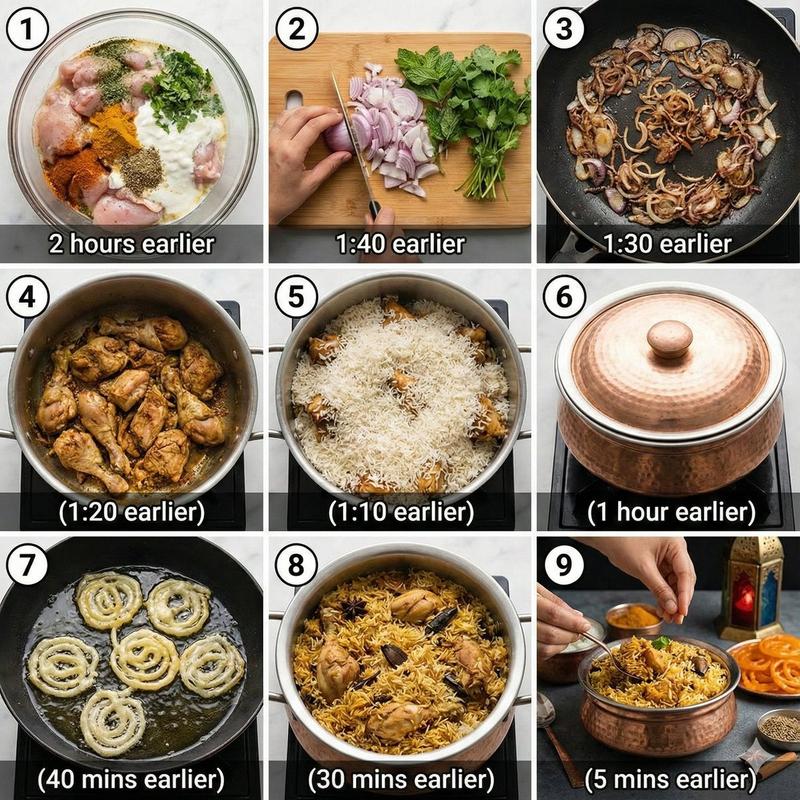
Goal: Create a cinematic cooking storyboard showing the step-by-step preparation of pan-fried Japanese gyoza dumplings, from chopping vegetables to serving the finished crispy dumplings.

Canvas: Wide horizontal storyboard image, 2 rows by 6 columns, exactly 12 rectangular panels separated by thick black borders. Use warm kitchen lighting, realistic food photography mixed with slightly polished cinematic illustration, shallow depth of field, close-up hands and ingredients, appetizing steam and oil shine.

Layout: Arrange the panels left to right, top row first, then bottom row, like a recipe process board. Every panel should be a close-up with no text labels, no captions, and no watermark.

Panel count and contents: Include exactly 12 discrete panels:
1. A chef's hands finely chopping green onions on a wooden cutting board with a large kitchen knife; many small green rounds pile up near the blade.
2. Hands chopping pale green cabbage into small pieces on the same wooden cutting board.
3. A stainless-steel mixing bowl containing separated piles of ingredients: pink minced pork, chopped cabbage, green onions, minced garlic or ginger, and a small dark sauce or seasoning.
4. A hand mixing the gyoza filling inside the metal bowl; the mixture is sticky and speckled with green onion and cabbage.
5. A round dumpling wrapper held in one hand with a spoonful of filling placed in the center.
6. Two hands folding and pleating a gyoza dumpling, pinching the crescent shape closed.
7. Raw gyoza arranged upright in a radial circle inside a black frying pan on a stovetop, with a hand placing the final dumpling.
8. Close-up of gyoza frying in bubbling oil, dumpling bottoms beginning to brown.
9. A hand pouring water into the hot pan around the dumplings, producing vigorous bubbles and steam.
10. A glass lid being placed over the pan to steam the dumplings; condensation and steam visible.
11. The finished dumplings inverted onto a white plate as one circular crispy lace-bottom disk, golden brown and caramelized.
12. Extreme close-up of a plated gyoza being lifted or broken open with chopsticks, showing juicy minced pork and green vegetable filling against the crispy golden skirt.

Subject details: The dish is {argument name="dish name" default="pan-fried gyoza"}; the filling uses {argument name="main filling" default="minced pork, cabbage, green onions, garlic, ginger, and soy-based seasoning"}; the cooking surface is {argument name="pan type" default="black nonstick frying pan"}. Use {argument name="lighting style" default="warm amber restaurant kitchen lighting"} and make the final texture {argument name="crispy finish" default="golden brown lacy dumpling skirt with steam"}.

Visual style: Highly detailed, appetizing, realistic close-up food cinematography with painterly polish, warm color grading, glossy oil highlights, visible knife motion, tactile hand gestures, shallow background blur, rich browns and greens, crisp black storyboard dividers.

Constraints: Exactly 12 panels in a 2x6 grid; no extra panels; no text; no logos; no decorative border beyond the black grid lines; keep the process visually readable and sequential.- Category
- Charts & Infographics
- Model
- GPT Image 2
- Creator
- オズ
- Source ID
- 24059
- Published
- Jun 3, 2026
Views7