从蓝图到房屋的延时摄影变换
Prompt
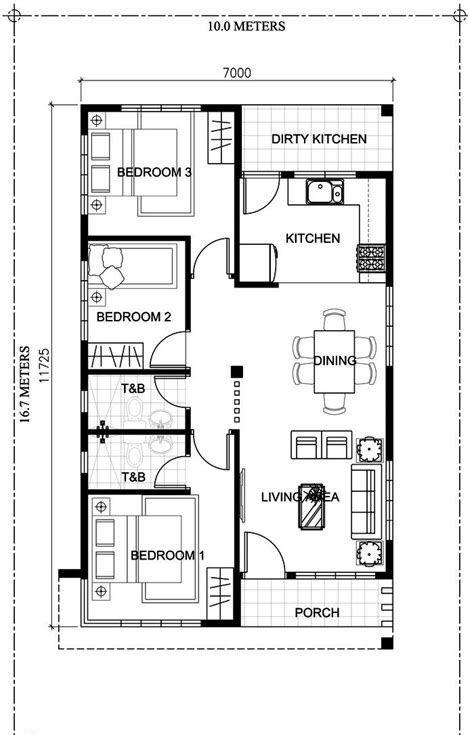
Use both attached images as strict reference material. The floor plan defines the exact room layout, dimensions, window placement, door locations, garage position, bathrooms, kitchen, living room, and bedroom. The exterior reference defines the exact architectural style, brick facade, roof shape, front entrance, and garage door. Throughout the transformation, the interior layout must remain perfectly consistent with the blueprint. No rooms may change position, size, or orientation.

The video begins with a perfectly flat, top-down 2D architectural blueprint floating on a clean white background. Thin blueprint lines glow softly. The camera slowly descends toward the plan.

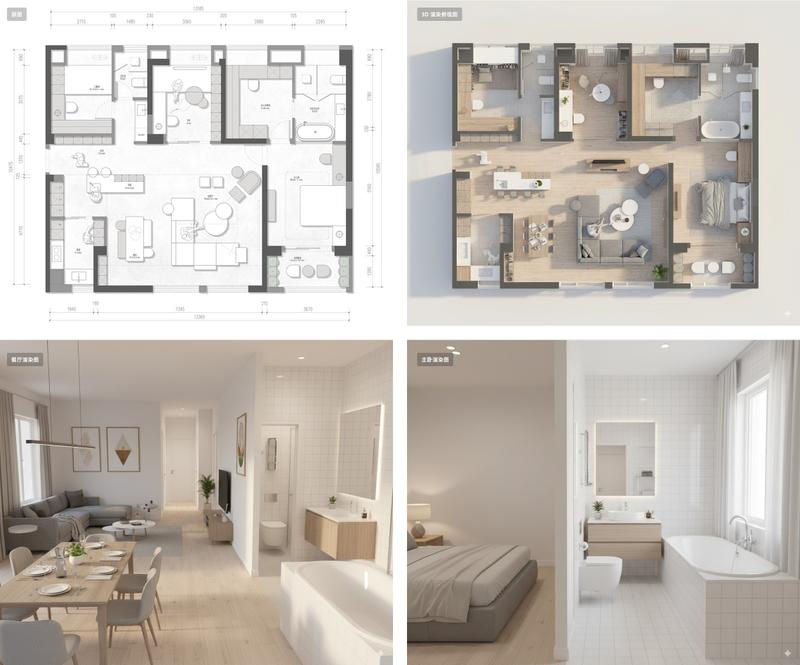
As the camera gently tilts from overhead into an isometric perspective, the blueprint begins transforming into reality through an elegant architectural timelapse. Walls rise vertically from the floor lines exactly where they exist in the blueprint. Interior partitions emerge first, followed by exterior brick walls. Window openings and doors appear in their precise blueprint locations.

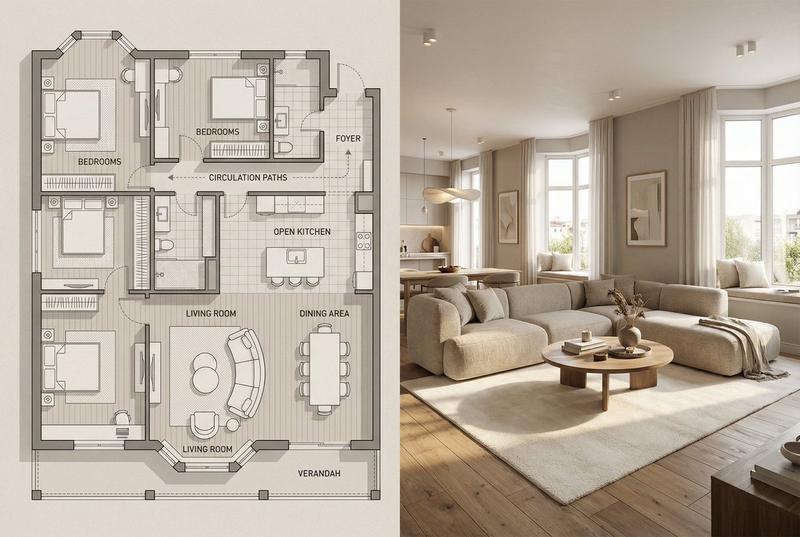
The foundation becomes textured concrete. Wooden flooring spreads naturally through the living room, bedroom, and kitchen exactly matching the plan. Bathroom tiles gradually replace the blueprint markings. Kitchen counters, cabinets, island, sink, appliances, and fixtures assemble piece by piece exactly according to the blueprint. Bathroom fixtures, bathtub, toilet, vanity, and shower appear in their designated locations. The bedroom forms with the bed centered exactly where shown. The living room sofa, coffee table, rug, and television materialize exactly matching the furniture arrangement from the blueprint. The garage forms around the parked car in the correct position.

The roof structure grows over the house while maintaining the exterior silhouette from the reference image. Red brick textures spread across the exterior walls. Windows become reflective glass. The front entrance, garage door, landscaping, pathway, and surrounding lawn emerge organically. Sunlight gradually fills every room as if the home is coming alive.

The transformation is smooth, continuous, and realistic, like watching months of construction compressed into seconds. Dust particles, tiny construction details, framing, roofing, drywall, painting, flooring, furnishing, and landscaping all appear in rapid but elegant timelapse.

The final shot reveals the completed fully rendered house from a three-quarter aerial angle. The camera slowly circles a few degrees while sunlight reflects off the windows. Warm interior lighting glows naturally through the windows, emphasizing that every room perfectly matches the original floor plan.

Camera: Smooth cinematic movement beginning as a top-down blueprint, gradually tilting into an isometric angle and finishing with a slow cinematic orbit aro
- Category
- Architecture & Spaces
- Model
- seedance-2.0
- Creator
- Keskin
- Source ID
- 7029
- Published
- Jul 10, 2026
Views1