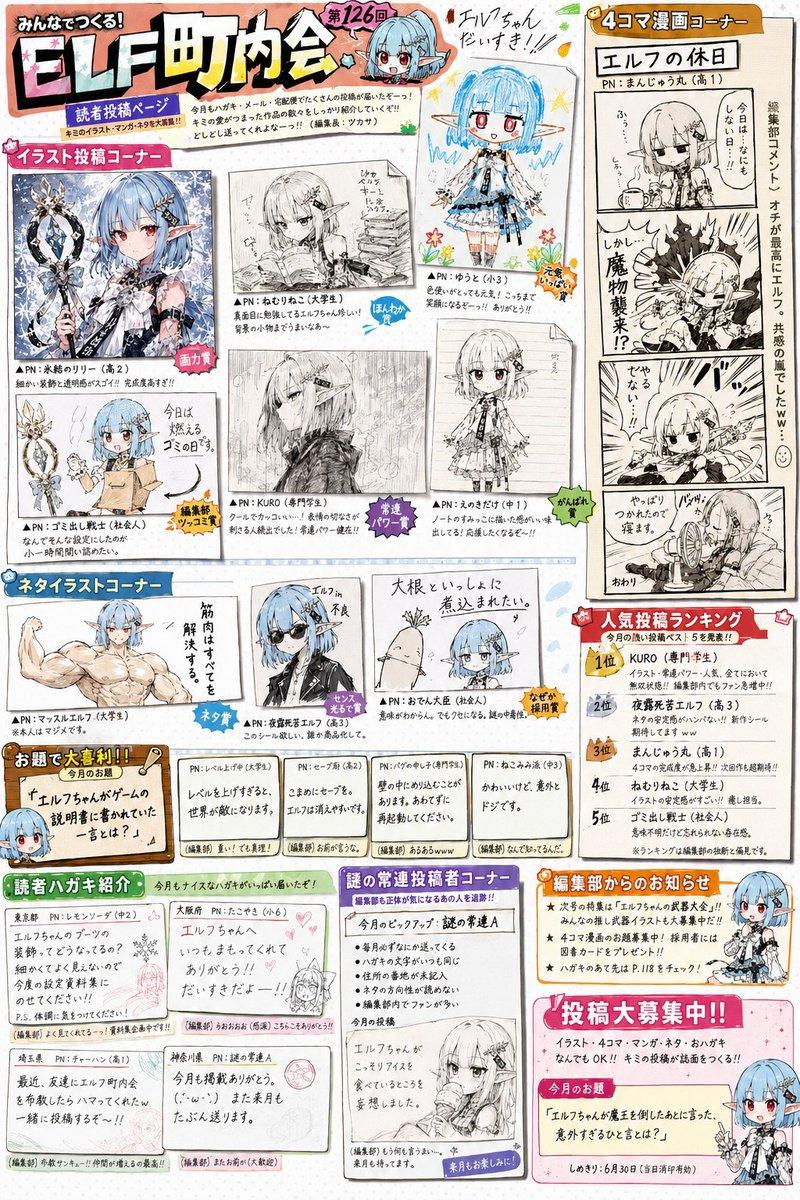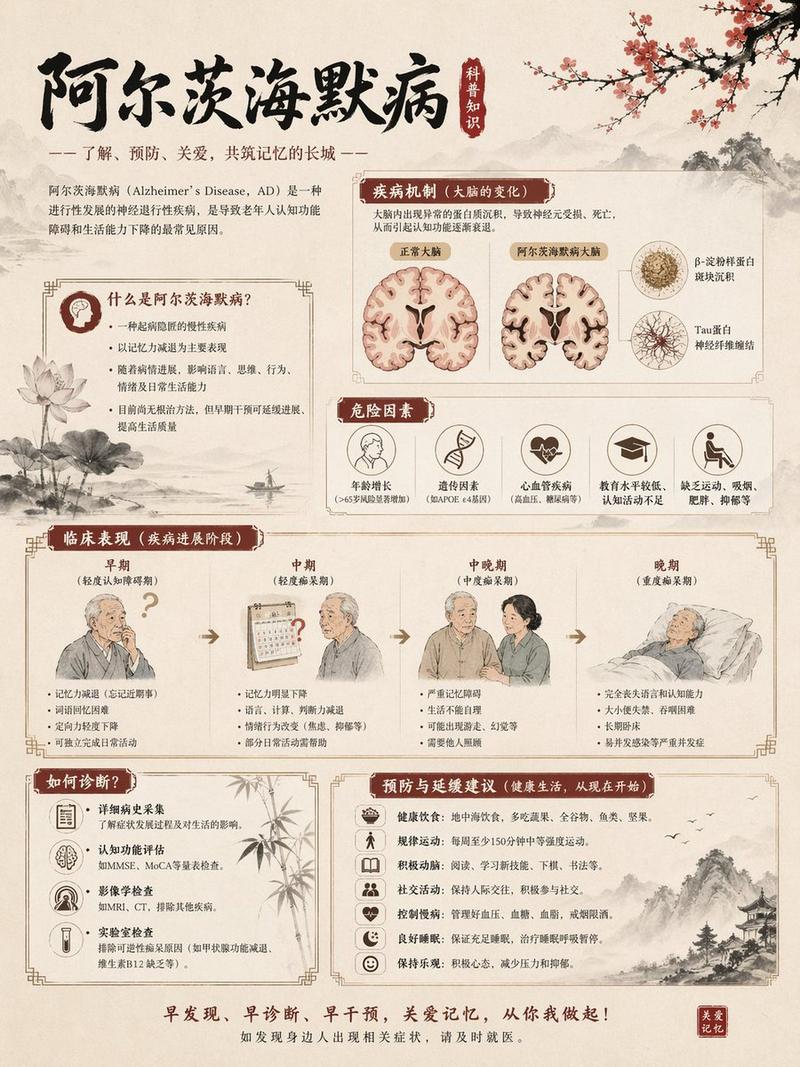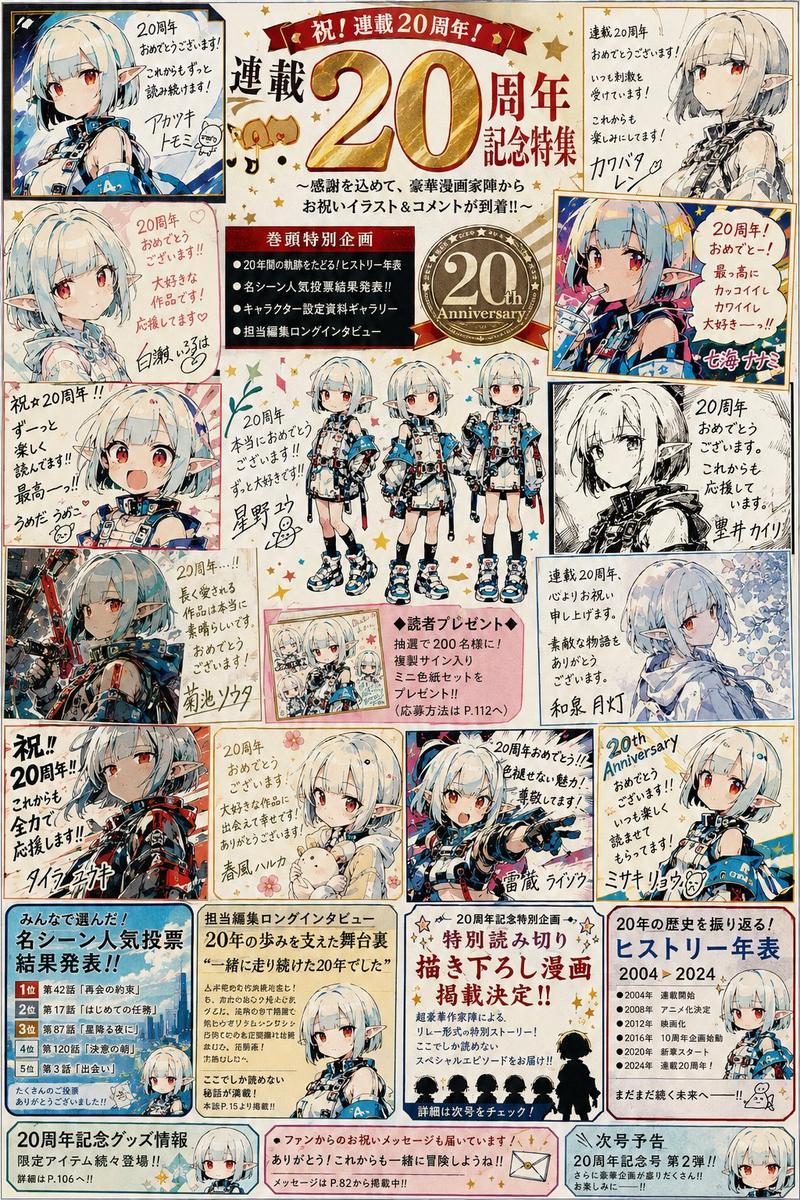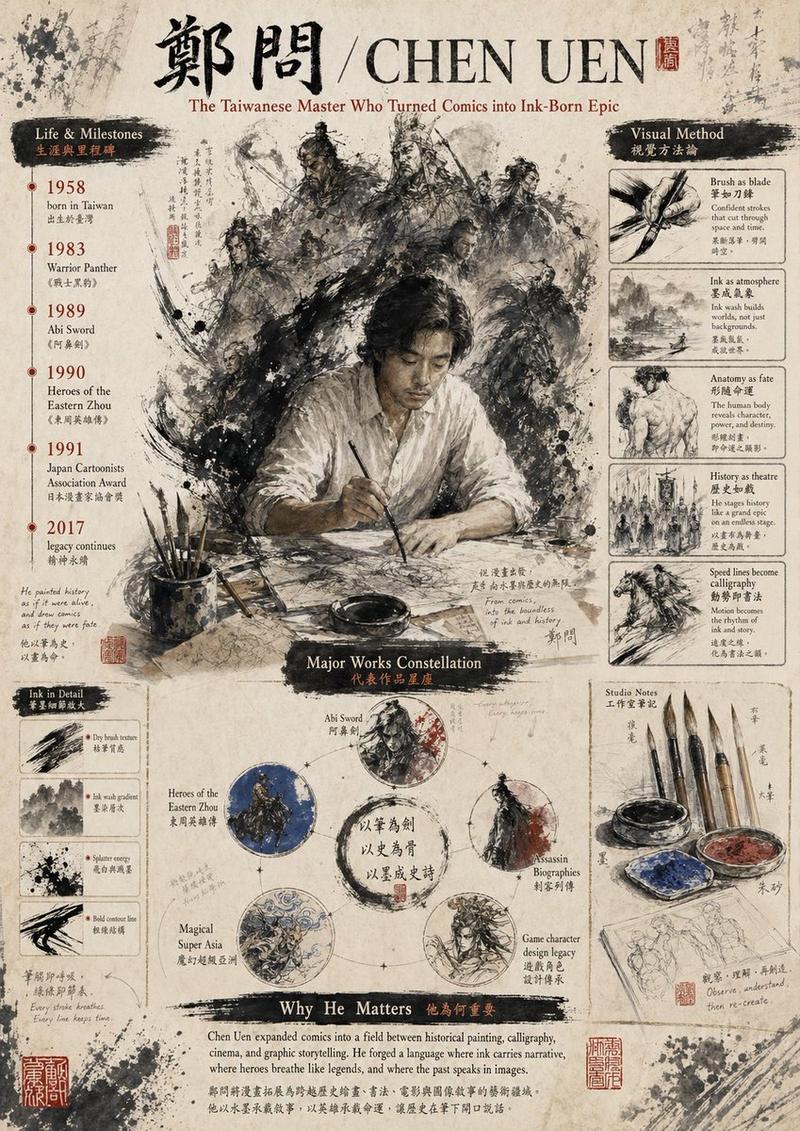
日式水彩素描风格分级海报
Prompt
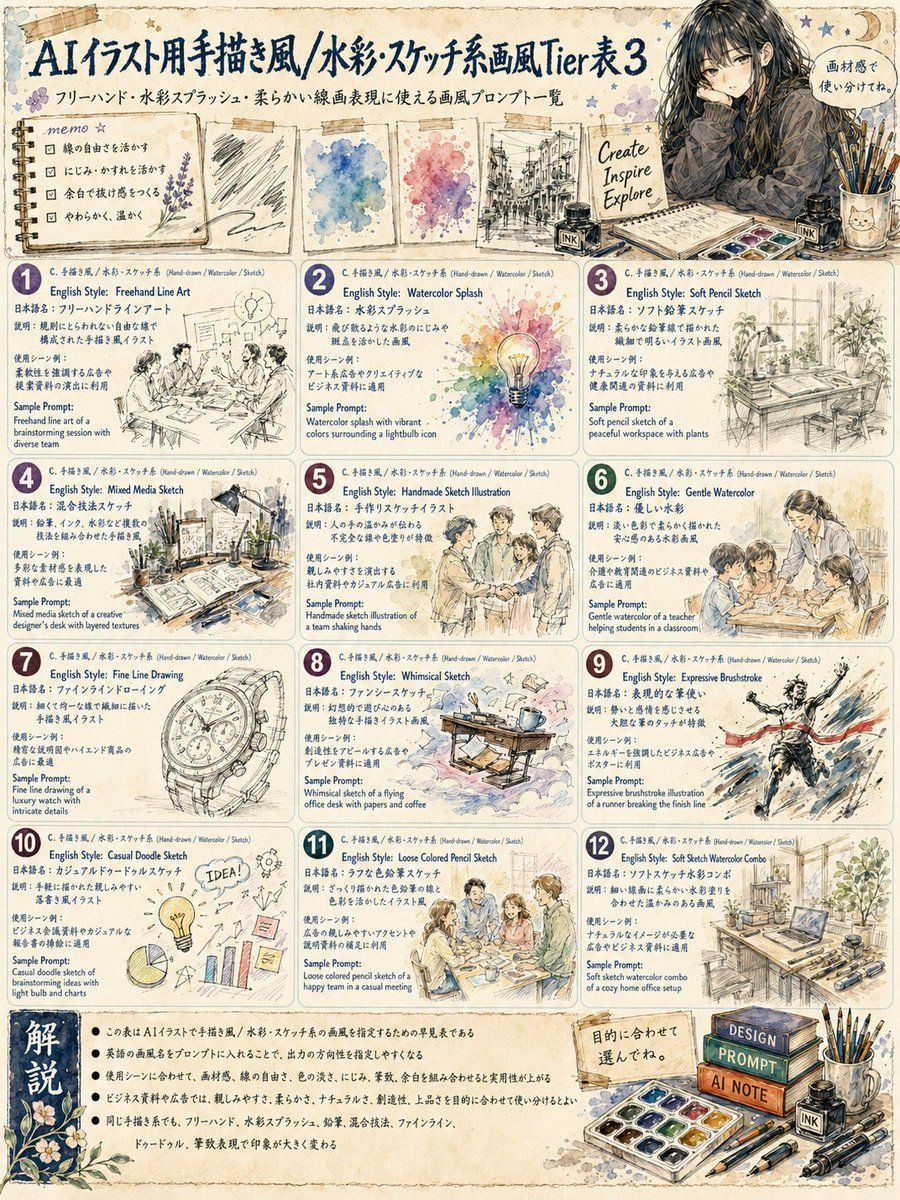
Goal: Create a vintage hand-drawn Japanese infographic poster titled {argument name="headline text" default="AIイラスト用手描き風/水彩・スケッチ系画風Tier表3"}, presenting a tier/list of AI illustration prompt styles for hand-drawn, watercolor, and sketch aesthetics.

Canvas: Vertical poster, 4:5 aspect ratio, aged cream parchment paper background with stained edges, subtle grid texture, washi tape scraps, ink dots, small stars, botanical doodles, and scrapbook-like decorative framing. Use navy blue handwritten Japanese title typography with watercolor accents.

Top area: Large title across the upper left. Under it, add a smaller Japanese subtitle: 「フリーハンド・水彩スプラッシュ・柔らかい線画表現に使える画風プロンプト一覧」. Place a decorative memo card on the left with four checkbox bullets about soft lines, blurring, mixed media, and warmth. Across the center top, show exactly 4 taped sample swatches: 1 graphite scribble sketch sheet, 1 blue watercolor blot sheet, 1 pink-purple watercolor blot sheet, and 1 black urban line sketch sheet. On the upper right, show a seated young woman artist with long dark hair wearing a patterned shawl, surrounded by brushes, ink bottles, a watercolor palette, and a sketchbook; include a small speech bubble saying 「画材感で使い分けてね。」 and a small note reading “Create Inspire Explore”.

Main layout: A clean 3-column by 4-row grid of exactly 12 rounded rectangular information cards. Each card has a colored circular number badge from 1 to 12 at the top left, a tiny category line reading “C. 手描き風 / 水彩 / スケッチ (Hand-drawn / Watercolor / Sketch)”, an English style name, Japanese style name, short Japanese explanation, “Sample Prompt:” in English, and a small hand-drawn sample illustration. Use dark navy text, warm beige card backgrounds, thin blue-gray borders, and delicate watercolor shadows.

The 12 cards must be:
1. “English Style: Freehand Line Art” / 「日本語名:フリーハンドラインアート」 with a loose ink drawing of a brainstorming session around a table.
2. “English Style: Watercolor Splash” / 「日本語名:水彩スプラッシュ」 with a bright watercolor splash surrounding a glowing lightbulb icon.
3. “English Style: Soft Pencil Sketch” / 「日本語名:ソフト鉛筆スケッチ」 with a soft pencil desk scene with plants near a window.
4. “English Style: Mixed Media Sketch” / 「日本語名:混合技法スケッチ」 with a creative designer’s desk combining layered textures, paper, paint, and pen.
5. “English Style: Handmade Sketch Illustration” / 「日本語名:手作りスケッチイラスト」 with four people shaking hands in a warm handmade business illustration.
6. “English Style: Gentle Watercolor” / 「日本語名:優しい水彩」 with a teacher helping students at a classroom table in gentle colors.
7. “English Style: Fine Line Drawing” / 「日本語名:ファインラインドローイング」 with a luxury wristwatch drawn in intricate fine lines.
8. “English Style: Whimsical Sketch” / 「日本語名:ファンシースケッチ」 with a whimsical flying office desk carrying papers and coffee.
9. “English Style: Expressive Brushstroke” / 「日本語名:表現的な筆使い」 with a runner breaking through a finish line in dynamic ink and color strokes.
10. “English Style: Casual Doodle Sketch” / 「日本語名:カジュアルドゥードルスケッチ」 with casual doodle icons for brainstorming: an IDEA lightbulb, gears, sticky notes, pie chart, and bar chart.
11. “English Style: Loose Colored Pencil Sketch” / 「日本語名:ラフな色鉛筆スケッチ」 with a happy team in a casual meeting, loose colored pencil texture.
12. “English Style: Soft Sketch Watercolor Combo” / 「日本語名:ソフトスケッチ水彩コンボ」 with a cozy home office setup, laptop, shelves, plants, and sketch tools.

Bottom section: Add a horizontal explanation panel. On the left, a dark blue vertical label block says 「解説」 in large white Japanese characters with floral ornamentation. To the right, include five concise Japanese bullet points explaining that the chart helps choose hand-drawn, watercolor, and sketch styles for AI illustration prompts, that English style names can be inserted into prompts, and that brush strength ranges from doodle and colored pencil to expressive brushstrokes and fine line art. On the bottom right, place a still-life of art supplies: stacked books labeled “DESIGN”, “PROMPT”, and “AI NOTE”, a watercolor palette, brushes in a cup, ink bottles labeled “INK”, pencils, pens, and a small note saying 「目的に合わせて選んでね。」.

Visual style: Handwritten infographic, watercolor sketch, analog stationery aesthetic, soft ink outlines, lightly desaturated beige and navy palette with pastel watercolor accents, cozy art-journal mood, Japanese magazine layout, high detail but readable.

Constraints: Use exactly 12 numbered style cards, exactly 4 top sample swatches, and the bottom explanation area. Keep all text legible and arranged like a polished educational poster. Do not add logos, watermarks, QR codes, or extra cards.- Category
- Charts & Infographics
- Model
- GPT Image 2
- Creator
- ぐふとくく
- Source ID
- 23083
- Published
- May 28, 2026
Views2