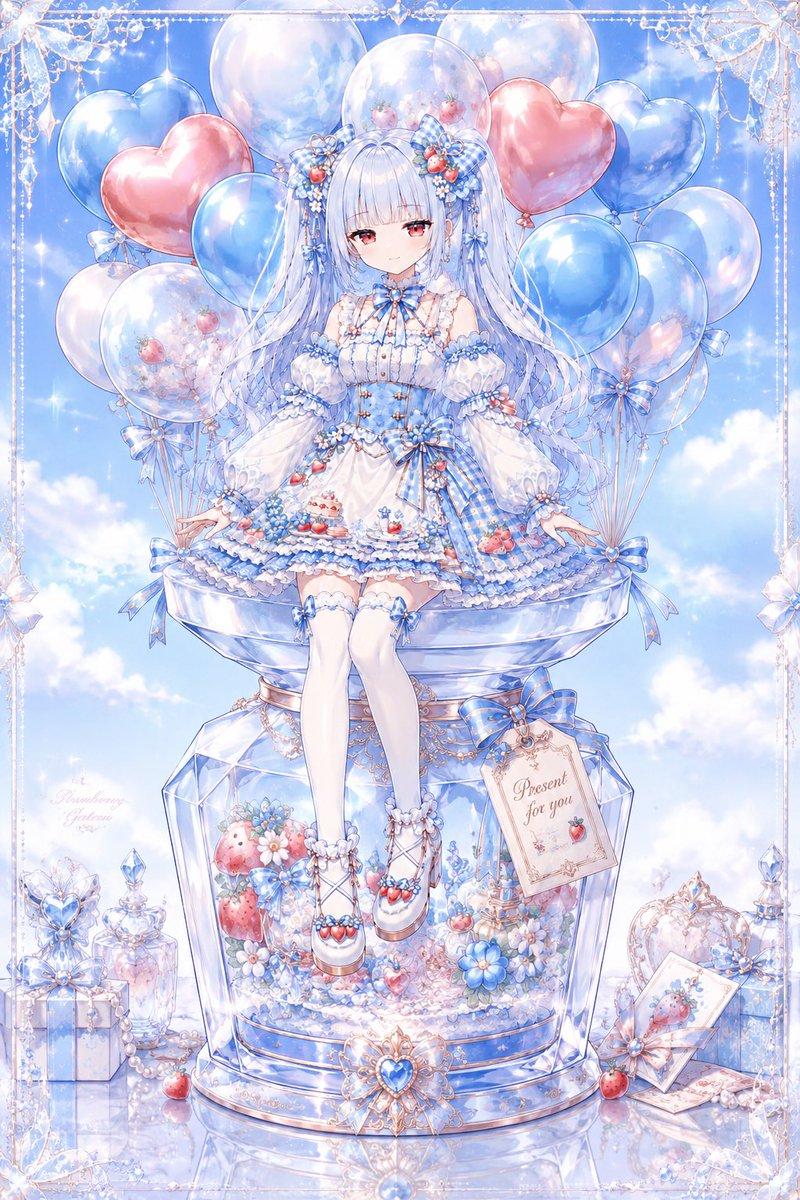
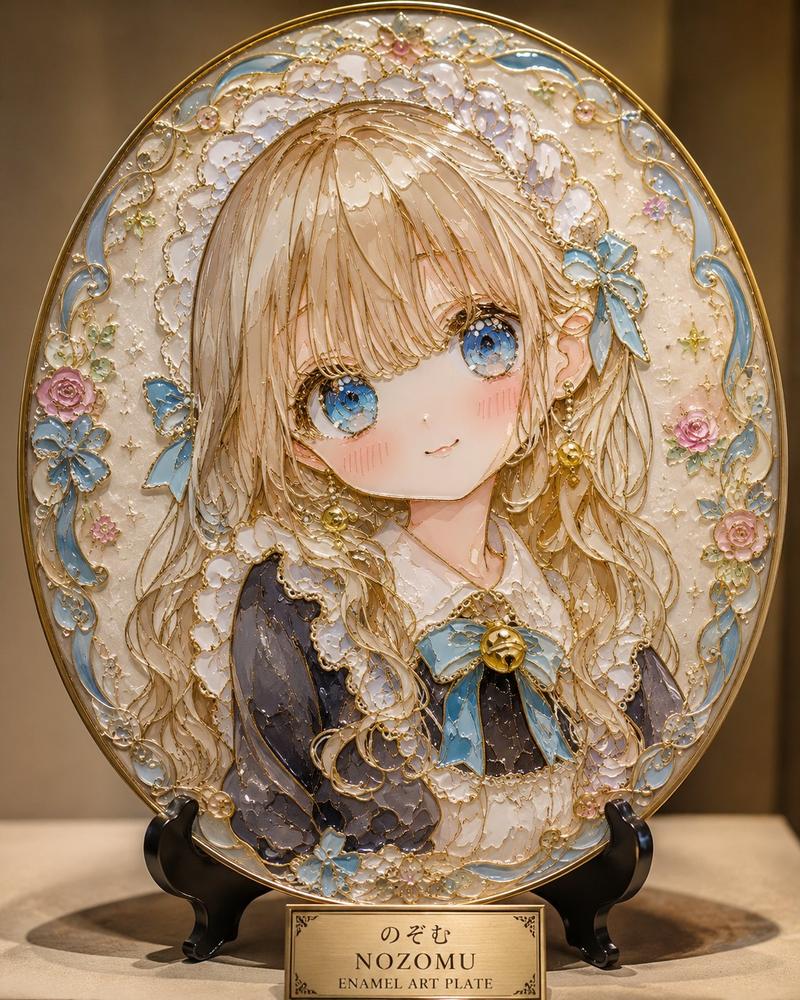
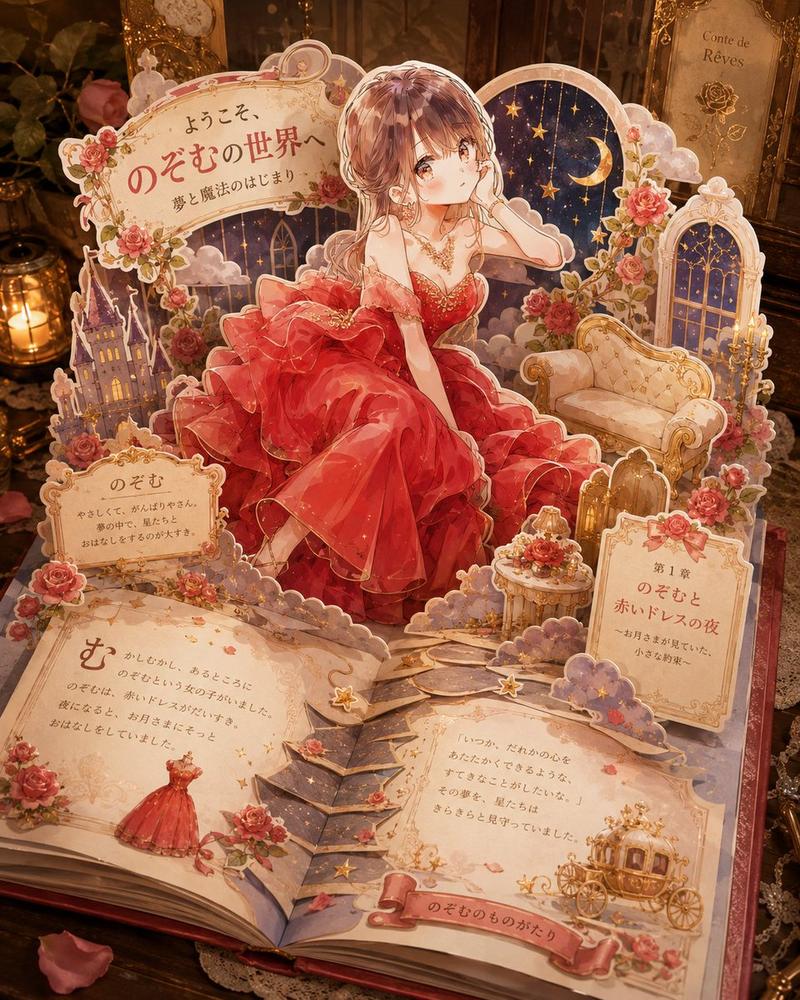
分层亚克力猫娘明信片展示架
Prompt
Goal: Create a polished product-style photograph of a layered transparent acrylic display postcard, like a miniature exhibition case, featuring an anime catmaid character in a dreamy blue theme.

Canvas: Vertical 4:5 product photo, close-up view on a glossy white tabletop, soft natural window light, shallow depth of field, pastel blue and pearl highlights.

Main subject: A freestanding clear acrylic postcard stand made of multiple stacked transparent layers. The back plate is tall with rounded decorative edges and an ornate arch top. The acrylic edges catch light with blue iridescent refractions, giving a premium collectible-goods look.

Character layer: Center the anime character {argument name="character name" default="NOZOMU"}, a cute catmaid girl seated with knees bent, wearing a light blue maid dress with white frills, black ribbon tie, white apron, wrist cuffs, white socks, teal ribbon accents, cat ears, and a gray cat tail with a black bow. She has pale blonde bobbed hair with braids and soft line art. Place a plain opaque pale beige square censor block over the center of her face, covering the facial features while leaving hair, ears, outfit, arms, and pose visible.

Layered acrylic construction: Make the image visibly built from separate flat acrylic parts: exactly 4 main layers — 1 background illustration layer, 1 character cutout layer, 1 foreground decorative ornament layer, and 1 front nameplate layer. Use transparent offsets and visible acrylic thickness to show depth.

Decorations and counted elements: Include exactly 2 small blue cat mascot illustrations floating behind the character, one left and one right. Include exactly 3 front plaques: 1 left circular plaque with ornate cat-ear shape reading {argument name="collection title" default="Dreaming Catmaid"} plus small text "Postcard Collection" and "Limited Edition"; 1 center nameplate reading {argument name="nameplate text" default="NOZOMU"}; and 1 right circular plaque with a blue bow and the quote {argument name="quote text" default="A soft paw, a gentle heart. Always by your side."}. Include exactly 5 prominent dangling or raised clear ornaments around the frame: 1 butterfly ornament at the top center, 1 blue teardrop jewel at upper right, 1 snowflake-like crystal ornament at lower right, and 2 round clear floral rosettes at lower left. Add tiny stars, paw prints, bubbles, and lace-like swirls as subtle printed embellishments.

Background setting: Behind the acrylic stand, place a pastel blue product box on the left with soft blurred readable text matching the collection title, plus a clear cut-glass jar on the right and scattered pearls or glass beads near the base. Keep the background elegant, bright, and softly out of focus.

Visual style: High-end Japanese anime merchandise photography, transparent acrylic, glossy highlights, delicate blue-and-white color palette, dreamy catmaid theme, crystalline reflections, realistic product lighting mixed with crisp 2D anime illustration.

Constraints: No extra characters, no extra plaques, no watermark, no hands holding the item, keep the face covered by the square censor block, preserve the layered postcard-display construction clearly.- Category
- Charts & Infographics
- Model
- GPT Image 2
- Creator
- のぞむ*AIイラスト
- Source ID
- 23119
- Published
- May 27, 2026
Views4