12

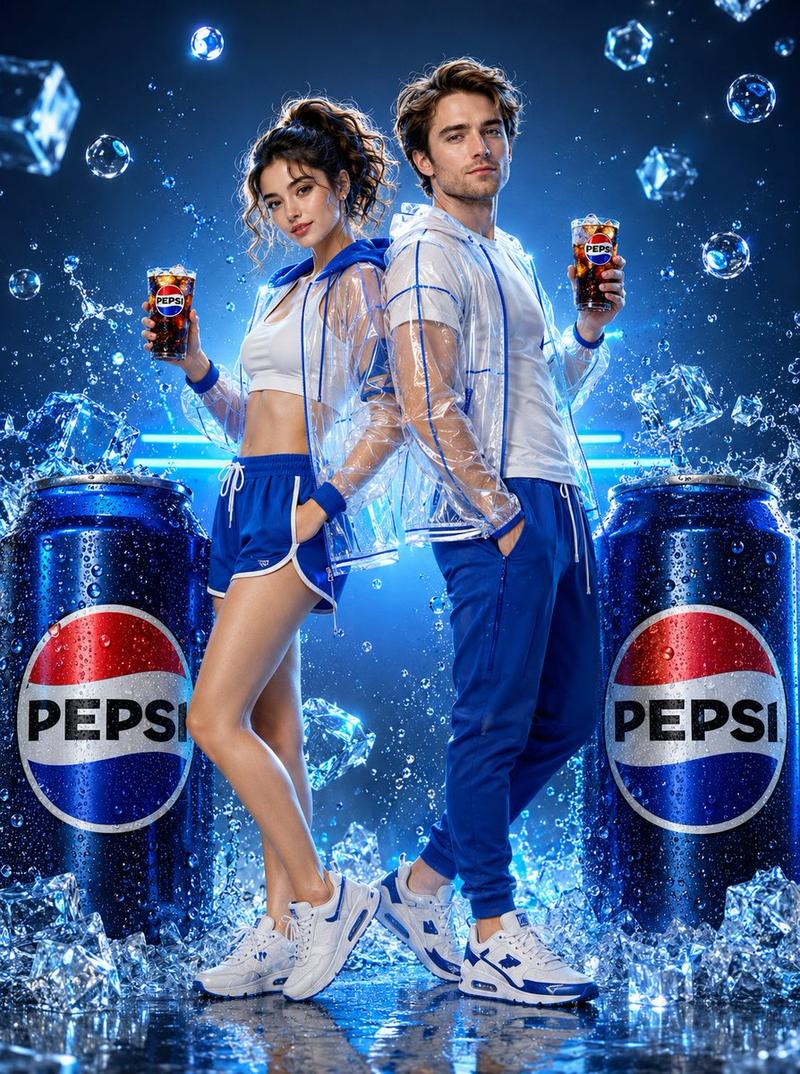
动态饮料广告
Enlarge

动态饮料广告

Prompt
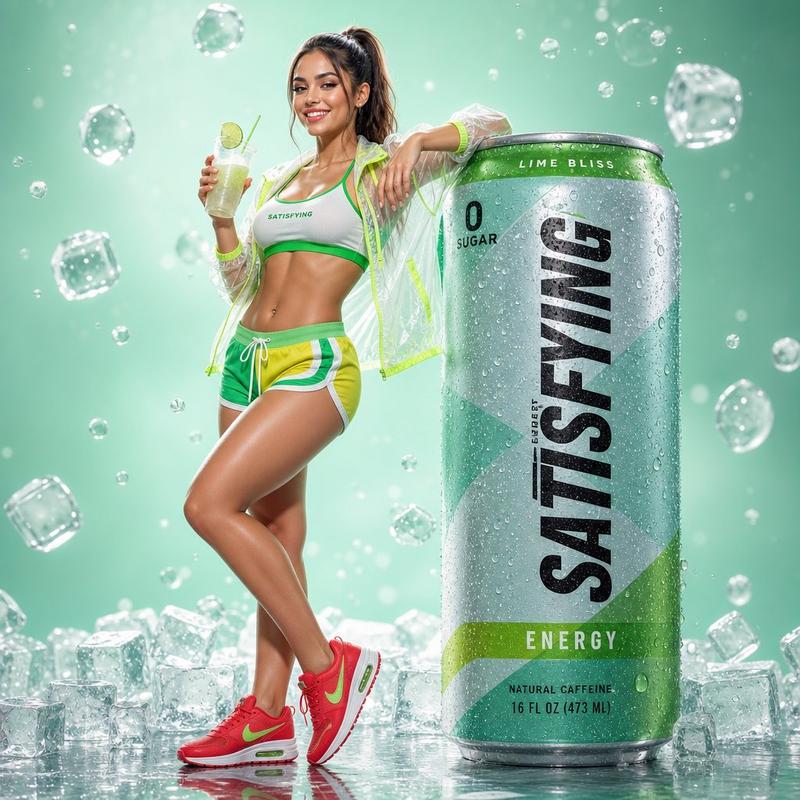
A young woman mid-air jumping pose, high ponytail flying, pure excitement on her face, wearing a white crop top, neon green athletic shorts, transparent PVC windbreaker with lime accents, white sneakers with green details. She tosses an iced drink glass upward with one hand while a giant oversized Sprite can sits below surrounded by explosive ice cube burst and water splash. Mint green studio background with dramatic backlight bloom. Frozen motion water droplets and bubbles mid-air. Full body dynamic shot, ultra realistic 3D render, hyperrealistic commercial photography, glossy reflective floor, 8K resolution, cinematic action lighting.

--style raw, photorealistic, commercial ad campaign,
8K resolution, studio photography, product visualization,
hyperdetailed water droplets, cinematic lighting 1744x2336
Category
Charts & Infographics
Model
GPT Image 2
Views2
Source ID
23619
Published
Jun 1, 2026

Guide

About "动态饮料广告"

What is this prompt for?

"动态饮料广告" AI image prompt for GPT Image 2 (Charts & Infographics). 一个高能量的商业摄影提示词,展示了模特在半空中与爆炸性饮料飞溅的场景。 Copy it on Picva and recreate the look in one click.

The full copyable prompt and example visuals above are ready for AI image generation or one-click recreate in Picva.

How to use this prompt

  1. Step 1

    Open the prompt detail

    Review the example visuals, category, and full prompt text for "动态饮料广告".

  2. Step 2

    Copy the prompt

    Copy the prompt body from this page, or load it directly in Studio.

  3. Step 3

    Pick a model (GPT Image 2)

    Prefer GPT Image 2. If you switch models, keep subject and composition and tweak style terms.

  4. Step 4

    Generate and export

    Recreate the look in Picva, or export into your workflow for editing and publishing.

FAQ

What is the "动态饮料广告" prompt?
It is an AI image-generation prompt for GPT Image 2 in the Charts & Infographics category. This page includes the full prompt text, example visuals, and a one-click recreate path in Picva.
How do I use this prompt to generate an image?
Copy the prompt from this page, or use Generate / Studio. Paste it into a compatible image model, or recreate the look in Picva with optional reference images.
Which model is this prompt for?
This page lists GPT Image 2. Most descriptive prompts also transfer to nearby image models such as GPT Image, Flux, or Midjourney with light style tweaks.
Can I use the result commercially?
You can usually copy the prompt for creation, but commercial use of the final image depends on the model terms, reference-image rights, and the generated content. Follow the source author and platform rules.