20

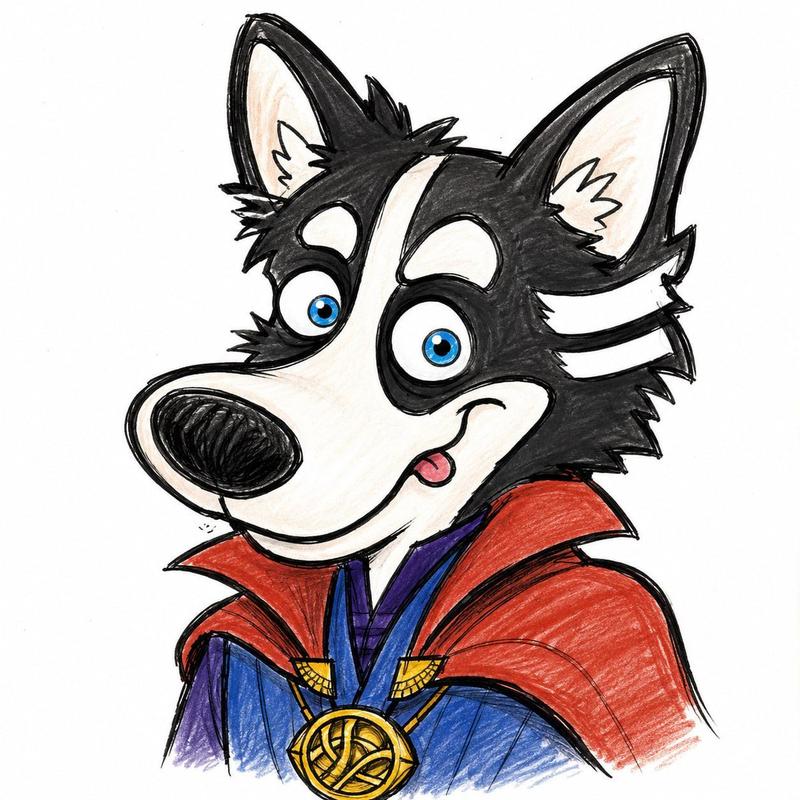
极简手绘墨水草图
Enlarge

Example images

极简手绘墨水草图

Prompt
围绕具体主题内容生成一张极简稚拙的纸面手绘图像,先把主题从完整照片式信息中抽离出来,压缩成几笔仍能认出的抖动黑线、最低识别轮廓和少量关键符号,再让大片干净空白托住它。主体靠外轮廓、姿态、孔洞、边缘、物体关系和一两个手写标记被读懂;线条像黑色墨水笔或粗铅笔画在纸上,粗细不均,转折处略有堆黑,圆形带着手抖的偏差,长线微微漂移,内部细节只留下必要短线。对象的复杂度要降到识别临界点,少一笔会难认,多一笔会太精,衣物、器具、植物、建筑、食物、机器或抽象符号都转成白色块面、黑色边缘、松散连接线和一处最能说明身份的小特征。若出现人物,脸保持纸白,只用点状眼睛、短鼻线和极少表情,头发、胡子、衣褶、手脚都压成涂黑块、断线或松散轮廓,让人物像被记住的符号而不是肖像。背景是纸面场或浅色平场,承担呼吸、尺度和安静观看的功能,上方和四周保留明显空白;单主体落在中部或偏下位置,多元素内容压成低位横向关系带,用几条颤动底线串联,让上方空场保持沉默。色彩服从黑线和空白,白色或近白底占最大面积,黑线拥有结构权,低饱和淡色只用于形体分组和情绪温度,小面积暖色或深色只作为语义重音;填色略不均匀,边缘轻微错开轮廓,保留纸白漏出、颗粒和手工涂抹感。文字若出现,应像同一支黑笔写在物体表面的低精度标签或小注,字形不齐、间距松、略有错位,但仍能读懂,文字属于物体本身而不是外部版式。整体保持低完成度与高清识别之间的张力,像一张被认真留下的随手画,空、轻、笨拙、可读,带轻微扫描纸感、墨水残差、断线、重复描痕和非均匀涂色痕迹。
Category
Architecture & Spaces
Model
GPT Image 2
Creator
小小东
Views2
Source ID
23632
Published
Jun 1, 2026

Guide

About "极简手绘墨水草图"

What is this prompt for?

"极简手绘墨水草图" AI image prompt for GPT Image 2 (Architecture & Spaces). 用于创作极简、稚拙的纸上草图的提示词,具有颤动的墨线和大量的留白。 Copy it on Picva and recreate the look in one click.

The full copyable prompt and example visuals above are ready for AI image generation or one-click recreate in Picva.

How to use this prompt

  1. Step 1

    Open the prompt detail

    Review the example visuals, category, and full prompt text for "极简手绘墨水草图".

  2. Step 2

    Copy the prompt

    Copy the prompt body from this page, or load it directly in Studio.

  3. Step 3

    Pick a model (GPT Image 2)

    Prefer GPT Image 2. If you switch models, keep subject and composition and tweak style terms.

  4. Step 4

    Generate and export

    Recreate the look in Picva, or export into your workflow for editing and publishing.

FAQ

What is the "极简手绘墨水草图" prompt?
It is an AI image-generation prompt for GPT Image 2 in the Architecture & Spaces category. This page includes the full prompt text, example visuals, and a one-click recreate path in Picva.
How do I use this prompt to generate an image?
Copy the prompt from this page, or use Generate / Studio. Paste it into a compatible image model, or recreate the look in Picva with optional reference images.
Which model is this prompt for?
This page lists GPT Image 2. Most descriptive prompts also transfer to nearby image models such as GPT Image, Flux, or Midjourney with light style tweaks.
Can I use the result commercially?
You can usually copy the prompt for creation, but commercial use of the final image depends on the model terms, reference-image rights, and the generated content. Follow the source author and platform rules.