18

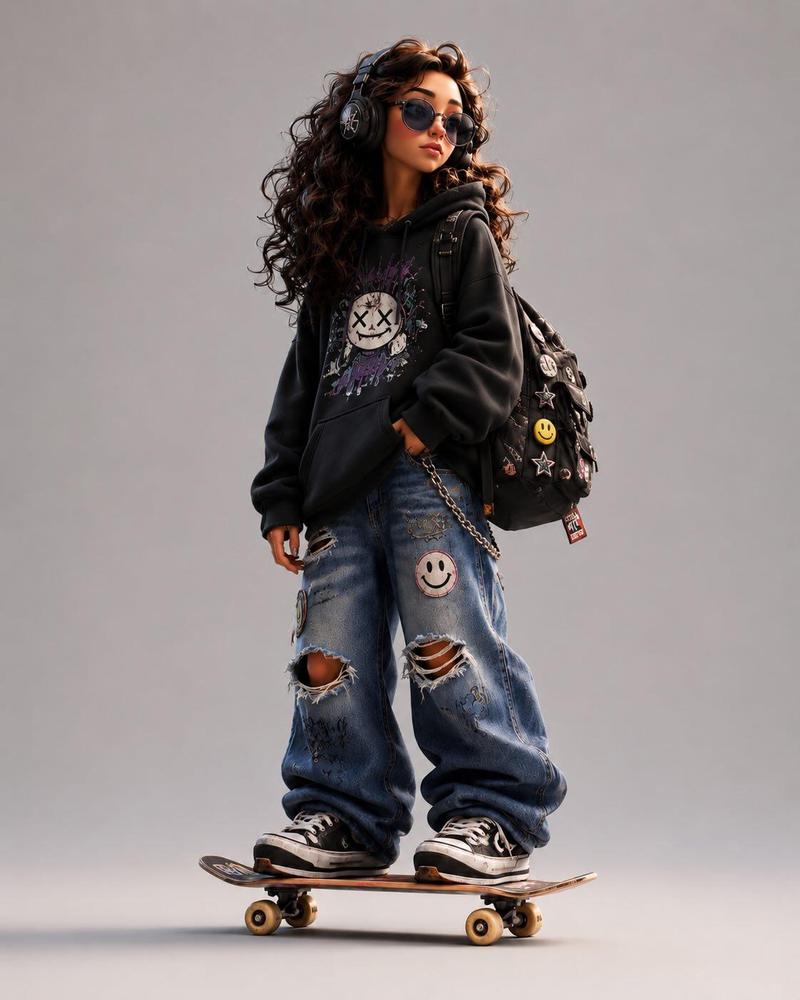
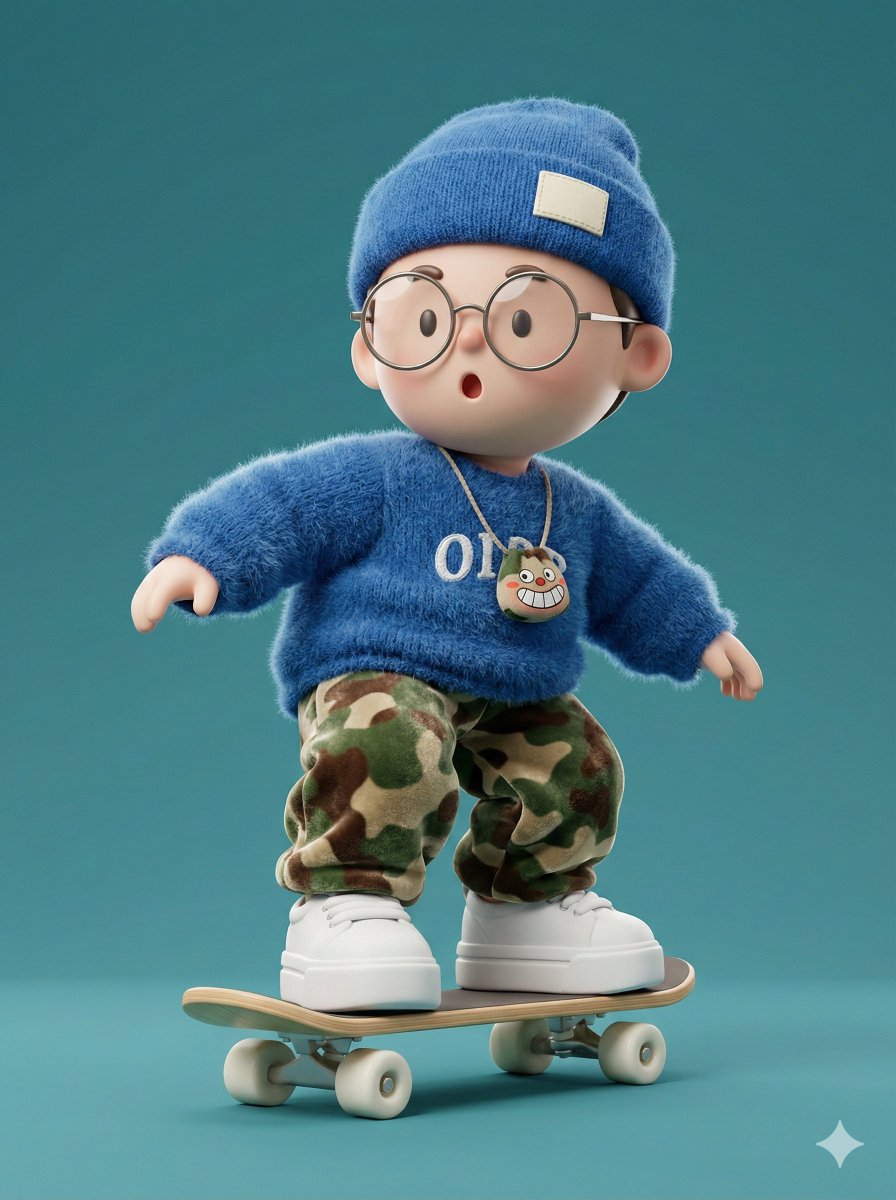
3D 风格化卡通滑板少年
Enlarge

Example images

3D 风格化卡通滑板少年

Prompt
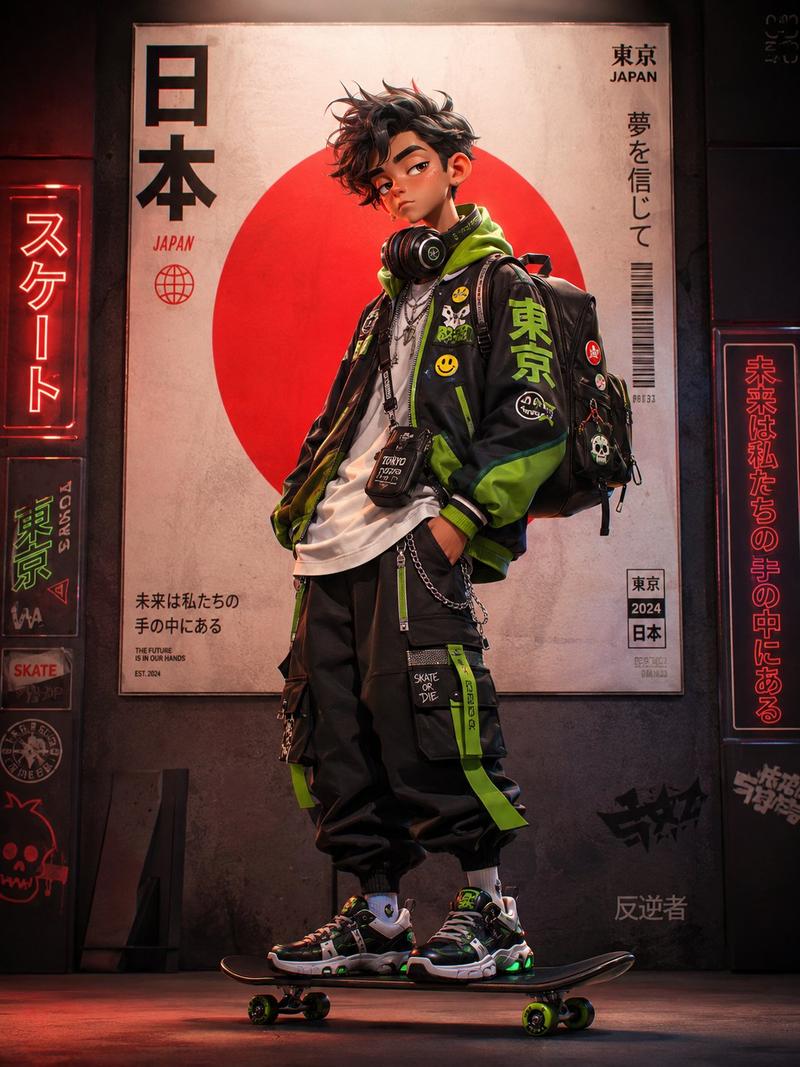
Design a stylized 3D cartoon {argument name="character" default="skater character"} with a premium animated-film look, mixing Pixar-like polish, Spider-Verse energy, and indie street-art attitude.

Character details:
- exaggerated proportions with long, skinny limbs
- oversized hoodie in customizable {argument name="hoodie color" default="pink"}
- {argument name="pants" default="baggy ripped denim jeans"}
- chunky sneakers
- expressive tired-but-confident face
- messy stylized hair
- large headphones
- backpack covered with pins and patches
- standing naturally on a skateboard

Visual style:
Clean cinematic 3D render with soft global illumination, subtle chromatic aberration, ultra-detailed textures, smooth shading, playful but believable anatomy, high-end character design, stylized streetwear fashion, and urban youth energy.

Pose:
Slightly slouched posture, one hand relaxed, cool bored expression, looking sideways.

Background:
Minimal clean studio background with soft shadows and a centered composition.

Extra details:
Add stickers, embroidered patches, smiley pins, doodles, skate-culture details, early-2000s urban energy, cinematic render quality, and a polished animation-studio finish.

Aspect ratio: 4:5 vertical.
Category
Posters & Typography
Model
GPT Image 2
Creator
PromptLab
Views6
Source ID
23929
Published
Jun 3, 2026

Guide

About "3D 风格化卡通滑板少年"

What is this prompt for?

"3D 风格化卡通滑板少年" AI image prompt for GPT Image 2 (Posters & Typography). 一款风格化的 3D 角色设计,展现了具备高端动画工作室质感与都市青年活力的滑板少年。 Copy it on Picva and recreate the look in one…

The full copyable prompt and example visuals above are ready for AI image generation or one-click recreate in Picva.

How to use this prompt

  1. Step 1

    Open the prompt detail

    Review the example visuals, category, and full prompt text for "3D 风格化卡通滑板少年".

  2. Step 2

    Copy the prompt

    Copy the prompt body from this page, or load it directly in Studio.

  3. Step 3

    Pick a model (GPT Image 2)

    Prefer GPT Image 2. If you switch models, keep subject and composition and tweak style terms.

  4. Step 4

    Generate and export

    Recreate the look in Picva, or export into your workflow for editing and publishing.

FAQ

What is the "3D 风格化卡通滑板少年" prompt?
It is an AI image-generation prompt for GPT Image 2 in the Posters & Typography category. This page includes the full prompt text, example visuals, and a one-click recreate path in Picva.
How do I use this prompt to generate an image?
Copy the prompt from this page, or use Generate / Studio. Paste it into a compatible image model, or recreate the look in Picva with optional reference images.
Which model is this prompt for?
This page lists GPT Image 2. Most descriptive prompts also transfer to nearby image models such as GPT Image, Flux, or Midjourney with light style tweaks.
Can I use the result commercially?
You can usually copy the prompt for creation, but commercial use of the final image depends on the model terms, reference-image rights, and the generated content. Follow the source author and platform rules.