19

AI 艺术史剪贴簿
Enlarge

AI 艺术史剪贴簿

Prompt
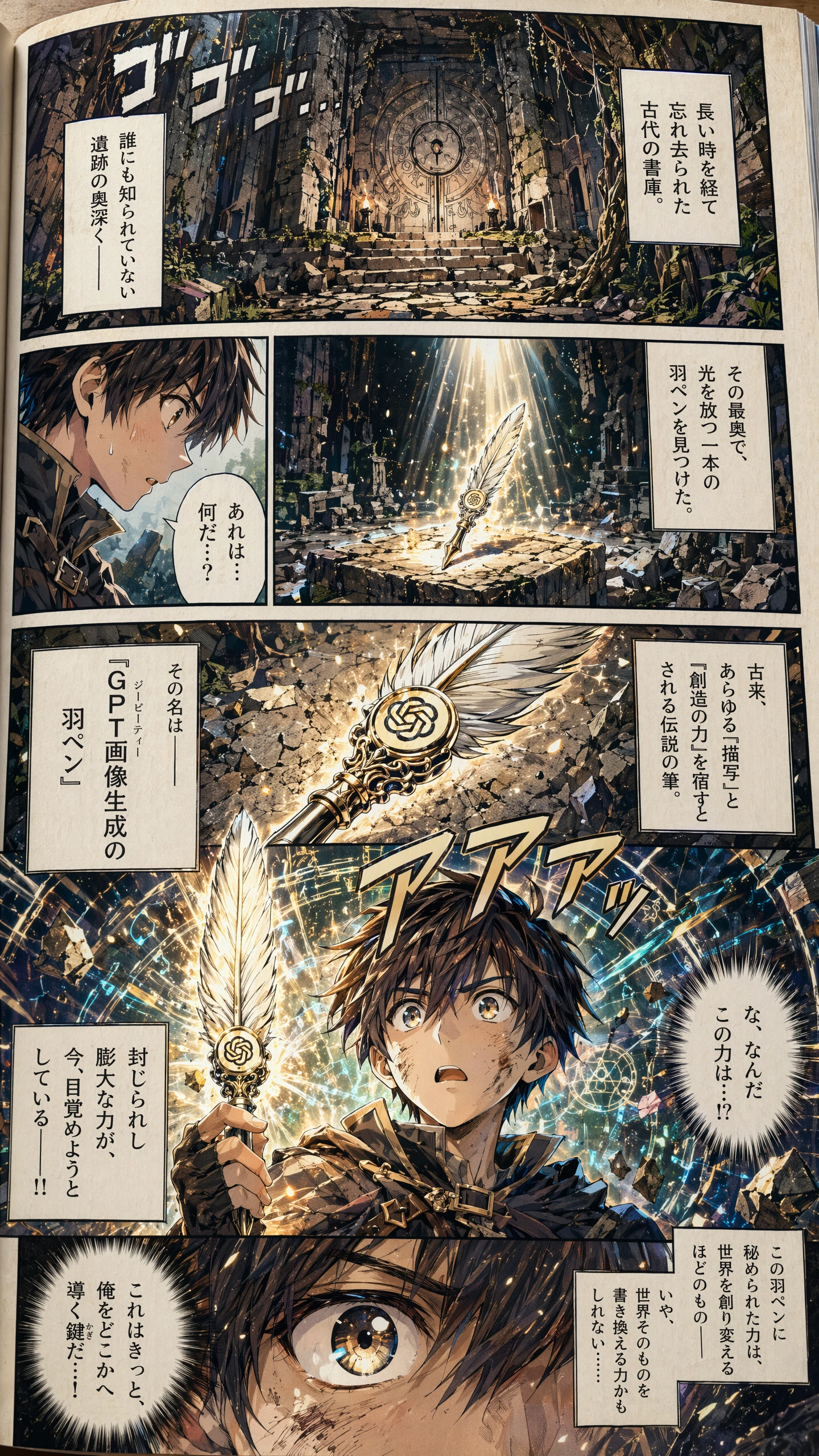
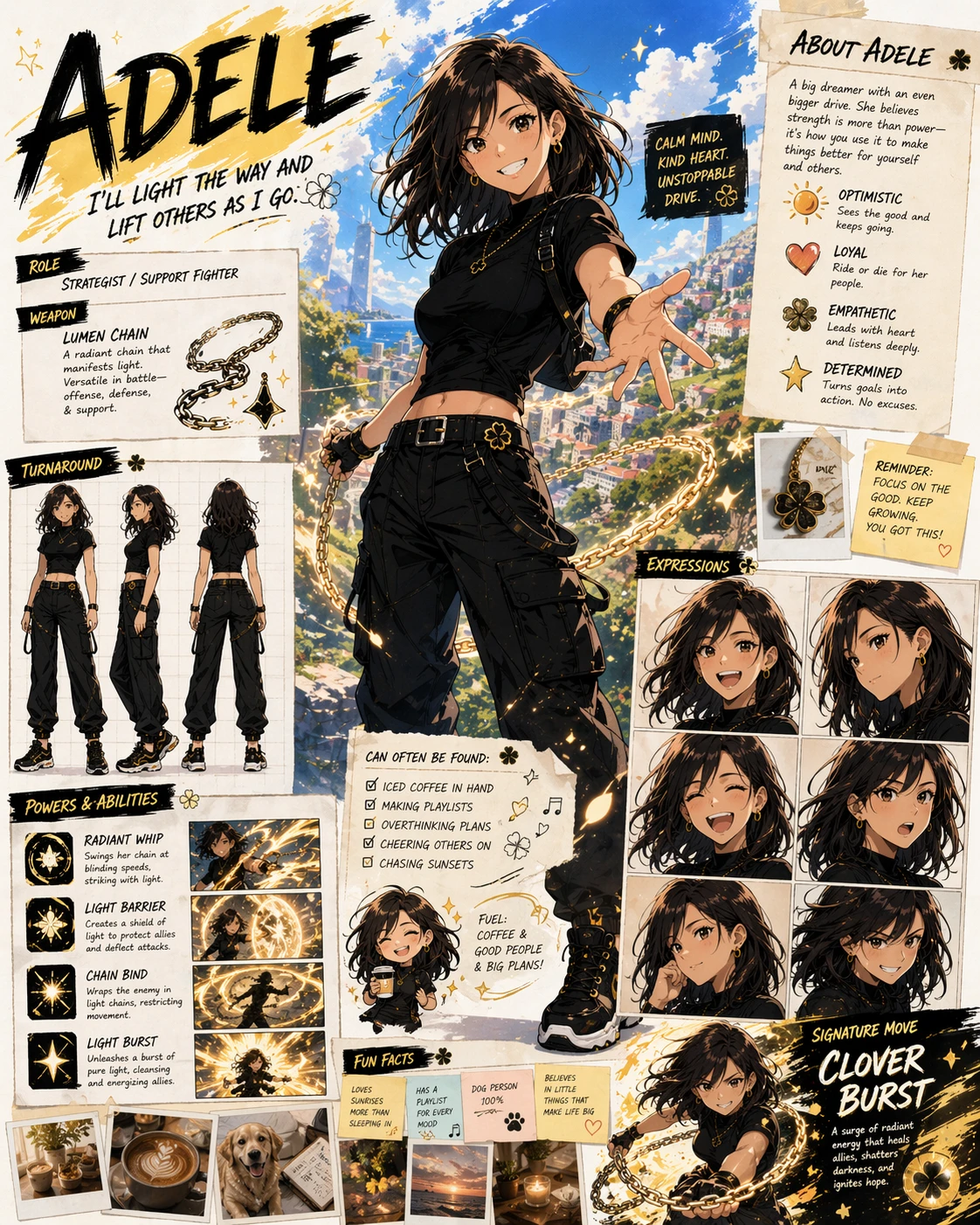
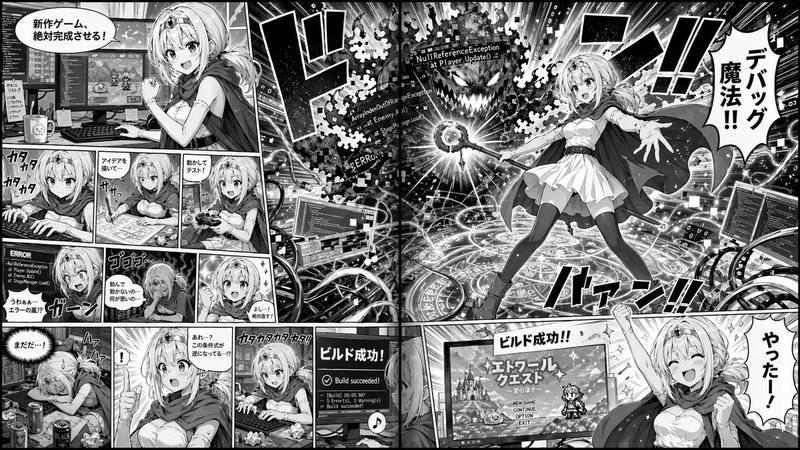
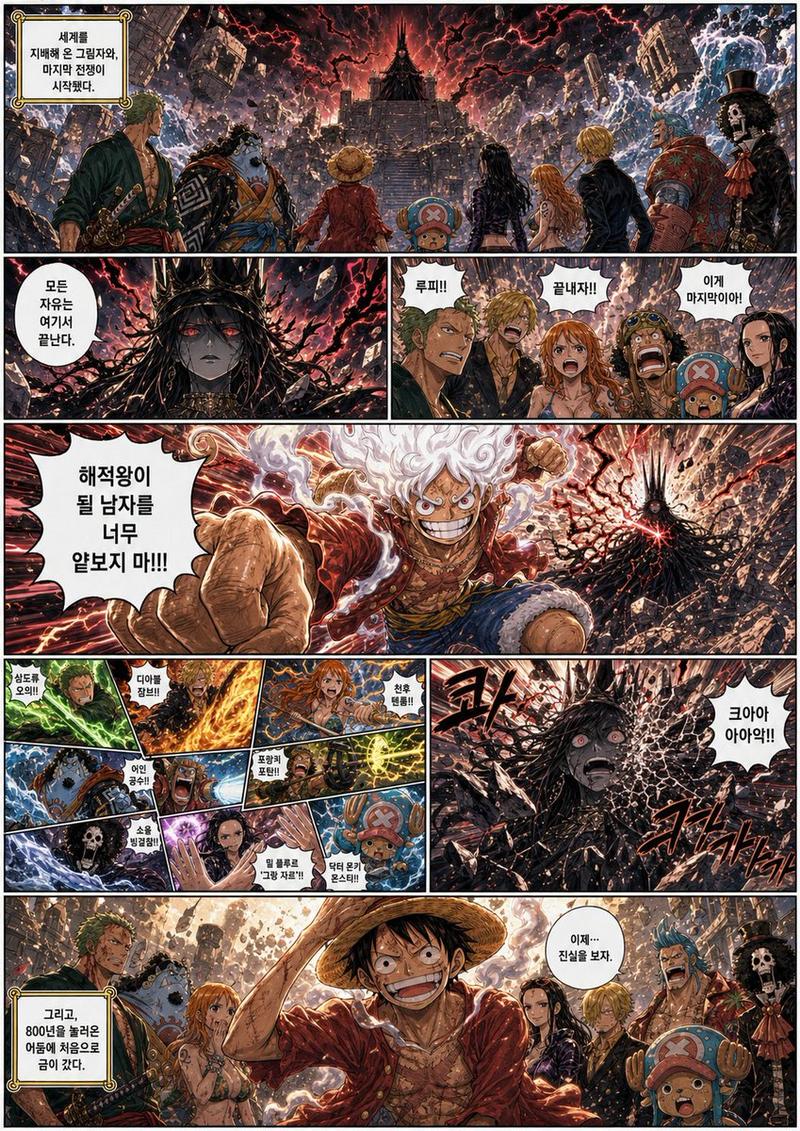
创作一件具有历史感的剪贴簿艺术作品,收集展示 {argument name="themes" default="迄今为止所创作的所有插画主题"} 的纸片,并确保主题之间互不重叠。使碎片的大小清晰易辨。根据主题的震撼程度,自由决定碎片的大小和位置。无摩尔纹,无噪点,无颗粒感,无文字,无怪诞元素
Category
Documents & Publishing
Model
GPT Image 2
Creator
goldmanAI
Views2
Source ID
24122
Published
Jun 4, 2026

Guide

About "AI 艺术史剪贴簿"

What is this prompt for?

"AI 艺术史剪贴簿" AI image prompt for GPT Image 2 (Documents & Publishing). 这是一个为 GPT Image 2 设计的怀旧风格提示词,旨在以实体剪贴簿的形式拼贴各种艺术主题,非常适合用于回顾一系列作品。 Copy it on Picva and recr…

The full copyable prompt and example visuals above are ready for AI image generation or one-click recreate in Picva.

How to use this prompt

  1. Step 1

    Open the prompt detail

    Review the example visuals, category, and full prompt text for "AI 艺术史剪贴簿".

  2. Step 2

    Copy the prompt

    Copy the prompt body from this page, or load it directly in Studio.

  3. Step 3

    Pick a model (GPT Image 2)

    Prefer GPT Image 2. If you switch models, keep subject and composition and tweak style terms.

  4. Step 4

    Generate and export

    Recreate the look in Picva, or export into your workflow for editing and publishing.

FAQ

What is the "AI 艺术史剪贴簿" prompt?
It is an AI image-generation prompt for GPT Image 2 in the Documents & Publishing category. This page includes the full prompt text, example visuals, and a one-click recreate path in Picva.
How do I use this prompt to generate an image?
Copy the prompt from this page, or use Generate / Studio. Paste it into a compatible image model, or recreate the look in Picva with optional reference images.
Which model is this prompt for?
This page lists GPT Image 2. Most descriptive prompts also transfer to nearby image models such as GPT Image, Flux, or Midjourney with light style tweaks.
Can I use the result commercially?
You can usually copy the prompt for creation, but commercial use of the final image depends on the model terms, reference-image rights, and the generated content. Follow the source author and platform rules.