20

DUMBO 大桥桌面壁纸
Enlarge

DUMBO 大桥桌面壁纸

Prompt
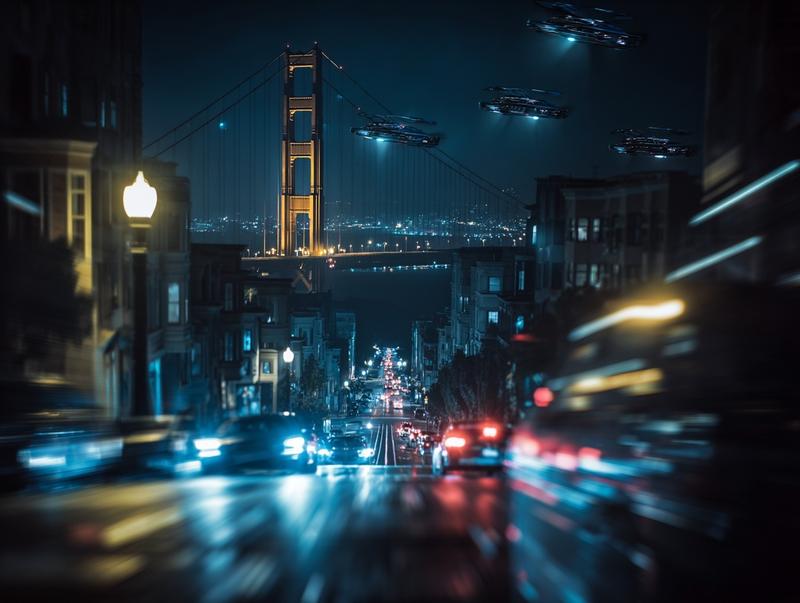
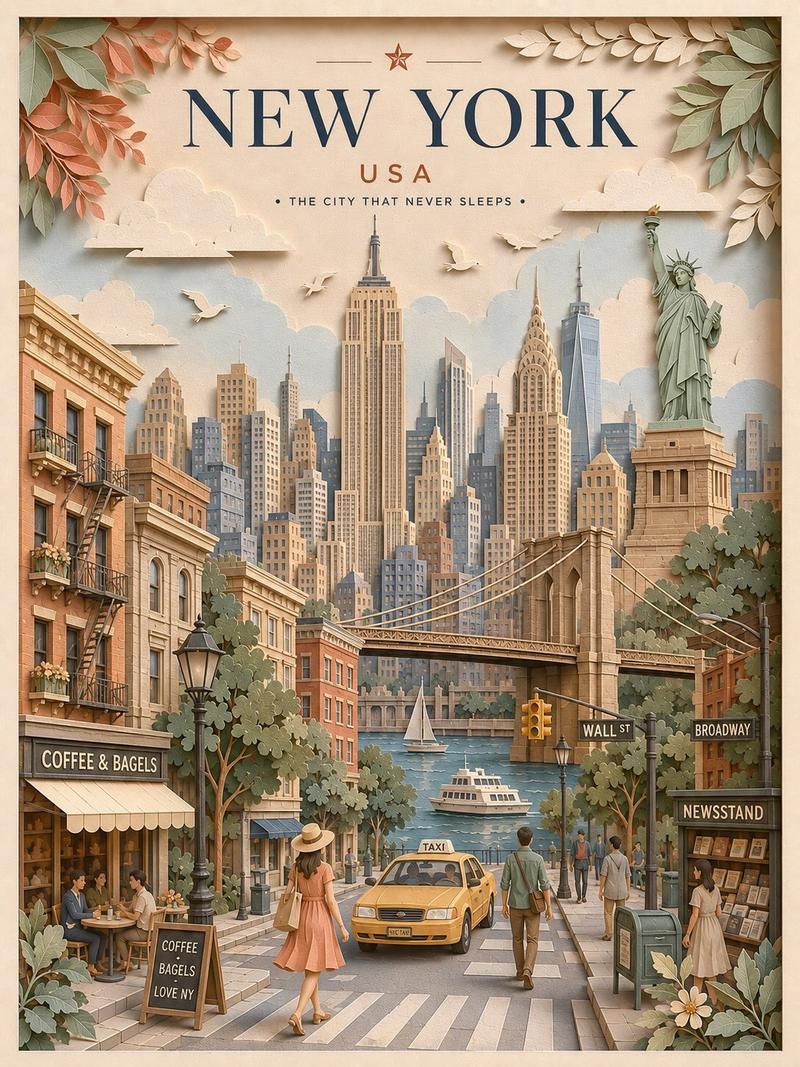
Using the provided reference image as a visual-quality and lighting reference, transform the scene into a photorealistic 16:9 desktop wallpaper of {argument name="location" default="DUMBO, Brooklyn"}. Replace the lighthouse coastline with an urban street-canyon composition: exactly 2 rows of tall red-brick warehouse buildings on the left and right, 1 large leafy tree in the left foreground, and 1 centered steel suspension bridge tower filling the background. Frame {argument name="distant landmark" default="the Empire State Building"} precisely through the lower arch of the bridge. Add 2 rows of parked cars along both curbs, a small cluster of pedestrians near the bridge approach, and wet-looking reflective street details for depth. Include exactly 2 readable street elements: a vertical red banner reading {argument name="banner text" default="DUMBO"} on the right building and a black-and-white {argument name="street sign text" default="ONE WAY"} sign below it. Preserve the reference image’s crisp high-resolution realism, blue sky with scattered clouds, rich contrast, golden side lighting, and dreamy wallpaper polish. No lighthouse, ocean, rocks, waves, or coastal buildings.
Category
Posters & Typography
Model
GPT Image 2
Creator
Aiarty
Views6
Source ID
24210
Published
Jun 4, 2026

Guide

About "DUMBO 大桥桌面壁纸"

What is this prompt for?

"DUMBO 大桥桌面壁纸" AI image prompt for GPT Image 2 (Posters & Typography). 基于参考图像的光影和精致风景风格,创作一张 16:9 的曼哈顿大桥 DUMBO 视角超写实城市壁纸。 Copy it on Picva and recreate the loo…

The full copyable prompt and example visuals above are ready for AI image generation or one-click recreate in Picva.

How to use this prompt

  1. Step 1

    Open the prompt detail

    Review the example visuals, category, and full prompt text for "DUMBO 大桥桌面壁纸".

  2. Step 2

    Copy the prompt

    Copy the prompt body from this page, or load it directly in Studio.

  3. Step 3

    Pick a model (GPT Image 2)

    Prefer GPT Image 2. If you switch models, keep subject and composition and tweak style terms.

  4. Step 4

    Generate and export

    Recreate the look in Picva, or export into your workflow for editing and publishing.

FAQ

What is the "DUMBO 大桥桌面壁纸" prompt?
It is an AI image-generation prompt for GPT Image 2 in the Posters & Typography category. This page includes the full prompt text, example visuals, and a one-click recreate path in Picva.
How do I use this prompt to generate an image?
Copy the prompt from this page, or use Generate / Studio. Paste it into a compatible image model, or recreate the look in Picva with optional reference images.
Which model is this prompt for?
This page lists GPT Image 2. Most descriptive prompts also transfer to nearby image models such as GPT Image, Flux, or Midjourney with light style tweaks.
Can I use the result commercially?
You can usually copy the prompt for creation, but commercial use of the final image depends on the model terms, reference-image rights, and the generated content. Follow the source author and platform rules.